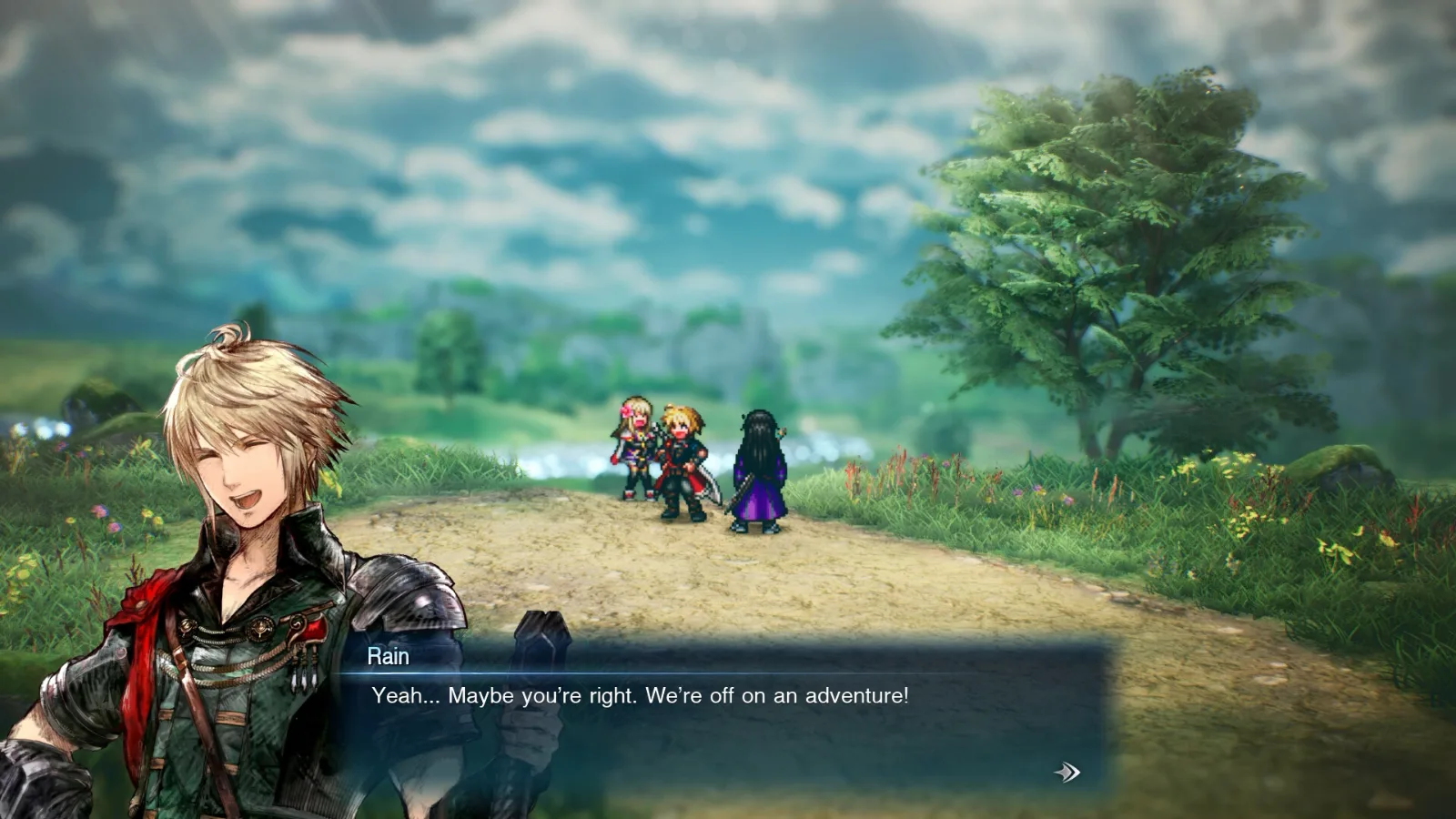
Final Fantasy Resonance PC System Requirements
The official Final Fantasy Resonance PC requirements explained: a GTX 1650 is enough for 1080p at 60 FPS, plus Windows 11, 8 GB RAM and 15 GB storage.


Find walkthroughs for the latest video game releases with our comprehensive guides for PC, PlayStation, Xbox, and Switch. Each wiki features a description of the game you're looking for, an FAQ to answer common questions, and various tips to help you advance and progress effectively in your current favorite title. Please note that these articles are regularly updated.
The official Final Fantasy Resonance PC requirements explained: a GTX 1650 is enough for 1080p at 60 FPS, plus Windows 11, 8 GB RAM and 15 GB storage.
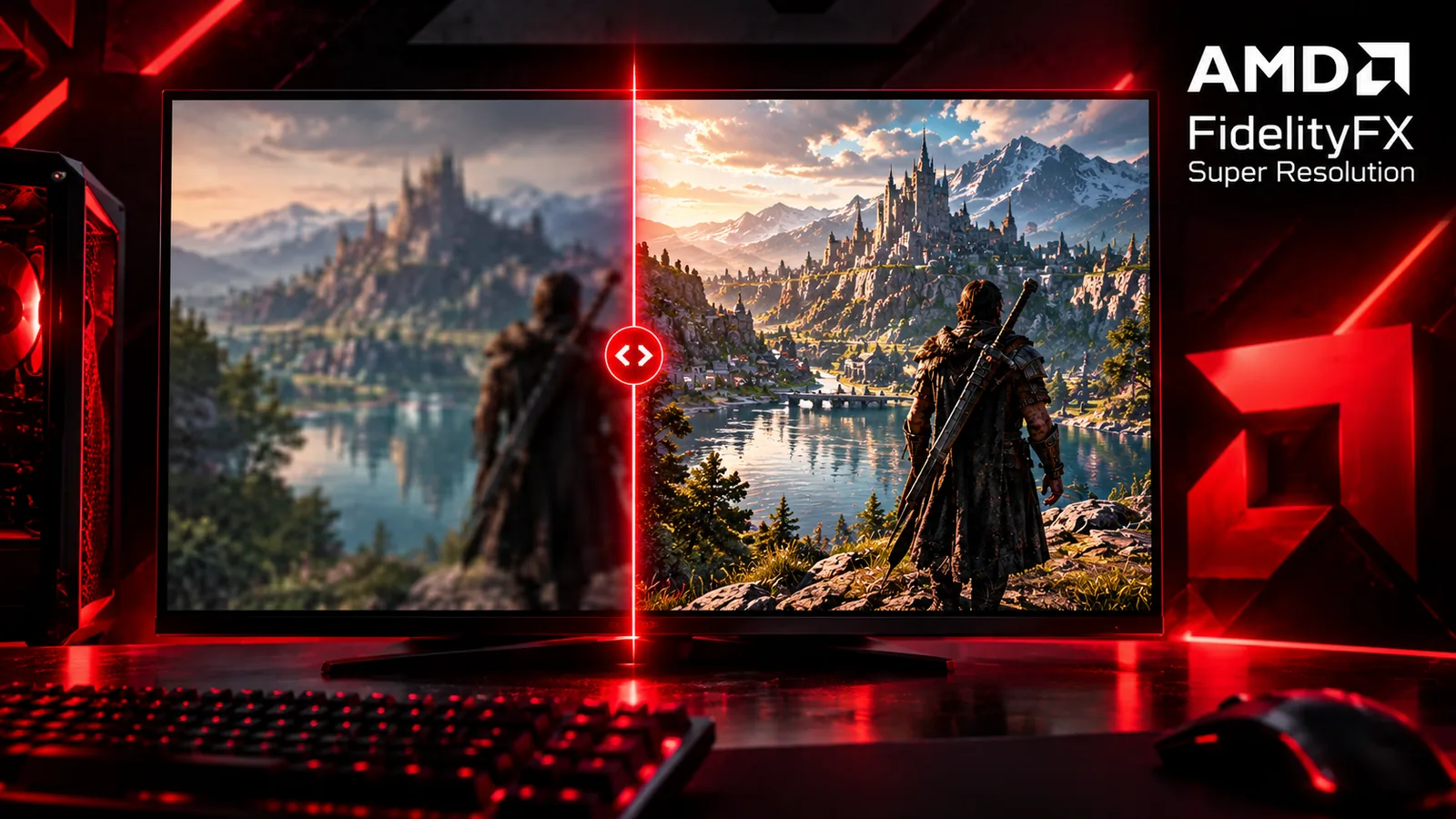
Should you turn AMD FSR on or off? When upscaling helps and when to leave it off, what each quality mode really renders at, which FSR version your GPU gets, and how frame generation works.
FC 27 closing after the anticheat screen, crashing to desktop or freezing mid-match? Find your problem and fix it: EA Javelin anticheat conflicts, error messages, game repair, driver crashes and more.
The best FC 27 PC settings for a smooth, steady frame rate: display and graphics settings for every PC, what to lower first, and the stutter and input lag fixes that work.
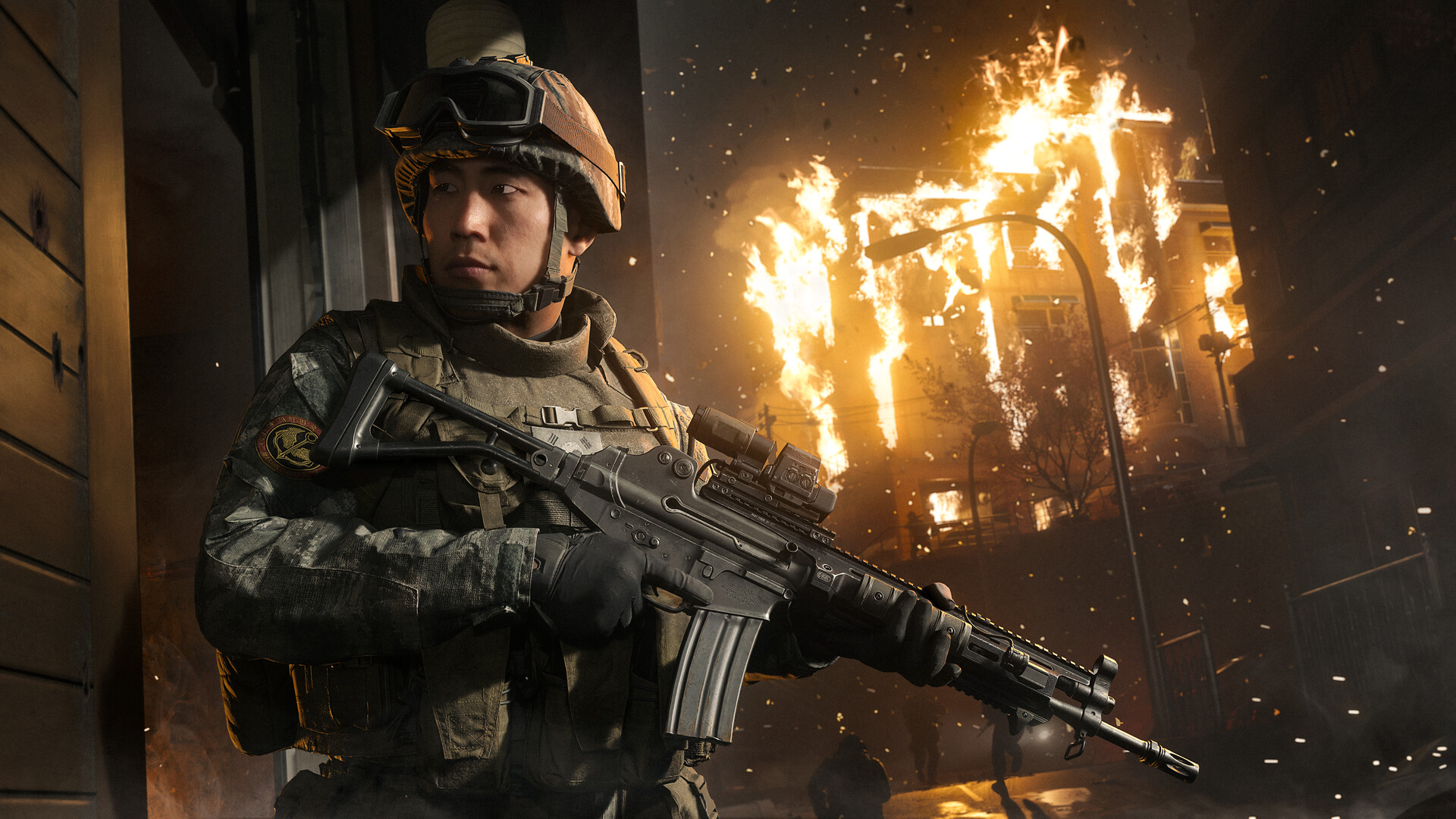
The best Modern Warfare 4 PC settings for competitive, balanced and low-end PCs: what to change first, upscaling, textures and VRAM, and the PC features most players miss.
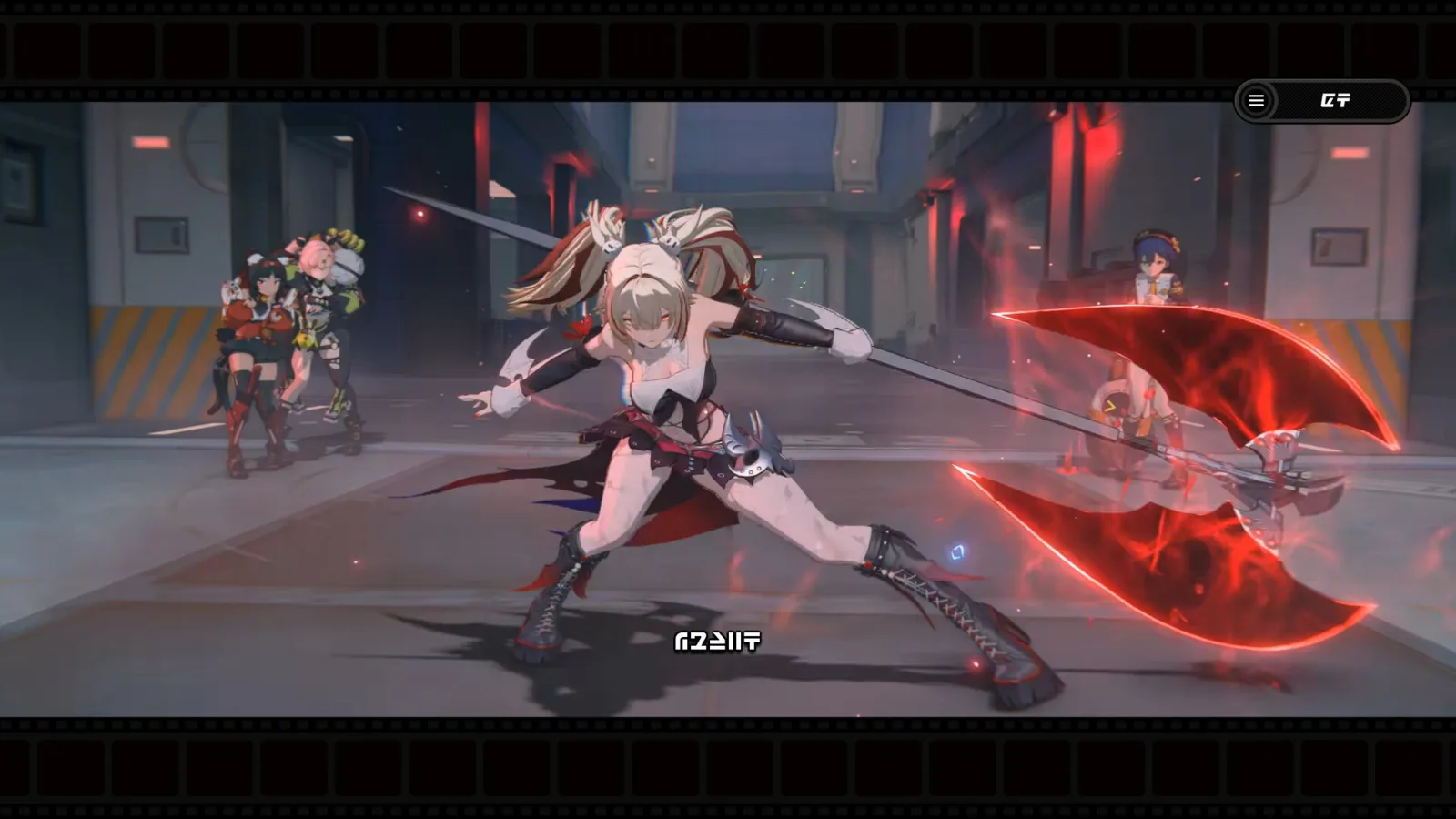
Zenless Zone Zero is free on Windows PC and runs on a GTX 970. Check your PC in one click, then start playing: steps, requirements, FPS, settings and beginner tips.
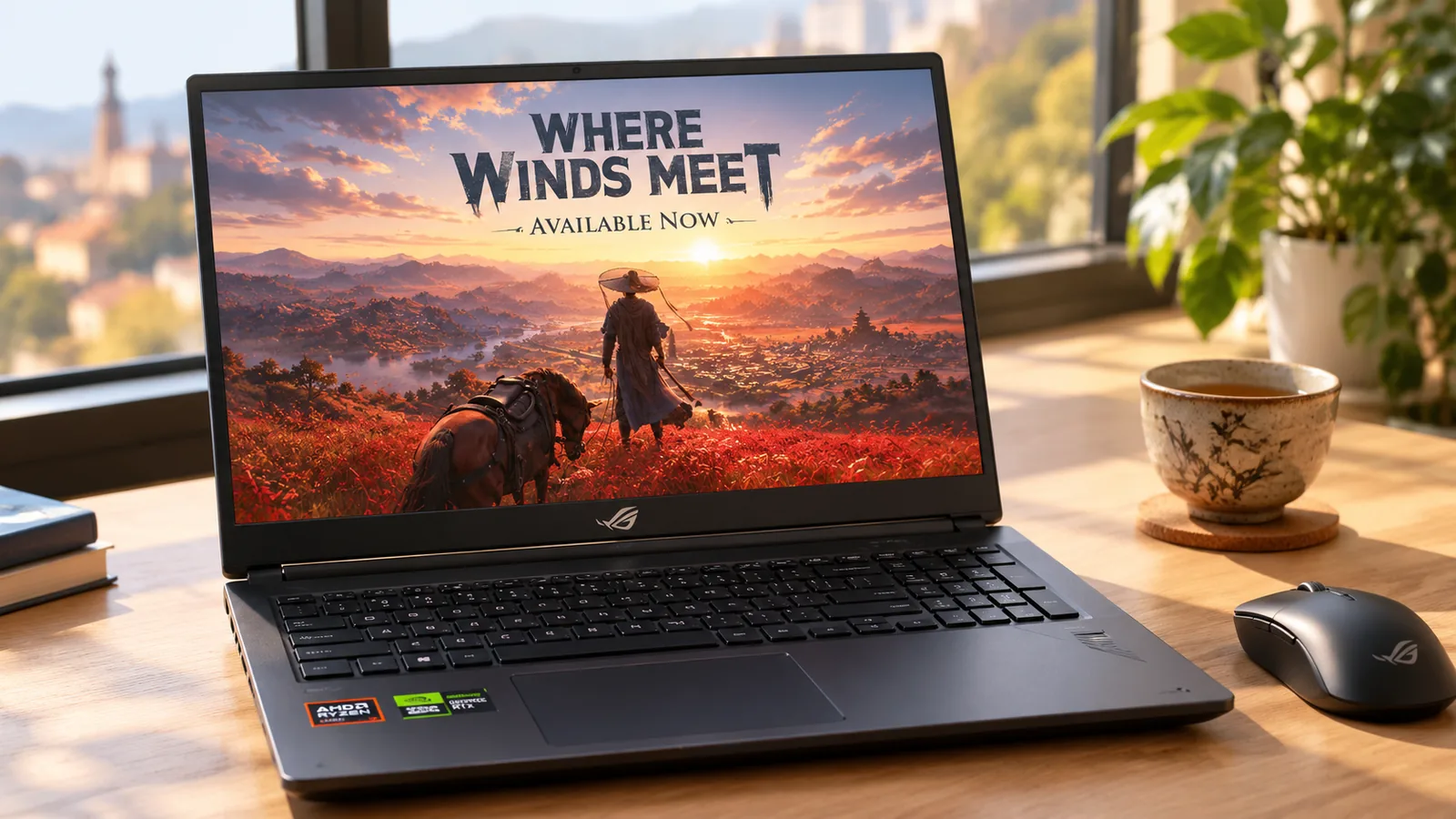
Where Winds Meet PC and laptop requirements from Steam: the minimum GPU, RAM and storage, what each laptop GPU can run, and the FPS to expect. Free to play on Windows PC.
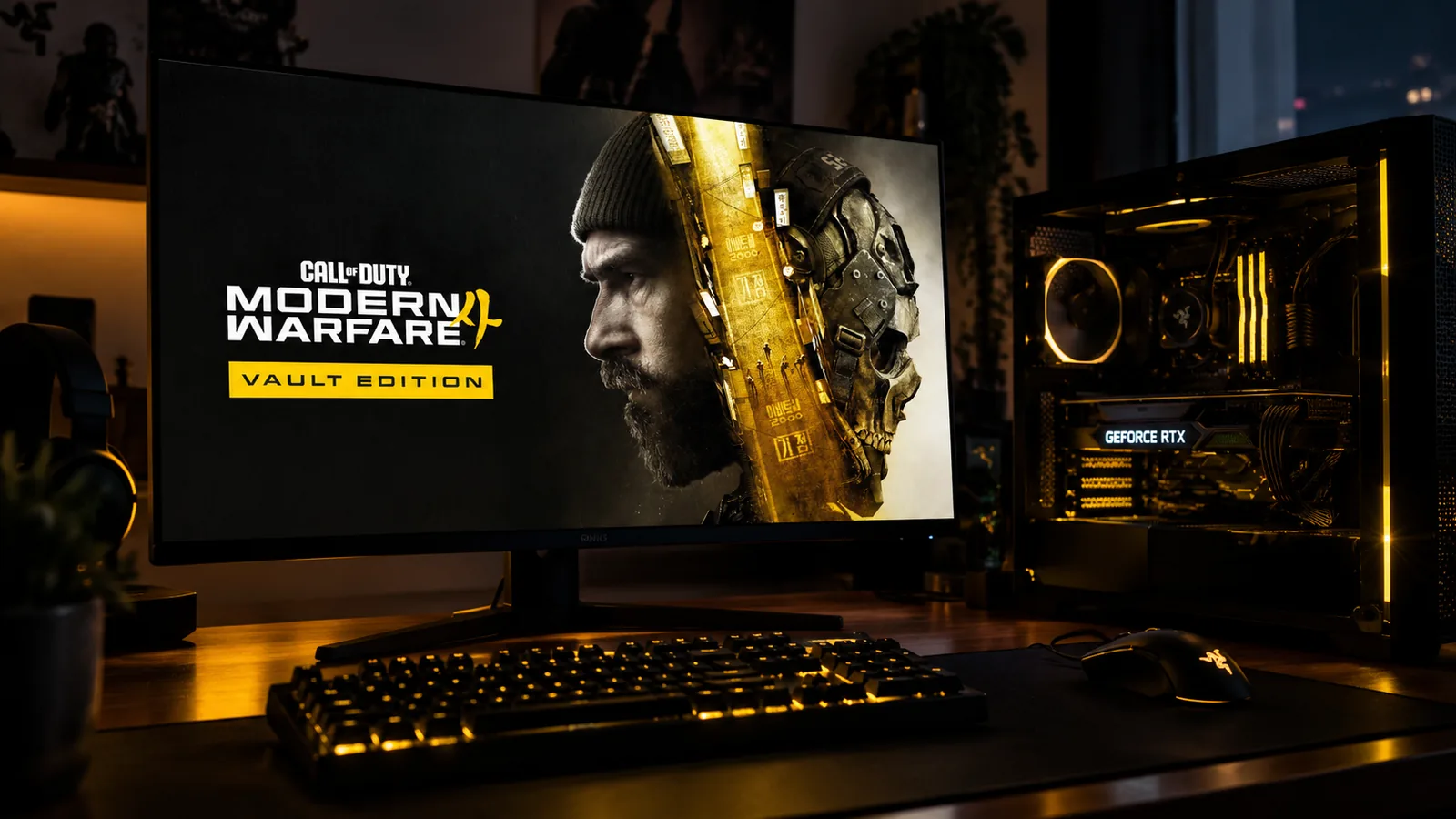
Official minimum and recommended specs for Call of Duty: Modern Warfare 4 on PC, the FPS to expect on popular graphics cards, and how to turn on TPM 2.0 and Secure Boot before launch.
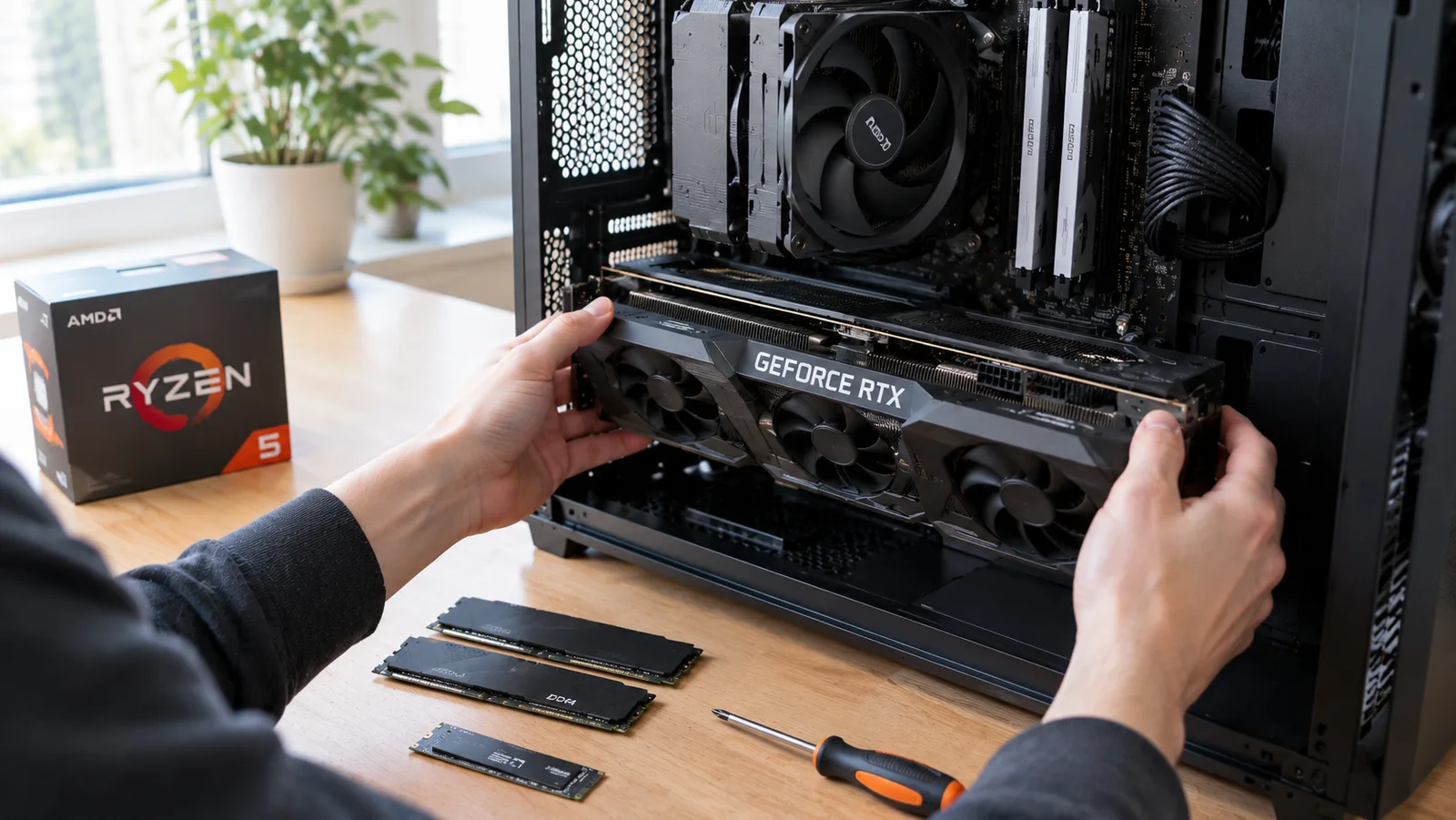
A complete gaming PC for just under $1,000 in 2026: every part, the FPS it gets in big games, the first upgrades and an NVIDIA alternative.
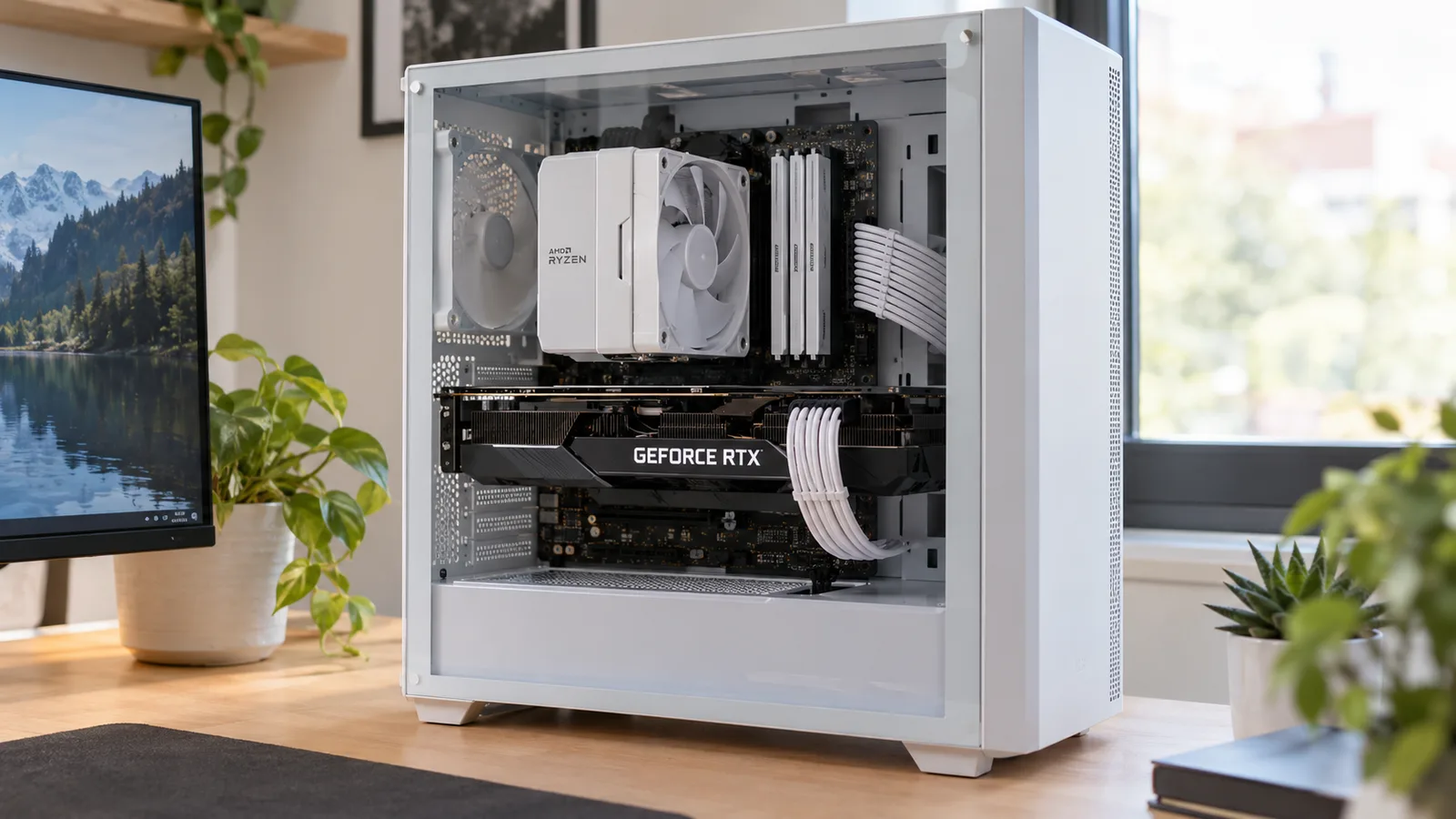
How to tell if your CPU or your graphics card limits your FPS, why total CPU usage lies, how to fix a bottleneck, and which CPU fits which GPU.