

One click to see your graphics card, memory, Windows version and screen, your gaming tier and which games your PC can run. Everything runs in your browser: nothing is sent to us.
Wrong part? Change it above: everything below updates right away.
Type your graphics card and processor above to see your results.
Draws a heavy 3D scene in your browser and counts the frames. Close other tabs for a fair result. Good to compare runs on the same PC (after a driver update, for example).
Your PC is saved in this browser only, so the other tools are filled in for you. Browsers cannot read the processor model or more than 8 GB of RAM: check those with dxdiag (Win + R).
Your browser shares the name of your graphics card (through WebGL), the number of processor threads, up to 8 GB of memory, your Windows version, your screen size, refresh rate and HDR support, and whether a battery is present. It never shares the processor model, the exact amount of memory above 8 GB or your storage.
We match the graphics card to our list of over 100 cards, estimate a typical processor for your thread count, and compare everything with the requirements of the games on FpsGen. You can correct any part, and the results update right away.
Press the "Check my PC" button. Your browser tells us your graphics card, part of your memory, the number of processor threads, your Windows version and your screen. Nothing is installed and nothing is sent to us.
Browsers never share the processor model, only how many threads it has. We estimate a typical processor from that and your graphics card. Pick yours from the list if it is different.
Browsers report memory up to 8 GB only, for privacy. If you have 16 or 32 GB, choose it in the list.
Press Win + R, type dxdiag and press Enter: the System tab shows your processor and memory, the Display tab shows your graphics card. You can also open Task Manager (Ctrl + Shift + Esc) > Performance.
No. It measures how fast your browser draws a heavy scene, which depends on your graphics card but also on the browser and its settings. Use it to compare runs on the same PC, not with game FPS.
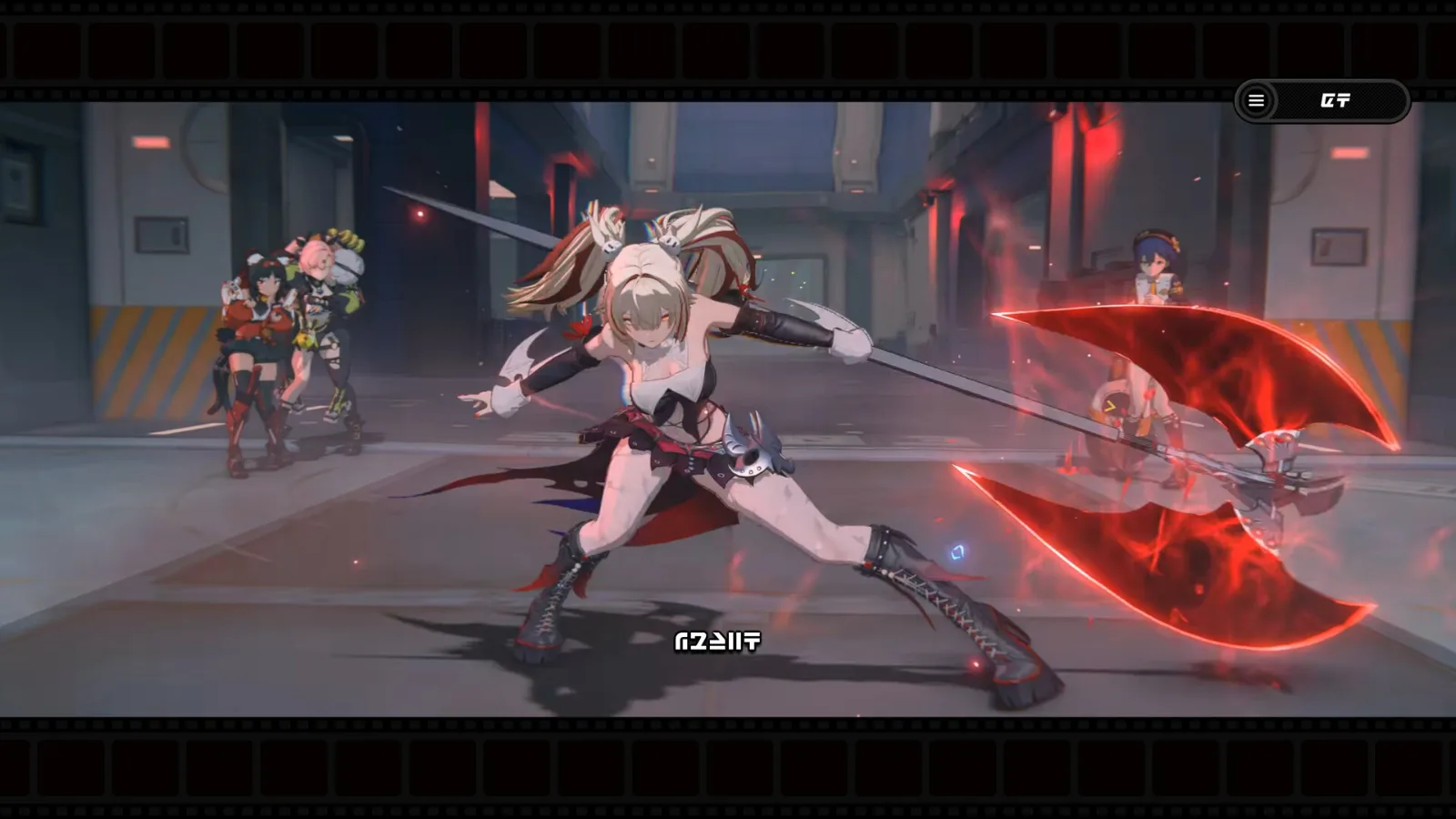 GuideHow to Play Zenless Zone Zero on PC for Free (2026)Start playing on Windows in minutes, plus the official specs, expected FPS and the best settings.
 GuideWhere Winds Meet PC System Requirements: Can You Run It?Current specs from Steam, expected FPS on popular cards and the settings that matter most.
 GuideModern Warfare 4 PC System Requirements: Can You Run It?Official specs, expected FPS on popular cards, and how to turn on TPM 2.0 and Secure Boot.
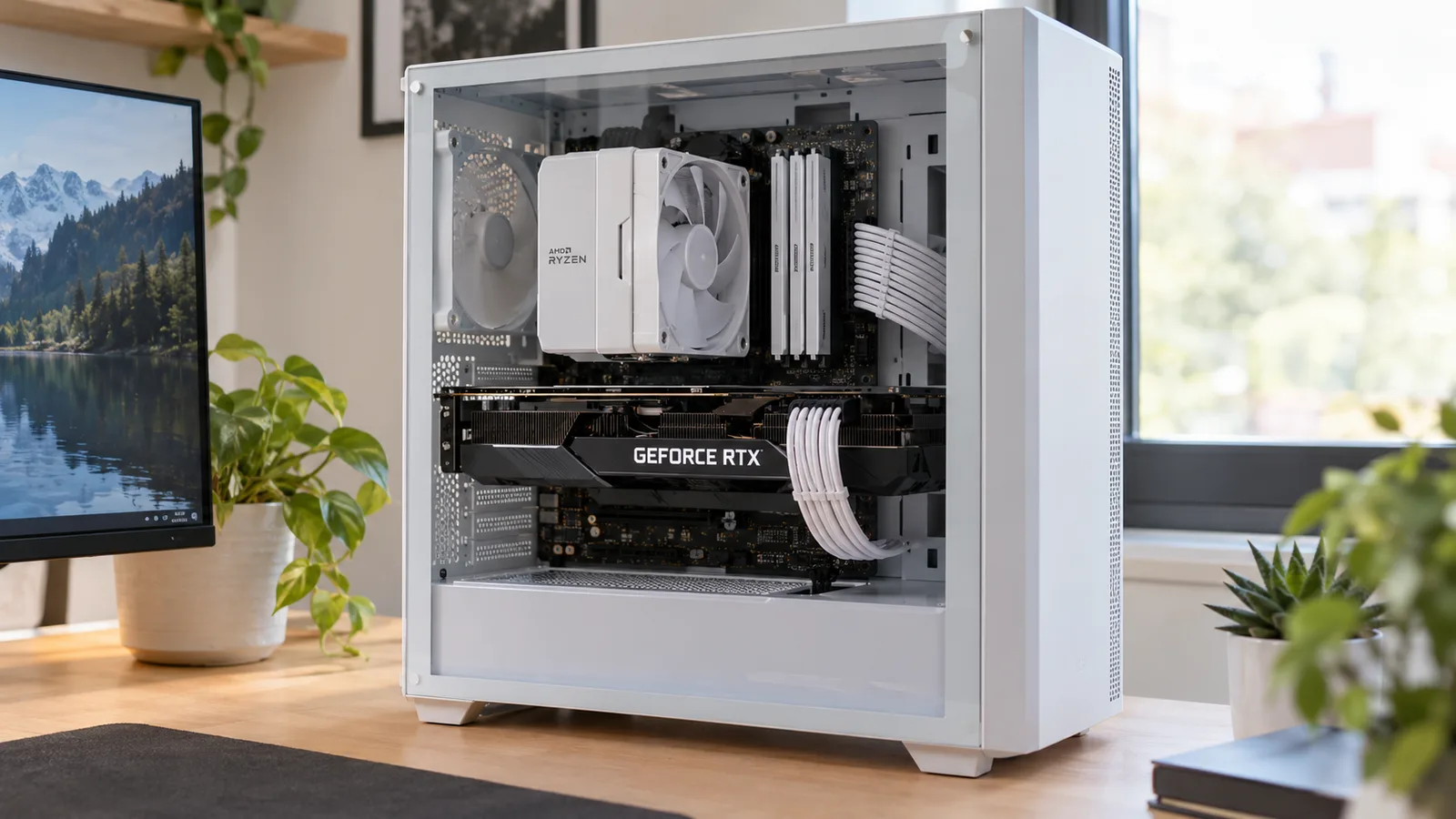 GuideCPU Bottleneck: Is Your Processor Holding Back Your GPU?How to tell which part limits your FPS, why total CPU usage lies, and which CPU fits which graphics card.
 GuideHow to Increase FPS on PC: 13 Fixes That Work (2026)Settings, upscaling, drivers, RAM and Windows 11 fixes that add FPS without buying anything.
 GuideHow to Show FPS in Any PC Game (Steam, NVIDIA, AMD, Xbox)Turn on an FPS counter in any game in under a minute, and learn what your FPS, 1% low and frame time mean.
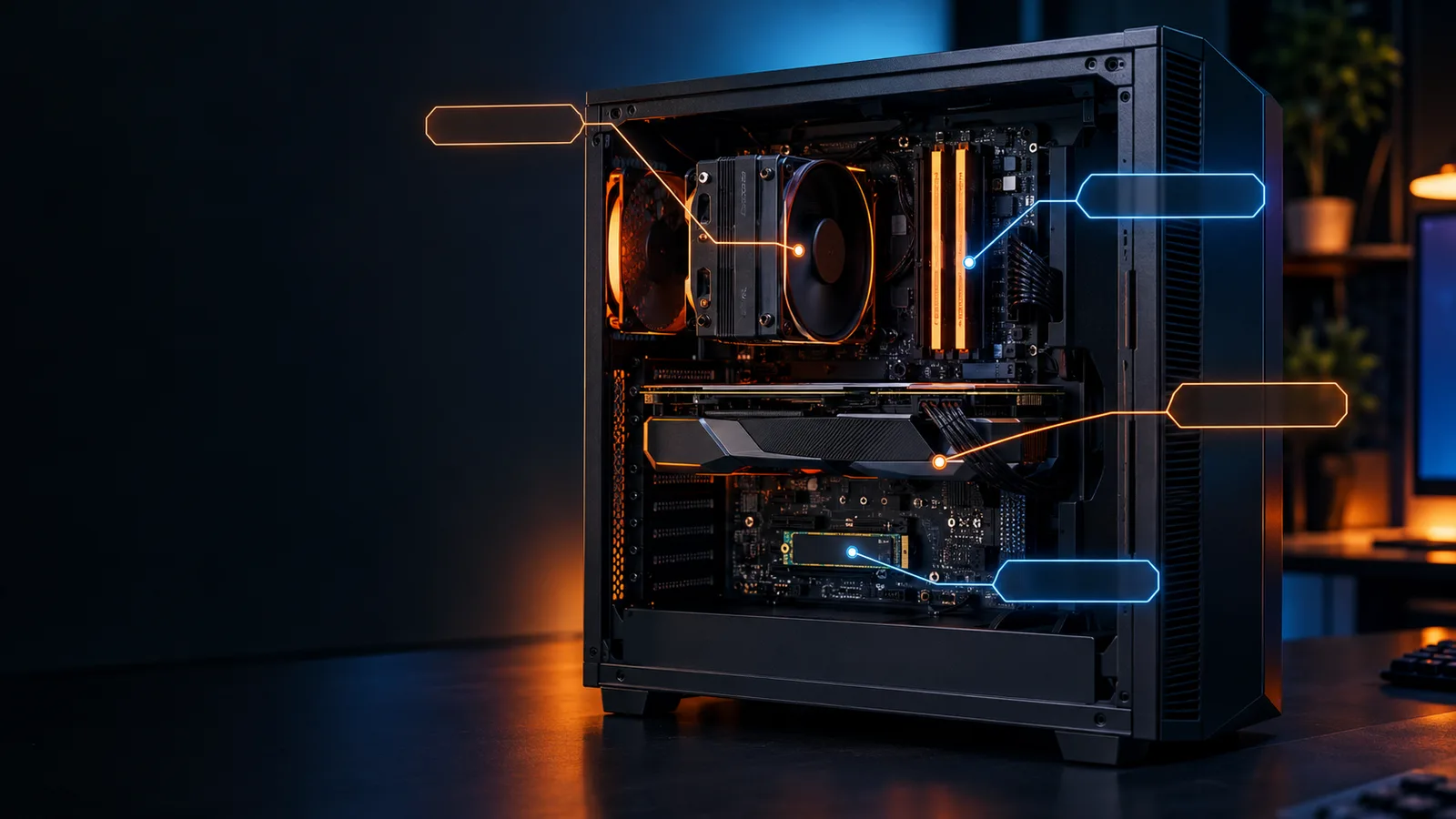 GuideHow to Check Your PC Specs on Windows 11 (Every Part)Graphics card, processor, RAM speed, DDR4 or DDR5, SSD type and motherboard: where Windows shows each one.
 GuideCan My PC Run It? How to Check If Your PC Can Run Any GameFind your graphics card, processor and RAM in 10 seconds and read the result like a pro.
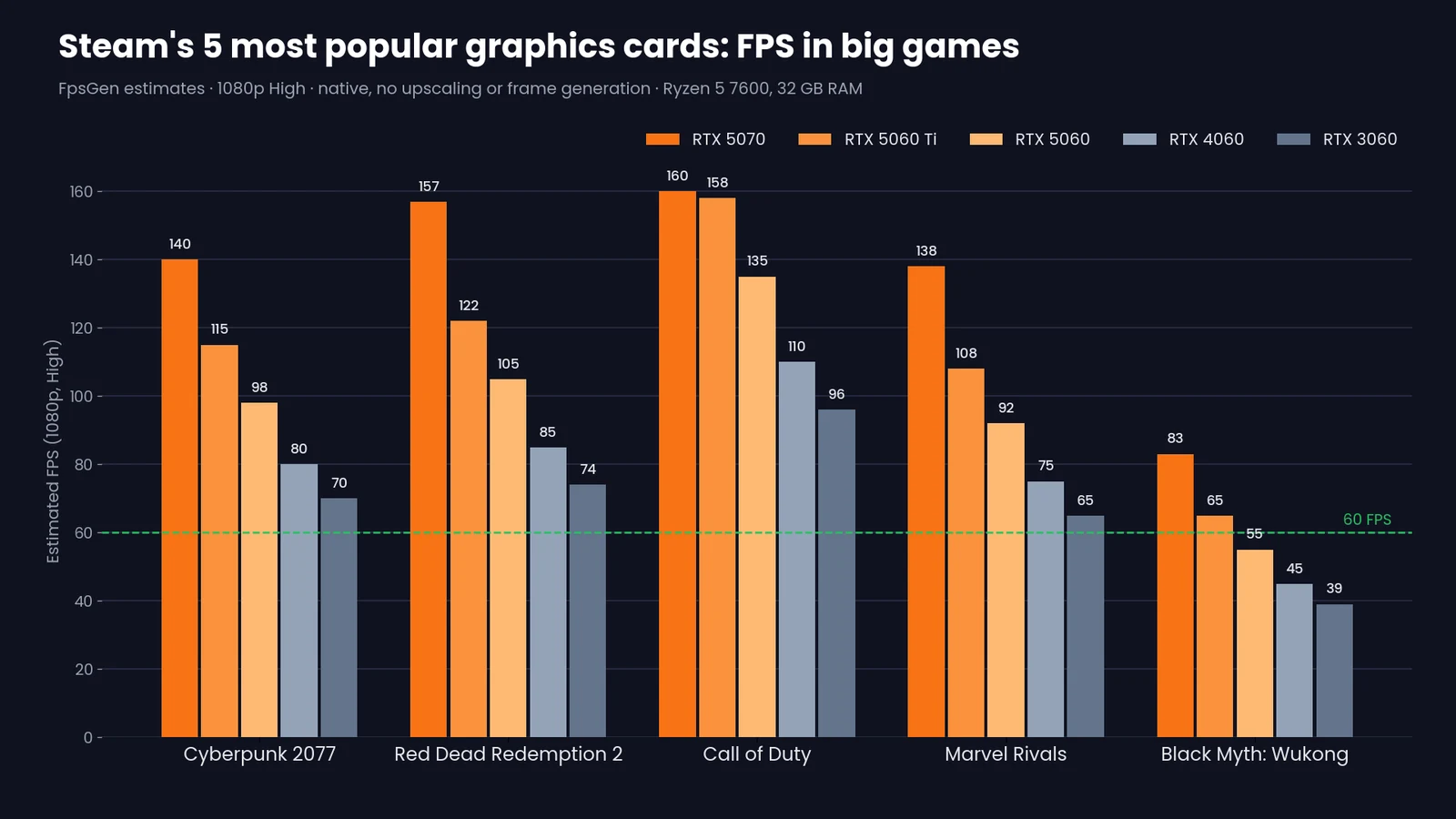 GuideSteam's 5 Most Popular Graphics Cards: FPS in 14 Big GamesRTX 5070, 5060 Ti, 5060, 4060 and 3060: estimated FPS at 1080p and 1440p in the most played games.
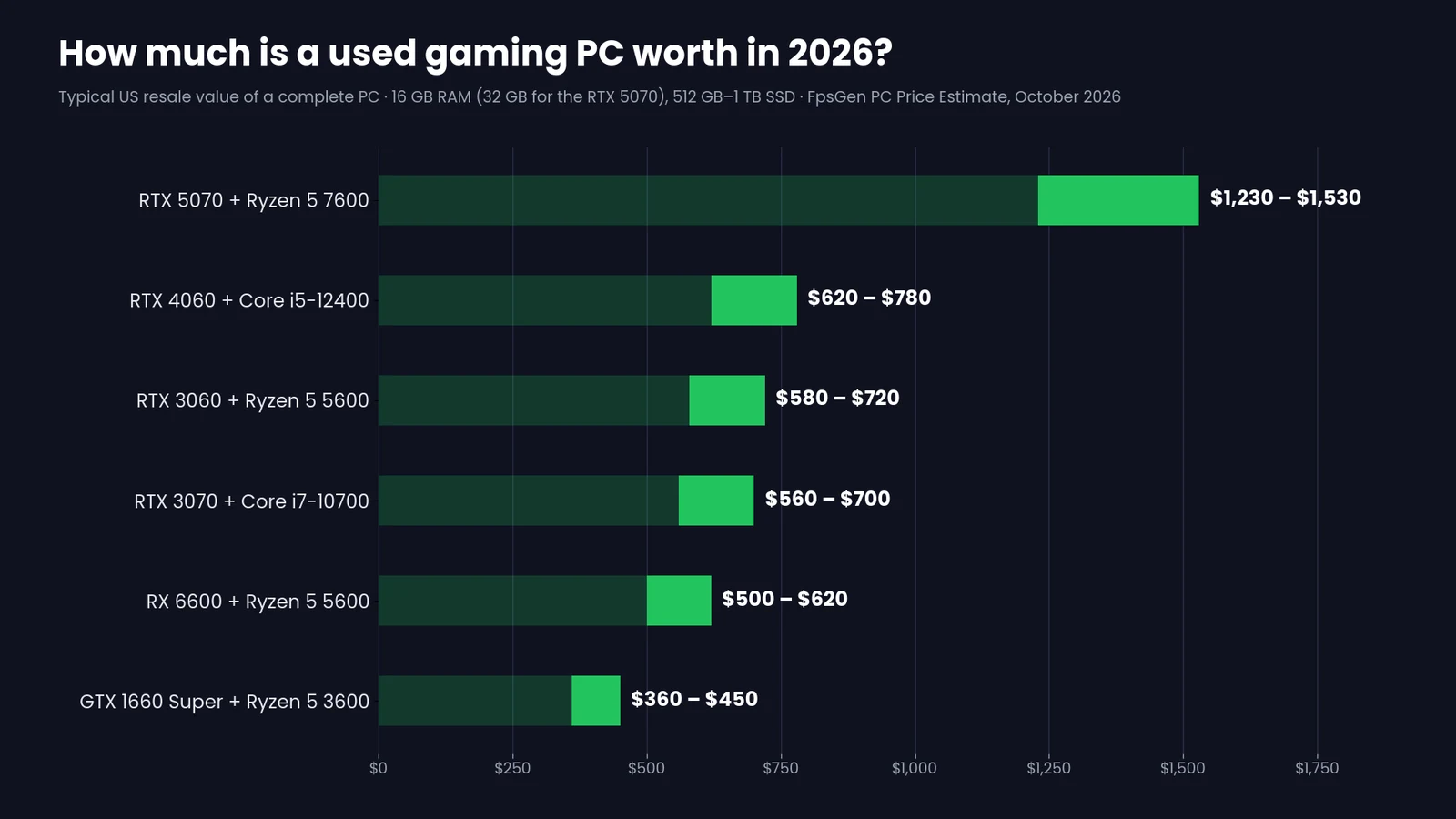 GuideHow Much Is My PC Worth? Used Gaming PC Prices in 2026What typical gaming PCs sell for, how to price yours in minutes, and how to get the most when you sell.