

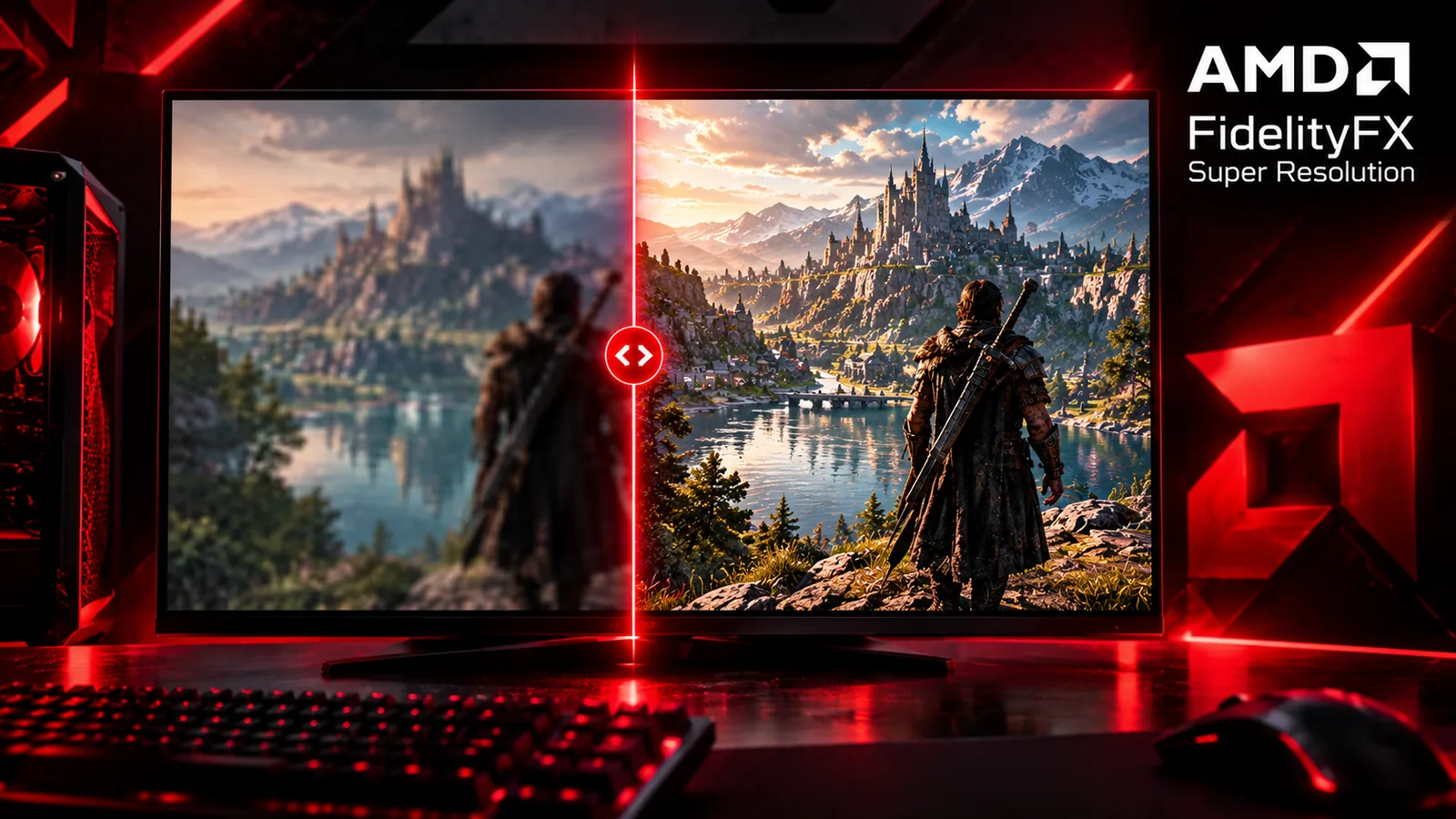
AMD FSR (FidelityFX Super Resolution) is a free way to get more FPS: the game renders at a lower resolution, then FSR rebuilds the image up to your screen resolution. It runs on Radeon cards, and the older versions also work on other brands. This guide explains what FSR does, what each mode means, how frame generation fits in, and which setting to pick.
Quick answer: use Quality mode first. If you still need more FPS, move to Balanced, then Performance. Turn on frame generation only if you already get at least 60 FPS without it.
What is AMD FSR?
Rendering a game at 4K is expensive. FSR lets the GPU draw fewer pixels, for example 1440p, and then upscales the result to 4K. Because the GPU does less work, the frame rate goes up. The price is some loss of sharpness, which depends on the mode you choose and on the FSR version the game uses.
AMD now calls its upscaler FSR Upscaling (it was known as FSR 4) and sells it as part of a suite called FSR Redstone. According to AMD's FSR page, FSR Upscaling is supported on Radeon RX 6000, RX 7000 and RX 9000 Series cards, and AMD lists more than 400 supported games.
FSR versions in plain words
| Version | What it adds | Cards |
|---|---|---|
| FSR 1 | Simple spatial upscaler, works from a single frame | Many GPUs, including other brands |
| FSR 2 | Temporal upscaler: uses several frames and motion data for a better image | Many GPUs, including other brands |
| FSR 3 / 3.1 | FSR 2 style upscaling plus frame generation | Frame generation: Radeon RX 5000 Series and newer |
| FSR 4 (FSR Upscaling) | Machine-learning upscaler with less ghosting and better fine detail | RX 9000 Series for the original FSR 4 release; AMD's current page lists RX 6000 and RX 7000 too |
| Redstone | Adds ML frame generation and Ray Regeneration | Radeon RX 9000 Series and newer |
On cards that do not support FSR 4, the game falls back to FSR 3.1, according to AMD GPUOpen. So you usually still get an upscaler, just not the newest one. Games pick their version themselves: always check the in-game menu to see which one you are using.
FSR quality modes explained
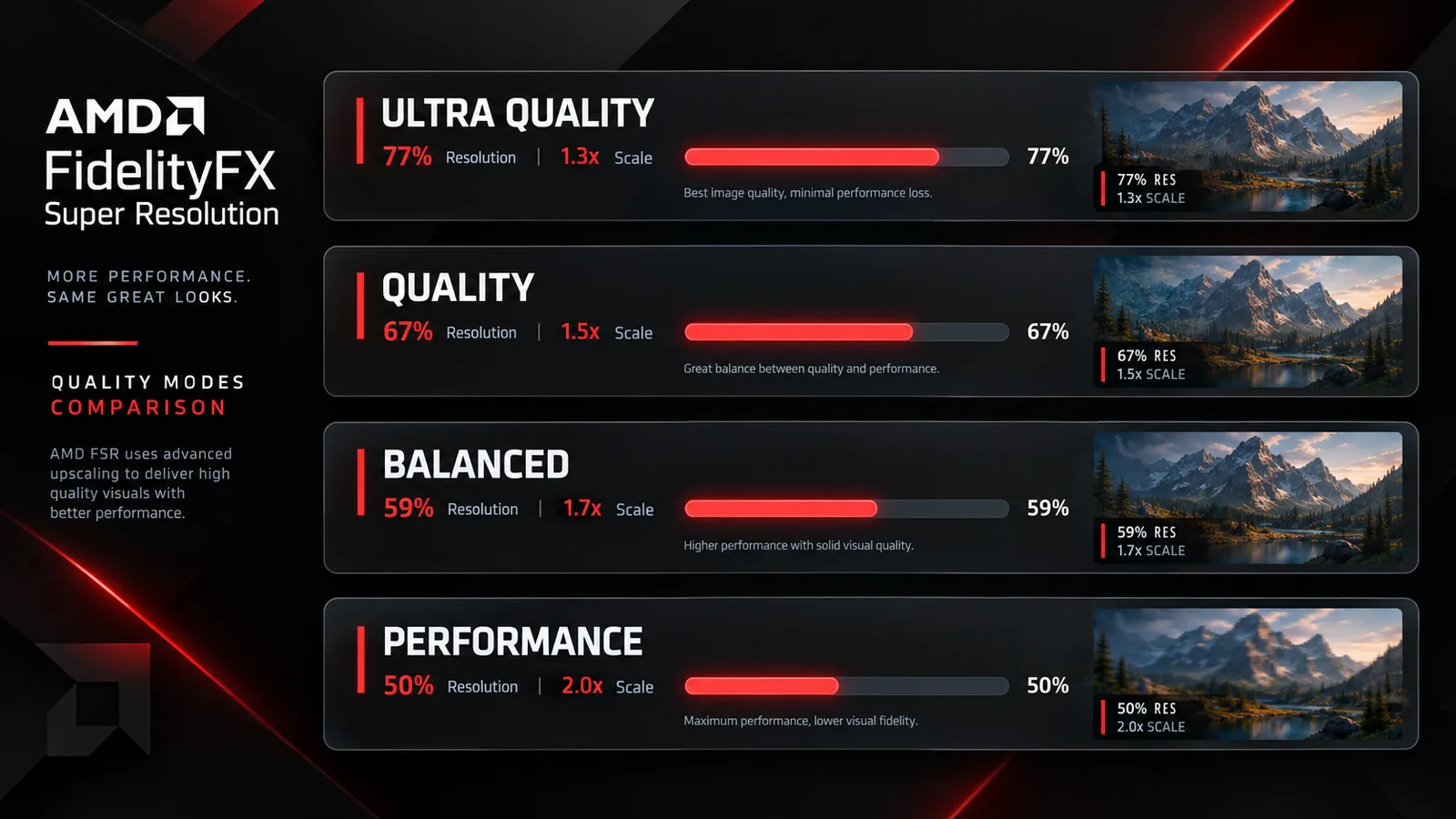
Each mode sets the internal resolution the game renders at. The numbers below come from the AMD GPUOpen FSR 3 documentation.
| Mode | Scale factor | Internal resolution | Best for |
|---|---|---|---|
| Native AA | 1.0x | 100% | Anti-aliasing only, no extra FPS |
| Quality | 1.5x | about 67% | Best balance of looks and FPS |
| Balanced | 1.7x | about 59% | A bit more FPS, still clean |
| Performance | 2.0x | 50% | Weaker GPUs and 4K screens |
| Ultra Performance | 3.0x | about 33% | Last resort (not offered in every game) |
At 1440p, Quality mode means the game renders at roughly 960p. At 4K, Performance mode renders at 1080p, which is why FSR is so popular for 4K gaming.
What is FSR frame generation?
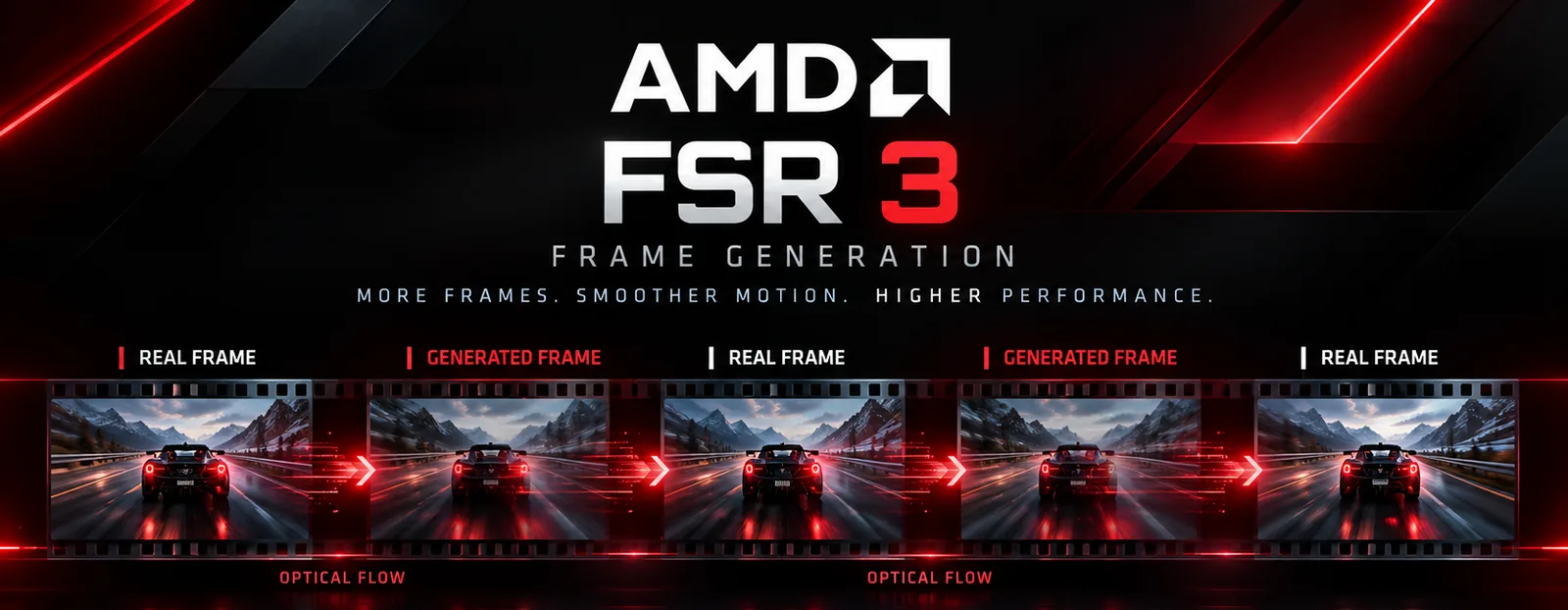
Frame generation adds extra frames between the ones your GPU really renders. It looks at the motion between two real frames (this is the "optical flow" step), builds a new frame in between, and shows it. The counter can show close to double the FPS, and motion looks smoother.
Things to know before turning it on:
- Start from at least 60 FPS. AMD recommends a base frame rate of 60 FPS or more before interpolation and says to avoid anything below 30 FPS (GPUOpen). Below that, the game can look smooth but still feel slow to control.
- Generated frames are not input. Your mouse still reacts to the real frames, so frame generation helps smoothness more than responsiveness. Competitive players usually leave it off.
- Card support differs. Standard FSR 3 frame generation works on Radeon RX 5000 Series and newer. The ML frame generation that comes with Redstone needs a Radeon RX 9000 Series card (AMD).
Which FSR setting should you use?
- 1080p screen: Quality. Lower modes start to look soft at this resolution because the internal image is already small.
- 1440p screen: Quality, or Balanced if you need more FPS.
- 4K screen: Balanced or Performance. Starting from 1080p internal at Performance mode usually still looks good on a TV or monitor viewed from a distance.
- Already above 100 FPS: you probably do not need FSR. Native resolution gives the cleanest image.
Always compare in the game itself. Each game implements FSR differently, so the same mode can look better in one title than in another.
FSR or lowering other settings?
FSR is not the only way to gain FPS. If the game is limited by your processor, upscaling will not help much, because the GPU was not the problem: read our guide on CPU bottlenecks to check. For other fixes (shadows, drivers, power plan), see how to increase FPS on PC, and use our tips in how to show FPS in games to measure the change.
Is your PC ready?
Not sure how a game will run on your hardware? Use the Can I Run It checker for requirements, or the FPS estimator to get an estimate for your GPU and CPU. Shopping for a card? Our RTX 50 vs RX 9000 comparison covers the Radeon side, and best gaming CPUs helps with the processor.
FAQ
Does FSR work on NVIDIA or Intel cards?
The older versions (FSR 1, 2 and 3 upscaling) were built to run on many GPUs, including NVIDIA and Intel. The newest ML features are limited to recent Radeon cards, as listed in the table above.
Is FSR free?
Yes. It is a setting inside supported games, so there is nothing extra to pay for.
Does FSR reduce image quality?
A little, because the game renders fewer pixels. Quality mode is hard to tell apart from native for many players, while Performance and Ultra Performance are easier to notice, especially on 1080p screens.
Is frame generation the same as upscaling?
No. Upscaling raises FPS by rendering fewer pixels. Frame generation raises the FPS counter by adding new frames. You can use one or both.
Which FSR mode is best for 4K?
Balanced or Performance for most cards. Try Quality if your GPU has enough headroom.
Sources: AMD FSR Technologies, AMD GPUOpen: FSR 3 and AMD GPUOpen: FSR 4. Last checked October 22, 2026.

Gaming writer at FpsGen. Guides and reviews are built on official sources, patch notes and real player data.


Comments
No comments yet. Start the conversation.