



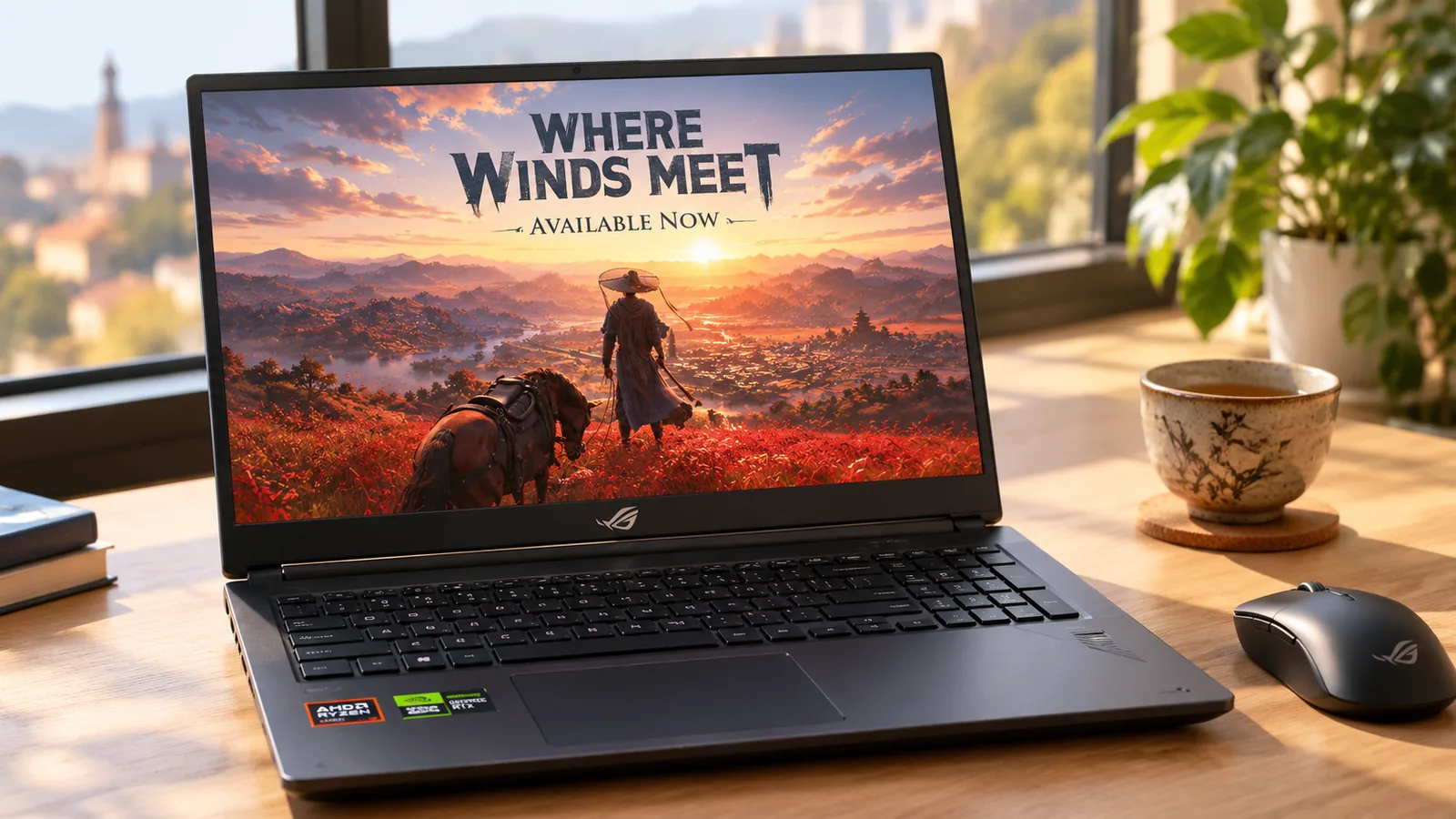
Where Winds Meet is free to play on PC, but it is not a light game. The official minimum asks for 16 GB of RAM, a GTX 1060 6 GB and 130 GB of storage, and the recommended specs jump to 32 GB of RAM and an RTX 2070 Super. Here are the current requirements from the Steam page, the FPS to expect on popular graphics cards, and the settings that make the biggest difference.
Quick answer: the minimum is a GTX 1060 6 GB / RX 480 8 GB with a Core i7-7700K or Ryzen 5 1600, 16 GB of RAM and 130 GB of free space. The recommended specs are an RTX 2070 Super / RX 6700 XT / Arc A750 with a Core i7-10700 or Ryzen 7 3700X, 32 GB of RAM and 200 GB. Both tiers need Windows 10 or 11 64-bit and DirectX 12, and the developer recommends an SSD.
Where Winds Meet PC system requirements
These are the official specs listed on the Where Winds Meet Steam page, checked in October 2026:
| Minimum | Recommended | |
|---|---|---|
| OS | Windows 10/11 64-bit | Windows 10/11 64-bit |
| Processor | Core i7-7700K / Ryzen 5 1600 | Core i7-10700 / Ryzen 7 3700X |
| Memory | 16 GB | 32 GB |
| Graphics card | GTX 1060 6 GB / RX 480 8 GB | RTX 2070 Super / RX 6700 XT / Arc A750 |
| DirectX | Version 12 | Version 12 |
| Storage | 130 GB | 200 GB |
| Network | Broadband internet | Broadband internet |
Two things changed since launch. At release in November 2025, the game needed about 100 GB. After the big updates of 2026, including version 2.0 (Heavens Threshold, August 2026), Steam now lists 130 GB minimum and 200 GB recommended. If you installed the game a year ago, check that you still have room before the next patch.
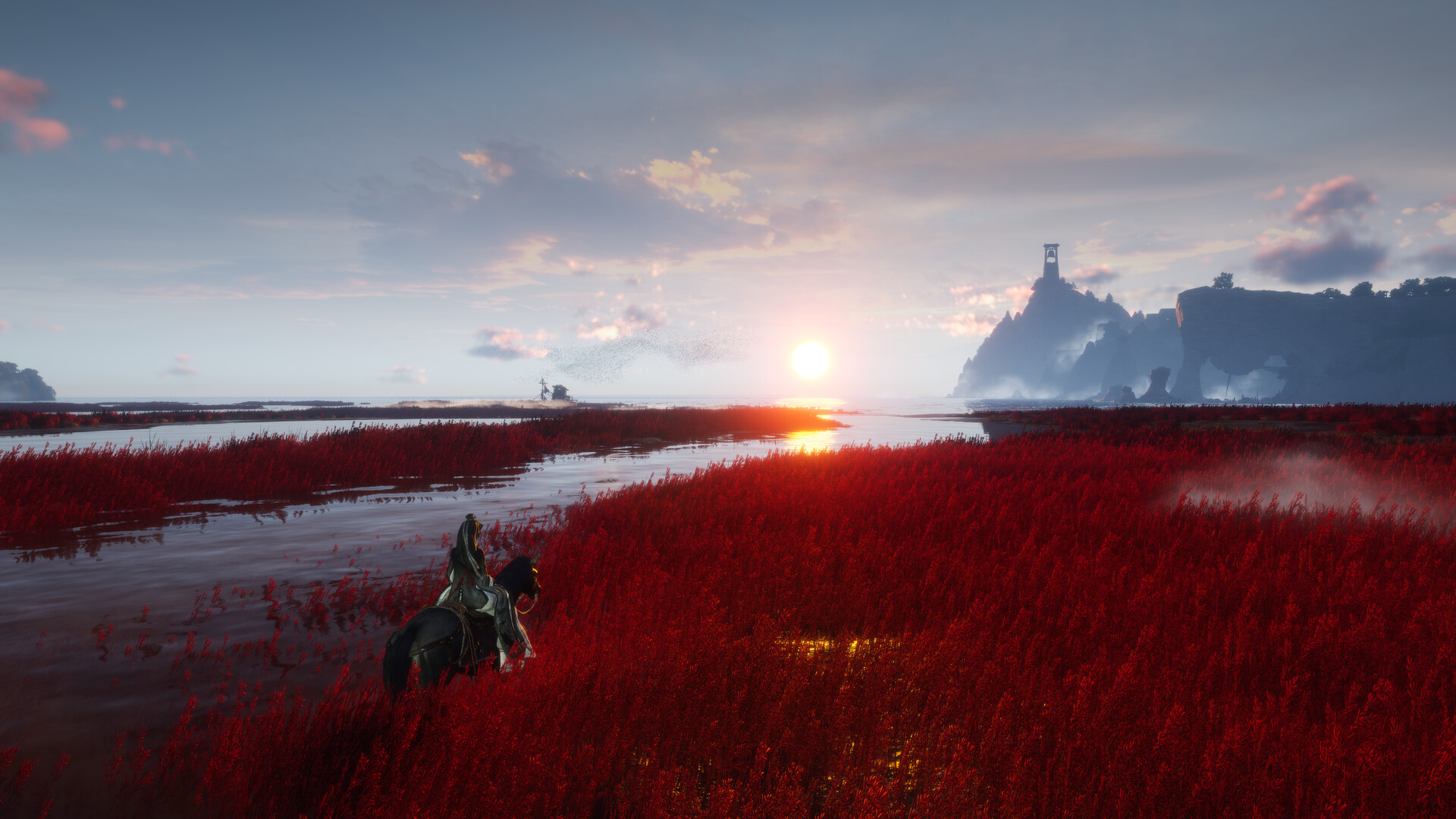
Can my PC run Where Winds Meet?
Pick your graphics card, processor and RAM below, or press Auto-detect. You get a result for each tier and the settings to use.
Pick your hardware and we compare it with the official Where Winds Meet requirements.
Official Where Winds Meet PC requirements
| Minimum | Recommended | |
|---|---|---|
| OS | Windows 10/11 (64-bit), DirectX 12 | Windows 10/11 (64-bit), DirectX 12 |
| CPU | Intel Core i7-7700K / AMD Ryzen 5 1600 | Intel Core i7-10700 / AMD Ryzen 7 3700X |
| RAM | 16 GB | 32 GB |
| GPU | NVIDIA GeForce GTX 1060 (6 GB) / AMD Radeon RX 480 (8 GB) | NVIDIA GeForce RTX 2070 Super / AMD Radeon RX 6700 XT / Intel Arc A750 |
| Storage | 130 GB (SSD recommended) | 200 GB (SSD recommended) |
Source: official Where Winds Meet website. Results are estimates based on relative hardware performance.
Not sure what is inside your PC? How to Check Your PC Specs shows where Windows lists every part.
How many FPS will you get?
Estimates from our FPS Estimator, calibrated on published benchmarks of a busy city area (1080p, no upscaling, no frame generation):
| Your PC | Low | Medium | High | Ultra | High at 1440p |
|---|---|---|---|---|---|
| GTX 1060 6 GB + Ryzen 5 1600 | ~66 | ~52 | ~41 | ~32 | ~28 |
| RX 6600 + Ryzen 5 3600 | ~108 | ~86 | ~68 | ~53 | ~46 |
| RTX 2070 Super + Ryzen 7 3700X | ~118 | ~93 | ~74 | ~58 | ~50 |
| RTX 4060 + Ryzen 5 5600 | ~128 | ~101 | ~80 | ~62 | ~54 |
| RX 9060 XT + Ryzen 5 5500 | ~121 | ~106 | ~97 | ~83 | ~73 |
| RTX 5070 + Ryzen 5 7600 | ~165 | ~145 | ~132 | ~115 | ~100 |
| RTX 5070 Ti + Ryzen 7 9800X3D | ~220 | ~194 | ~168 | ~131 | ~114 |
These are estimates, not benchmarks: open areas run faster, big cities and crowded events slower. Benchmarks at launch found the game runs a bit better on NVIDIA cards than on AMD cards of the same class, so treat the Radeon rows as a best case.
The settings that matter most
Where Winds Meet has fewer settings than most open-world games, so it is easy to tune:
- Pick DirectX 12. On Steam the game can start in DX11, which only offers FSR. Choose the DX12 version when you launch it to get DLSS, FSR and XeSS, plus frame generation.
- Turn on upscaling. DLSS on a GeForce RTX card, FSR or XeSS on the others. Quality or Balanced mode at 1080p, Performance mode at 1440p on mid-range cards.
- Lower view distance first. It costs the most FPS: dropping it from High can add around 20 FPS.
- Keep vegetation on High. It barely changes the frame rate.
- Cap the frame rate at your monitor's refresh rate (or 120) for steadier frame times in cities.
- Frame generation helps when you already have 50 to 60 FPS, not below. Turn on NVIDIA Reflex or AMD Anti-Lag with it.
More fixes that work in every game are in How to Increase FPS on PC.
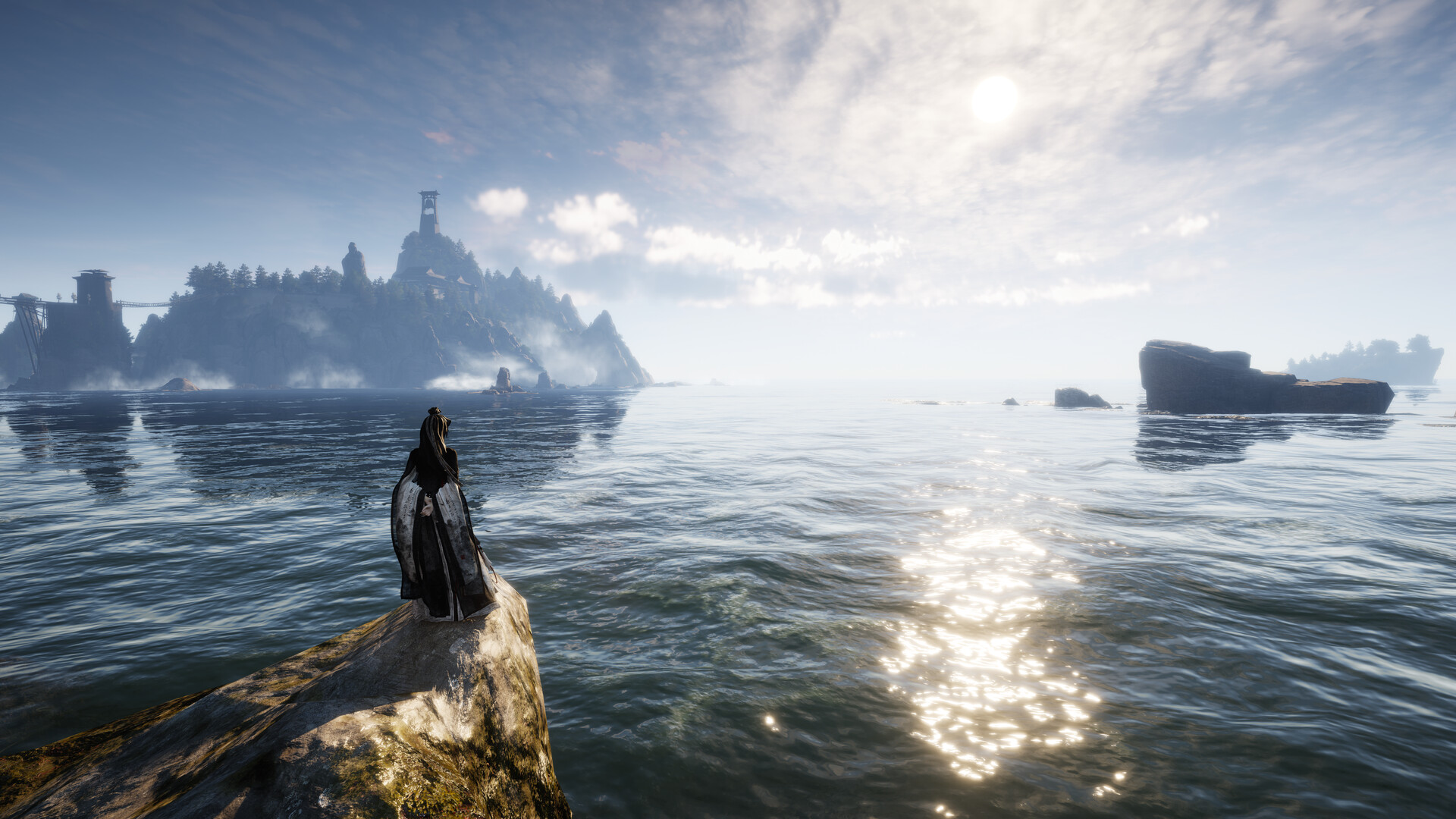
RAM: is 16 GB enough?
16 GB is the official minimum, and it is enough to play, but it is tight. Where Winds Meet is one of the few games that lists 32 GB in its recommended specs. With 16 GB:
- Close your browser and other apps before you play, especially video tabs.
- Use two sticks of RAM, not one, and turn on XMP/EXPO in the BIOS so they run at full speed.
- Expect more stutter in big cities than a 32 GB PC.
With 8 GB, the game is below the minimum: it may start, but long stutters and crashes are likely.
Storage: use an SSD
Steam lists the SSD as a recommendation, not a requirement, but on a hard drive the world loads slowly, textures pop in and stutter gets worse, even on Low. Install it on an NVMe SSD if you can. To see what drive you have, open Task Manager > Performance: each disk shows SSD or HDD. Steam can move the game later without downloading it again (Properties > Installed Files > Move install folder).
Can a laptop run Where Winds Meet?
Yes, if it has a dedicated graphics card. A gaming laptop with an RTX 3050 or better and 16 GB of RAM reaches the minimum or more. Two things to check:
- Plug in the charger. On battery, gaming laptops cut their graphics card's power a lot.
- Make sure the game runs on the dedicated GPU, not the integrated graphics: Settings > System > Display > Graphics, then set the game to High performance.
Laptops with only integrated graphics (Intel Iris Xe, most AMD Radeon chips in thin laptops) are below the minimum.
Is your PC ready? What to upgrade
- Graphics card too slow? See RTX 50 vs RX 9000 for every current card, or our $1,000 gaming PC build for a full new PC that runs it at 1080p High.
- Only 16 GB of RAM? A second 16 GB kit is the upgrade that helps this game most, if your board has free slots.
- Processor holding you back in cities? See Best Gaming CPUs in 2026 and CPU Bottleneck Explained.
- Compare your part with the one you want in Compare Hardware.
FAQ
Can I run Where Winds Meet on a GTX 1060?
Yes. The GTX 1060 6 GB is the official minimum. Expect around 60 FPS on Low at 1080p and around 40 on High, more with FSR upscaling. The 3 GB GTX 1060 is below the minimum.
Can I run Where Winds Meet with 8 GB of RAM?
It is below the official minimum of 16 GB. The game may start, but expect heavy stutter and crashes.
How much storage does Where Winds Meet need?
130 GB minimum and 200 GB recommended, according to Steam in October 2026. An SSD is strongly recommended.
Is Where Winds Meet free on PC?
Yes. It is free to play on Steam, the Epic Games Store and the official launcher, with optional purchases.
Does Where Winds Meet support DLSS and FSR?
Yes. It supports NVIDIA DLSS, AMD FSR and Intel XeSS. Launch the DX12 version to get all three.
Does Where Winds Meet run on Windows 7 or 8?
No. It needs Windows 10 or 11 64-bit with DirectX 12.
Requirements from the Where Winds Meet Steam page, checked October 20, 2026. Settings notes from launch performance tests by DSOGaming and MeinMMO. FPS: estimates from FpsGen's FPS Estimator. Requirements can change with updates.

Gaming writer at FpsGen. Guides and reviews are built on official sources, patch notes and real player data.



Comments
No comments yet. Start the conversation.