

Modern Warfare 4 has one of the longest graphics menus in any shooter, and most of it barely matters. A handful of settings decide your FPS, your input lag and how easily you spot enemies. Here are the best settings for three kinds of PC, which options to change first, and the PC features most players miss.
Quick answer: use the built-in benchmark first to see where you are. Then set Upscaling to DLSS (GeForce RTX) or FSR (Radeon) in Quality mode, turn NVIDIA Reflex / AMD Anti-Lag on, V-Sync off, motion blur and film grain off, Ray Tracing off, and set Texture Resolution to match your graphics card's video memory. On a mid-range PC, that gets you to Activision's target of 90 FPS on High in multiplayer.
Pick your hardware and we compare it with the official Call of Duty: Modern Warfare 4 requirements.
Official Call of Duty: Modern Warfare 4 PC requirements
| Minimum | Recommended | |
|---|---|---|
| OS | Windows 10 64-bit (latest update) | Windows 11 64-bit (latest update) |
| CPU | AMD Ryzen 5 1400 / Intel Core i5-6600 | AMD Ryzen 5 3600 / Intel Core i7-8700K |
| RAM | 8 GB | 16 GB |
| GPU | AMD Radeon RX 470 / NVIDIA GeForce GTX 970 or GTX 1060 / Intel Arc A580 (3 GB VRAM) | AMD Radeon RX 6600 XT / NVIDIA GeForce RTX 3060 Ti / Intel Arc B580 (8 GB VRAM) |
| Storage | 115 GB SSD | 115 GB SSD |
Source: official Call of Duty: Modern Warfare 4 website. Results are estimates based on relative hardware performance.
Not sure your PC is ready? Our guide Modern Warfare 4 PC System Requirements covers the official specs, TPM 2.0 and Secure Boot.
Before you change anything
- Update your graphics driver. Activision recommends NVIDIA 616.56, AMD 26.7.1 and Intel 32.0.101.8974 or newer, and NVIDIA planned an updated driver for launch week: install the newest one.
- Let the shaders compile. Keep Background Shader Preloading on and let it finish in the menu before your first match. Playing while it runs causes stutter.
- Run the built-in benchmark. It shows your average FPS, CPU and GPU load and input latency, with a breakdown per area and setting suggestions. Run it again after your changes to see what you gained.
- Install the game on an SSD. Activision lists it as required.
The settings that matter most
| Setting | FPS impact | What to do |
|---|---|---|
| Upscaling (DLSS / FSR / XeSS) | Very big gain | Quality mode at 1080p and 1440p, Balanced or Performance at 4K |
| Ray Tracing | Very big cost | Off for multiplayer |
| Shadow Quality and Screen Space Shadows | Big | Low or Medium |
| Occlusion and Screen Space Lighting | Big | Low or Medium |
| Volumetric Quality | Medium | Low |
| Screen Space Reflections | Medium | Off |
| Texture Resolution | Small, if you have enough VRAM | High with 8 GB or more, Low or Medium with less |
| Frame Generation | Gains FPS, adds latency | Off for multiplayer, optional for the campaign |
The textures rule matters: too-high textures on an 8 GB card cause stutter, not just lower FPS. If you see sudden freezes when you turn or enter a new area, lower Texture Resolution first and keep VRAM Scale Target around 80 to 85.
Best settings for every PC
Competitive: maximum FPS and visibility
For high-refresh monitors (144 Hz and up) and players who care more about FPS than looks.
| Setting | Value |
|---|---|
| Display Mode | Fullscreen Exclusive |
| Gameplay Custom Frame Rate Limit | Your monitor's refresh rate minus 3 |
| V-Sync | Off |
| NVIDIA Reflex / AMD Anti-Lag | On (On + Boost if your CPU is the limit) |
| Upscaling | DLSS or FSR, Quality |
| Frame Generation | Off |
| Ray Tracing | Off |
| Texture Resolution | High (8 GB+), Medium (6 GB) |
| Shadow Quality / Screen Space Shadows | Low |
| Occlusion and Screen Space Lighting | Low |
| Screen Space Reflections | Off |
| Volumetric Quality | Low |
| World and Weapon Motion Blur | Off |
| World Depth of Field | Off |
| Film Grain | 0 |
| Enhanced FOV | On, with Field of View 100 to 110 |
Balanced: good looks, 90+ FPS
For an RTX 3060 Ti, RTX 4060, RX 6600 XT, RX 9060 XT or similar at 1080p or 1440p.
| Setting | Value |
|---|---|
| Graphics Preset | High, then the changes below |
| Upscaling | DLSS or FSR, Quality |
| Ray Tracing | Off |
| Shadow Quality | Medium |
| Occlusion and Screen Space Lighting | Medium |
| Screen Space Reflections | Normal |
| Volumetric Quality | Medium |
| Texture Resolution | High |
| Motion Blur | Cutscenes only |
| Film Grain | 0 |
Low-end: playable on a GTX 1060 or GTX 970
| Setting | Value |
|---|---|
| Graphics Preset | Low, then the changes below |
| Gameplay Custom Frame Rate Limit | 60 |
| Upscaling | FSR, Balanced or Performance |
| Sharpness | 50 to 60 (keeps the upscaled image clear) |
| Variable Rate Shading (VRS) | On |
| Texture Resolution | Low |
| VRAM Scale Target | 80 |
| On-Demand Texture Streaming | Minimal |
| Shadows, Occlusion, Volumetrics | Low |
| Screen Space Reflections | Off |
| Water Quality | Off |
Close your browser and Discord overlays before playing. With 8 GB of RAM, Windows and the game compete for memory in big modes; see How to Increase FPS on PC for more fixes.
PC features most players miss
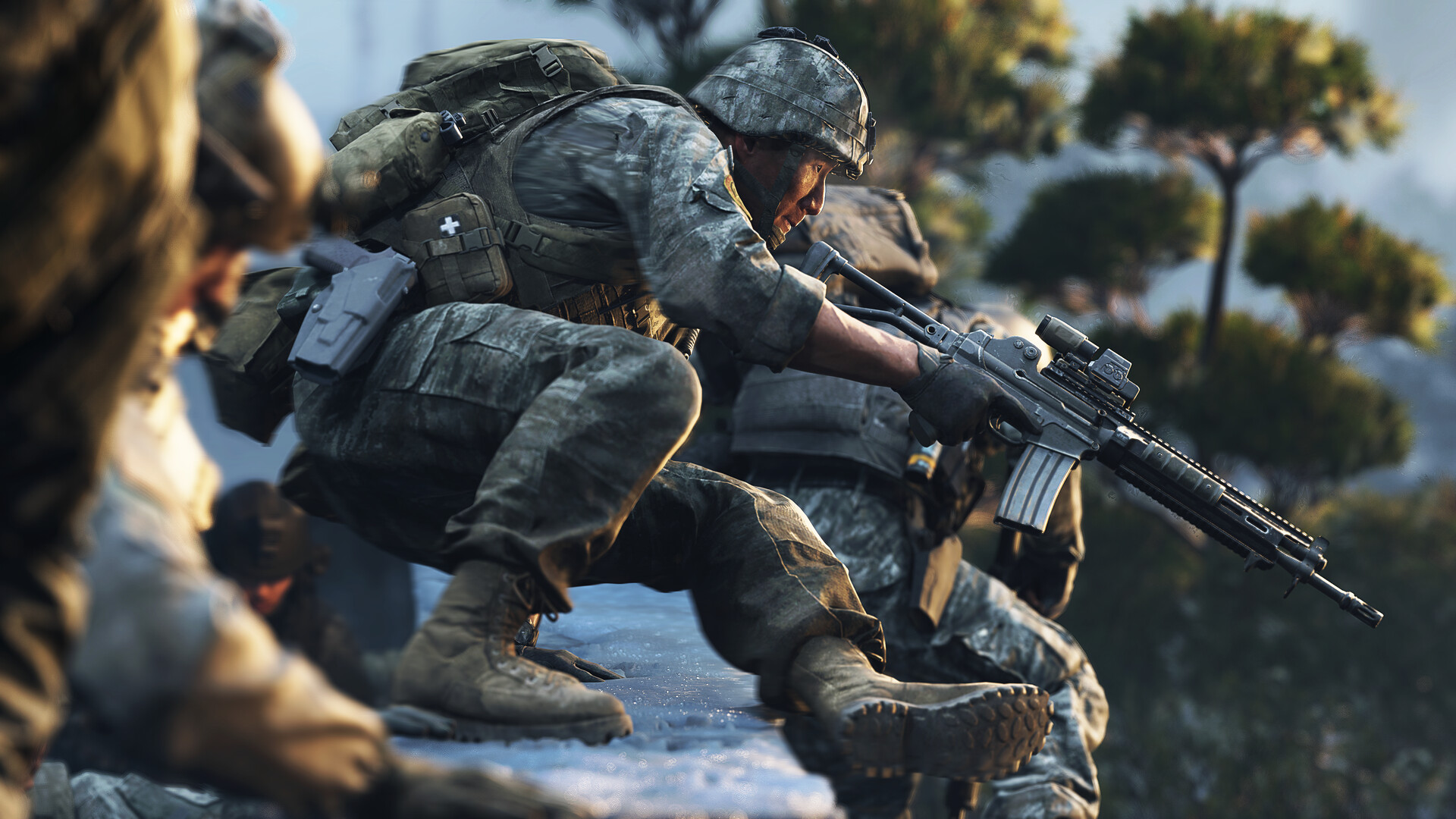
- Enhanced FOV (PC only): widens the edges of your view without changing the center, so you see more around you while your aim feels the same.
- Sub-frame mouse polling: reads your mouse between frames for more precise aim. Leave it on.
- Weapon VFX Masking: hides muzzle flash at your point of aim, so you can track targets while firing.
- Advanced Shader Delivery: on the Xbox PC app, it downloads precompiled shaders so the game starts faster with less stutter.
- HDR10+: if your monitor supports it, it adjusts contrast in real time. Turn it off if the image looks washed out.
Is your processor the limit?
In big multiplayer modes at 1080p, the processor often limits FPS before the graphics card. Check the built-in benchmark: if GPU load stays well under 90%, your CPU is the bottleneck, and lowering graphics settings will barely help. Instead, turn on Reflex + Boost, lower Deferred Physics Quality and Weather Grid Volumes, and cap your FPS a little below what your CPU can hold for steadier frame times. Our guide CPU Bottleneck Explained explains how to check.
To see how many FPS your exact parts should get, try our FPS Estimator.
FAQ
What are the best settings for FPS in Modern Warfare 4?
Upscaling (DLSS or FSR) on Quality, Ray Tracing off, Shadows and Occlusion on Low, Screen Space Reflections off, V-Sync off, and Reflex or Anti-Lag on.
Should I use frame generation in Modern Warfare 4?
Not in multiplayer: it adds input lag. In the campaign, it is fine if your base frame rate is already 50 to 60 FPS or more.
Why does Modern Warfare 4 stutter on my PC?
The most common causes are shaders still compiling, textures set too high for your video memory, the game installed on a hard drive, and an old graphics driver. Fix them in that order.
Does Modern Warfare 4 have a benchmark?
Yes. The built-in benchmark shows average FPS, CPU and GPU load and input latency, with suggestions for your settings.
Settings names and features from Activision's Modern Warfare 4 PC tech post and the in-game menu as listed by Destructoid. Recommended values are FpsGen's starting points; results vary by PC, map and mode.

Gaming writer at FpsGen. Guides and reviews are built on official sources, patch notes and real player data.

Comments
No comments yet. Start the conversation.