

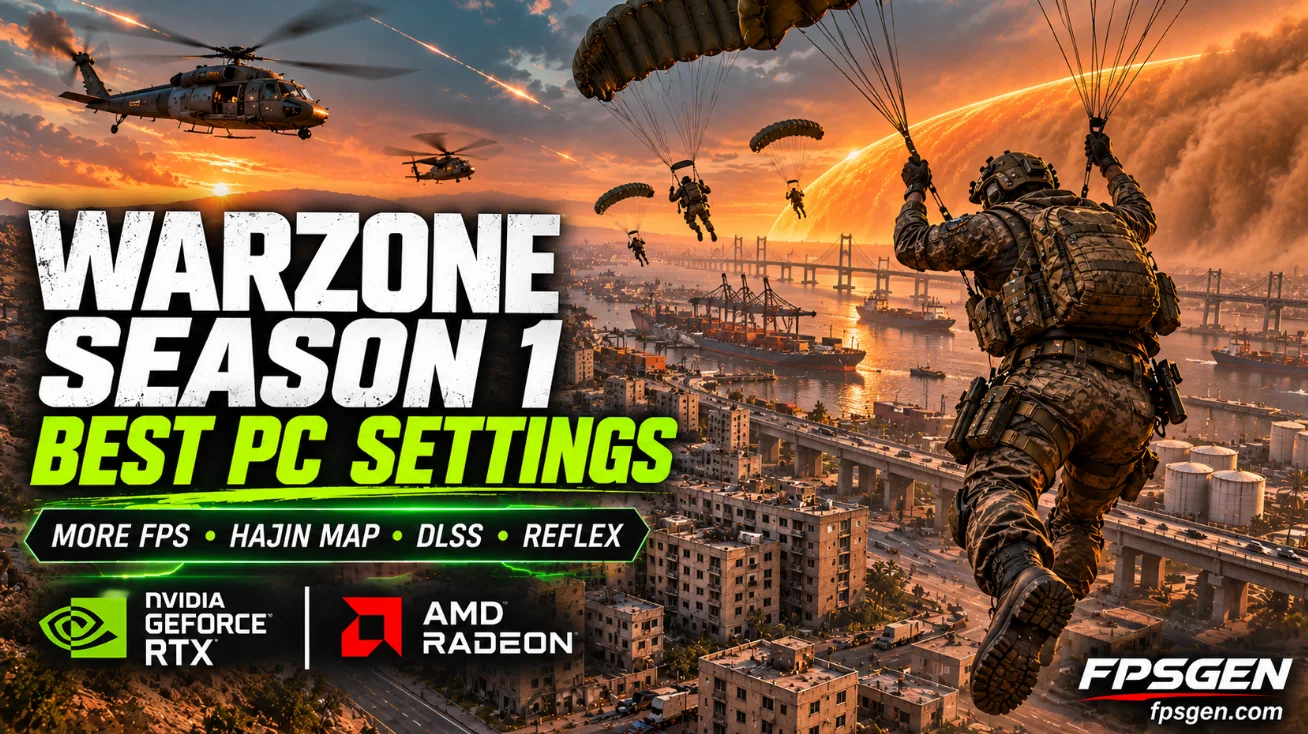
Short answer: for the best FPS and visibility in Warzone Season 1 on PC, use DLSS (NVIDIA) or FSR (AMD) on Quality, turn on NVIDIA Reflex On + Boost, set Texture Resolution based on your video memory (High on 12 GB+, Normal on 8 GB), keep Shadows, Ambient Occlusion and Particles low, and turn Motion Blur, Depth of Field and Film Grain off. Set your Field of View to 100 to 110.
Season 1 went live on November 6, 2026 and fully merged Modern Warfare 4 into Warzone, with two new maps, Hajin and Zodiac. If your FPS dropped after the update, the settings below fix most of it.
What's new in Warzone Season 1
| Release | November 6, 2026 (midnight ET) |
| Price | Free to play |
| New Battle Royale map | Hajin, with its own Gulag, dynamic weather and interactive areas |
| New Resurgence map | Zodiac |
| New modes | Rally Point (20 players, no circle), Massive Resurgence (120 players on Hajin), Loaded Resurgence (44 players, custom loadouts) |
| Gameplay | Tactical Sprint for everyone (slightly shorter), drag downed teammates while reviving, better revives, 18 Perks with new Elite Perks |
| Returning later | Verdansk and Rebirth Island |
Hajin is a big map with weather effects, so it is heavier on your PC than Rebirth Island. That is why many players see lower FPS since the update.
Best Warzone Season 1 PC settings
Menu names can change slightly between updates, but these are the settings that matter most:
Display
| Setting | Best value | Why |
|---|---|---|
| Display mode | Fullscreen Exclusive | Lowest input lag |
| Display resolution | Your monitor's native resolution | Use upscaling instead of a lower resolution |
| Refresh rate | Your monitor's maximum | |
| V-Sync | Off | Adds input lag |
| Custom frame rate limit | A few FPS below your refresh rate, or Unlimited | Stable frame times |
| NVIDIA Reflex Low Latency | On + Boost | Lower input lag on NVIDIA cards |
Quality
| Setting | Best value | Why |
|---|---|---|
| Upscaling | DLSS (NVIDIA) or FSR (AMD), Quality | Big FPS gain, small quality loss |
| Frame generation | Off for competitive play | Adds input lag |
| Texture Resolution | High with 12 GB+ VRAM, Normal with 8 GB | Too high on 8 GB cards causes stutter |
| Texture Filter Anisotropic | High | Almost free |
| Shadow Quality | Low | Big FPS cost, and low shadows can even help visibility |
| Ambient Occlusion | Off | Costs FPS, makes dark areas harder to read |
| Screen Space Reflections | Off | |
| Particle Quality | Low | Fewer effects in your way during fights |
| Volumetric / weather effects | Low | Matters a lot on Hajin |
| On-Demand Texture Streaming | Off on slow internet or small SSDs | Downloads textures while you play |
| Shader preload | Let it finish before you play | Stops stutter in your first matches |
View
| Setting | Best value |
|---|---|
| Field of View | 100 to 110 |
| ADS Field of View | Affected |
| World Motion Blur | Off |
| Weapon Motion Blur | Off |
| Depth of Field | Off |
| Film Grain | 0 |
Settings by graphics card
| Your graphics card | Resolution | Preset idea |
|---|---|---|
| GTX 1660 Super, RTX 2060, RX 6600 | 1080p | Low + DLSS/FSR Quality |
| RTX 3060, RTX 4060, RX 7600, Arc B580 | 1080p | Mix of Low and Normal, upscaling on Quality |
| RTX 4060 Ti, RTX 5060 Ti, RX 9060 XT | 1080p high refresh or 1440p | Normal + upscaling |
| RTX 4070, RTX 5070, RX 7800 XT, RX 9070 | 1440p | High textures, competitive settings for the rest |
| RTX 4080, RTX 5080, RX 9070 XT and up | 1440p high refresh or 4K | High, upscaling on Quality for 4K |
These are FpsGen starting points. Check your PC with Can I Run Modern Warfare 4?, or see where your card stands in our GPU Tier List 2026.
How to fix low FPS and stutter after Season 1
- Update your graphics driver. New seasons often get a game-ready driver from NVIDIA or AMD.
- Let the shaders compile after every update. Stutter in your first matches usually comes from this.
- Lower Texture Resolution on 8 GB cards. Running out of video memory is the main cause of stutter in big maps like Hajin.
- Install the game on an SSD.
- Close background apps (browsers, overlays you don't need).
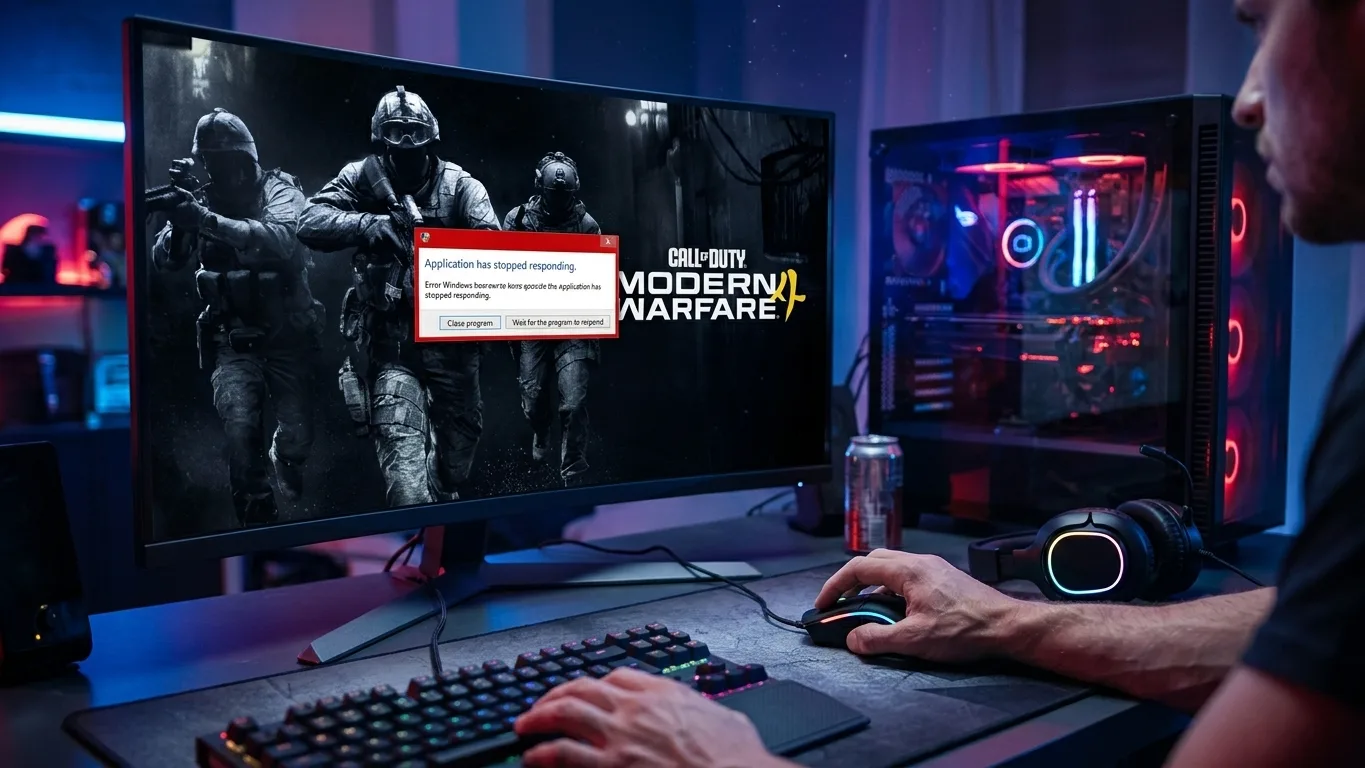
- If the game crashes or will not start, see Modern Warfare 4 Crashing or Not Launching: Fixes.
More general tips in How to Increase FPS on PC. Want to keep the same aim from another shooter? Use our Sensitivity Converter.
Related guides
- Modern Warfare 4 Best PC Settings for High FPS
- Modern Warfare 4 PC System Requirements
- How to Show FPS in Any PC Game
FAQ
What are the best Warzone Season 1 settings for FPS?
Use DLSS or FSR on Quality, NVIDIA Reflex On + Boost, low shadows, ambient occlusion off, low particles and weather effects, and Texture Resolution that fits your video memory.
Why is my FPS lower in Warzone Season 1?
The new Hajin map is bigger and has dynamic weather, and the update needs to rebuild shaders. Let the shaders finish, update your driver and lower Texture Resolution on 8 GB graphics cards.
What are the new maps in Warzone Season 1?
Hajin, a new Battle Royale map with its own Gulag, and Zodiac, a new Resurgence map. Verdansk and Rebirth Island return later in the season.
Is Warzone Season 1 free?
Yes. Warzone is free to play, and Season 1 fully integrates Modern Warfare 4.
What is the best FOV for Warzone?
Between 100 and 110 for most players. Higher values show more around you but make distant enemies smaller.
Sources: Call of Duty blog (release time, maps, MW4 integration) and Beebom (modes, map details, gameplay changes). Settings and graphics card tips are FpsGen recommendations. Last checked November 10, 2026.

Gaming writer at FpsGen. Guides and reviews are built on official sources, patch notes and real player data.
Comments
No comments yet. Start the conversation.