

Call of Duty: Modern Warfare 4 launches on October 23, 2026, and early access players have been in the campaign since October 16 and in DMZ since October 20. If the game crashes, freezes or will not start on your PC, the cause is usually one of a few things: TPM 2.0 or Secure Boot, an old graphics driver, overlay or recording software, or damaged game files.
This guide goes through the fixes in order, starting with the ones that solve the most problems. Most of them come from Activision's own support pages.
Quick answer: check that TPM 2.0 and Secure Boot are on, install Activision's recommended graphics driver or newer, close overlays and recording apps, then scan and repair the game files in Steam, Battle.net or the Xbox app.
Pick your hardware and we compare it with the official Call of Duty: Modern Warfare 4 requirements.
Official Call of Duty: Modern Warfare 4 PC requirements
| Minimum | Recommended | |
|---|---|---|
| OS | Windows 10 64-bit (latest update) | Windows 11 64-bit (latest update) |
| CPU | AMD Ryzen 5 1400 / Intel Core i5-6600 | AMD Ryzen 5 3600 / Intel Core i7-8700K |
| RAM | 8 GB | 16 GB |
| GPU | AMD Radeon RX 470 / NVIDIA GeForce GTX 970 or GTX 1060 / Intel Arc A580 (3 GB VRAM) | AMD Radeon RX 6600 XT / NVIDIA GeForce RTX 3060 Ti / Intel Arc B580 (8 GB VRAM) |
| Storage | 115 GB SSD | 115 GB SSD |
Source: official Call of Duty: Modern Warfare 4 website. Results are estimates based on relative hardware performance.
1. Check that your PC meets the requirements
Before anything else, make sure your PC can run the game. Activision's official PC specs include some requirements that older PCs miss:
- Windows 10 64-bit (version 22H2 or later) or Windows 11.
- 8 GB of RAM at minimum, and 3 GB of video memory.
- 115 GB of free space on an SSD, plus extra room for updates.
- DirectX 12.
- A processor that supports AVX instructions.
- Intel Arc cards need Resizable BAR turned on.
Our full guide, Modern Warfare 4 PC System Requirements, explains each one. Not sure what is in your PC? Use Check My PC.
2. Turn on TPM 2.0 and Secure Boot
This is the most common reason MW4 refuses to start or blocks online play. Activision says TPM 2.0 and Secure Boot are both required, and players who don't meet them are restricted from every online mode, according to its TPM and Secure Boot support page.
Check if they are on:
- Press Windows + R, type
tpm.mscand press Enter. You should see "The TPM is ready for use." - Press Windows + R, type
msinfo32and press Enter. BIOS Mode should say UEFI and Secure Boot State should say On.
If one of them is off:
- Restart into your BIOS/UEFI (Settings > System > Recovery > Advanced startup on Windows 11).
- Turn on Intel PTT (Intel) or AMD fTPM (AMD), usually in the Advanced, Security or Trusted Computing section.
- In the Boot section, make sure the boot mode is UEFI (not Legacy or CSM), then set Secure Boot to Enabled.
- Save, restart, and check again with
tpm.mscandmsinfo32.
Menu names change from one motherboard to another, so check your motherboard's manual if you can't find an option. If your Windows drive uses the old MBR partition style instead of GPT, Secure Boot will not turn on until it is converted. Microsoft's MBR2GPT tool can do this, but follow Microsoft's guide carefully, since a mistake can stop Windows from starting.
Pop-up windows on first launch: the first time you start the game, Windows may ask for permission to run CODBrokerInstaller.exe or enrollaik.exe. Click Yes. Activision says that declining or closing this prompt blocks you from playing. On some AMD motherboards, the prompt keeps coming back and a BIOS update is the fix.
3. Update your graphics driver
An old driver is the most common cause of crashes in the middle of a match. Activision recommends these versions or newer:
| Brand | Recommended driver |
|---|---|
| NVIDIA | 616.56 or newer |
| AMD | 26.7.1 or newer |
| Intel | 32.0.101.8974 or newer |
Download the driver from the official NVIDIA, AMD or Intel site, or through the NVIDIA App or AMD Software. NVIDIA also planned a launch-week driver, so install the newest version available.
4. Close overlays, recording and remapping software
Activision warns that input remapping software, overlays and recording software can interfere with the game or stop it from starting, even when they are not running. If crashes keep happening, it suggests uninstalling them.
Things to try first:
- Turn off in-game overlays (Discord, Steam, NVIDIA App, Xbox Game Bar).
- Close RGB, fan control and monitoring tools such as MSI Afterburner and RivaTuner.
- Close macro and remapping tools for your mouse or controller.
- Close everything in the background you don't need, including your browser.
If the game stops crashing, turn things back on one at a time to find the one causing the problem.
5. Scan and repair the game files
A broken or incomplete download can crash the game at launch or while loading a mission.
- Steam: right-click the game in your Library > Properties > Installed Files > Verify integrity of game files.
- Battle.net: click the gear icon next to the Play button > Scan and Repair.
- Xbox app: right-click the game > Manage > Files > Verify and Repair.
If the problem started right after the preload or an update, this is the first thing to try.
6. Let the shaders finish before you play
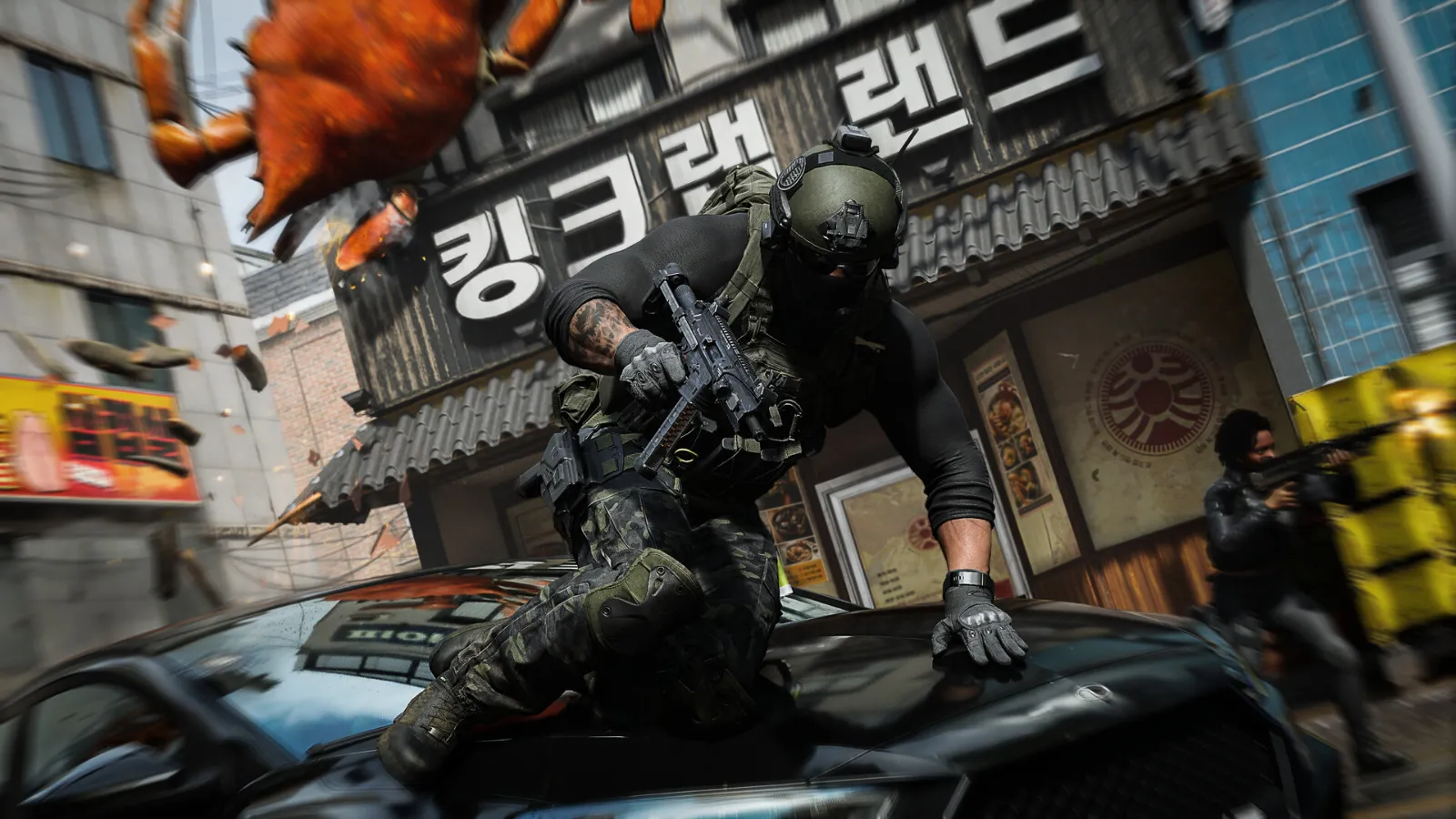
The first time you launch MW4 (and after a driver or game update), the game prepares its shaders. Playing while this runs causes stutter and, on some PCs, freezes. Stay in the menu until shader preloading is complete before you join a match.
Activision also offers Advanced Shader Delivery for players who install the Xbox PC app in advance: it downloads ready-made shaders with the game to cut down the waiting time.
7. Lower the settings that use the most video memory
If the game crashes after a few minutes rather than at launch, your graphics card may be running out of video memory (VRAM). This is common on 6 GB and 8 GB cards at high settings.
- Set Texture Resolution to a level that matches your card's VRAM. If the graphics menu shows a video memory meter, keep it below your card's total.
- Turn Ray Tracing off.
- Turn on DLSS, FSR or XeSS in Quality mode.
Our Modern Warfare 4 best PC settings guide has full presets for low-end, mid-range and high-end PCs.
8. Check heat and overclocks
Activision's first tip is simple: keep your PC in a cool, well-ventilated place. A graphics card or processor that overheats can crash any game, and new games often push hardware harder than older ones.
- If you overclocked your graphics card, processor or RAM (including XMP/EXPO profiles), go back to the default settings to test.
- Clean dust from fans and filters.
- Check temperatures with your GPU's software. Our guide how to show FPS in games shows a few ways to see stats while you play.
9. Still crashing? Report it to Activision
If nothing above works, check Activision's known issues list for MW4, which it updates as problems are found. In early access, the one PC issue it listed was Xbox app players not seeing a button to start the campaign: Activision says it has been fixed, and that players still affected should restart the game.
You can also send a crash report through Activision's support site. Include your graphics card, processor, driver version and what you were doing when the game crashed.
FAQ
Why does Modern Warfare 4 say I can't play online?
Most likely TPM 2.0 or Secure Boot is off. Activision requires both and restricts online modes for players who don't meet them. Follow step 2 above.
Does Modern Warfare 4 work on Windows 10?
Yes, if it is Windows 10 64-bit version 22H2 or later, with TPM 2.0 and Secure Boot on.
Why does MW4 crash after a few minutes?
Usually an old graphics driver, an overlay, or your card running out of video memory. Update your driver first (step 3), then lower Texture Resolution and turn off Ray Tracing (step 7).
Do I need an SSD for Modern Warfare 4?
Yes. Activision lists an SSD with 115 GB of free space in every spec tier.
When does Modern Warfare 4 come out?
October 23, 2026. On PC, it unlocks at midnight in your local time zone. Players who pre-ordered digitally got early access to the campaign on October 16 and to DMZ on October 20.
More Modern Warfare 4 on FpsGen
- Modern Warfare 4 PC System Requirements
- Modern Warfare 4 Best PC Settings
- How to Increase FPS on PC
- Modern Warfare 4 game page
Sources: Activision Support: Crashes or Game Freezes in Modern Warfare 4 and TPM 2.0 and Secure Boot; Call of Duty blog: MW4 PC specs; GamingBible (release and early access dates). Last checked October 22, 2026.

Gaming writer at FpsGen. Guides and reviews are built on official sources, patch notes and real player data.

Comments
No comments yet. Start the conversation.