

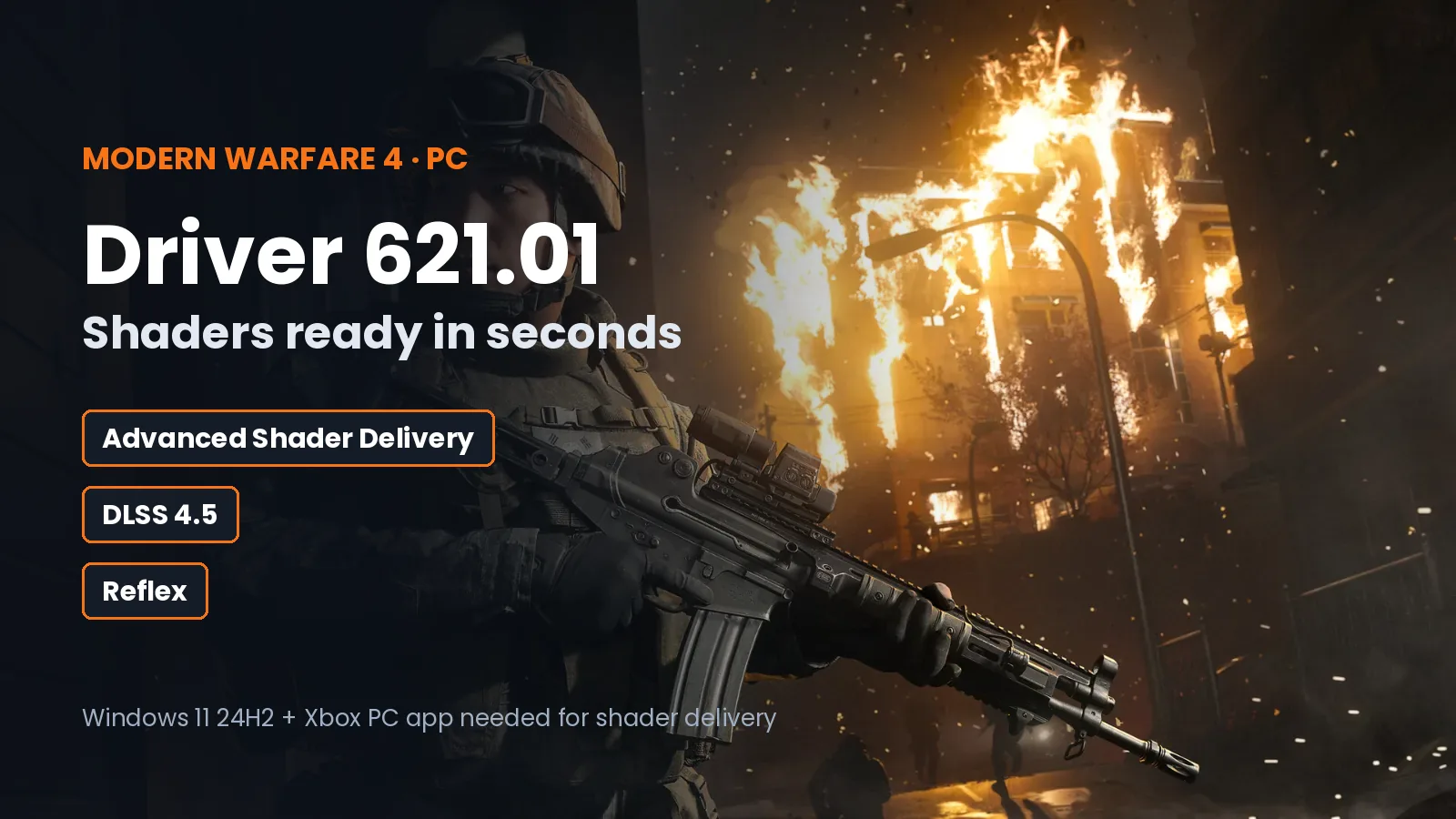
Call of Duty: Modern Warfare 4 launched on PC on October 23, 2026, and the new graphics drivers that came with it change one of the most annoying parts of the first launch: the long shader compilation screen. Nvidia's GeForce Game Ready 621.01 driver adds support for Microsoft's Advanced Shader Delivery in MW4, and AMD has a driver that fixes stuttering on Radeon cards.
There is a catch: shader delivery only works for some players right now. Here is what each driver does, who gets what, and what to install before you play.
In short: update to Nvidia 621.01 or AMD Adrenalin 26.10.1. If you play the Xbox PC app version of MW4 on Windows 11 24H2 or newer, the game downloads ready-made shaders and the first-launch compile drops from several minutes to a few seconds. On Steam and Battle.net, the game still compiles shaders on your PC for now.
Pick your hardware and we compare it with the official Call of Duty: Modern Warfare 4 requirements.
Official Call of Duty: Modern Warfare 4 PC requirements
| Minimum | Recommended | |
|---|---|---|
| OS | Windows 10 64-bit (latest update) | Windows 11 64-bit (latest update) |
| CPU | AMD Ryzen 5 1400 / Intel Core i5-6600 | AMD Ryzen 5 3600 / Intel Core i7-8700K |
| RAM | 8 GB | 16 GB |
| GPU | AMD Radeon RX 470 / NVIDIA GeForce GTX 970 or GTX 1060 / Intel Arc A580 (3 GB VRAM) | AMD Radeon RX 6600 XT / NVIDIA GeForce RTX 3060 Ti / Intel Arc B580 (8 GB VRAM) |
| Storage | 115 GB SSD | 115 GB SSD |
Source: official Call of Duty: Modern Warfare 4 website. Results are estimates based on relative hardware performance.
What is Advanced Shader Delivery?
Every PC game has to turn its shaders into code your exact graphics card and driver understand. MW4 does this on the first launch and after driver updates, which is why you see a progress bar before the menu, and why some games stutter the first time a new effect appears.
With Advanced Shader Delivery, that work is done in advance. Developers package the game's shaders, Microsoft's servers compile them for several hundred thousand hardware and driver combinations, and your PC downloads the version that matches it. According to Microsoft, the first-boot compile in Modern Warfare 4 drops from several minutes to a few seconds, and Nvidia says the shaders it delivers match almost every time. When it works, the game shows "Precompiled shaders installed" in the bottom-left corner. (God is a Geek)
Microsoft also lists shorter load times, less stutter and lower power use as benefits. Nvidia released driver 621.01 with this support on October 21, 2026, for Modern Warfare 4 and Gears of War: E-Day. (Worthplaying, Notebookcheck)
Who can use it right now
Advanced Shader Delivery is not only for Nvidia cards, but every player needs the same three things:
- Windows 11, version 24H2 or newer. Check it with Windows + R, type
winverand press Enter. - The game installed through the Xbox PC app. The Steam and Epic Games Store versions are expected to get it later, with no date announced yet.
- A recent graphics driver (versions below).
| Graphics | Supported cards | Driver needed |
|---|---|---|
| Nvidia | Every GeForce RTX card | 621.01 or newer |
| AMD | Radeon cards with RDNA 1 to RDNA 4 | Adrenalin 26.6.1 or newer |
| Intel | Arc B570, Arc B580, Core Ultra Series 2 and 3 graphics | 32.0.101.9150 or newer |
Source: God is a Geek.
If you bought MW4 on Steam or Battle.net, nothing changes for now: the game still compiles shaders on your PC. Let the first compile finish before you jump into a match, and expect it again after each driver update.
DLSS 4.5 and Reflex in Modern Warfare 4
Nvidia added day-one DLSS support for MW4 earlier, with Game Ready driver 617.42 on October 6. With 621.01 or newer, here is what each RTX card gets in the game (Worthplaying, TweakTown):
| Graphics card | DLSS Super Resolution | Frame Generation | Nvidia Reflex |
|---|---|---|---|
| RTX 50 Series | Yes | Dynamic Multi Frame Generation, up to 6x | Yes |
| RTX 40 Series | Yes | DLSS Frame Generation | Yes |
| RTX 20 and 30 Series | Yes | No | Yes |
DLSS Super Resolution renders the game at a lower resolution and rebuilds a sharp image, so you get more FPS. Frame Generation adds extra frames between the real ones, which makes motion look smoother but does not lower input delay. Reflex lowers the delay between your mouse click and the shot on screen, which matters most in multiplayer.
AMD: a stutter fix for Radeon cards
AMD's Adrenalin 26.10.1 driver, released on October 20, adds Modern Warfare 4 support and fixes stuttering in MW4 on Radeon RX 6000 Series cards and newer. AMD lists no known MW4 issues in this driver. The same driver adds FSR 4.1 upscaling support for RX 6000 Series cards, but AMD has not said MW4 uses it. (Games of Food)
Still on Windows 10?
Modern Warfare 4 still runs on Windows 10 22H2, but Advanced Shader Delivery needs Windows 11 24H2. According to GAZLOG, October is also the last month of Game Ready drivers for Windows 10, so later Nvidia optimizations for MW4 would need Windows 11.
A big launch on Steam
Interest in the PC version is high. During campaign early access, Modern Warfare 4 passed 108,500 players at the same time on Steam according to SteamDB, more than Black Ops 7's peak of around 100,000. (FandomWire)
What to do before you play
- Update your graphics driver: Nvidia 621.01 (Nvidia app or nvidia.com), or AMD Adrenalin 26.10.1 (AMD Software or amd.com).
- If you play on the Xbox PC app, update Windows 11 to 24H2 or newer to get precompiled shaders.
- On Steam or Battle.net, wait for the shader compile to reach 100% on the first launch and after every driver update.
- Turn on DLSS Super Resolution and Reflex if you have an RTX card, and try Frame Generation on RTX 40 and 50 cards if you play the campaign.
- If the game crashes or will not start, follow our Modern Warfare 4 crash and launch fixes.
Not sure your PC is ready? See the Modern Warfare 4 PC system requirements, or check every guide in the Modern Warfare 4 game hub.

Gaming writer at FpsGen. Guides and reviews are built on official sources, patch notes and real player data.
Comments
No comments yet. Start the conversation.