



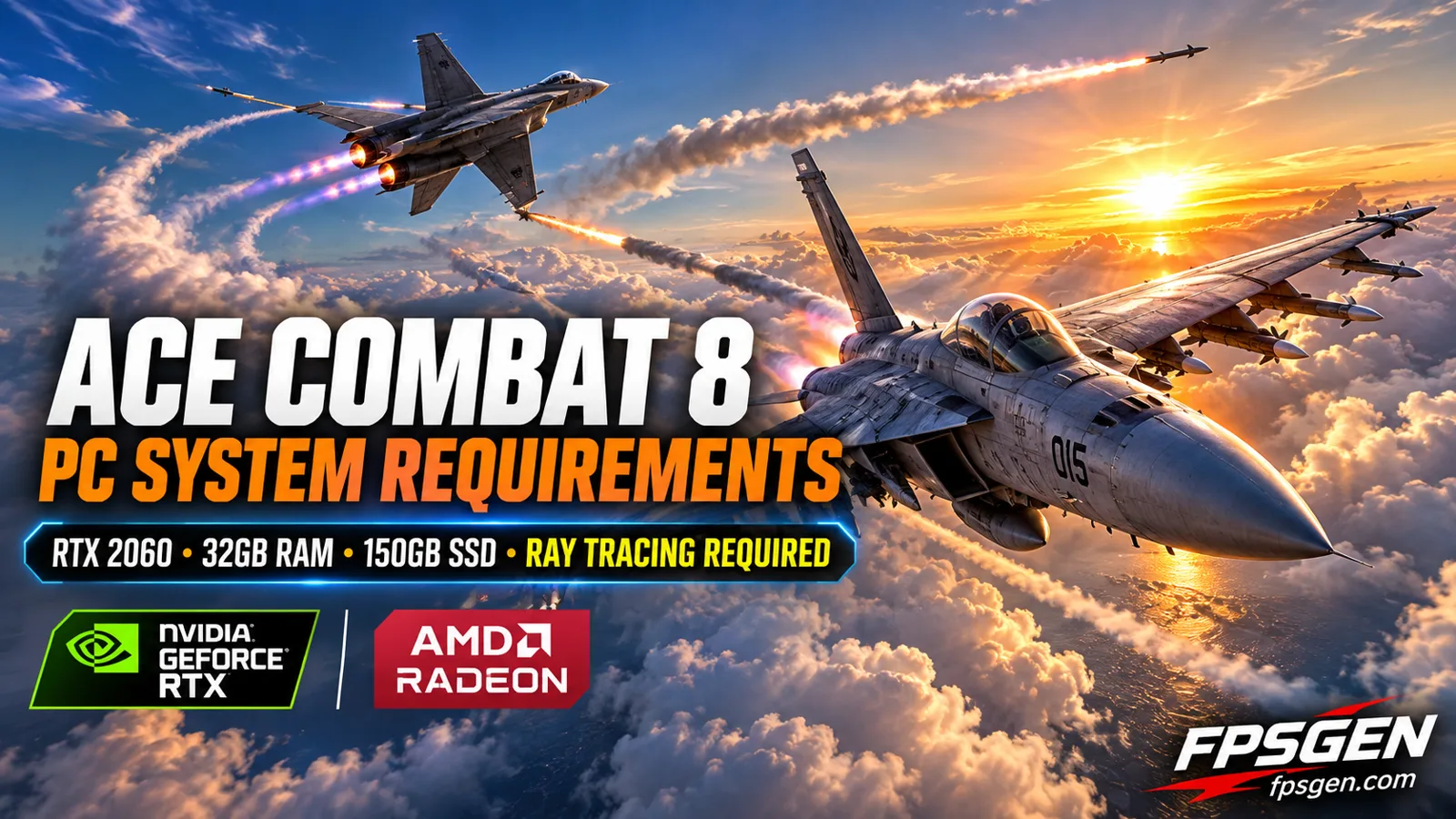
Short answer: to play Ace Combat 8: Wings of Theve on PC you need Windows 11, an Intel Core i7-10700K or Ryzen 5 3600X, 16 GB of RAM, an RTX 2060 (6 GB) or RX 6600 XT (8 GB) and 150 GB on an SSD. That only gets you 1080p (upscaled) at 30 FPS on Low. For 60 FPS on Medium, Bandai Namco asks for an RTX 3070 or RX 6800, a Core i7-12700K or Ryzen 5 5600X and 32 GB of RAM.
It is one of the most demanding games of 2026: a hardware ray tracing graphics card is required, so GTX cards cannot run it at all.
Pick your hardware and we compare it with the official ACE COMBAT 8: WINGS OF THEVE requirements.
Official ACE COMBAT 8: WINGS OF THEVE PC requirements
| Minimum | Recommended | |
|---|---|---|
| OS | Windows 11 | Windows 11 |
| CPU | Intel Core i7-10700K / AMD Ryzen 5 3600X | Intel Core i7-12700K / AMD Ryzen 5 5600X |
| RAM | 16 GB | 32 GB |
| GPU | NVIDIA GeForce RTX 2060[6 GB] / AMD Radeon RX 6600 XT[8 GB] | NVIDIA GeForce RTX 3070[8 GB] / AMD Radeon RX 6800 [16 GB] |
| Storage | 150 GB | 150 GB |
Source: official ACE COMBAT 8: WINGS OF THEVE website. Results are estimates based on relative hardware performance.
Ace Combat 8 PC system requirements
These are the official requirements from the Steam page:
| Minimum | Recommended | |
|---|---|---|
| Target | 1080p (upscaled), 30 FPS, Low | 1080p (upscaled), 60 FPS, Medium |
| Operating system | Windows 11 | Windows 11 |
| Processor | Intel Core i7-10700K / AMD Ryzen 5 3600X | Intel Core i7-12700K / AMD Ryzen 5 5600X |
| Memory | 16 GB RAM | 32 GB RAM |
| Graphics card | RTX 2060 (6 GB) / RX 6600 XT (8 GB) | RTX 3070 (8 GB) / RX 6800 (16 GB) |
| DirectX | Version 12 (Shader Model 6.6) | Version 12 (Shader Model 6.6) |
| Storage | 150 GB, SSD required | 150 GB, SSD required |
Bandai Namco also warns that the frame rate can drop in graphics-heavy scenes, even on these specs.
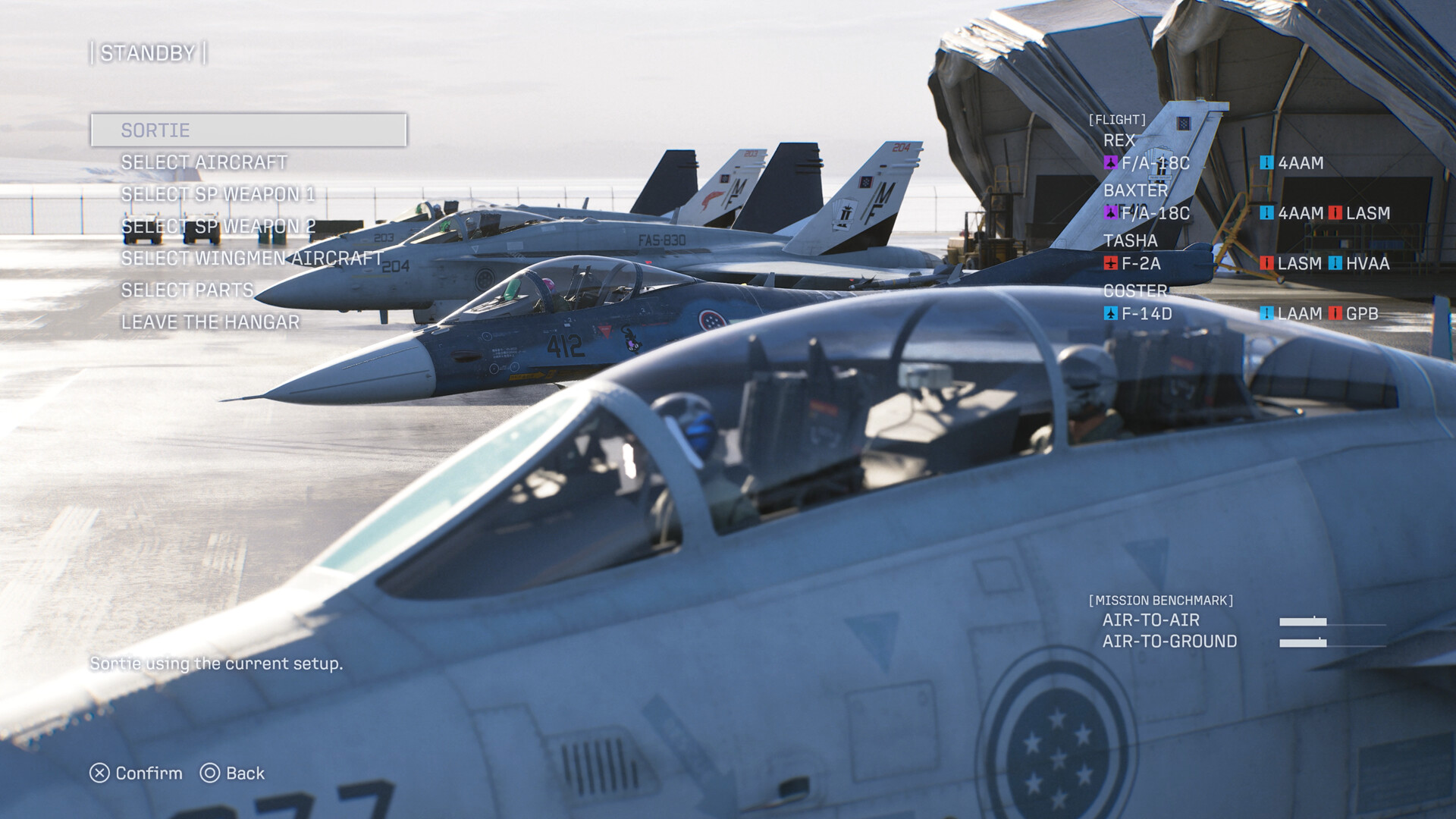
Ace Combat 8 at a glance
| Release date | October 1, 2026 |
| Developer / publisher | Bandai Namco Aces / Bandai Namco Entertainment |
| Price on Steam | $69.99 |
| Steam reviews | Very Positive (87%) |
| Modes | Story campaign and Ace Combat Online (co-op, online lobby, cross-platform play) |
What the requirements mean for your PC
These are low targets
Most games use the minimum specs for 1080p at 30 FPS on Low, but Ace Combat 8 adds a catch: both tiers use upscaling (DLSS, FSR or XeSS). So the "recommended" PC only gets 60 FPS on Medium, and the internal resolution is lower than 1080p. If you want High settings at 1440p, plan for a card above the RTX 3070.
No ray tracing, no game
The game requires a hardware ray tracing graphics card and DirectX 12 with Shader Model 6.6. GTX cards (GTX 1060, 1660, 1080 Ti) and the RX 5000 series cannot run it.
| Your graphics card | Expected result |
|---|---|
| GTX 1060 / 1660 / 1080 Ti, RX 580, RX 5700 XT | Cannot run it (no ray tracing) |
| RTX 2060, RTX 3050, RX 6600, RX 6600 XT | Minimum: 1080p upscaled, 30 FPS, Low |
| RTX 3060, RTX 4060, RTX 5060, RX 7600, Arc B580 | Between minimum and recommended |
| RTX 3070, RTX 4060 Ti, RTX 5060 Ti, RX 6800, RX 9060 XT 16GB | Recommended: 1080p upscaled, 60 FPS, Medium |
| RTX 4070 Super, RTX 5070, RX 7800 XT, RX 9070 and newer | Above recommended: higher settings or 1440p |
These tiers are FpsGen estimates based on the official specs. See where your card stands in our GPU Tier List 2026, or compare two cards on Compare Hardware, for example RTX 4060 vs RTX 3060.
32 GB of RAM for the recommended settings
This is the line to check. 16 GB is the minimum, but 32 GB is recommended for 60 FPS on Medium. With 16 GB, expect stutter in big battles. Read Is 16GB RAM Enough for Gaming?
A strong processor and Windows 11
Even the minimum asks for an 8-core i7-10700K, and the recommended for an i7-12700K. Both tiers list Windows 11. Check your processor with the Bottleneck Calculator.
150 GB on an SSD
That is one of the biggest installs of the year, and an SSD is required.
Tips for better FPS in Ace Combat 8
- Keep upscaling on. The official specs already count on it: use DLSS on NVIDIA, FSR on AMD and XeSS on Intel.
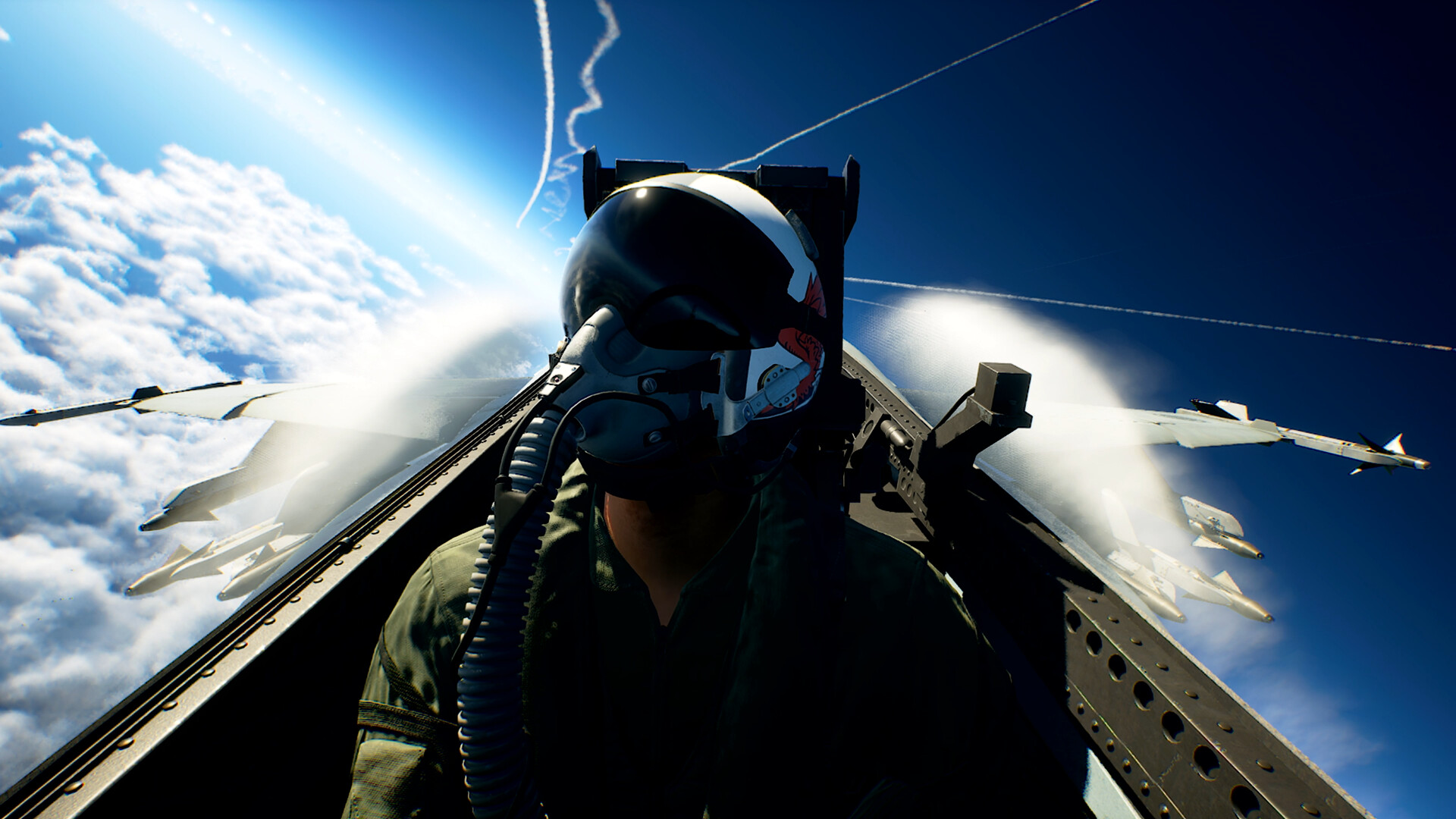
- Lower clouds and volumetric effects first. The multi-layered clouds are one of the heaviest parts of the game.
- Close background apps if you only have 16 GB of RAM.
- Update your graphics driver before you play.
More general fixes in How to Increase FPS on PC.
How to check your PC
- Find your processor, graphics card and RAM in one click with Check My PC.
- Test your PC against these exact requirements: Can I Run Ace Combat 8?
- See what FPS to expect in other games with the FPS Estimator.
FAQ
What are the minimum requirements for Ace Combat 8?
Windows 11, an Intel Core i7-10700K or Ryzen 5 3600X, 16 GB of RAM, an RTX 2060 (6 GB) or RX 6600 XT (8 GB) and 150 GB on an SSD. That targets 1080p (upscaled) at 30 FPS on Low.
Can I run Ace Combat 8 on a GTX 1660 or GTX 1080 Ti?
No. The game requires a graphics card with hardware ray tracing, so GTX cards are not supported.
How much RAM does Ace Combat 8 need?
16 GB at minimum and 32 GB for the recommended settings.
How big is Ace Combat 8 on PC?
150 GB, and an SSD is required.
Does Ace Combat 8 have multiplayer?
Yes. Ace Combat Online has an online lobby, co-op missions and cross-platform play.
Sources: Steam store page (official requirements and performance targets, release date, price, reviews, modes). Graphics card tiers are FpsGen estimates. Last checked November 9, 2026.

Gaming writer at FpsGen. Guides and reviews are built on official sources, patch notes and real player data.

Comments
No comments yet. Start the conversation.