

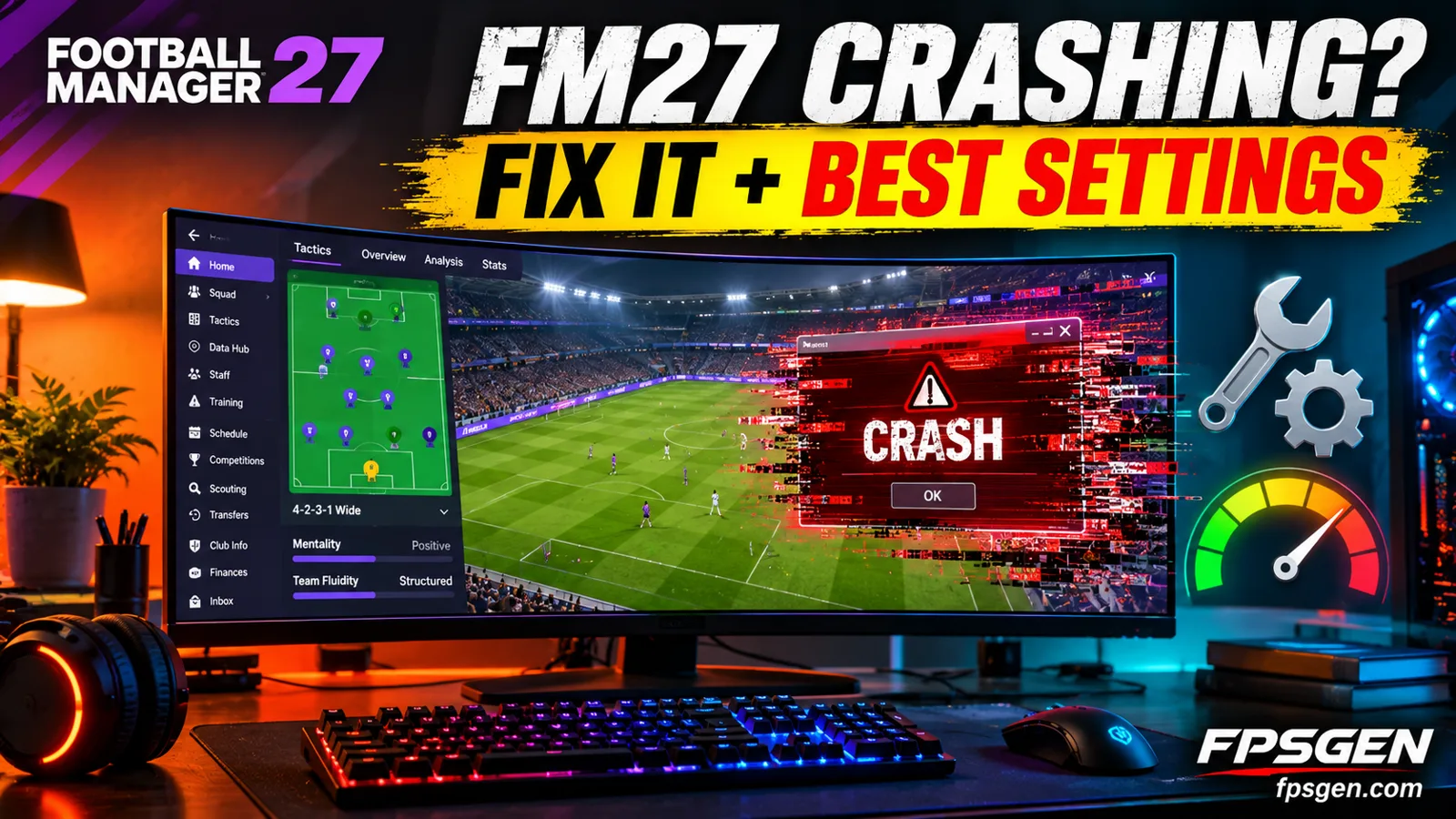
Short answer: if Football Manager 27 crashes on launch, freezes or stutters on match day, start with these four fixes: verify the game files on Steam or Epic, delete the cache and preferences folders, update your graphics driver, and remove custom skins, logos and facepacks for now. For better performance, load fewer leagues in your save and lower the match view quality.
FM27 came out on November 10, 2026. On Steam it is rated Very Positive (92%), but like every launch, some players hit crashes and slowdowns in the first days.
Fix 1: Verify the game files
A broken or missing file is the most common cause of a crash at startup.
- Steam: Library → right-click Football Manager 27 → Properties → Installed Files → Verify integrity of game files.
- Epic Games: Library → the three dots on Football Manager 27 → Manage → Verify.
Fix 2: Delete the cache and preferences
Old cache files, especially if you played the FM27 early access or FM26, can make the game crash or hang on loading screens. The game builds new ones the next time it starts.
- Close Football Manager 27 completely.
- Press Windows + R, type %localappdata% and press Enter.
- Open the Sports Interactive folder, then the Football Manager 27 folder.
- Delete the cache and preferences folders.
- If you don't find them there, look in Documents → Sports Interactive → Football Manager 27.
Do not delete the games folder: that is where your saves are.
Fix 3: Update your graphics driver
Crashes when the game switches from the menus to the match view are often driver-related. Install the latest driver from NVIDIA, AMD or Intel, then restart your PC. If the crash started right after a driver update, try the previous version.
Fix 4: Remove custom skins, logos and facepacks
Skins and graphics packs made for FM26 or older versions can break FM27's interface. Move them out of your graphics and skins folders (in the same Sports Interactive folder as above) and start the game again. Add them back one at a time once the creators update them for FM27.
Fix 5: Allow FM27 in your antivirus
Some antivirus tools block the game or its save files. In Windows Security → Virus & threat protection → Manage settings → Exclusions, add the Football Manager 27 install folder and the Sports Interactive folder.
Fix 6: Clean reinstall
If nothing works, uninstall the game, back up your games folder (your saves), delete the rest of the Football Manager 27 folder, and install again, ideally on an SSD.

Best FM27 settings for performance
Football Manager is mostly limited by your processor and RAM, not your graphics card: every league you load is simulated in the background.
Database size: the biggest setting
The more leagues and players you load, the slower each in-game day gets. A simple rule:
| Your RAM | Leagues to load | Database size |
|---|---|---|
| 8 GB | 3 to 5 | Small |
| 16 GB | Up to about 10 to 15 | Medium |
| 32 GB or more | Many | Large |
These are FpsGen guidelines, not official limits. If processing is slow, start a new save with fewer playable leagues, or set more leagues to view-only.
Match view and graphics
| Setting | For more speed |
|---|---|
| Match highlights | Key or Extended, not Comprehensive |
| Match view | 2D, or Commentary only on weak PCs |
| Graphics quality (Preferences → Match) | Low or Medium |
| Crowd and stadium detail | Low |
| Resolution scaling / zoom | 100% |
| Background processing | On, if your processor has 6 cores or more |
Long sessions
The interface can slow down after very long sessions. Save and restart the game every few hours of play.
FM27 PC system requirements
| Minimum | Recommended | |
|---|---|---|
| Operating system | Windows 10 or 11 (64-bit) | Windows 11 (64-bit) |
| Processor | Intel Core i3-530 / AMD FX-4100 (needs SSE4.2) | Intel Core i5-9600 / Ryzen 5 2600 |
| Memory | 6 GB RAM | 12 GB RAM |
| Graphics card | GTX 960 / R9 380 / Intel HD 530 | RTX 2060 / RX 5600 XT |
| Storage | 20 GB | 20 GB |
Full breakdown: Football Manager 27 PC Requirements. Check your PC in one click with Check My PC.
Pick your hardware and we compare it with the official Football Manager 27 requirements.
Official Football Manager 27 PC requirements
| Minimum | Recommended | |
|---|---|---|
| OS | Windows 10 or 11 64-bit, with all updates | Windows 11 64-bit, with all updates |
| CPU | Intel Core i3-530 / AMD FX-4100 (needs SSE4.2 and SSSE3) | Intel Core i5-9600 / AMD Ryzen 5 2600 |
| RAM | 6 GB | 12 GB |
| GPU | NVIDIA GeForce GTX 960 / AMD Radeon R9 380 / Intel HD 530 (1 GB VRAM, Shader Model 5.0) | NVIDIA GeForce RTX 2060 / AMD Radeon RX 5600 XT (2 GB VRAM) |
| Storage | 20 GB | 20 GB |
Source: official Football Manager 27 website. Results are estimates based on relative hardware performance.
Related guides
FAQ
Why does Football Manager 27 crash on startup?
Usually because of broken files, old cache files or an outdated graphics driver. Verify the game files, delete the cache and preferences folders, and update your driver.
Why does FM27 crash on match day?
Most match day crashes happen when the game switches to the match view. Update your graphics driver, lower the match graphics quality, and try Commentary only to check if the match view is the problem.
How do I make FM27 run faster?
Load fewer leagues and a smaller database, lower the match highlights and graphics quality, and close background apps. More RAM and a faster processor help the most.
Will deleting the cache delete my saves?
No. Your saves are in the games folder. Only delete the cache and preferences folders.
What are the minimum requirements for FM27?
Windows 10 or 11 (64-bit), an Intel Core i3-530 or AMD FX-4100, 6 GB of RAM, a GTX 960, R9 380 or Intel HD 530 and 20 GB of storage.
Sources: Steam store page (official requirements, release date, reviews). The fixes and settings are standard Football Manager troubleshooting steps and FpsGen recommendations. Last checked November 10, 2026.

Gaming writer at FpsGen. Guides and reviews are built on official sources, patch notes and real player data.

Comments
No comments yet. Start the conversation.