

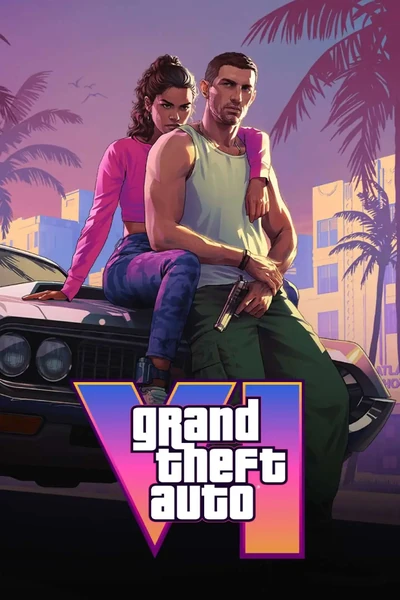
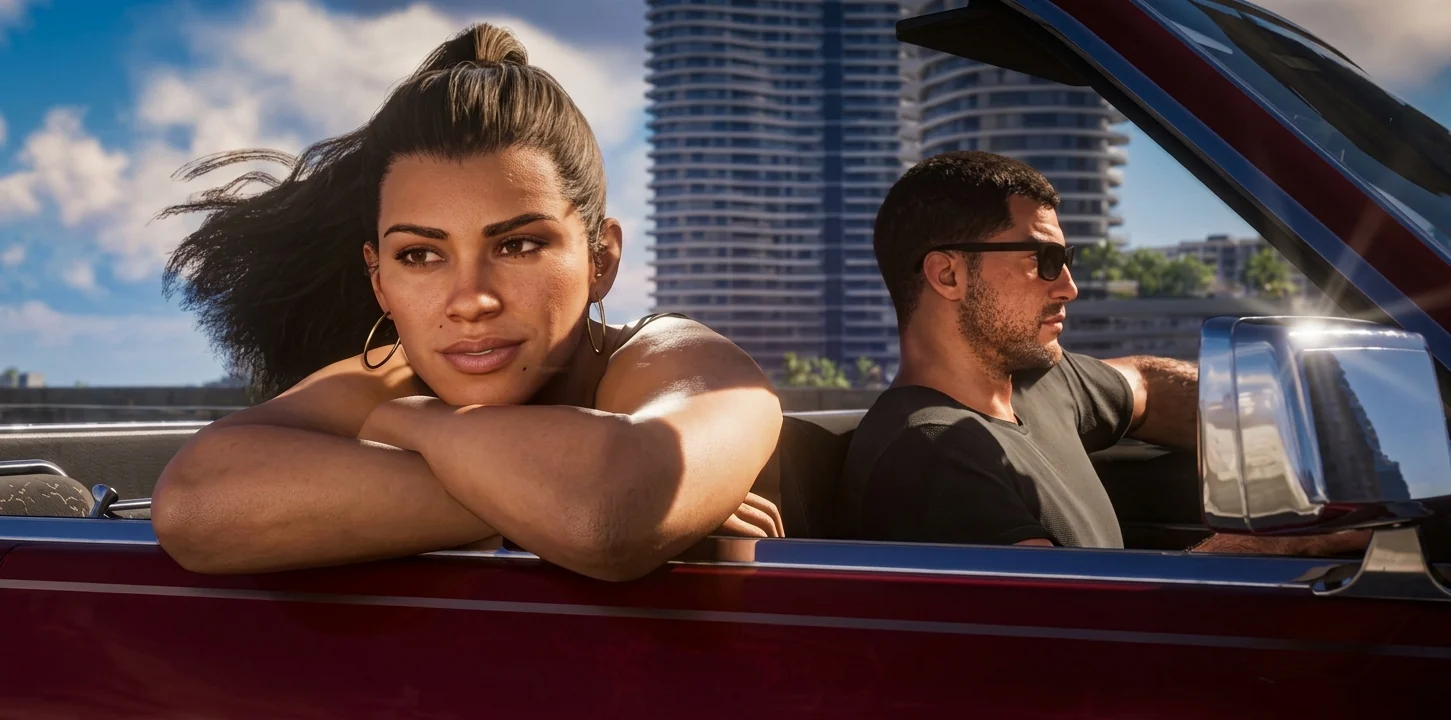
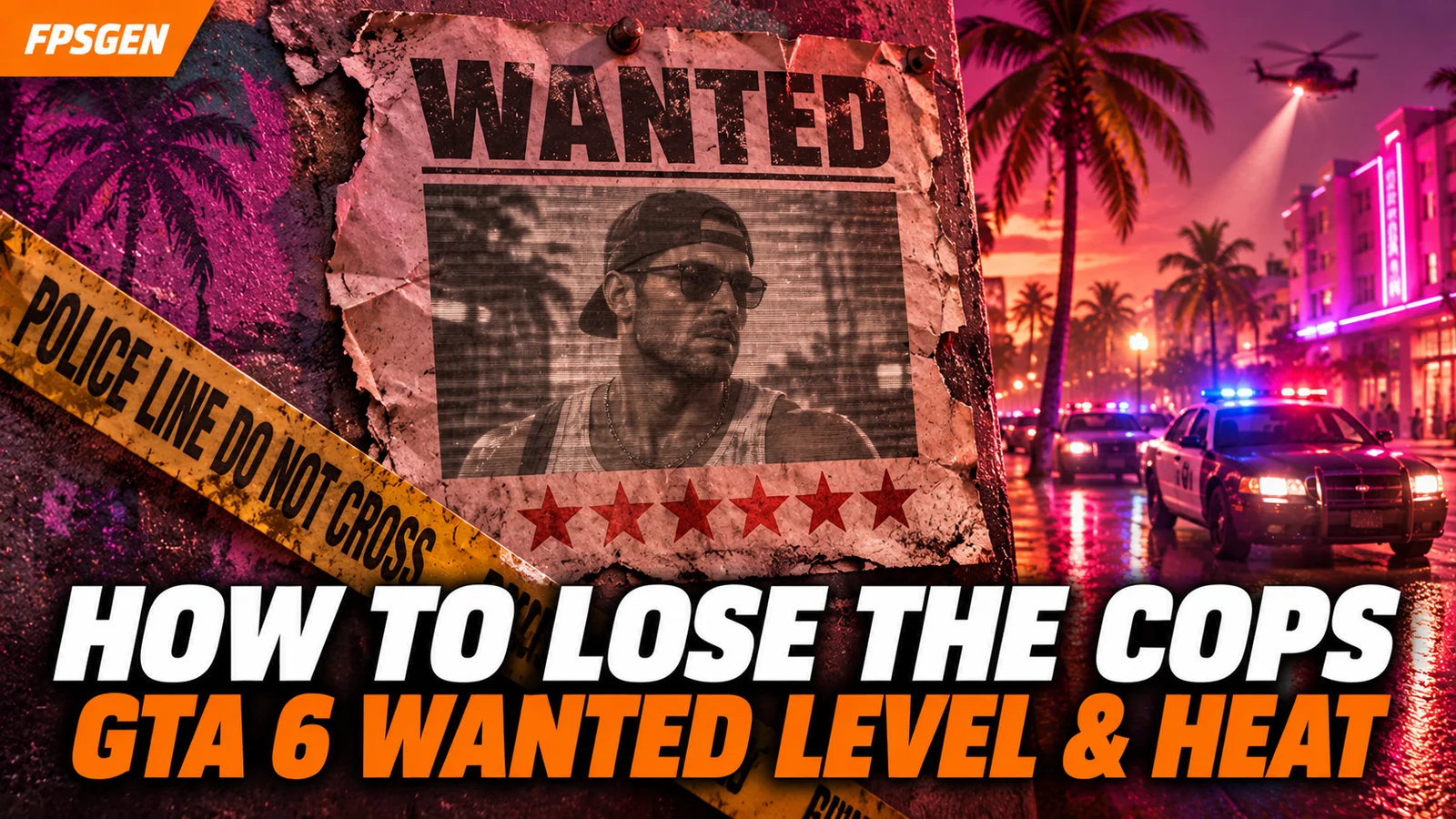
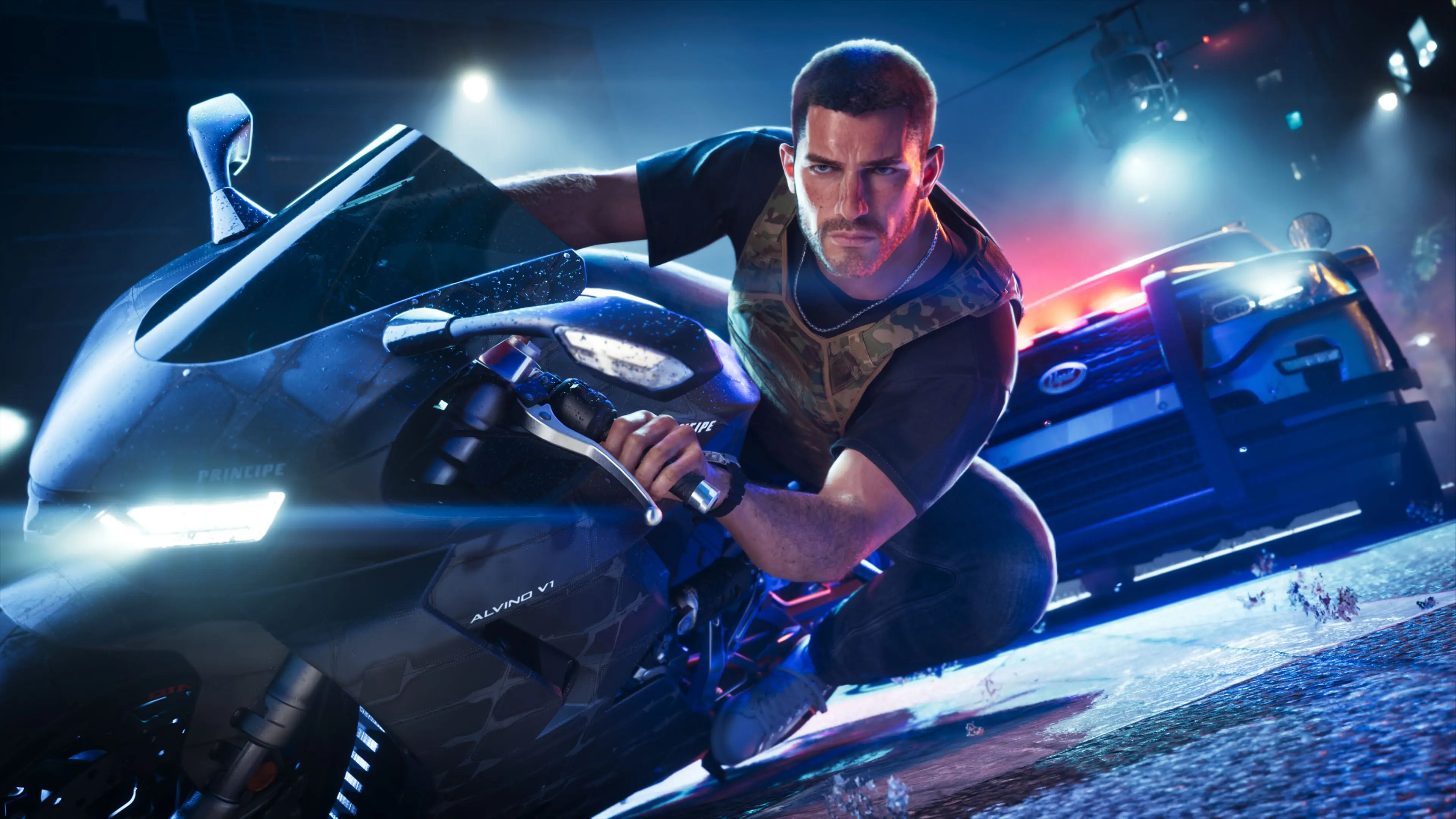
Short answer: GTA 6 has a 6-star wanted level, and a new Heat system on top of it. Heat is the list of clues the police have on you, shown as red icons: CCTV footage, your face, your clothes, your weapon, your vehicle and your accomplice. To lose the cops, you clear those clues: change clothes, wear a mask, ditch the car, hide the gun, split Jason and Lucia up, and leave the Hot Area where the crime happened. Driving away is not enough anymore: if the police still know what you look like, they will find you again.
This guide is based on Rockstar's own gameplay demo (the GTA VI Extended Look), the guides written from it, and the in-game challenges listed in the launch-day cheat guides. Where guides describe something differently, we say so.
How the GTA 6 wanted level works
- A crime has to be reported. A witness, an alarm or a police officer has to see or report it. If nobody does, you get no wanted level at all.
- Stars show how hard the police come after you. There are 6 stars (GTA 5 had 5). Violence, destruction and a long chase push the level up; the first star does not mean a full shoot-out.
- Heat shows what the police know about you. These are the red icons under or next to the stars. The more icons, the harder you are to lose.
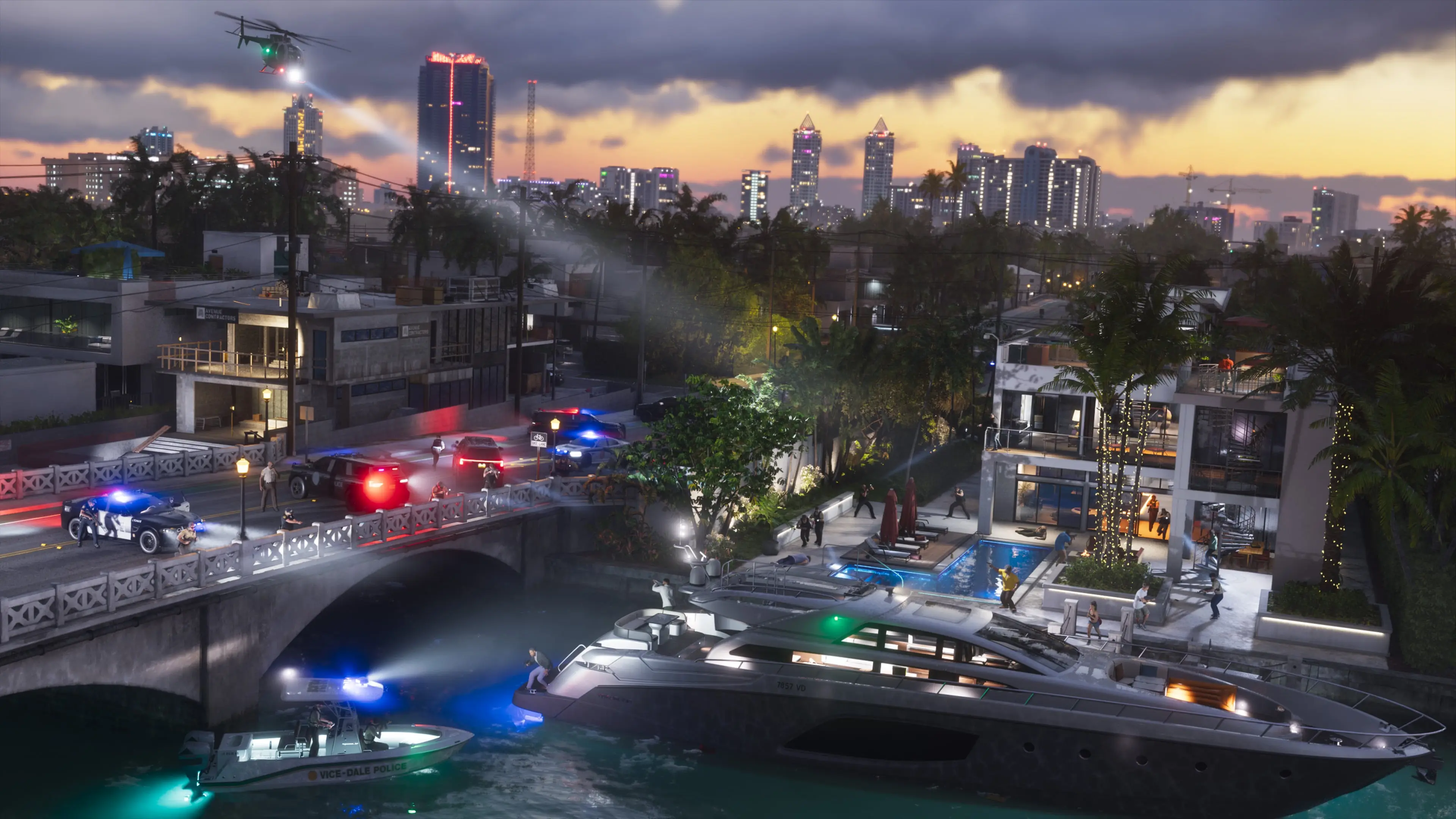
- The crime scene becomes a Hot Area. Police keep searching there, so going back too soon can get you spotted again.
What the stars mean
The stars change look depending on the situation. The guides written from Rockstar's demo describe four states, roughly:
| Stars | What it means |
|---|---|
| Empty or grey stars | A crime was reported, but the police do not know who you are yet. Stay calm and you can walk away. |
| White stars | The police see you and are chasing you. |
| Flashing stars | You broke line of sight, but the chase is still on. |
| Red stars | The chase is over, but the police still have clues and are searching for you. Clear your Heat icons. |
Guides do not all use the same colors for each state, so we will confirm the exact look in the game.
At high levels, the minimap fills with flashing red and blue, so you have to spot cops with your own eyes. The Focus ability helps you see nearby police.
The Heat icons and how to clear each one
| Heat icon | What the police know | How to clear it |
|---|---|---|
| CCTV | A security camera filmed you | Avoid or destroy cameras before the crime |
| Face | What you look like | Wear a mask or face covering; change your look |
| Clothing | What you are wearing | Change your outfit (one accessory may not be enough) |
| Weapon | The gun you used | Hide or get rid of that weapon |
| Vehicle | The car you are in | Leave the car and take another one |
| Accomplice | They are looking for a couple | Split Jason and Lucia up |
In Rockstar's demo, the Vehicle icon disappeared as soon as Lucia got out of the car. Splitting up the duo also removes the Accomplice clue, but if either of them gets caught, you are Busted.
How to lose the cops in GTA 6
- Break line of sight first: alleys, tunnels, parking garages, the swamps.
- Look at your Heat icons and clear them one by one: change car, change clothes, mask on, gun away.
- Split Jason and Lucia if they are together.
- Leave the Hot Area (the red zone on the map) and do not go back until things calm down.
- Stay calm. Speeding, crashing and shooting raise the level again.
Before a crime, prevent Heat: wear a mask, avoid cameras, use a car you can ditch, and plan your getaway. Clean jobs also keep your Criminal Profile at "Professional", which matters for robberies: see How to Make Money in GTA 6.
6 stars: the maximum wanted level
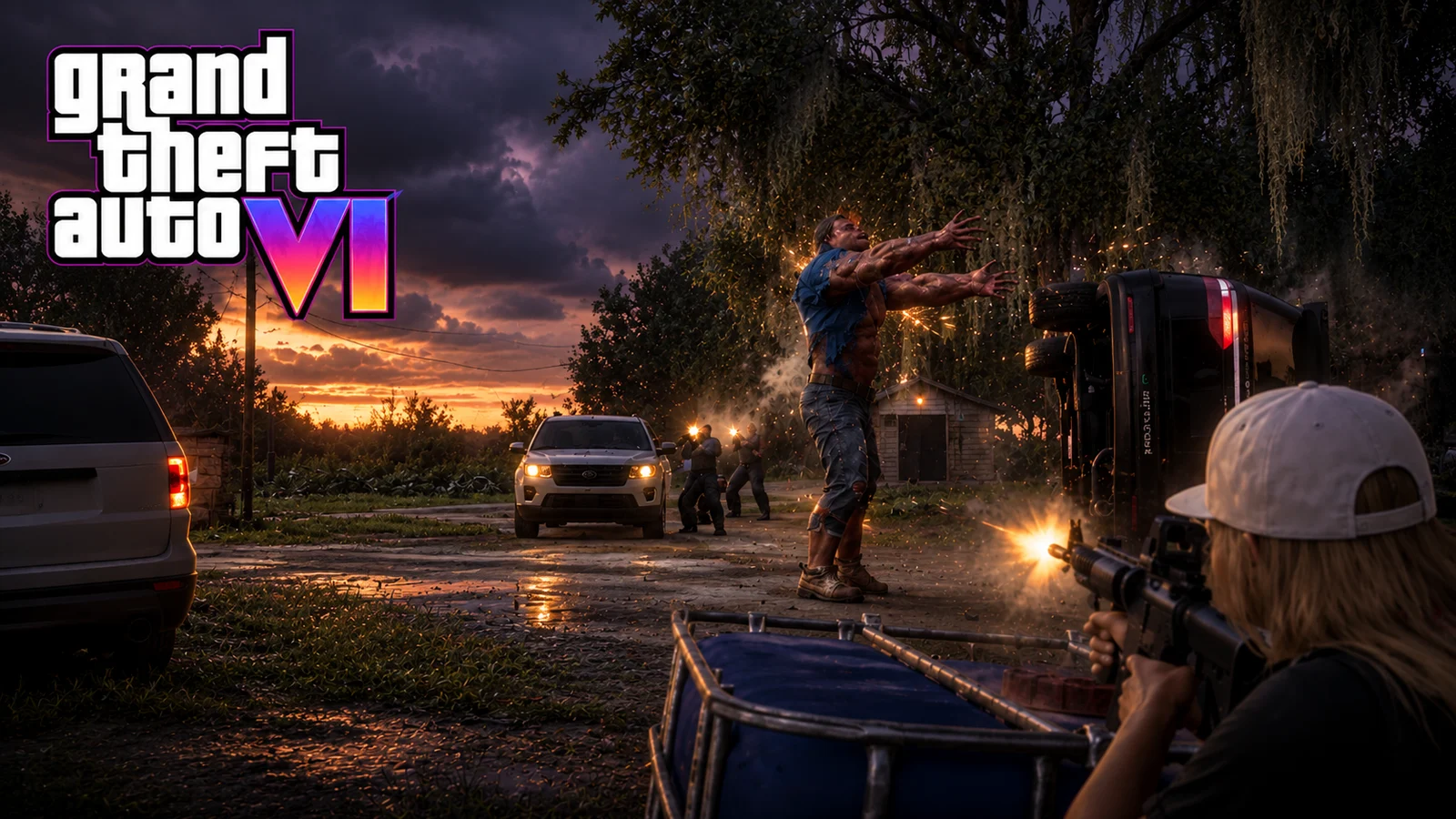
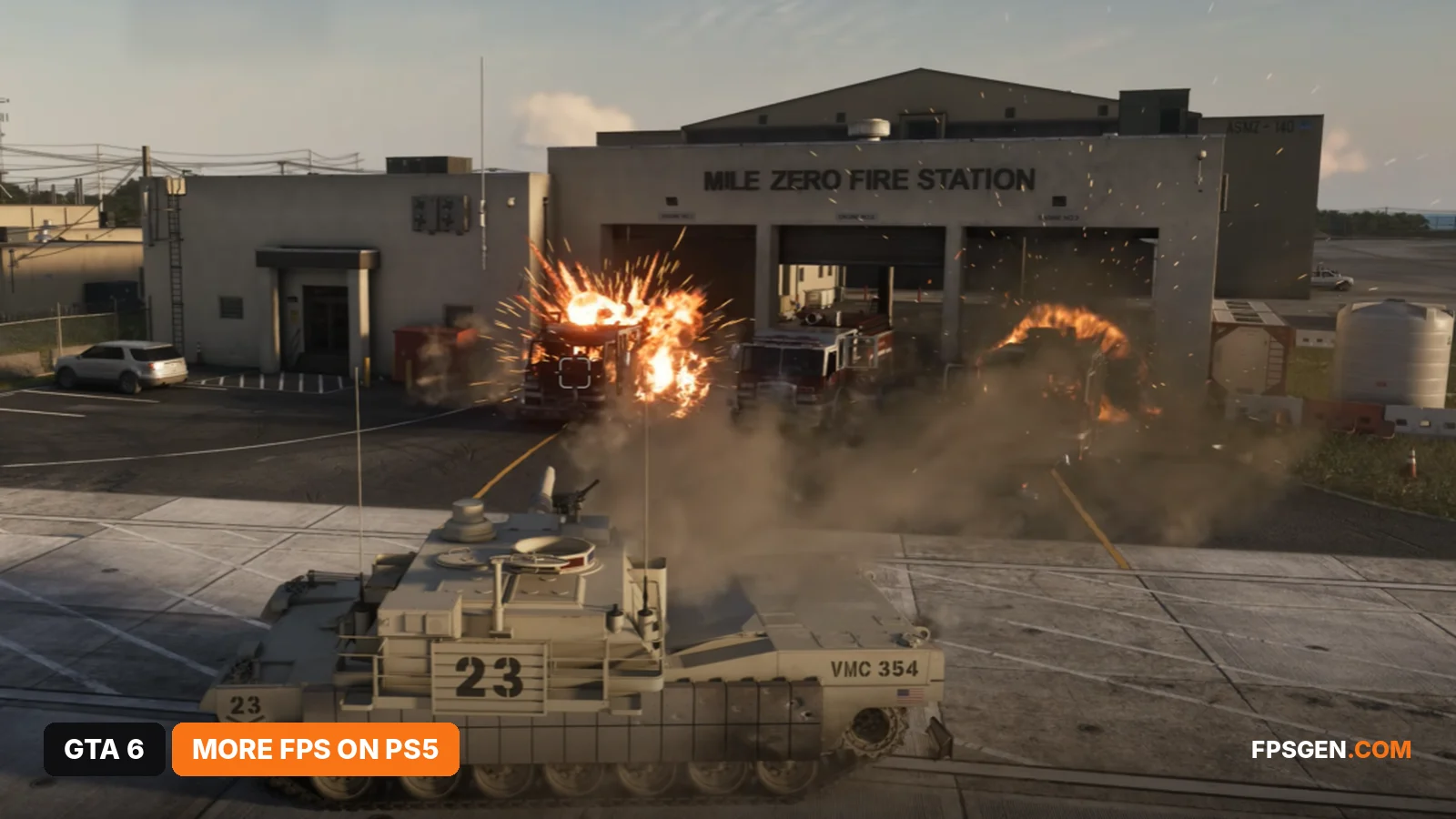
6 stars is the top level, and the response is the heaviest in the series. Some guides say the Hot Area can cover the whole map at 6 stars.
The game even has a challenge for it: survive 6 minutes at a 6-star wanted level to unlock the Migraine screen filter cheat. Other challenges ask you to lose a 3-star wanted level 25 times (Raise Heat Level cheat) and 50 times (Raise Wanted Level cheat).
Wanted level cheats
After you finish the story, two cheats change your wanted level:
- Raise Heat Level: ← ↓ → ↓ ↑ ↓ ↑ (unlocks after losing a 3-star wanted level 25 times)
- Raise Wanted Level: unlocks after losing a 3-star wanted level 50 times; the code is not known yet.
There is no "lower wanted level" cheat in the launch-day lists. Full list and how to enter codes: GTA 6 Cheats List.
GTA 6 vs GTA 5 wanted system
| GTA 5 | GTA 6 | |
|---|---|---|
| Max stars | 5 | 6 |
| Losing the cops | Get out of the search circle | Clear your Heat clues and leave the Hot Area |
| What police know | Only where you are | Your face, clothes, weapon, car, accomplice, CCTV |
| Witnesses | Can call the police | Crimes must be reported to start a wanted level |
Related
New to GTA 6? Start with our GTA 6 Tips for Beginners.
FAQ
How many wanted stars are in GTA 6?
Six, one more than GTA 5.
What is Heat in GTA 6?
The clues the police have on you, shown as red icons: CCTV footage, your face, clothes, weapon, vehicle and accomplice. Each one makes you easier to find.
How do you lose a wanted level in GTA 6?
Break line of sight, clear your Heat icons (change clothes, wear a mask, ditch the car, hide the gun, split up Jason and Lucia), and leave the Hot Area.
What happens at 6 stars in GTA 6?
The heaviest police response in the series. Surviving 6 minutes at 6 stars unlocks the Migraine screen filter cheat.
Is there a cheat to remove the wanted level in GTA 6?
Not in the launch-day cheat lists. There are cheats to raise your Heat and wanted level, but none to lower them so far.
Sources: Rockstar's GTA VI Extended Look gameplay demo, as broken down by GamesRadar+, GTABase and Dexerto; in-game challenges from the launch-day cheat lists of PC Gamer and Press Start. Last checked November 18, 2026.

Gaming writer at FpsGen. Guides and reviews are built on official sources, patch notes and real player data.
Comments
No comments yet. Start the conversation.