
GTA 6

GTA 6 Wallpapers

22 free wallpapers made from Rockstar's official GTA 6 screenshots. Pick your phone or screen, and each image downloads at its exact resolution, cut so Jason, Lucia or the Vice City skyline stay in the frame.

Updated November 14, 2026 · Images: Rockstar Games
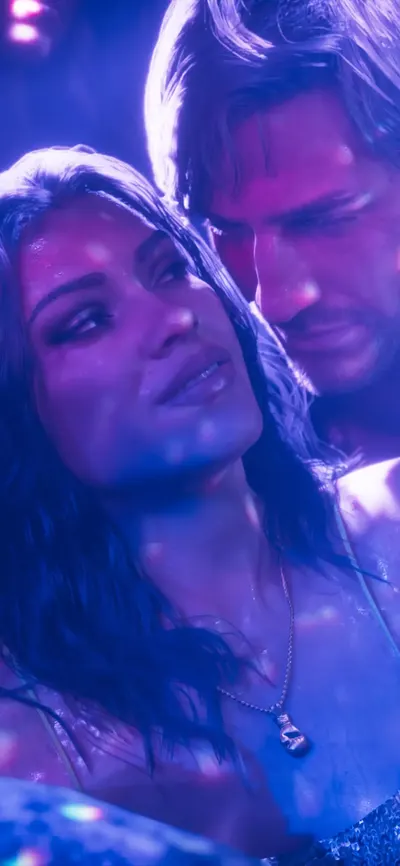
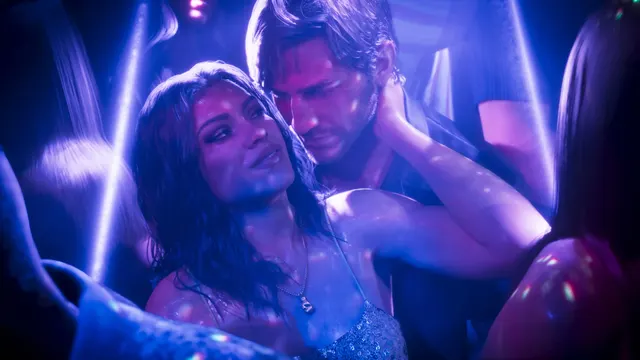
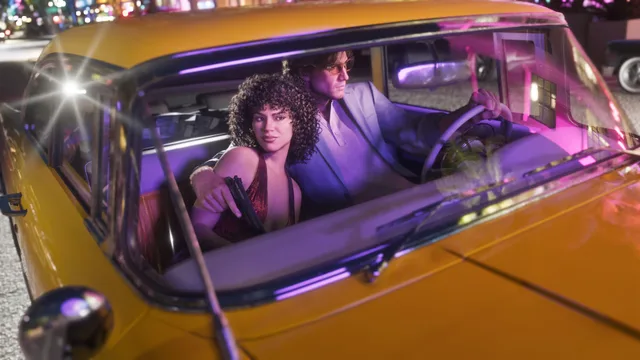
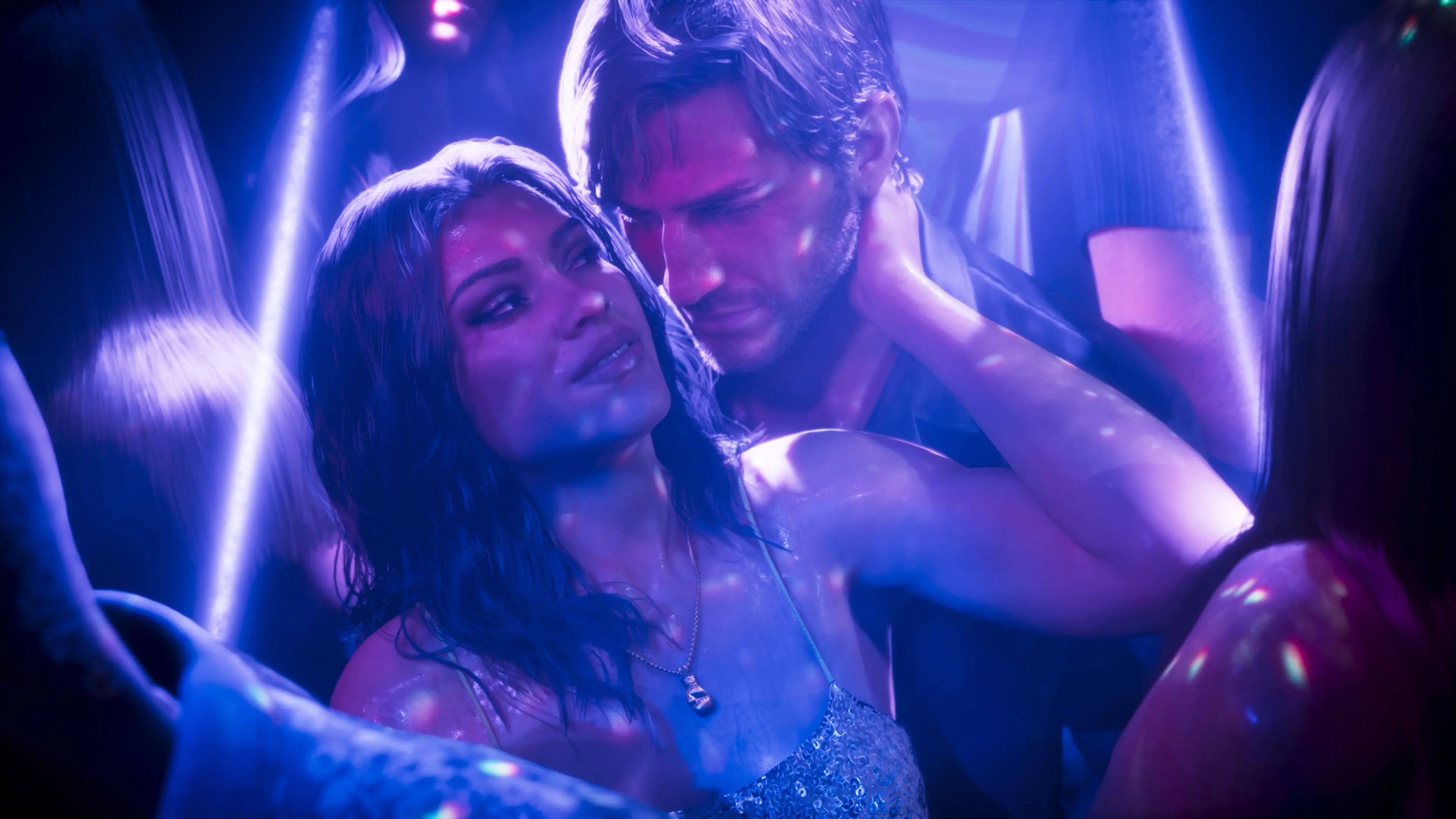
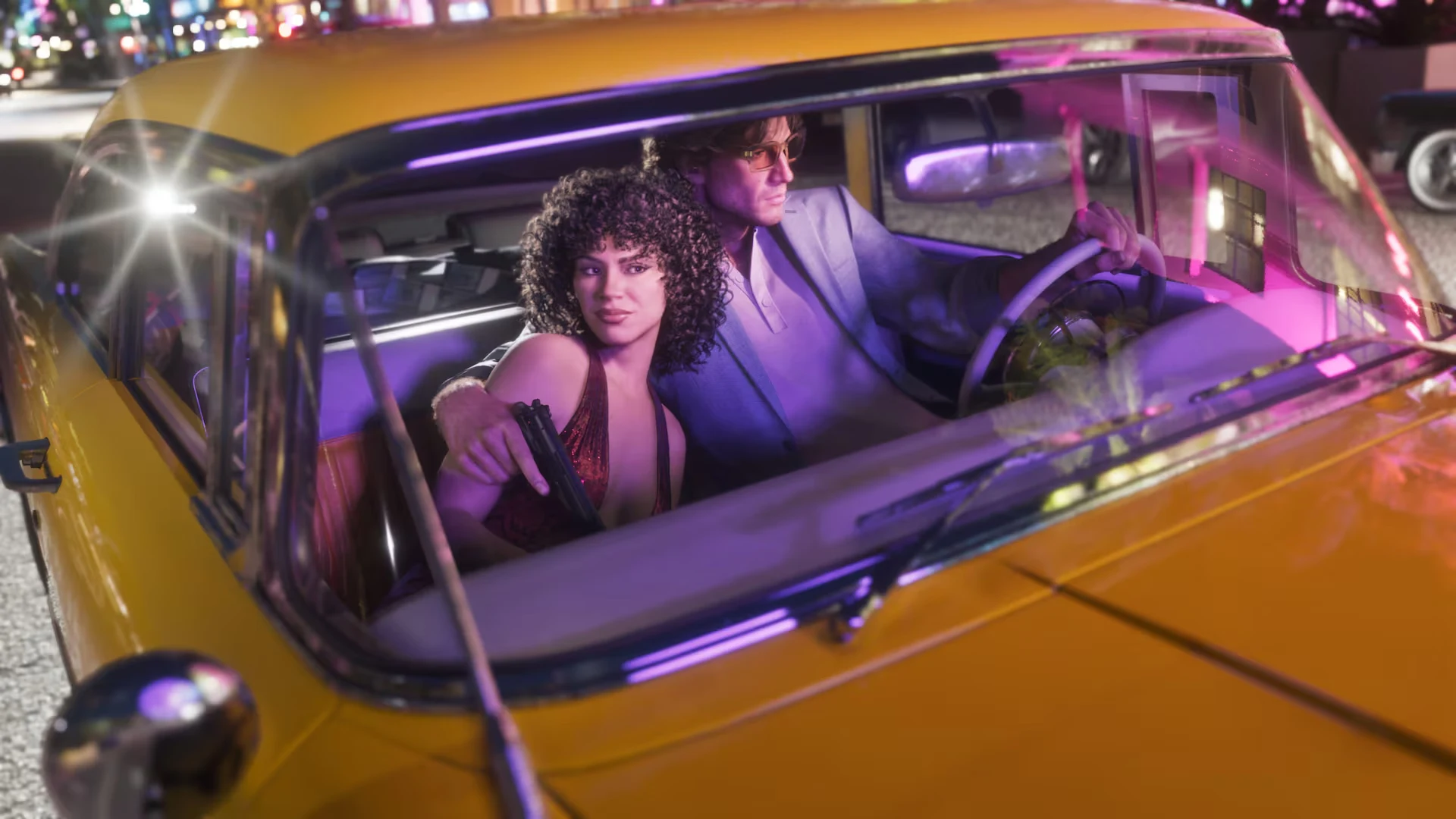
GTA 6 phone wallpaper: Jason and Lucia in a nightclubGTA 6 desktop wallpaper: Jason and Lucia in a nightclub
Jason and Lucia in a nightclubOriginal 4K
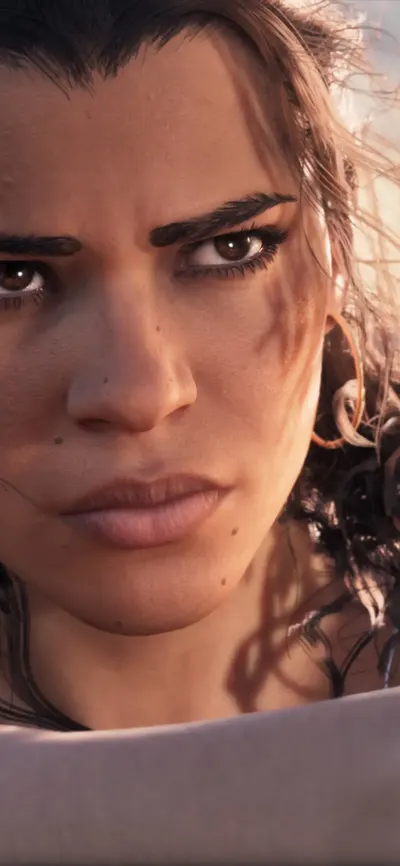
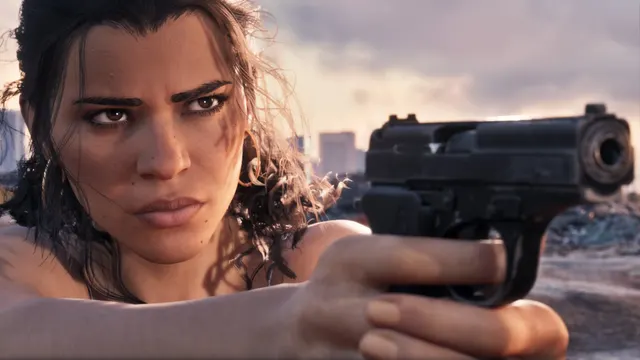
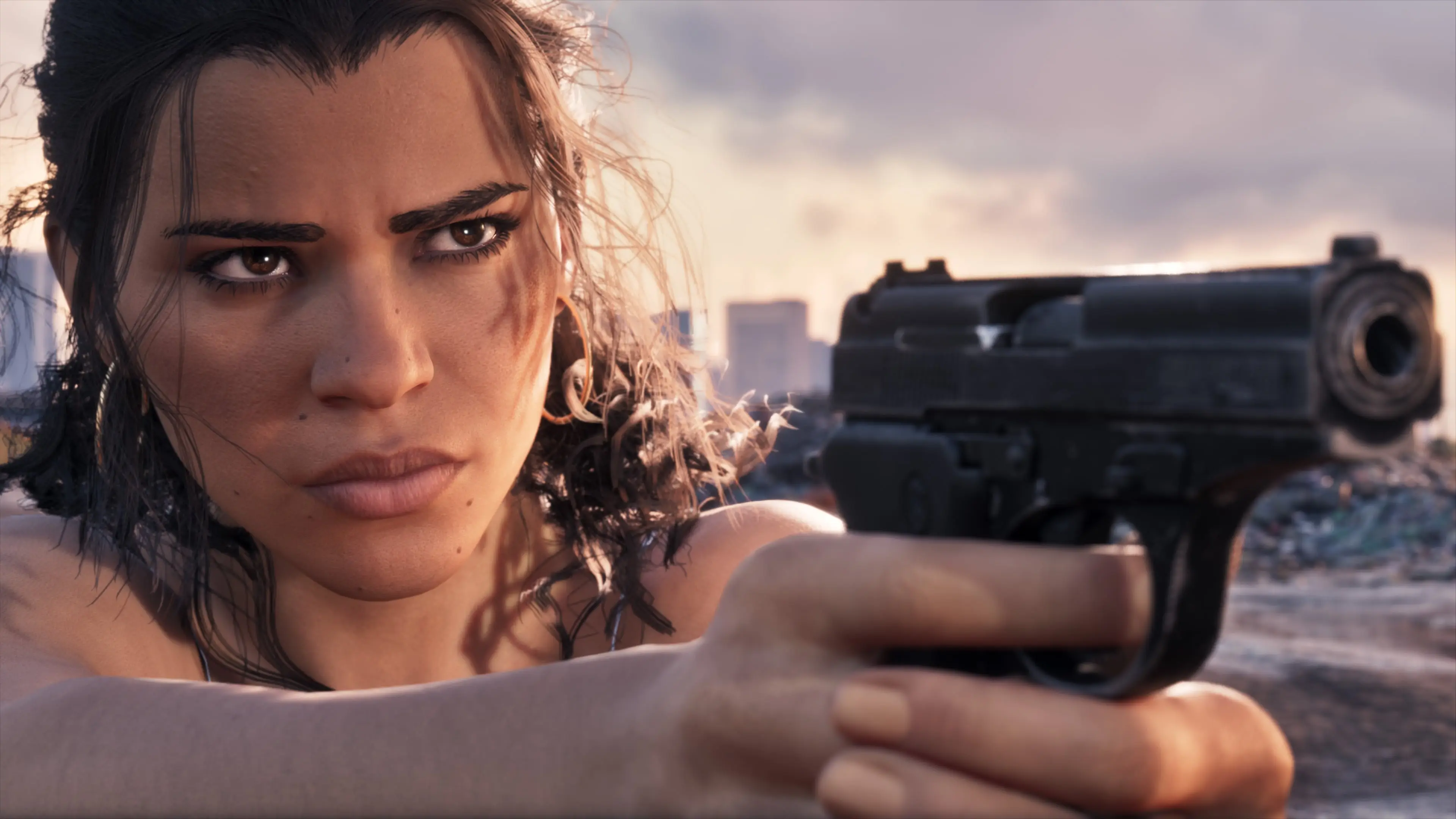
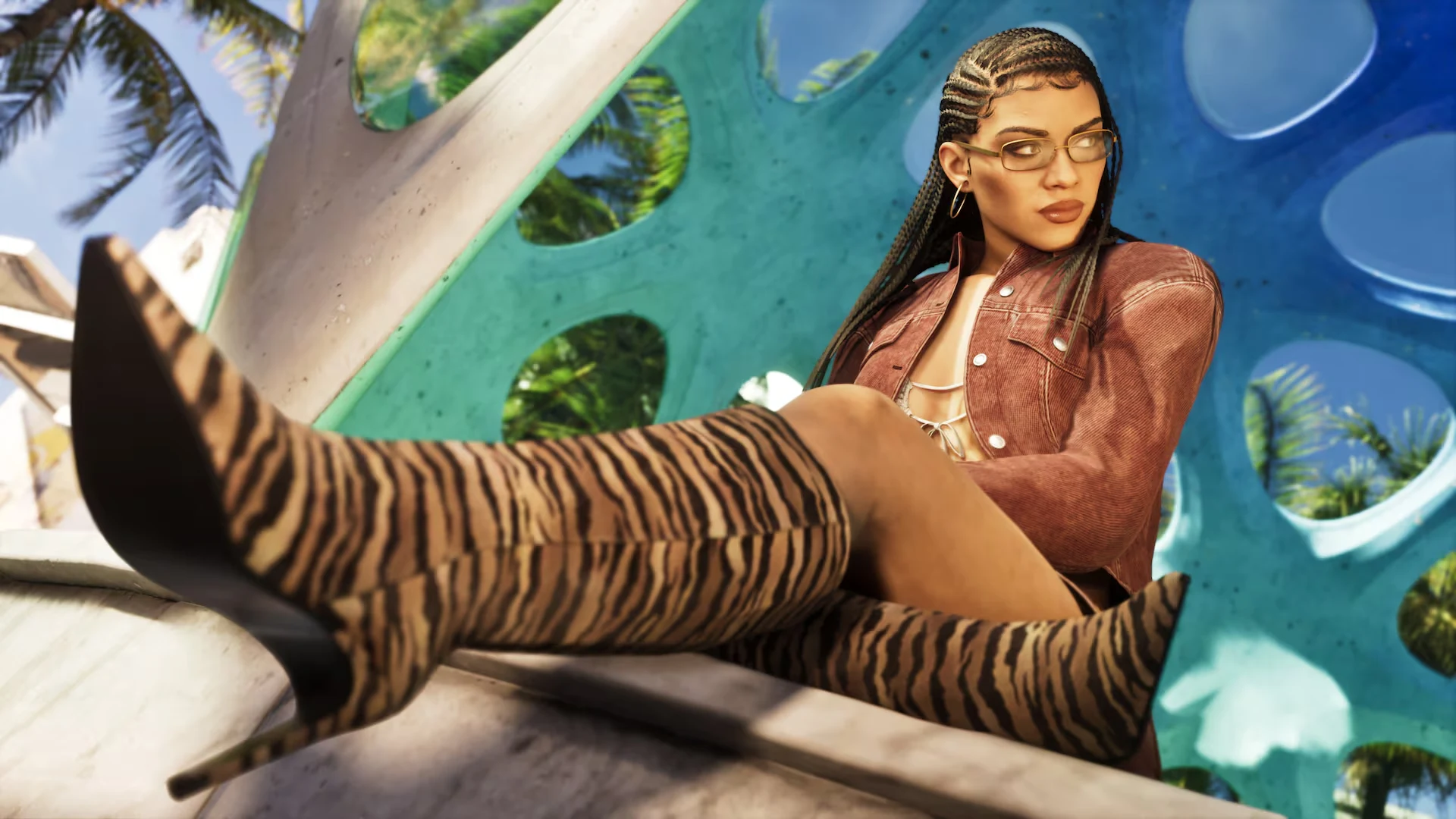
GTA 6 phone wallpaper: Lucia with a pistolGTA 6 desktop wallpaper: Lucia with a pistol
Lucia with a pistolOriginal 4K
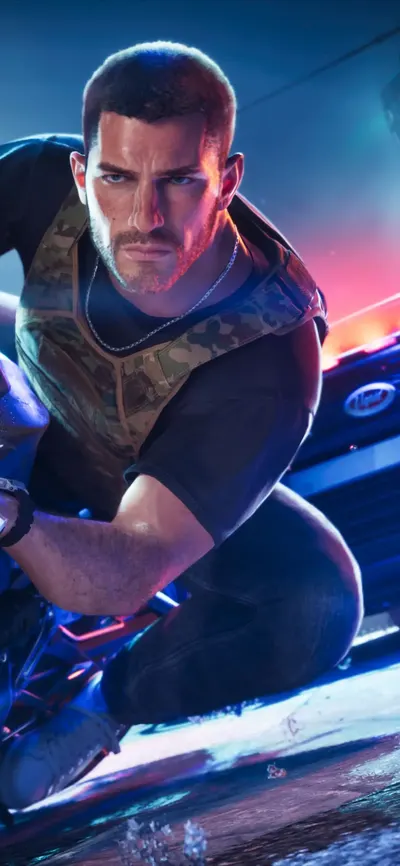
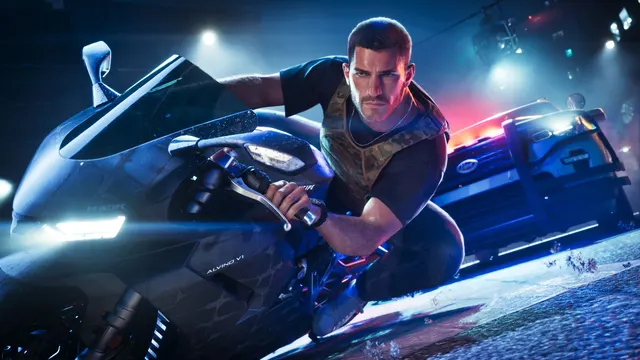
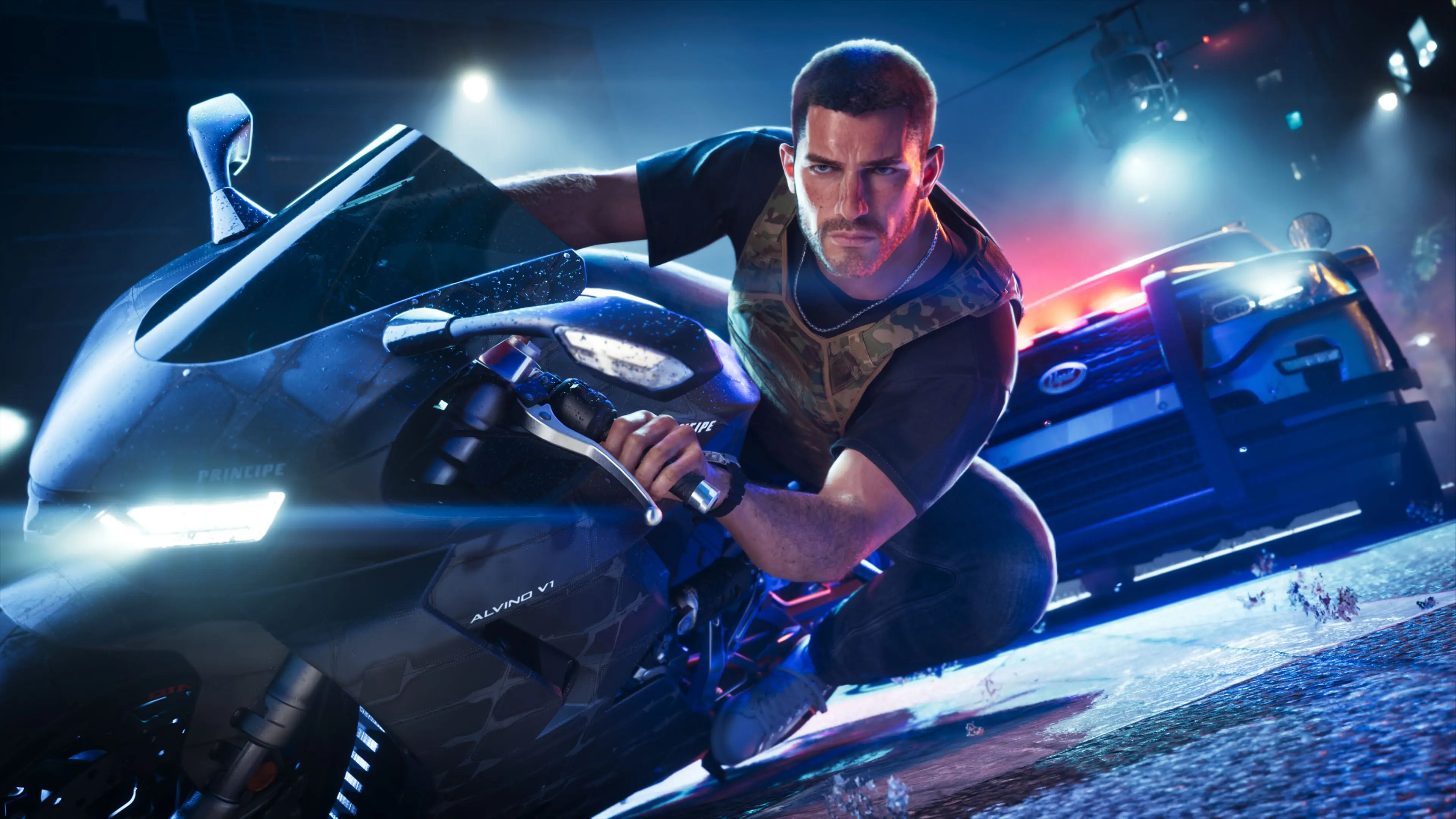
GTA 6 phone wallpaper: Jason on a motorbikeGTA 6 desktop wallpaper: Jason on a motorbike
Jason on a motorbikeOriginal 4K
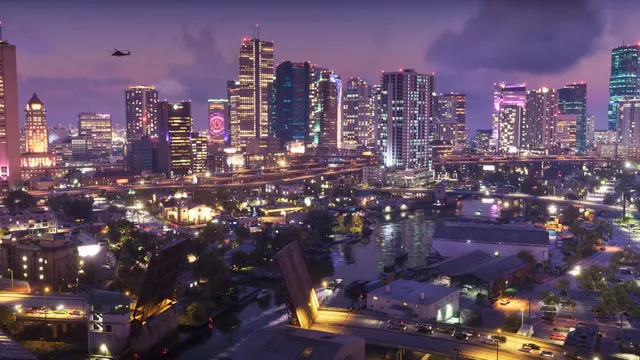
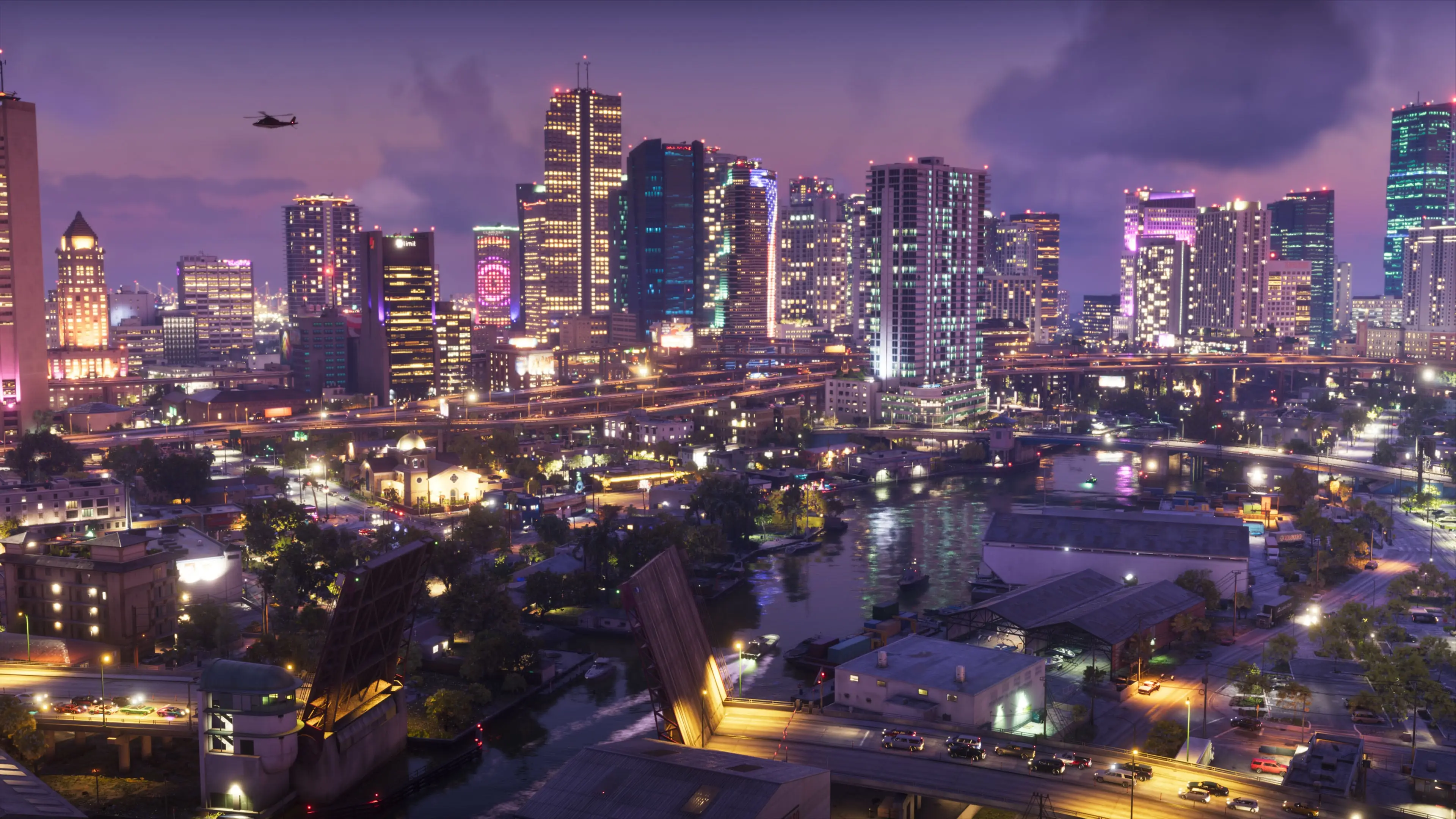
GTA 6 phone wallpaper: Vice City at nightGTA 6 desktop wallpaper: Vice City at night
Vice City at nightOriginal 4K
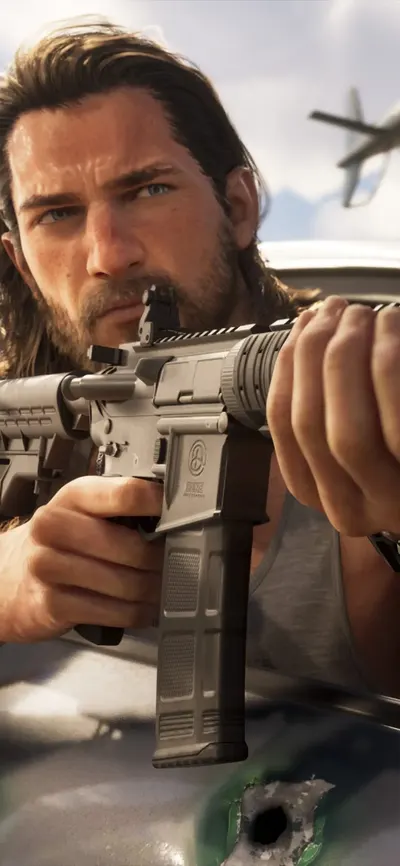
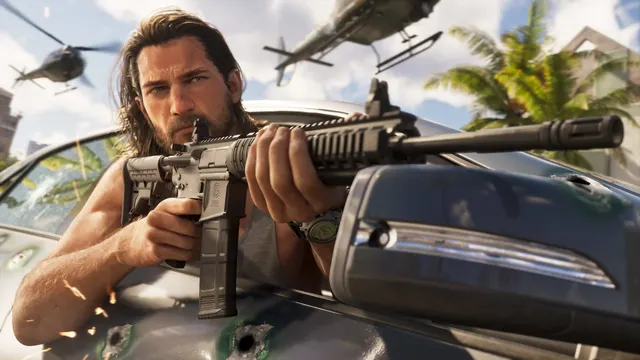
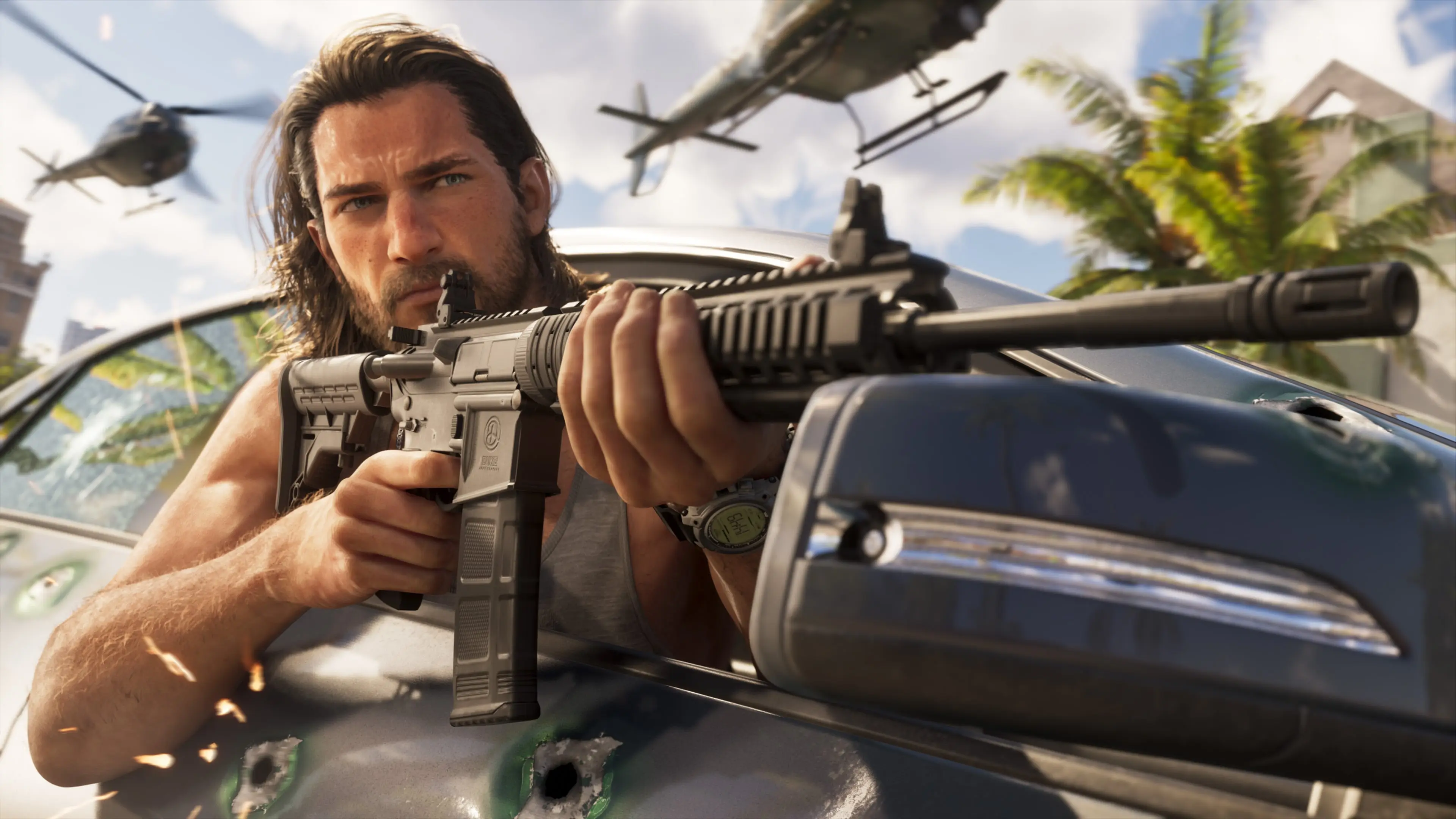
GTA 6 phone wallpaper: Jason with a rifleGTA 6 desktop wallpaper: Jason with a rifle
Jason with a rifleOriginal 4K
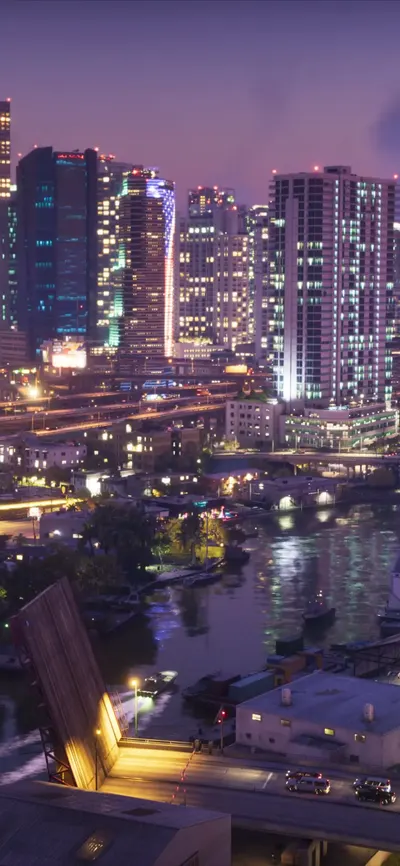
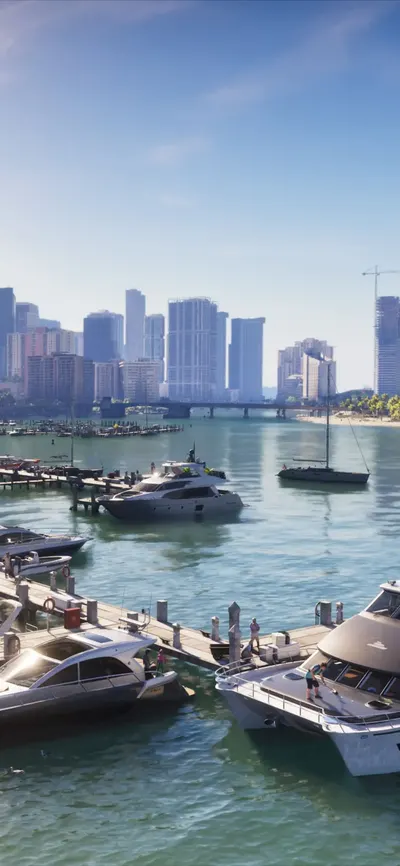
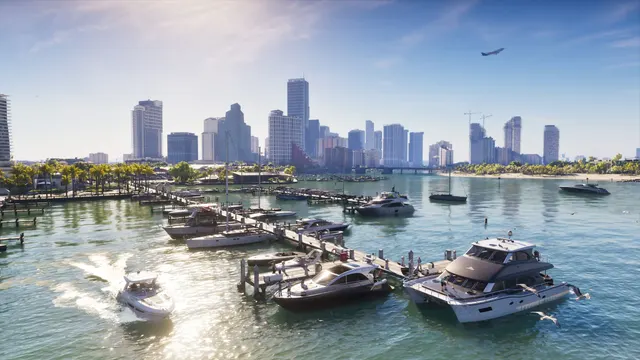
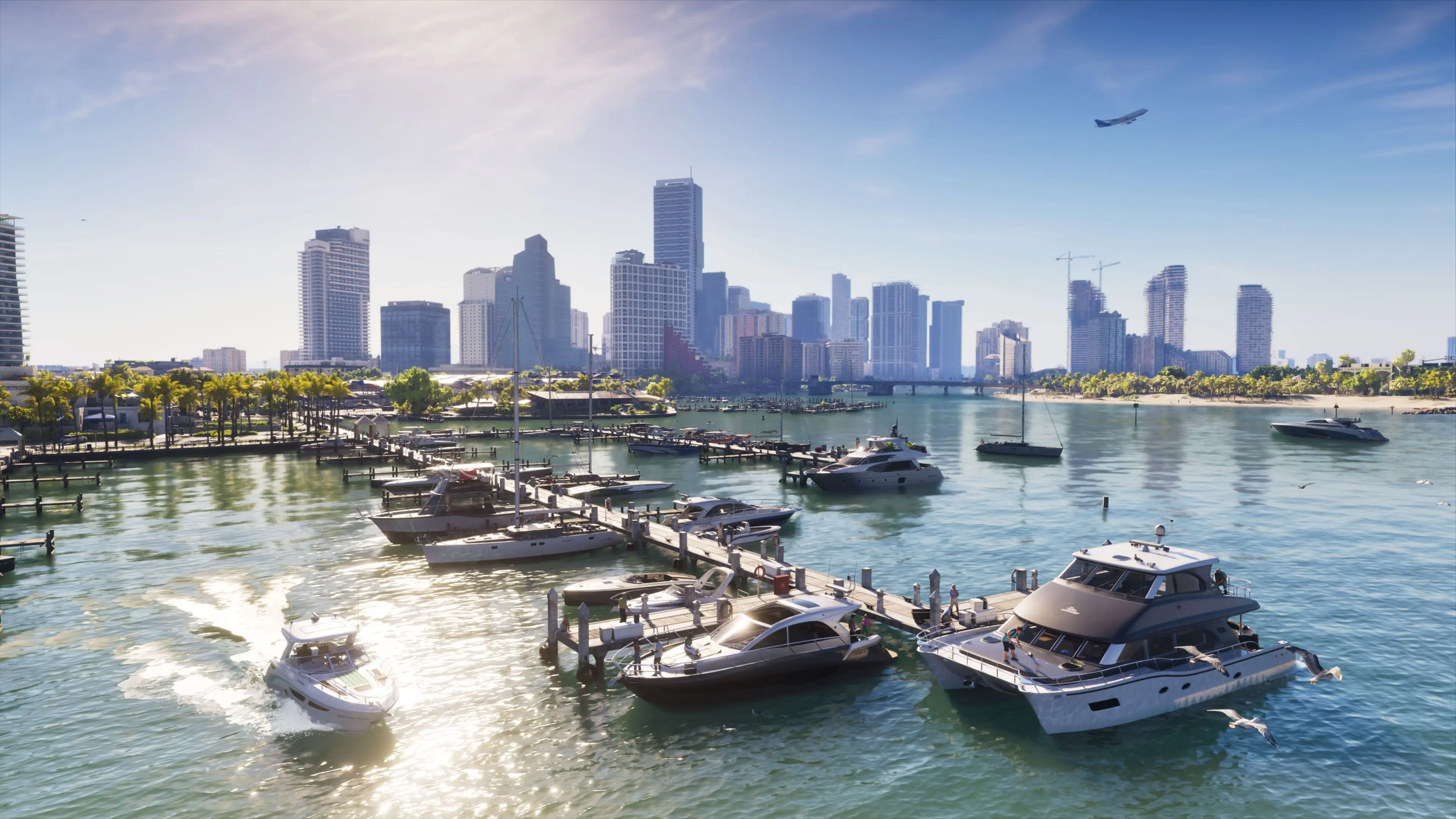
GTA 6 phone wallpaper: Vice City marinaGTA 6 desktop wallpaper: Vice City marina
Vice City marinaOriginal 4K
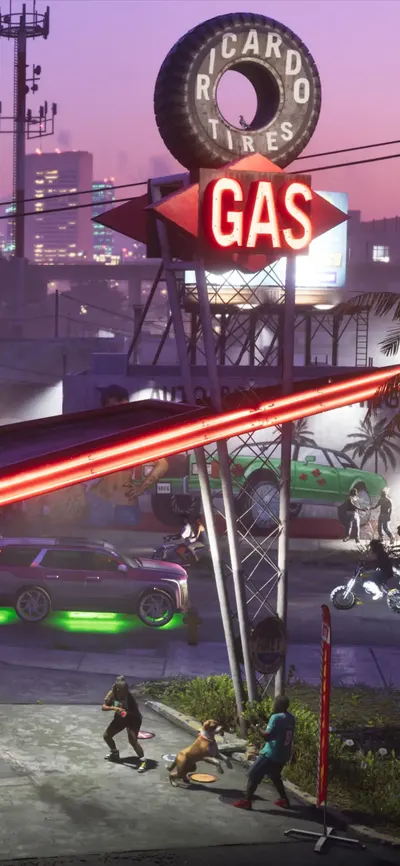
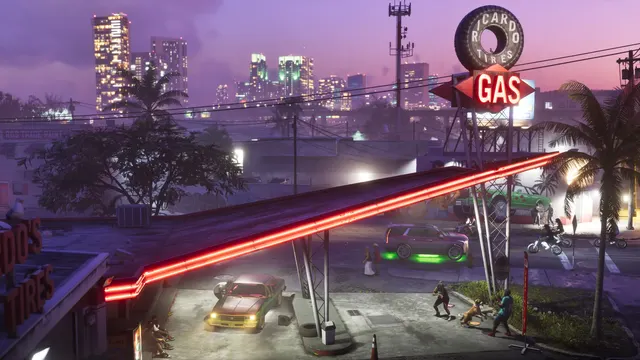
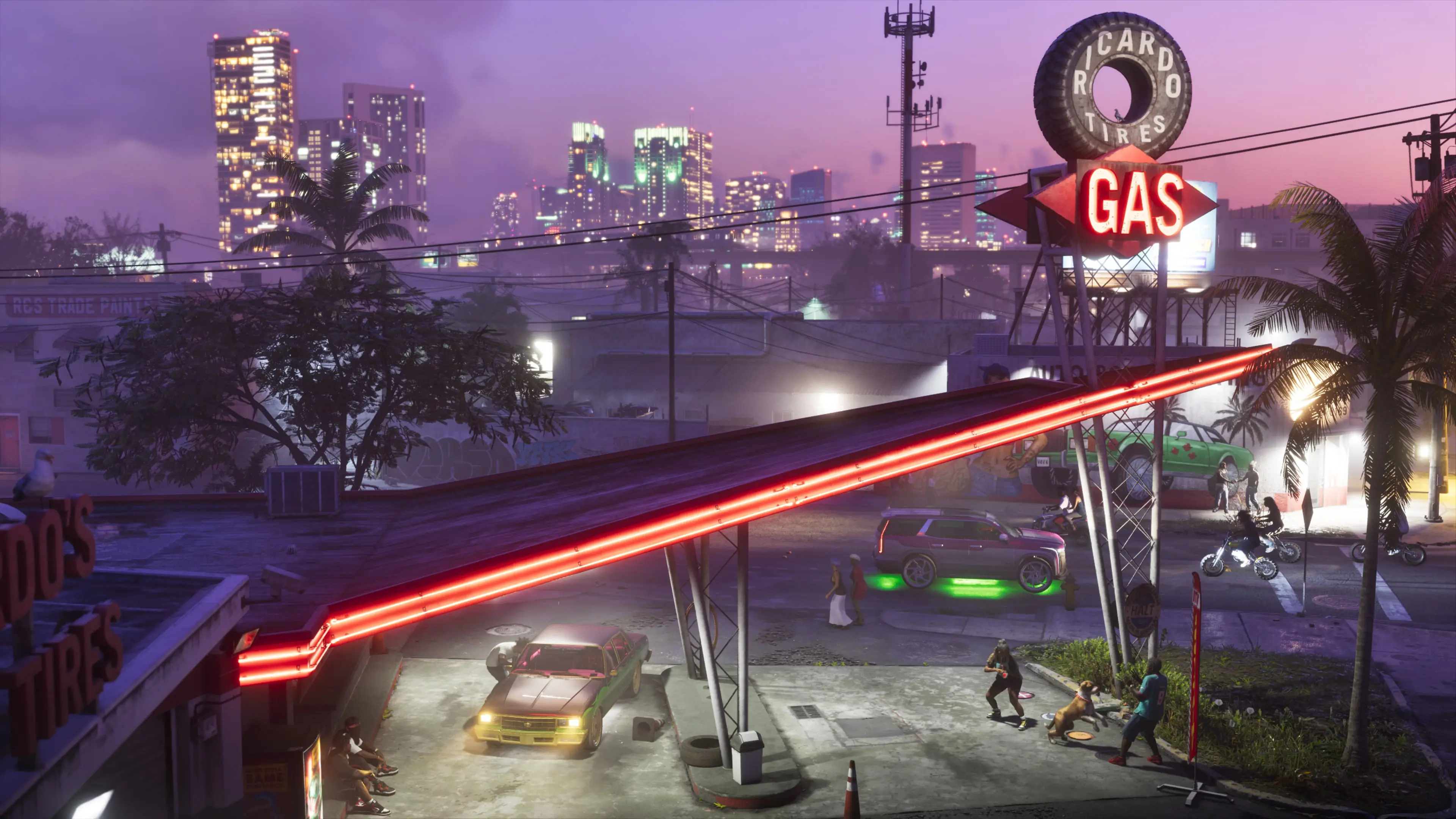
GTA 6 phone wallpaper: Neon gas stationGTA 6 desktop wallpaper: Neon gas station
Neon gas stationOriginal 4K
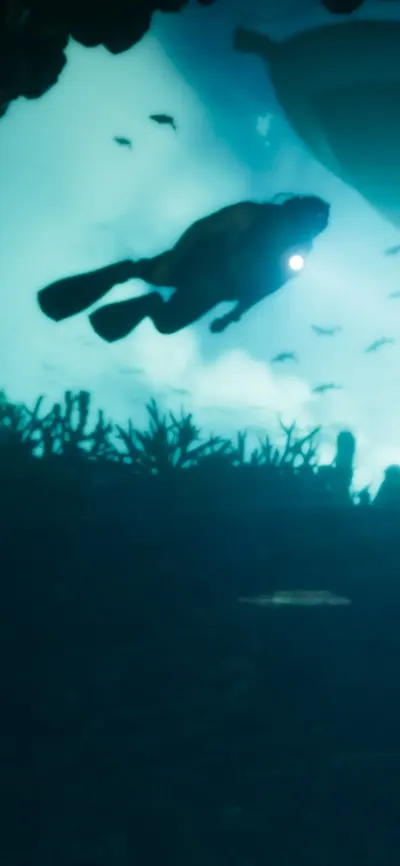
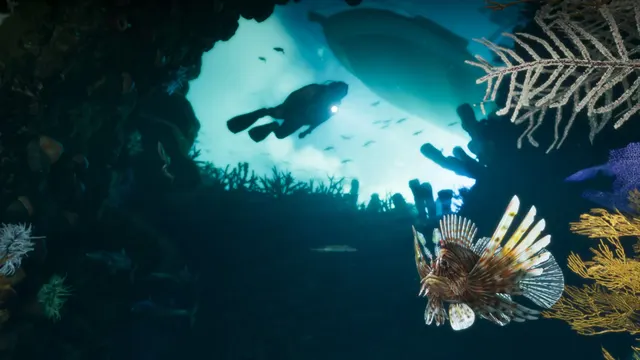
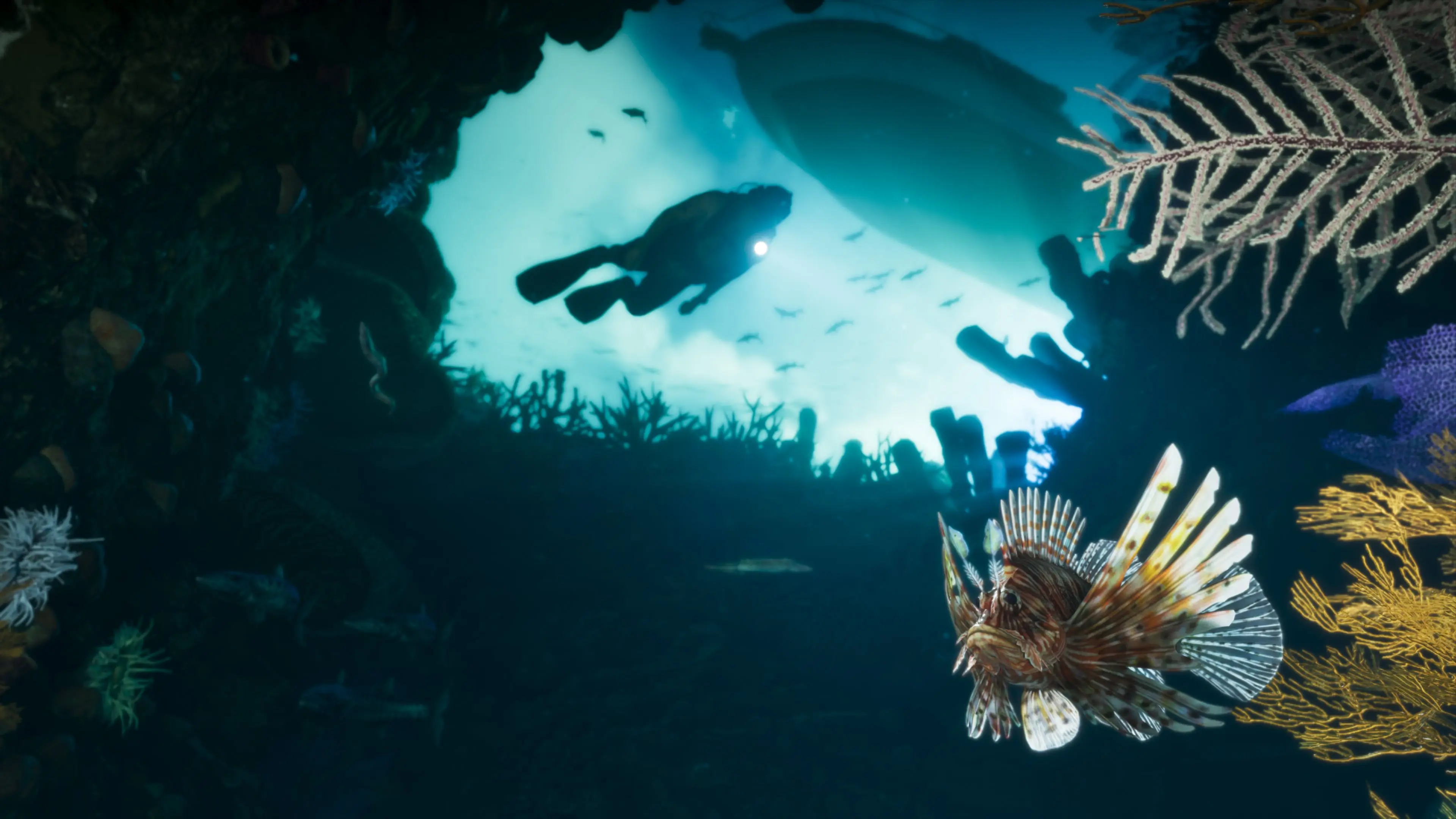
GTA 6 phone wallpaper: Diving in the Leonida KeysGTA 6 desktop wallpaper: Diving in the Leonida Keys
Diving in the Leonida KeysOriginal 4K
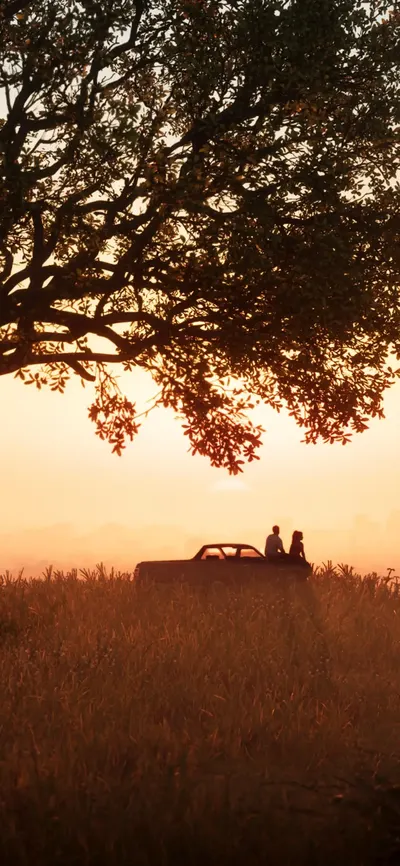
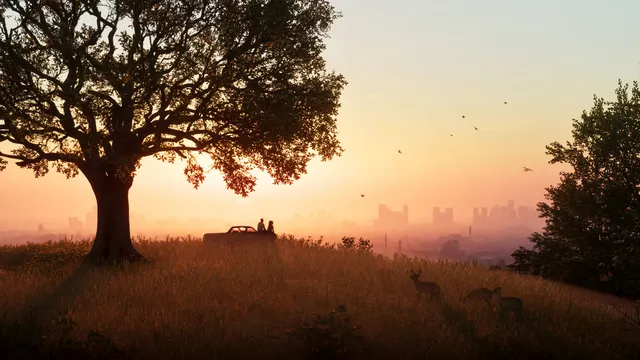
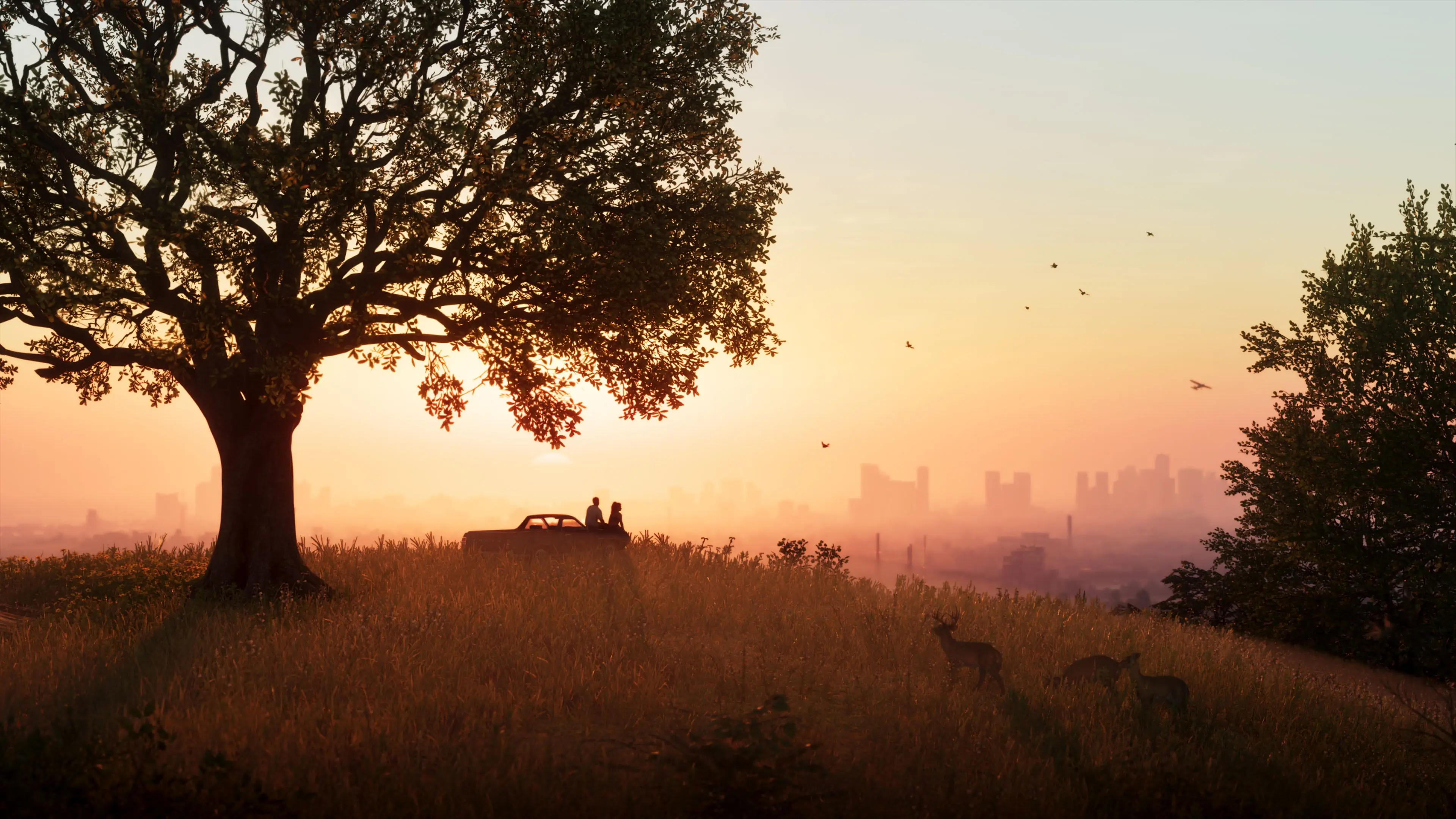
GTA 6 phone wallpaper: Sunset over Vice CityGTA 6 desktop wallpaper: Sunset over Vice City
Sunset over Vice CityOriginal 4K
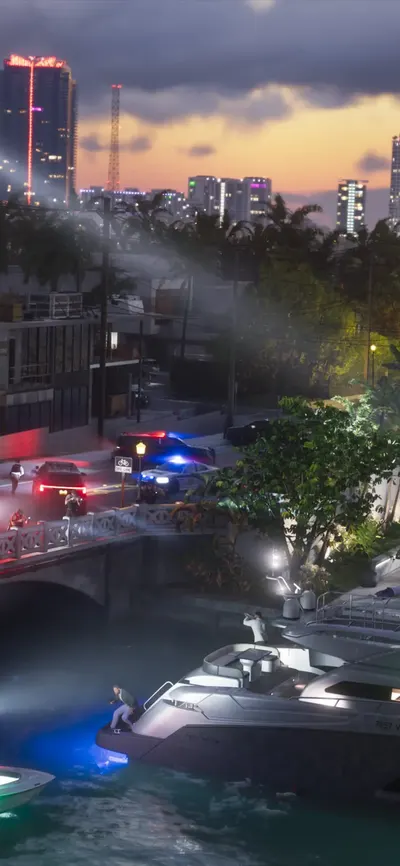
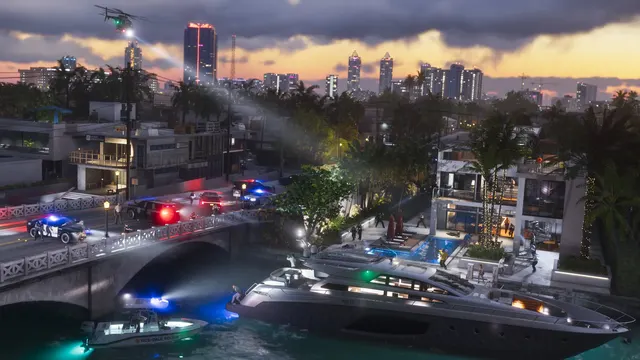
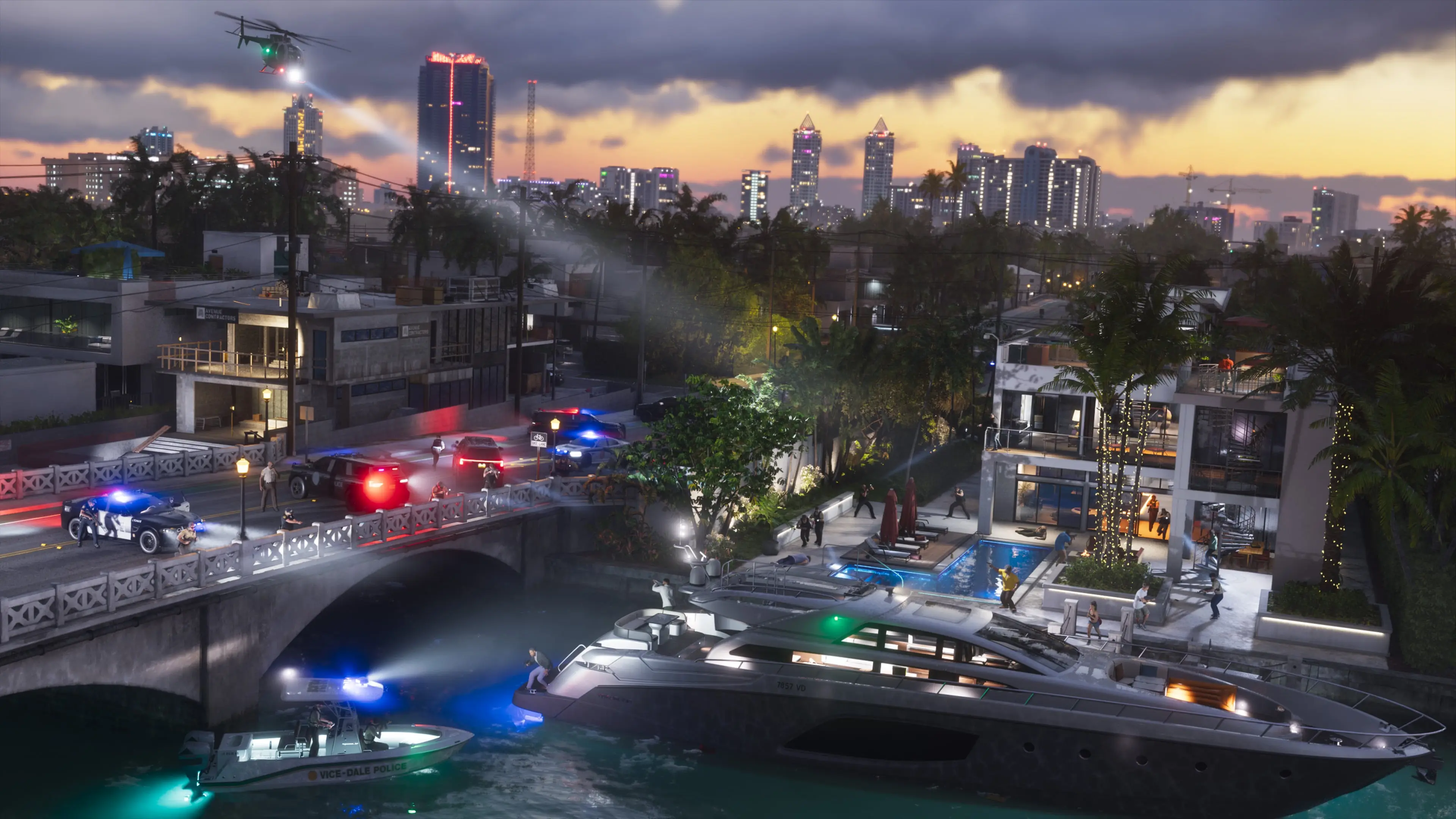
GTA 6 phone wallpaper: Police chase on the canalGTA 6 desktop wallpaper: Police chase on the canal
Police chase on the canalOriginal 4K
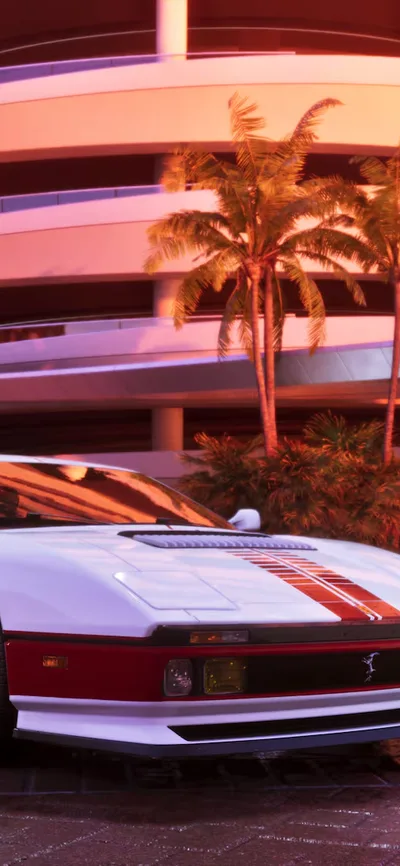
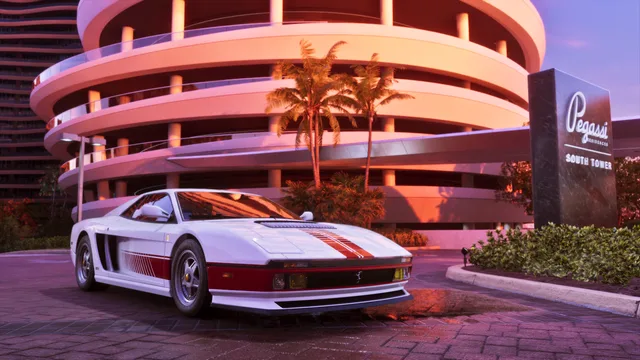
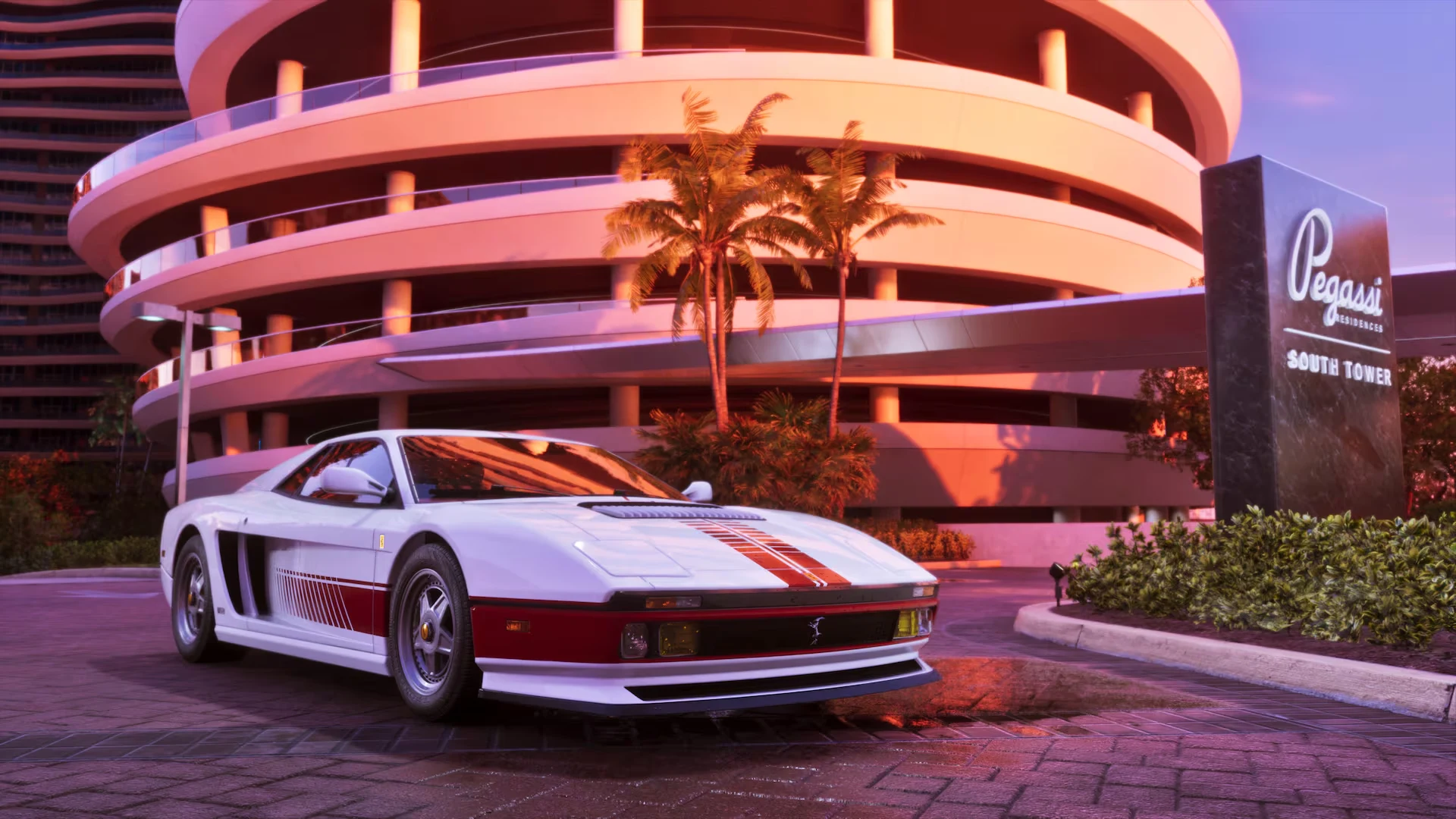
GTA 6 phone wallpaper: Grotti 95 Cheetah in Vice CityGTA 6 desktop wallpaper: Grotti 95 Cheetah in Vice City
Grotti 95 Cheetah in Vice CityOriginal 1080p
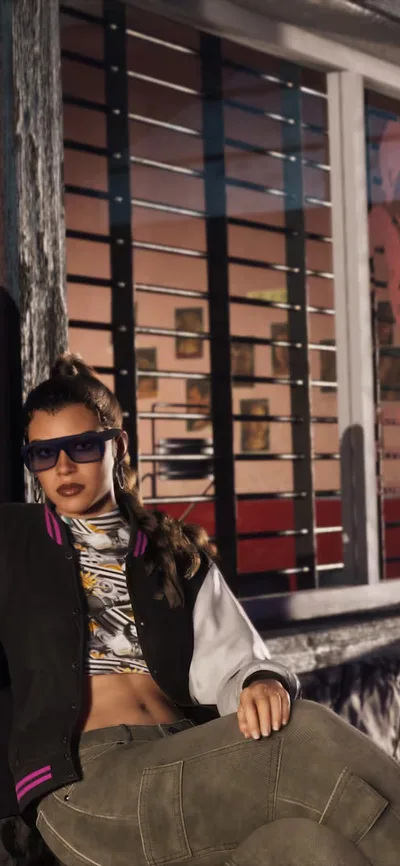
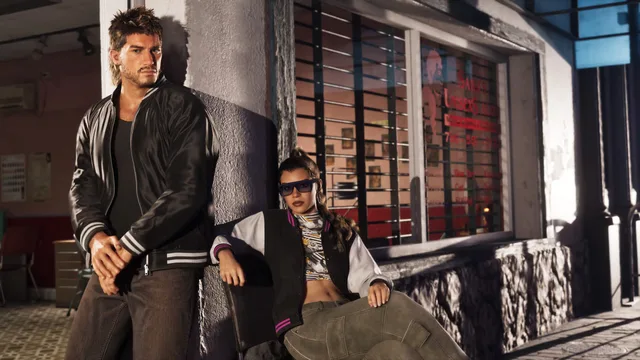
GTA 6 phone wallpaper: Jason and Lucia in Goodtime GearGTA 6 desktop wallpaper: Jason and Lucia in Goodtime Gear
Jason and Lucia in Goodtime GearOriginal 810p
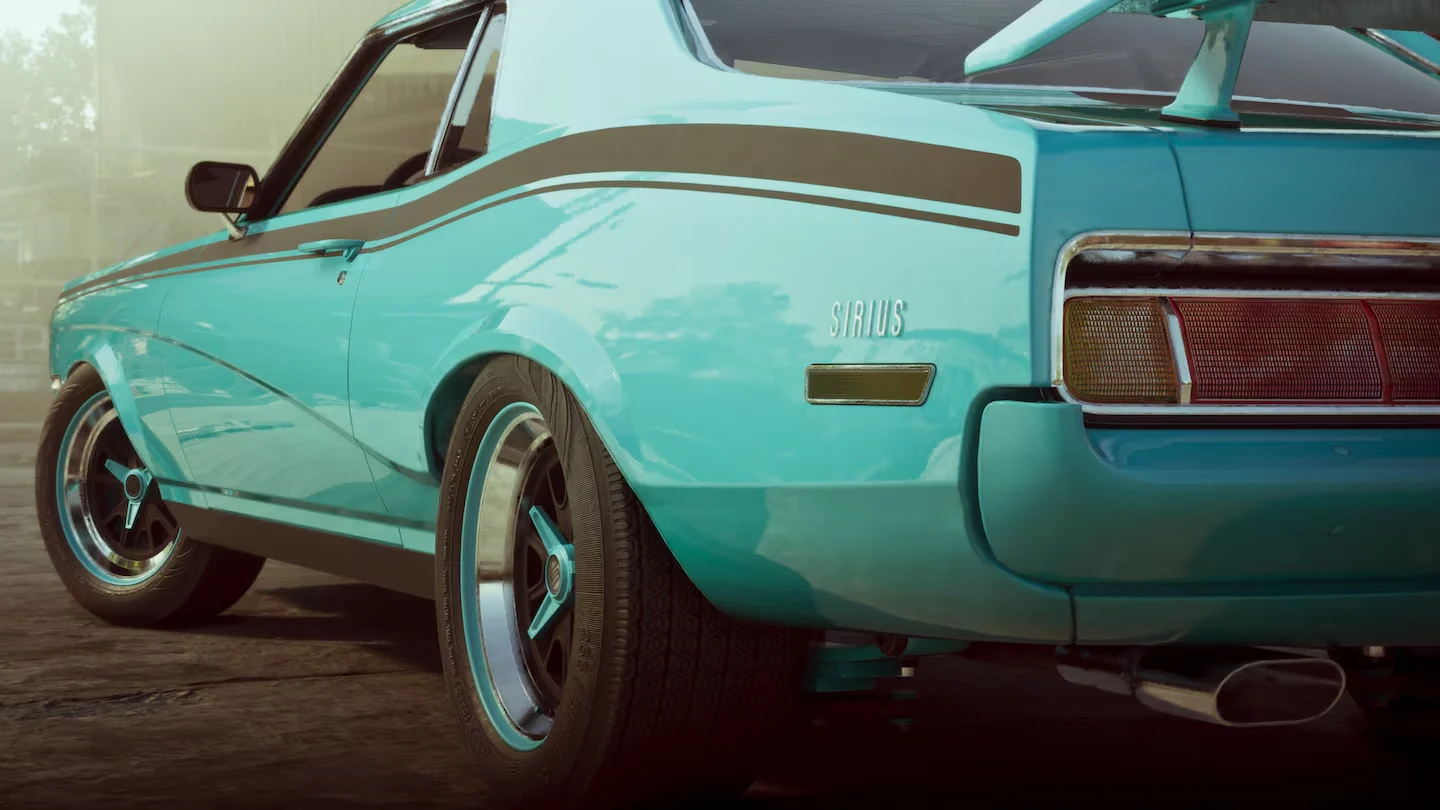
GTA 6 phone wallpaper: Vintage Vice City StanierGTA 6 desktop wallpaper: Vintage Vice City Stanier
Vintage Vice City StanierOriginal 1080p
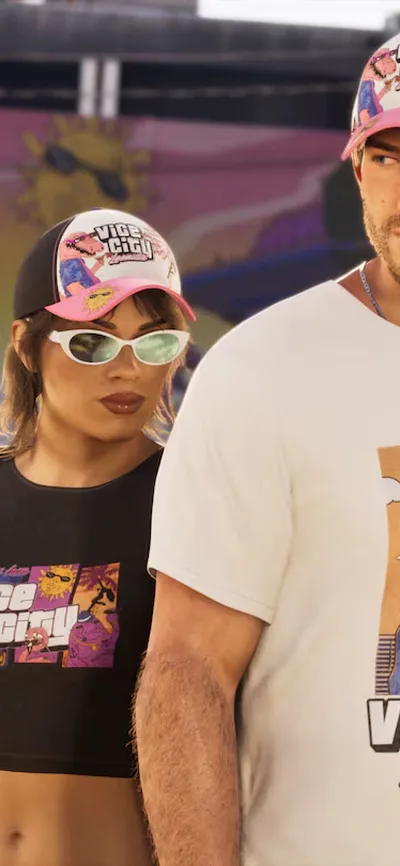
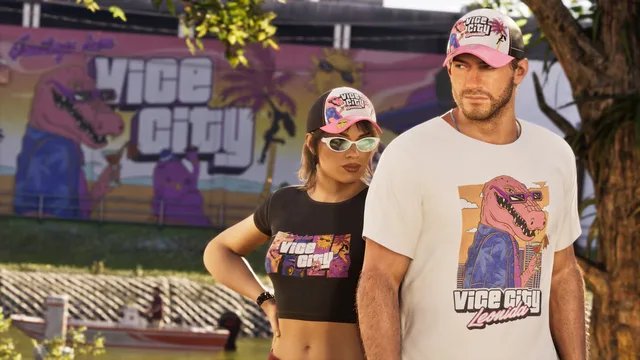
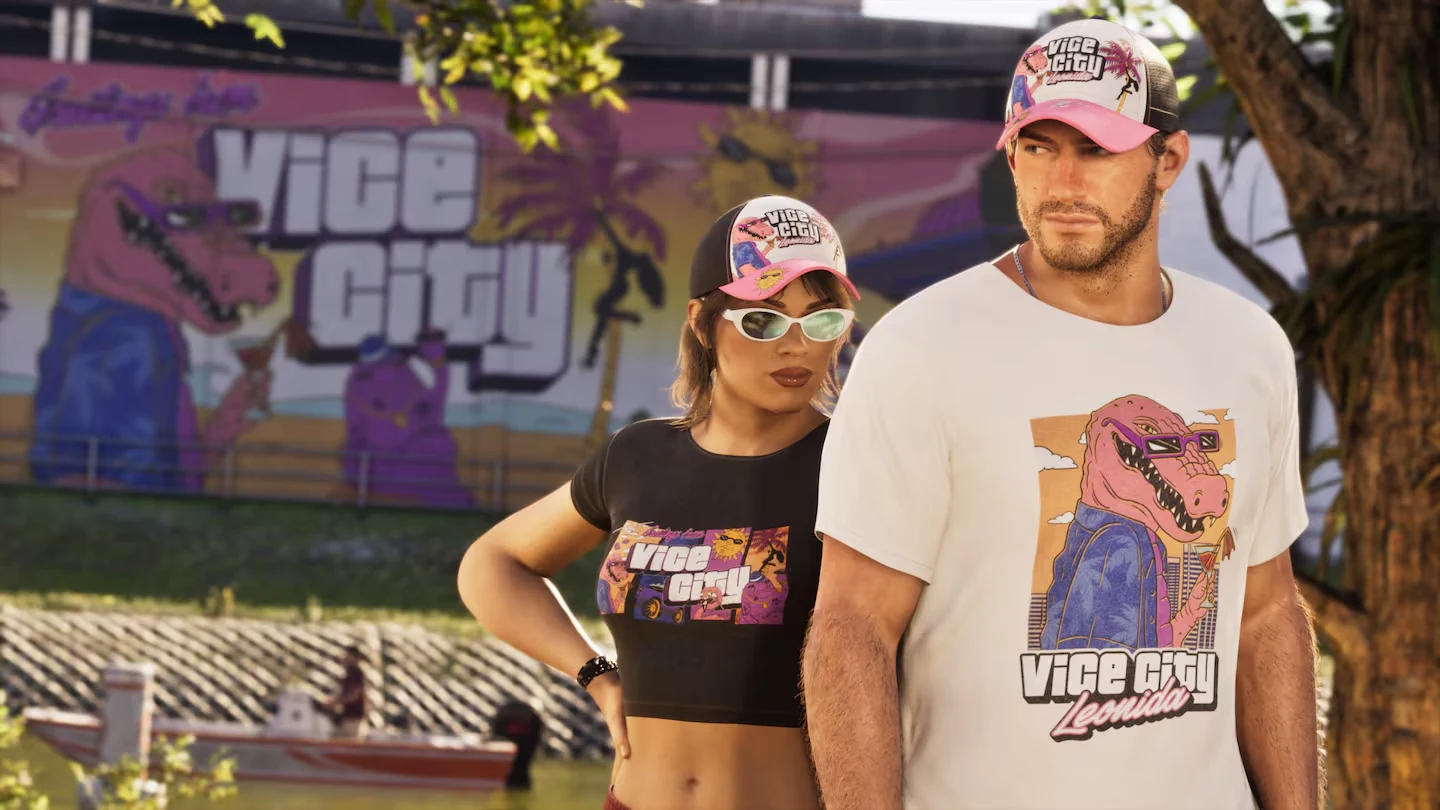
GTA 6 phone wallpaper: Vice City StyleGTA 6 desktop wallpaper: Vice City Style
Vice City StyleOriginal 1080p
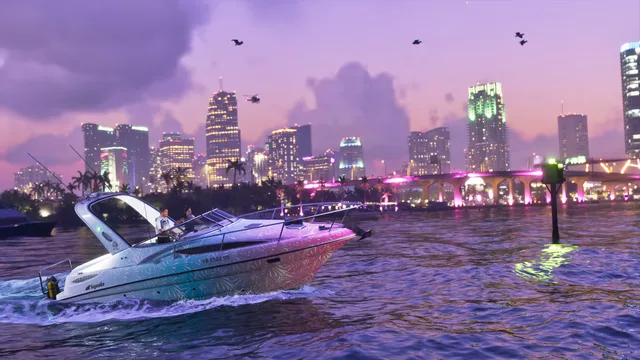
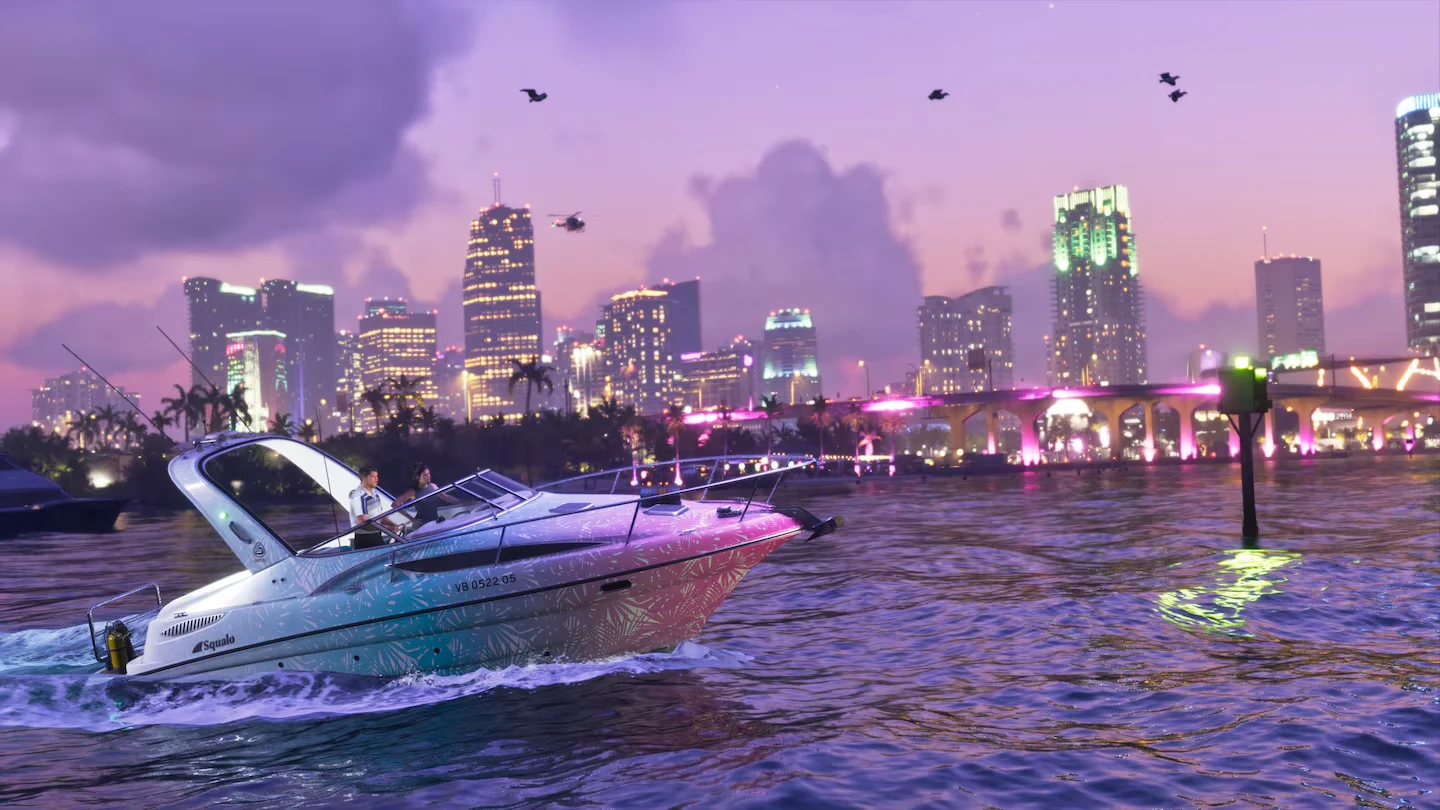
GTA 6 phone wallpaper: Squalo boat at duskGTA 6 desktop wallpaper: Squalo boat at dusk
Squalo boat at duskOriginal 810p
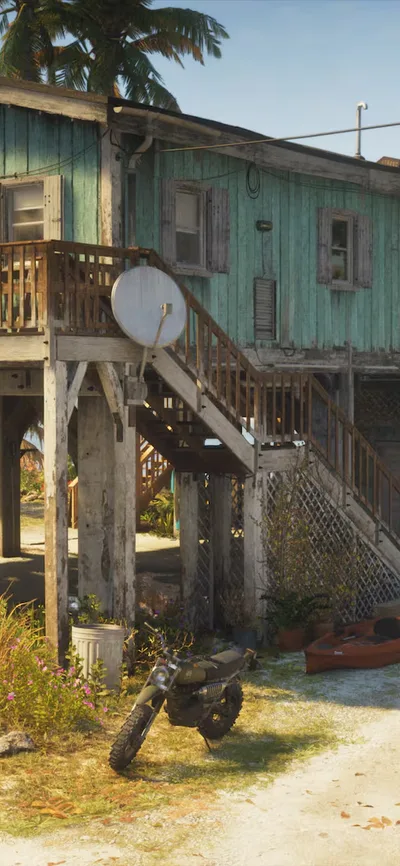
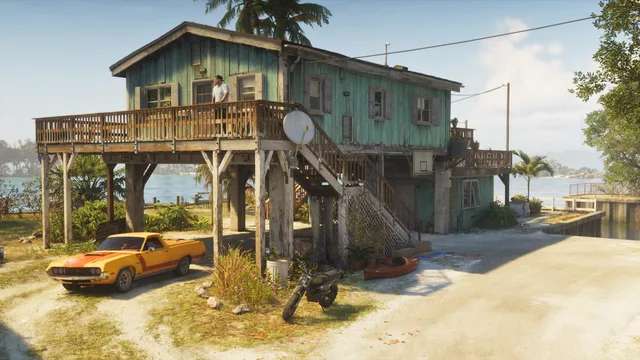
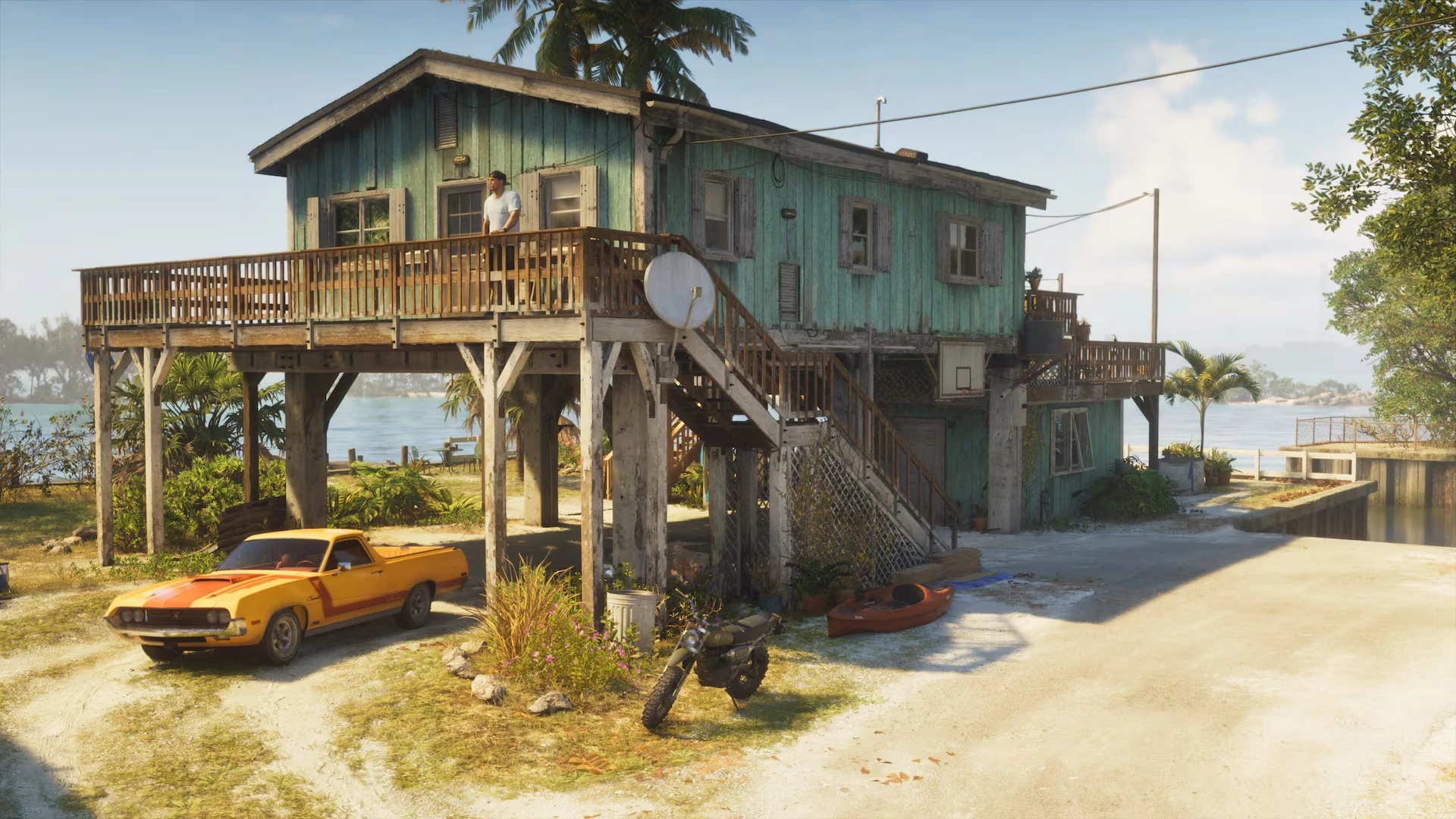
GTA 6 phone wallpaper: Jason's safehouse on the waterGTA 6 desktop wallpaper: Jason's safehouse on the water
Jason's safehouse on the waterOriginal 1080p
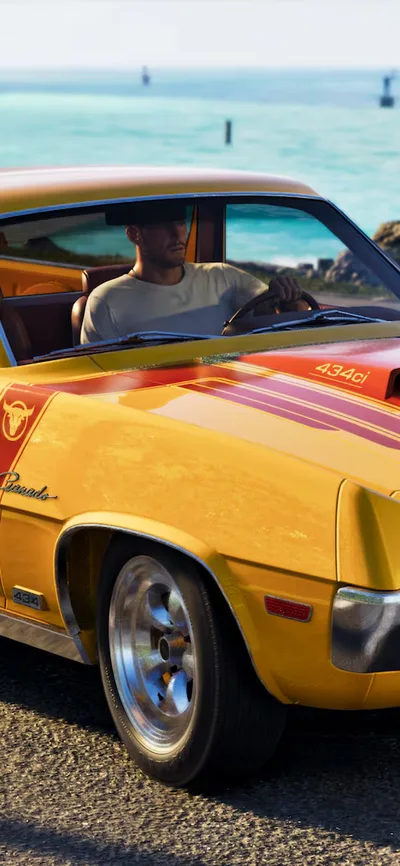
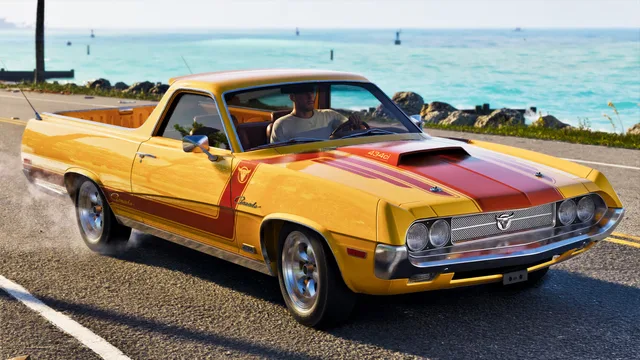
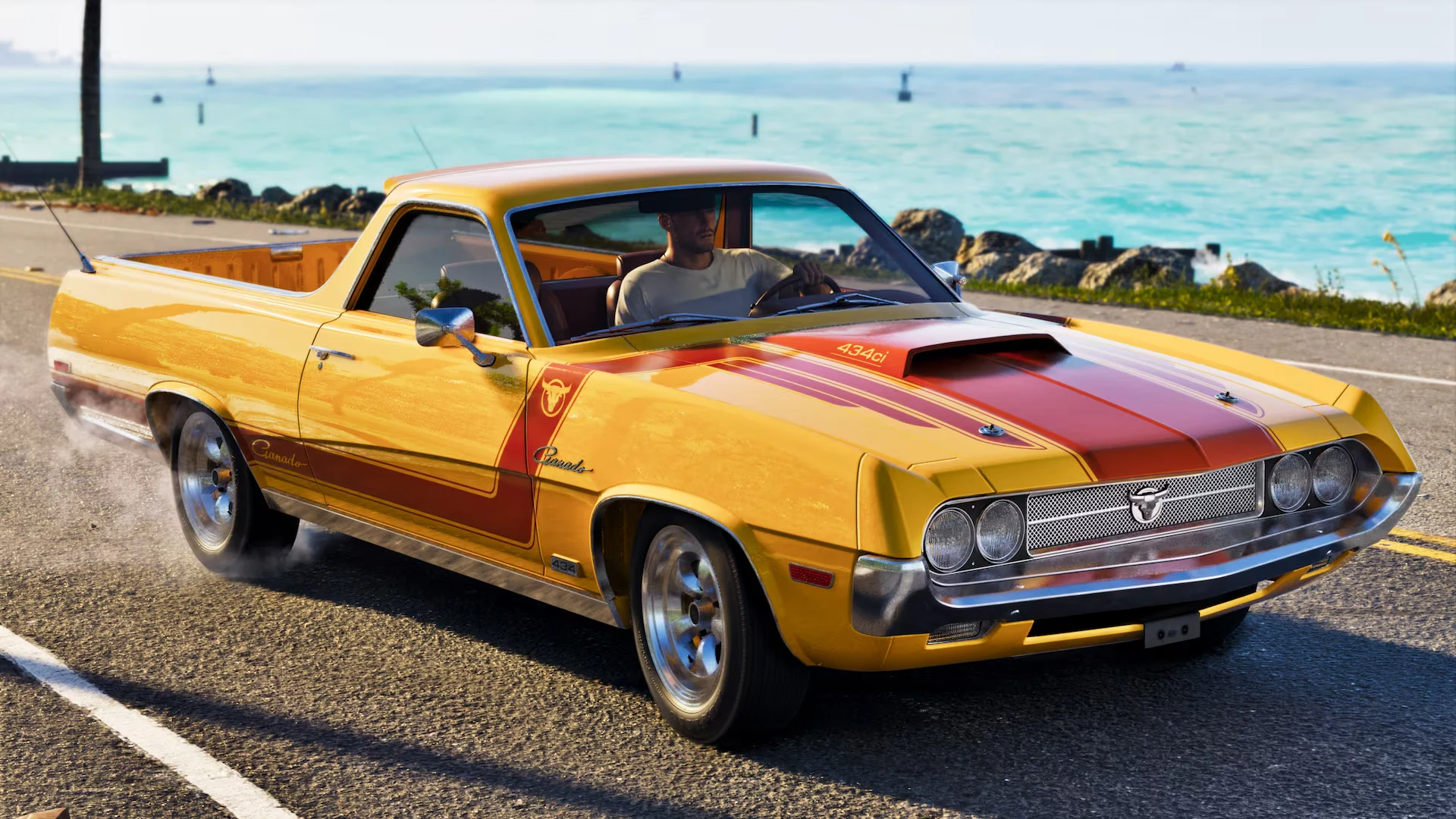
GTA 6 phone wallpaper: Vapid Ganado Retro Build by the seaGTA 6 desktop wallpaper: Vapid Ganado Retro Build by the sea
Vapid Ganado Retro Build by the seaOriginal 1080p
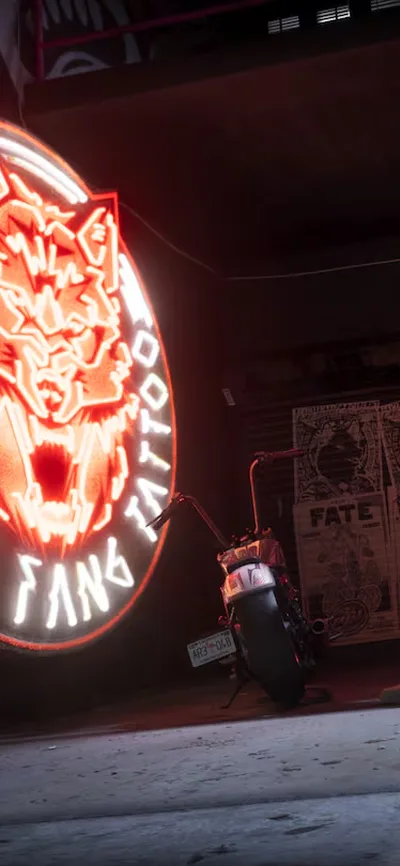
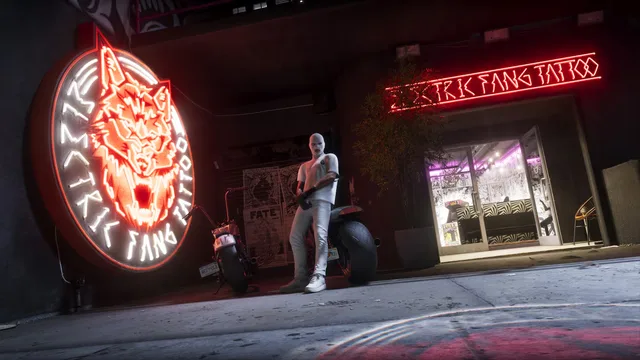
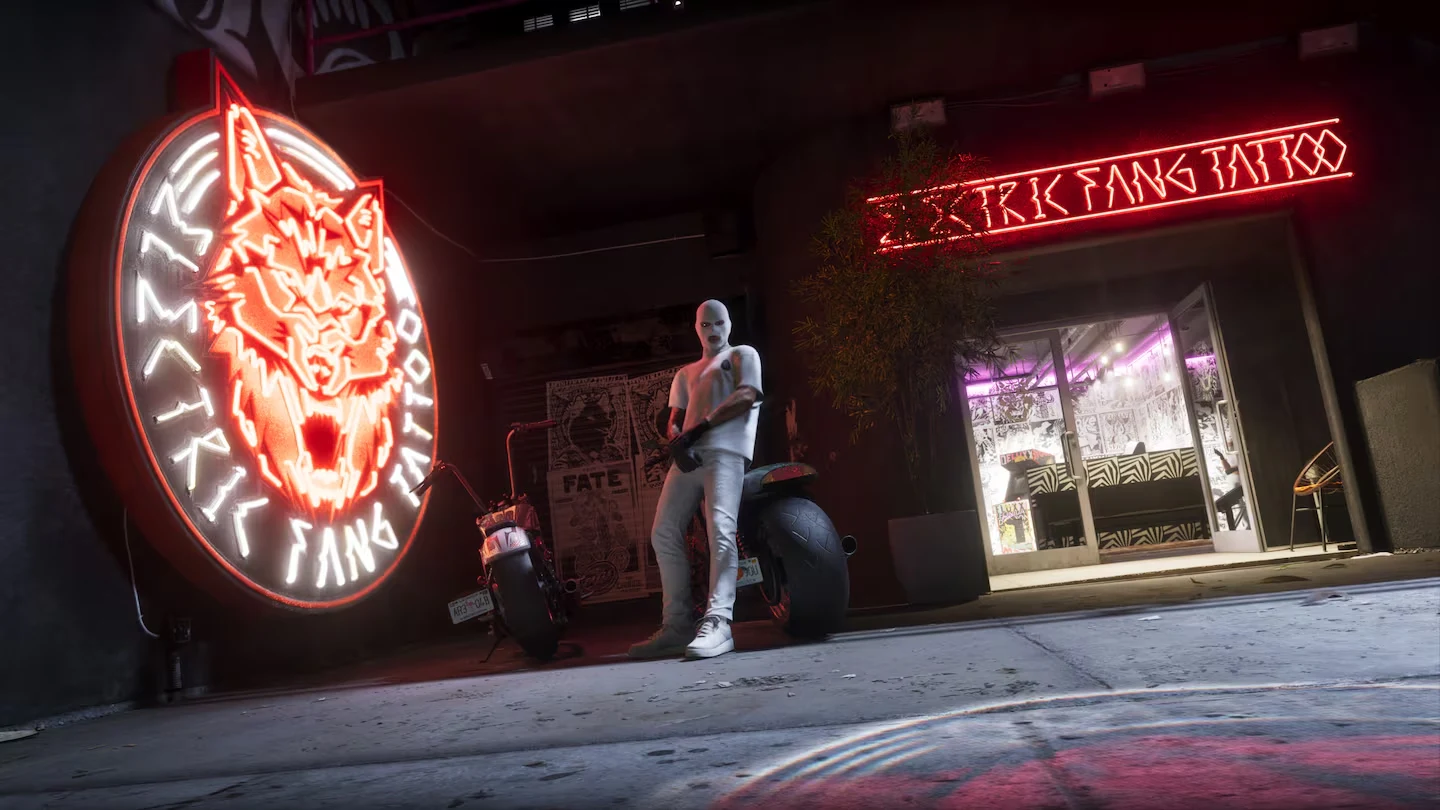
GTA 6 phone wallpaper: Electric Fang Tattoo at nightGTA 6 desktop wallpaper: Electric Fang Tattoo at night
Electric Fang Tattoo at nightOriginal 810p
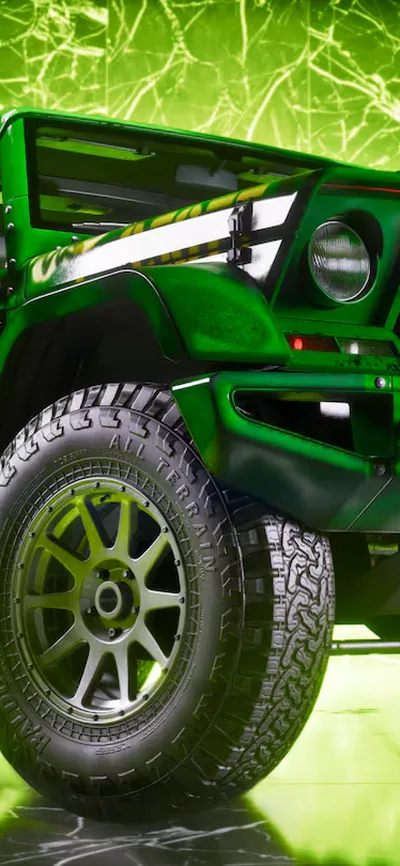
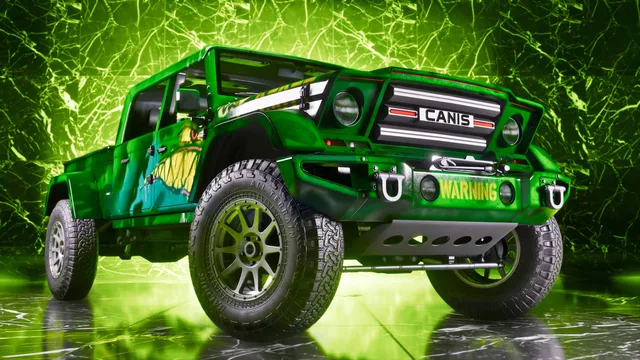
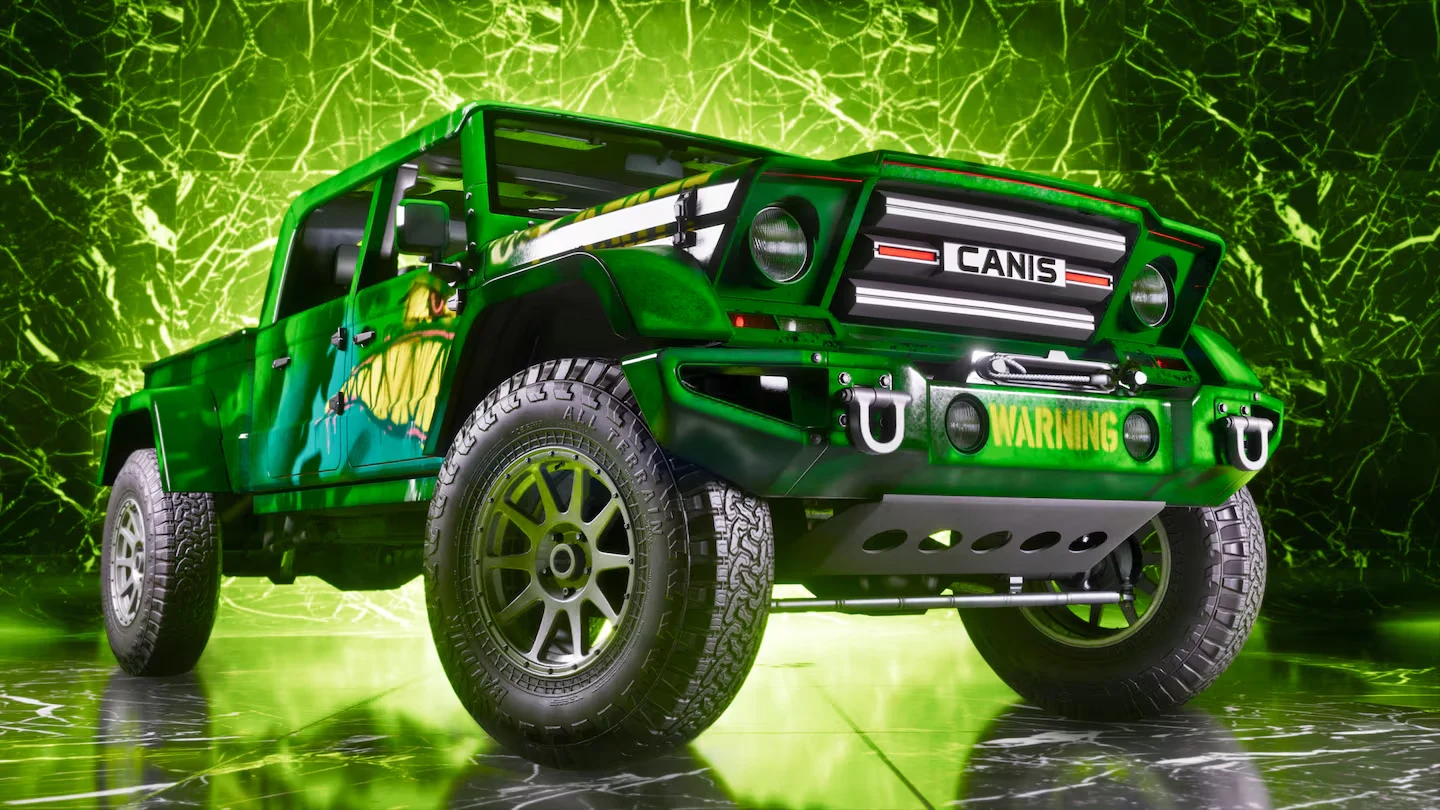
GTA 6 phone wallpaper: Custom Canis off-roaderGTA 6 desktop wallpaper: Custom Canis off-roader
Custom Canis off-roaderOriginal 810p
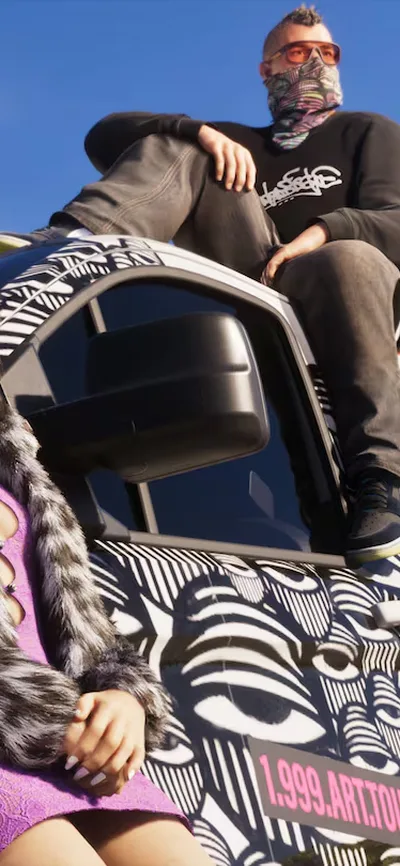
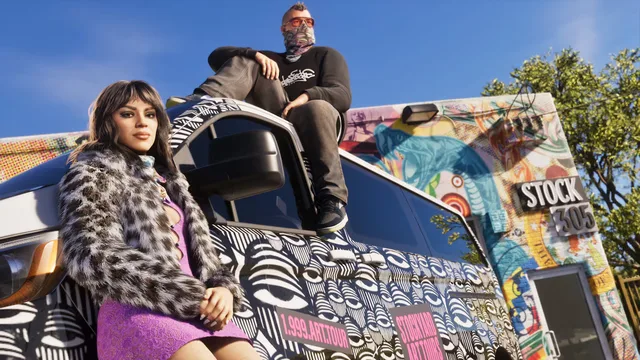
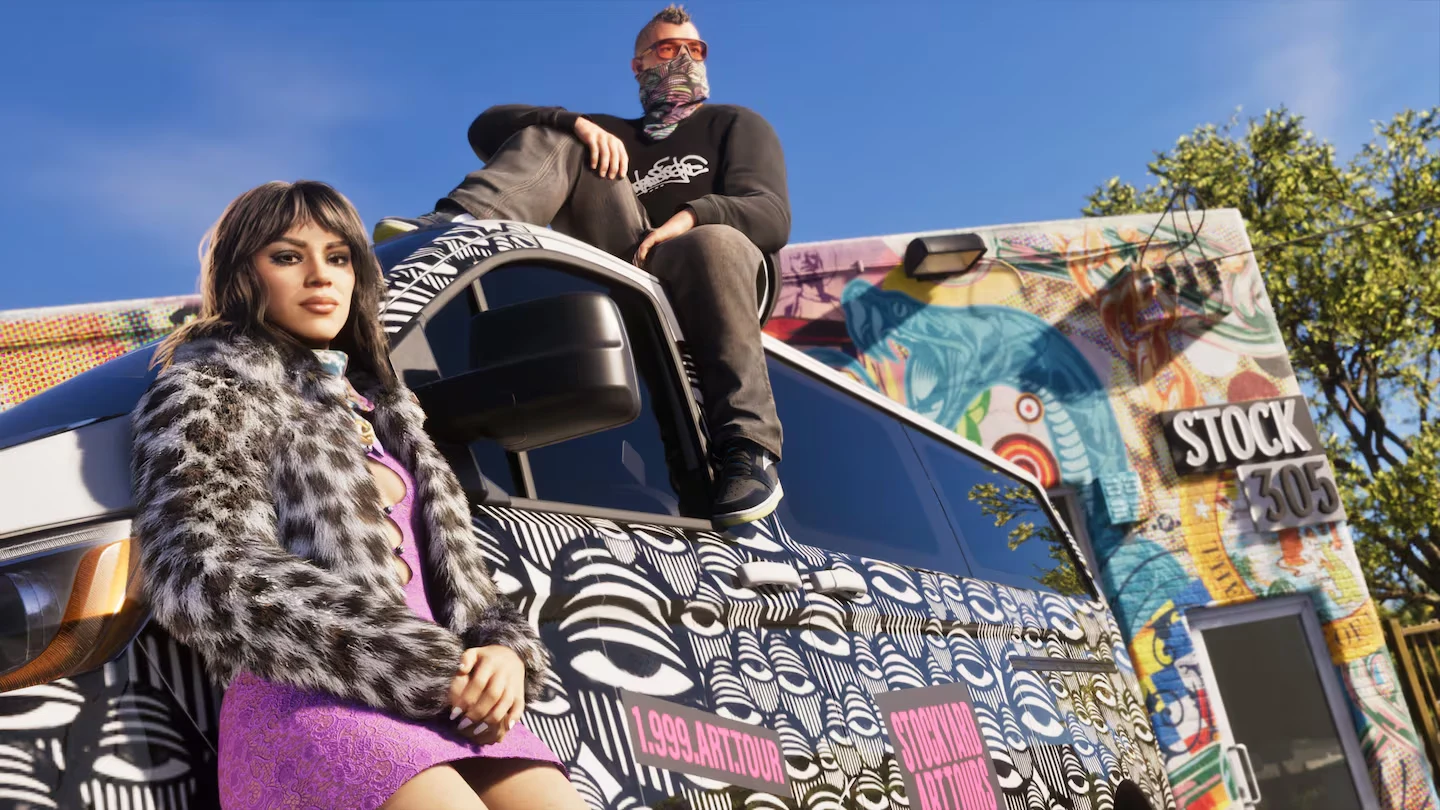
GTA 6 phone wallpaper: Stock 305 street styleGTA 6 desktop wallpaper: Stock 305 street style
Stock 305 street styleOriginal 810p
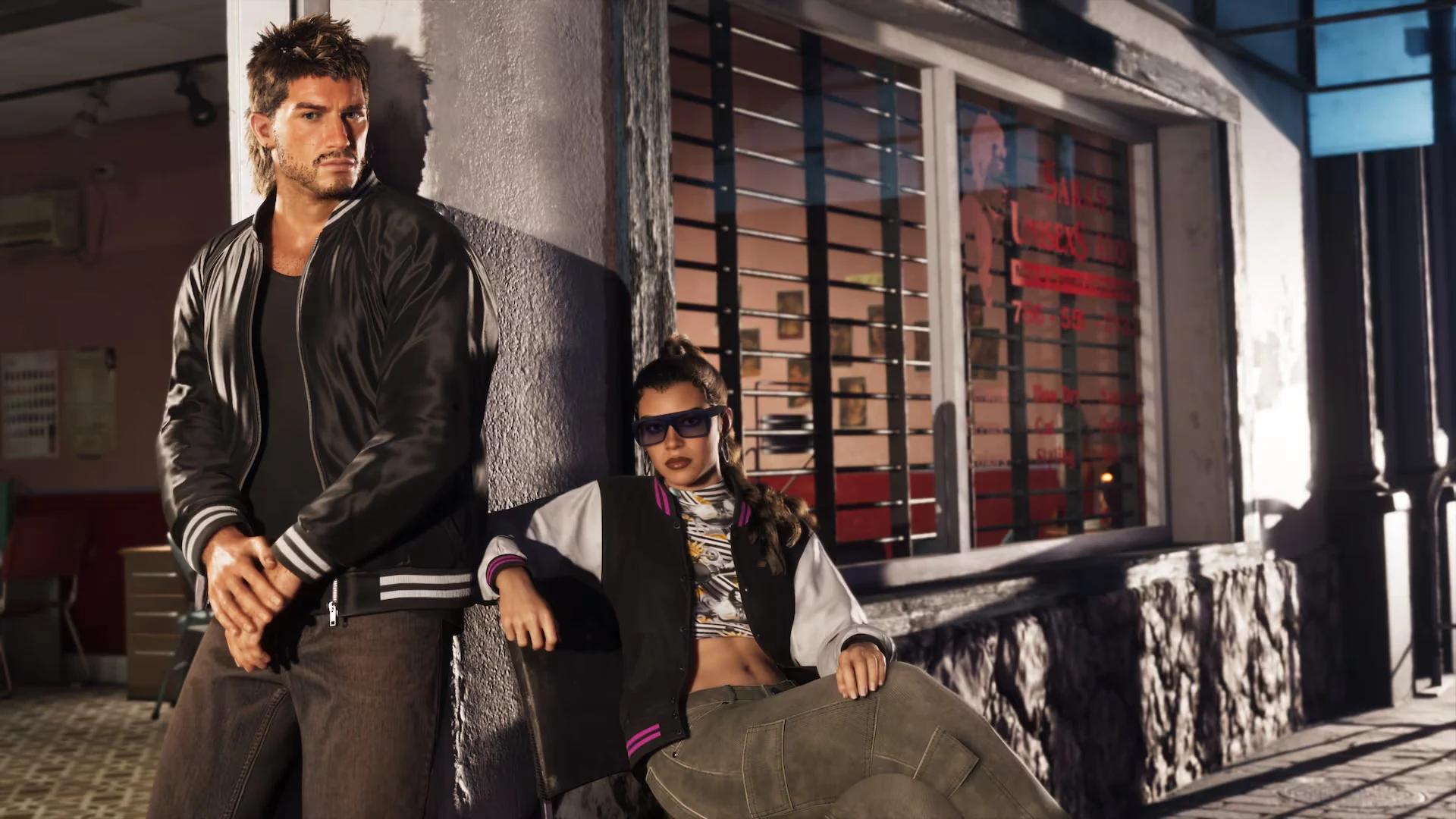
GTA 6 phone wallpaper: Sara's Unisex SalonGTA 6 desktop wallpaper: Sara's Unisex Salon
Sara's Unisex SalonOriginal 1080p
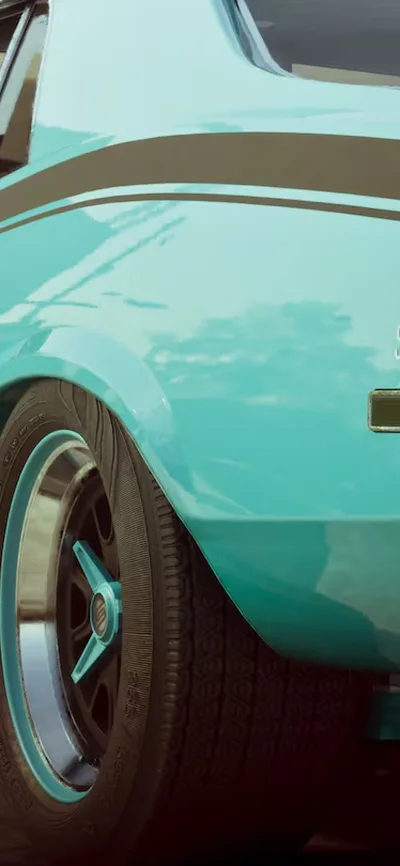
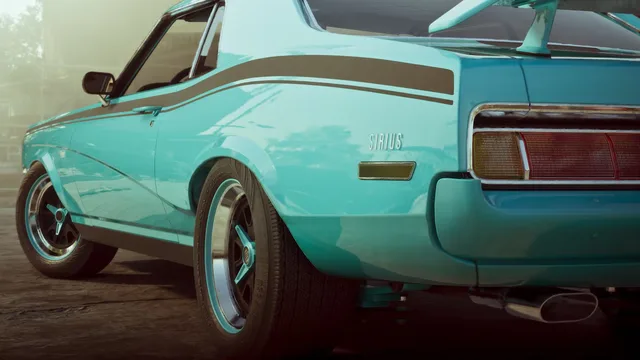
GTA 6 phone wallpaper: Classic car collectionGTA 6 desktop wallpaper: Classic car collection
Classic car collectionOriginal 810p

Where these images come from

The 4K wallpapers are screenshots from The Launch Gallery, which Rockstar Games released on November 5, 2026. The others come from Rockstar's official editions page(Ultimate Edition and Vintage Vice City Pack), in Full HD. We only cropped and resized them for each screen. More on those editions in GTA 6 Ultimate Edition: everything included. See what else is in the gallery in our article GTA 6 Launch Gallery: 39 new screenshots.
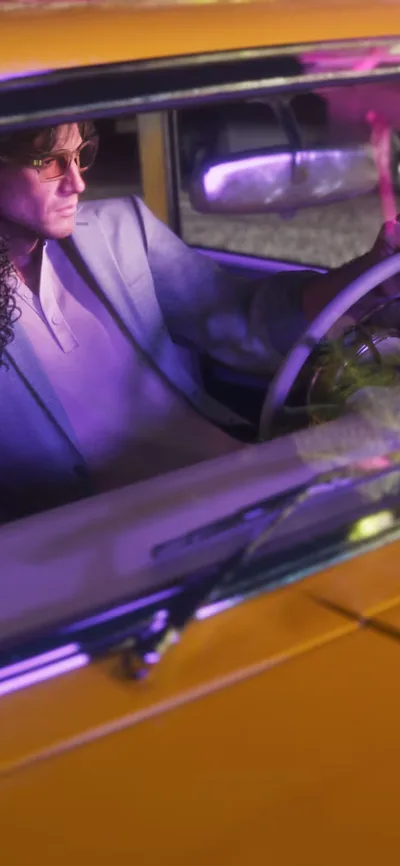
On phones, the image is cut to a tall portrait shape. On ultrawide and 16:10 screens, a little is cut from the top and bottom. Sizes above 4K (iMac) are slightly upscaled from the 3840×2160 originals, and the Full HD images look best on phones and 1080p or 1440p screens.

FAQ

Are these official GTA 6 wallpapers?

They are official GTA 6 images from Rockstar Games: screenshots from The Launch Gallery (November 5, 2026) and images from the official editions page. We cropped them to fit phone and computer screens. All images belong to Rockstar Games.

How do I set a wallpaper on iPhone?

Download the image, open it in Photos, tap the share button, then Use as Wallpaper. You can also go to Settings > Wallpaper > Add New Wallpaper > Photos.

How do I set a wallpaper on a Samsung phone?

Download the image, open it in Gallery, tap the three dots, then Set as wallpaper, and choose Home screen, Lock screen or both.

How do I set a wallpaper on Windows?

Right-click the downloaded image and choose Set as desktop background. Or go to Settings > Personalization > Background and pick the file.

How do I set a wallpaper on a Mac?

Right-click the image in Finder and choose Set Desktop Picture. Or open System Settings > Wallpaper and add the photo.

My phone is not in the list. Which size do I pick?

Pick "Other Android (Full HD+)" for most Android phones, or the iPhone closest to yours. Your phone will scale the image to fit.

Grand Theft Auto VI and all images © Rockstar Games. FpsGen is an independent site and is not affiliated with Rockstar Games or Take-Two Interactive. More GTA 6 news and guides on our GTA 6 page.