


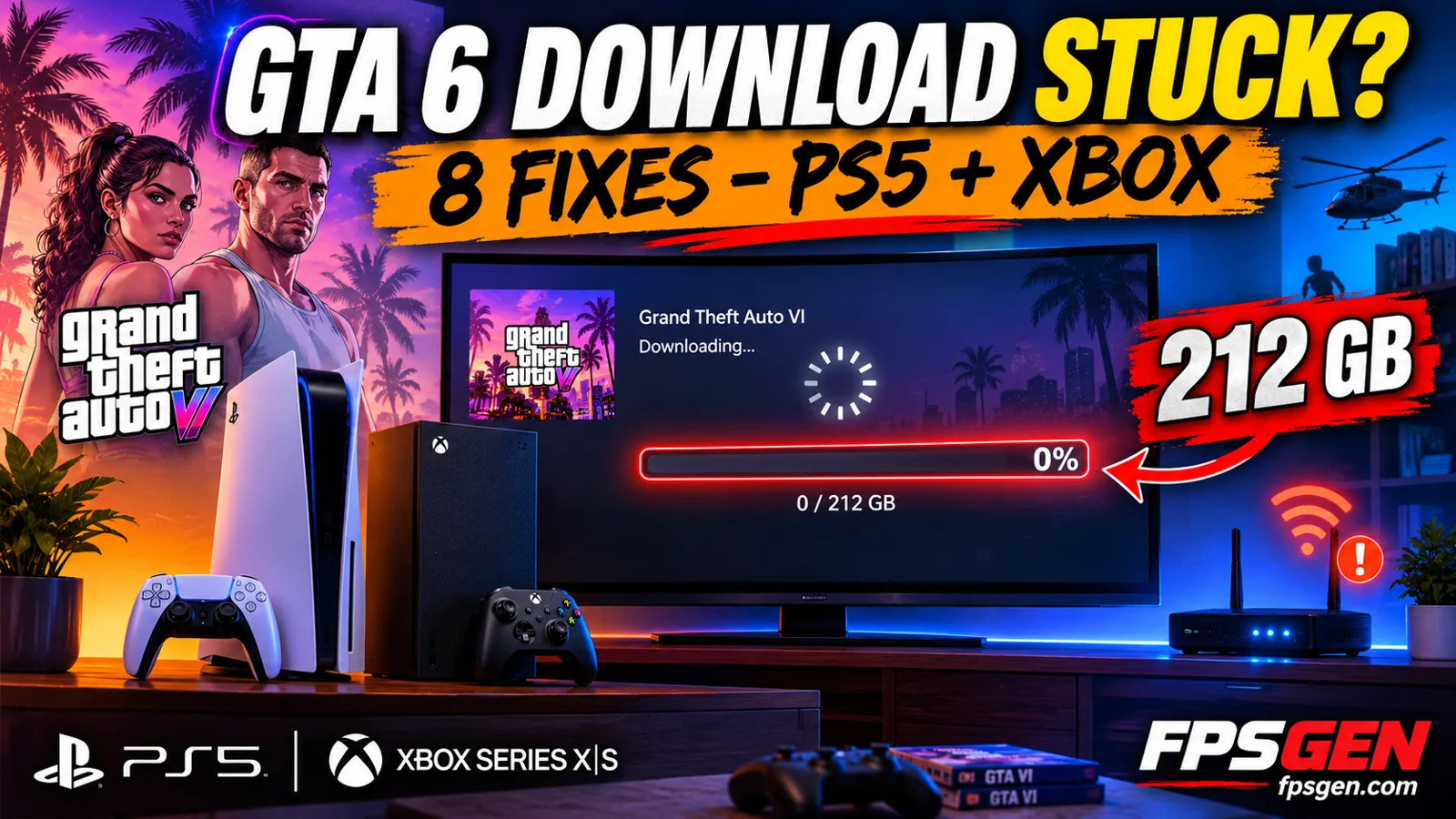
Short answer: if your GTA 6 download is stuck at 0%, crawling or "queued", work through these in order: restart the download, pause and resume it, put the console in rest mode (PS5 downloads much faster this way), restart your router, and check it is not queued behind another download. With a 212 GB file, a slow connection is normal: at 50 Mbps the download takes around 9 hours.
Preloading has been open since November 10, and the game unlocks on November 19. If you have not started the download, start it now rather than on launch night.
First: is it actually stuck?
A 212 GB download looks frozen when it is simply slow. Before changing anything, check the remaining time, not the percentage: on PS5 go to the Downloads section of the home screen, on Xbox to My games & apps → Manage → Queue.
If the time is moving at all, nothing is broken. Here is what 212 GB really takes:
| Your connection | Rough time for 212 GB |
|---|---|
| 1 Gbps fibre | about 30 minutes |
| 200 Mbps | about 2.5 hours |
| 100 Mbps | about 5 hours |
| 50 Mbps | about 9.5 hours |
| 25 Mbps | about 19 hours |
| 10 Mbps | about 2 days |
Real speeds run below the headline number, so add a margin.
Fix 1: Pause and resume
The oldest trick, and it works more often than it should. Highlight the download, pause it, wait about ten seconds, then resume. A stuck transfer usually picks a new server and starts moving.
If it does nothing, cancel the download and start it again from your library. You do not lose the part already downloaded on either console.
Fix 2: Use rest mode (PS5)
This is the big one on PlayStation. Downloads are much faster in rest mode than with the console on, because nothing else is using the bandwidth or the CPU.
- Settings → System → Power Saving → Features Available in Rest Mode.
- Turn on Supply Power to USB Ports and Stay Connected to the Internet.
- Put the console into rest mode and leave it.
On Xbox, the equivalent is leaving the console in standby (Settings → General → Power options → Sleep).
Fix 3: Restart your router and console
Full restart, not sleep:
- Pause the download.
- Turn the console fully off.
- Unplug the router for 30 seconds and plug it back in.
- Wait for the internet to come back, then start the console and resume.
Fix 4: Use a cable instead of Wi-Fi
An ethernet cable is the single biggest improvement for a download this size. Wi-Fi on the 2.4 GHz band in particular can cut your speed to a fraction of what you pay for.
If a cable is impossible, get the console on the 5 GHz band and as close to the router as you can, and keep other devices off streaming video while it downloads.
Fix 5: Check the queue and other downloads
GTA 6 can sit behind something else:
- PS5: Downloads list, move it to the top, and pause everything else.
- Xbox: My games & apps → Manage → Queue. Make sure GTA 6 is active, not queued, and pause other installs and updates.
Game updates for other titles are a common culprit: your console may be quietly downloading several at once.

Fix 6: Check you have the space
If the console runs out of room mid-download, the transfer stops and can look frozen. You need up to 212 GB free, and on a 512 GB Xbox Series S that is well over half the drive. Our GTA 6 file size guide has the usable space on each console and how to free some up.
Fix 7: Check the servers, not your console
On launch night, millions of people download at the same time and speeds drop for everyone. Before you spend an hour on your own setup, check whether the problem is at the store:
- PlayStation Network: the official PSN service status page.
- Xbox: the official Xbox status page.
If a store is having problems, waiting is the only fix.
Fix 8: Clear the cache (Xbox) or rebuild the database (PS5)
Last resort, and both are safe for your saves:
- Xbox: hold the power button for 10 seconds until it turns off, unplug the power cable for 30 seconds, plug it back in and start up.
- PS5: turn it fully off, hold the power button until you hear the second beep to enter Safe Mode, and choose Clear Cache and Rebuild Database.
"Download complete" but it still says queued
This normally means the console is unpacking the files, which does not show as download progress. Leave it alone: it can take a while on a file this size. Restarting during this step just starts it over.
Related GTA 6 guides
- GTA 6 preload: how to do it on PS5 and Xbox
- GTA 6 file size: 212 GB
- GTA 6 release time by country
- GTA 6 Completion Tracker
- GTA 6 won't start or keeps crashing: fixes
- Is GTA 6 down? Server status
FAQ
Why is my GTA 6 download stuck at 0%?
Usually a queued download, a slow connection or not enough free space. Pause and resume it, make sure nothing else is downloading, and check you have up to 212 GB free.
How long does GTA 6 take to download?
At 100 Mbps around 5 hours, at 50 Mbps around 9.5 hours, and about half an hour on gigabit fibre. The file is up to 212 GB.
Does rest mode make GTA 6 download faster on PS5?
Yes, usually noticeably faster, as long as "Stay Connected to the Internet" is on in the rest mode settings.
Can I play GTA 6 as soon as the preload finishes?
No. Preloading only copies the files. The game stays locked until midnight local time on November 19.
Why is my download slow only at night?
Evening is peak time both for your internet provider and for the store. Launch night is the worst case, which is why preloading early matters.
Sources: Rockstar's confirmed 212 GB download size, and the standard PlayStation and Xbox download troubleshooting steps. Last checked November 13, 2026.

Gaming writer at FpsGen. Guides and reviews are built on official sources, patch notes and real player data.



Comments
No comments yet. Start the conversation.