

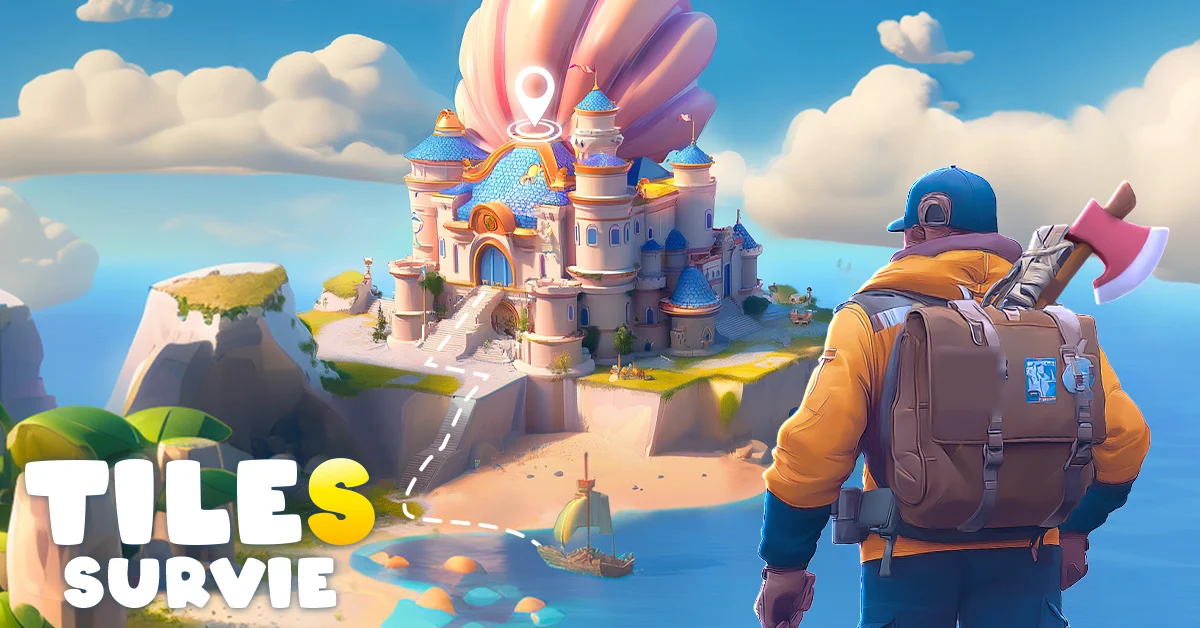

Build a shelter, keep your survivors alive and expand tile by tile, now on the big screen of your Windows PC.
Play Tiles Survive! on PC Free to play · Official PC version · Windows onlyTiles Survive! is one of the fastest-growing strategy games of the past year. FunPlus launched it worldwide on Android and iOS in July 2025, and it passed 20 million players in less than a year. If you play it on your phone, or you have seen it in ads and want to try it, there is a better way to play on a computer: the official PC version for Windows.
This guide explains what Tiles Survive! is, why it plays better on PC, how to start in a few minutes, and what your computer needs.
In short: Tiles Survive! is free to play and runs on Windows PCs through its official PC version, so you do not need an Android emulator. Click the button, create your account, log in, and start building your shelter.
What is Tiles Survive!?
Tiles Survive! is a free-to-play survival strategy game developed by FunPlus. You lead a small group of survivors in a dangerous wilderness overrun by zombies, wild animals and extreme weather. Your job is to turn a few ruins into a working, fortified settlement.
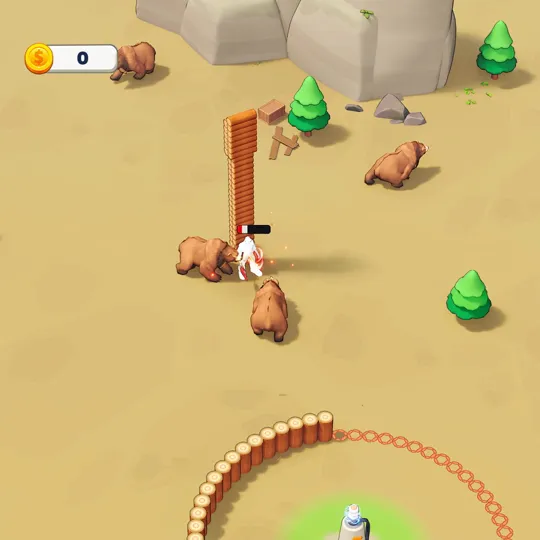
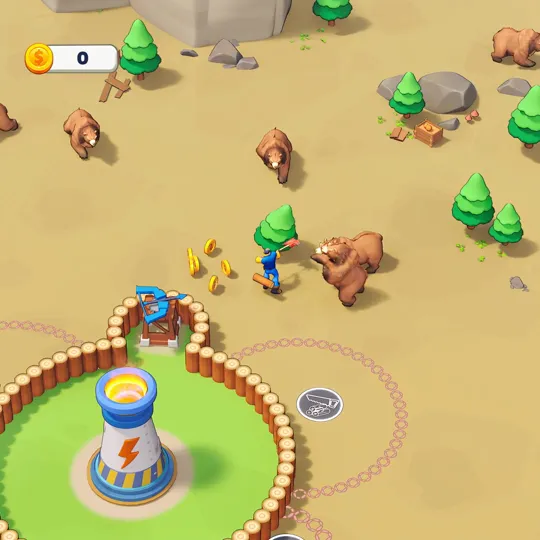
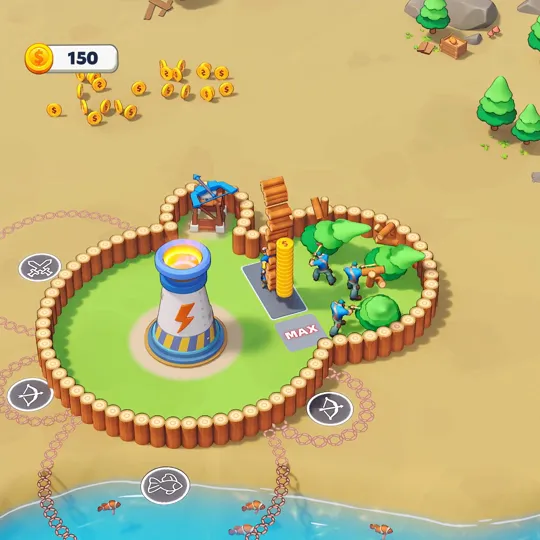
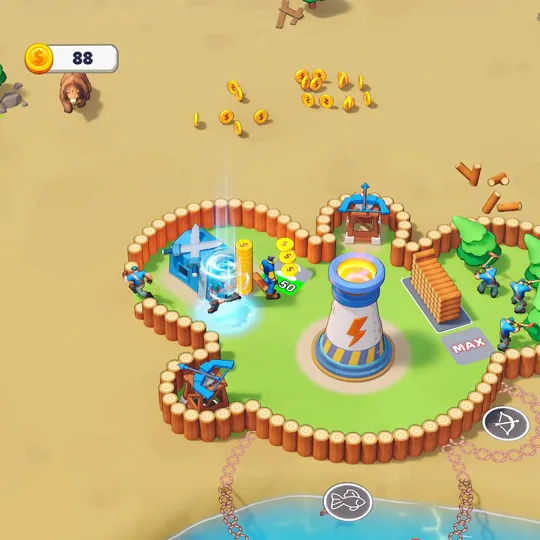
Here is what you do in the game:
- Expand tile by tile. The map opens one tile at a time. Each new tile can hide resources, collectibles, new biomes or a threat.
- Manage your survivors. Assign jobs like gathering food, cutting wood, crafting tools or running the power reactor, and keep an eye on their health and morale.
- Keep the power on. Generators connected to your buildings boost production. Electricity is the heart of your shelter.
- Recruit heroes. Heroes have their own skills and help your settlement grow faster and fight better.
- Join an alliance. Team up with other players against zombies, harsh weather and wildlife, and progress through multiple maps together.
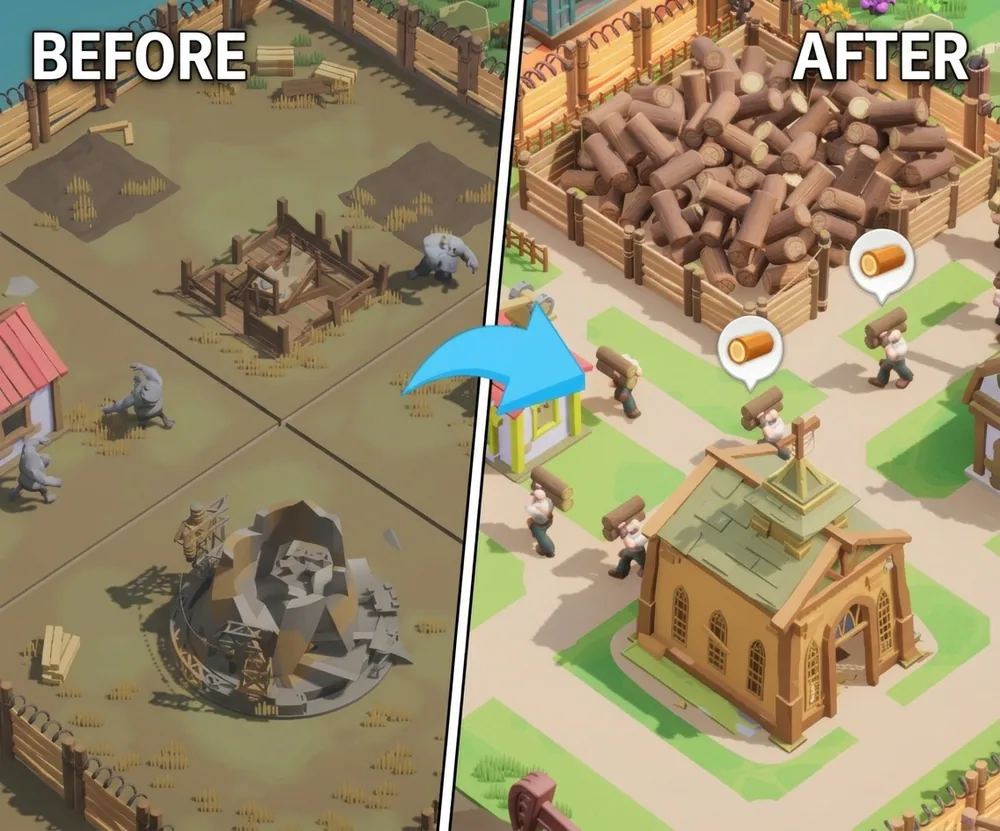
Why play Tiles Survive! on PC?
Tiles Survive! was built for phones, but a strategy game with this much management feels better on a computer.
Official PC version vs Android emulator
Many guides tell you to play Tiles Survive! on PC with an Android emulator like BlueStacks or MuMuPlayer. That works, but it is no longer the simplest option.
| Official PC version | Android emulator | |
|---|---|---|
| Setup | One program, made for Windows | Emulator first, then the Play Store, then the game |
| Google account | Not required | Needed to sign in to the Play Store |
| Performance | Runs natively on Windows | Runs inside a virtual Android phone |
| Controls | Mouse controls on Windows | Touch controls mapped to keys |
| Mac support | No (Windows only) | Some emulators support Mac |
If you are on a Windows PC, the official version is the cleaner choice. On a Mac, an emulator is currently the only way to play on a computer.
How to start playing Tiles Survive! on PC
Start playing Tiles Survive! on PC
PC requirements
The official PC version is made for Windows only. Here is what you need:
- Operating system: Windows PC (Windows 10 or 11 recommended)
- Internet connection: required, Tiles Survive! is an online game
- Account: a free Tiles Survive! account (you create it in the game)
- Mac and Linux: not supported by the official PC version
- Phones and tablets: use the mobile version from your app store instead
Tiles Survive! is a light game compared to big PC titles, so most Windows laptops and desktops from the last few years can run it.
If you use an Android emulator instead
Emulators run a virtual Android phone on your computer, so they ask for more. These are the requirements published by the two most popular emulators for Tiles Survive!:
| BlueStacks | MuMuPlayer | |
|---|---|---|
| Windows | Windows 7 or newer | Windows 7 or newer |
| Mac | macOS 11 (Big Sur) or newer | macOS 11 or newer, Apple Silicon (M1 and newer) |
| Processor | Intel, AMD or Apple Silicon | 4-core Intel or AMD |
| RAM | 4 GB or more | 4 GB or more |
| Graphics | Updated graphics drivers | GeForce GTX 950 or better |
| Storage | 5 to 10 GB free | 5 GB free (Mac) |
| Other | Admin rights on the PC | Virtualization (VT) enabled |
The emulator route works on Mac too, but on Windows the official PC version skips the virtualization setup and the extra load of running Android in the background.
Beginner tips for Tiles Survive!

- Power comes first. Keep your generator running and connect new buildings to it. A shelter without electricity slows down everything.
- Balance food and work. Survivors with no food or low morale work slower. Do not assign everyone to wood.
- Expand carefully. New tiles can hide threats. Build walls and defenses before you push into a new area.
- Upgrade, do not only build. A few upgraded buildings are often better than many weak ones.
- Join an active alliance early. Alliance help speeds up construction and makes events much easier.
Play Tiles Survive! free on PC
More strategy and survival games on PC
If you like building and managing, these guides are worth a look:
- Rise of Kingdoms Beginner's Guide: civilizations, commanders and smart growth
- Star Trek Fleet Command Beginner's Guide: ships, mining and survival in space
- Once Human Beginner's Guide: survive, build and beat the grind
- War Thunder System Requirements: check if your PC can run it
FAQ
Is Tiles Survive! available on PC?
Yes. Besides Android and iOS, Tiles Survive! has an official PC version for Windows, so you can play without an emulator.
Is Tiles Survive! free?
Yes. Tiles Survive! is free to play, with optional in-game purchases.
Can I play Tiles Survive! on Mac?
The official PC version is Windows only. On a Mac, you would need an Android emulator that supports macOS.
Who makes Tiles Survive!?
Tiles Survive! is developed by FunPlus. It launched worldwide on mobile in July 2025.
Do I need an emulator like BlueStacks?
No. On Windows, the official PC version runs directly, so an emulator is not needed.
FpsGen is an independent gaming site and is not affiliated with FunPlus. Game information is based on public sources, including FunPlus and Pocket Gamer. Images and video are official Tiles Survive! promotional material.

Gaming writer at FpsGen. Guides and reviews are built on official sources, patch notes and real player data.
FpsGen may earn a commission when you start playing a game through links on this page.



Comments
No comments yet. Start the conversation.