

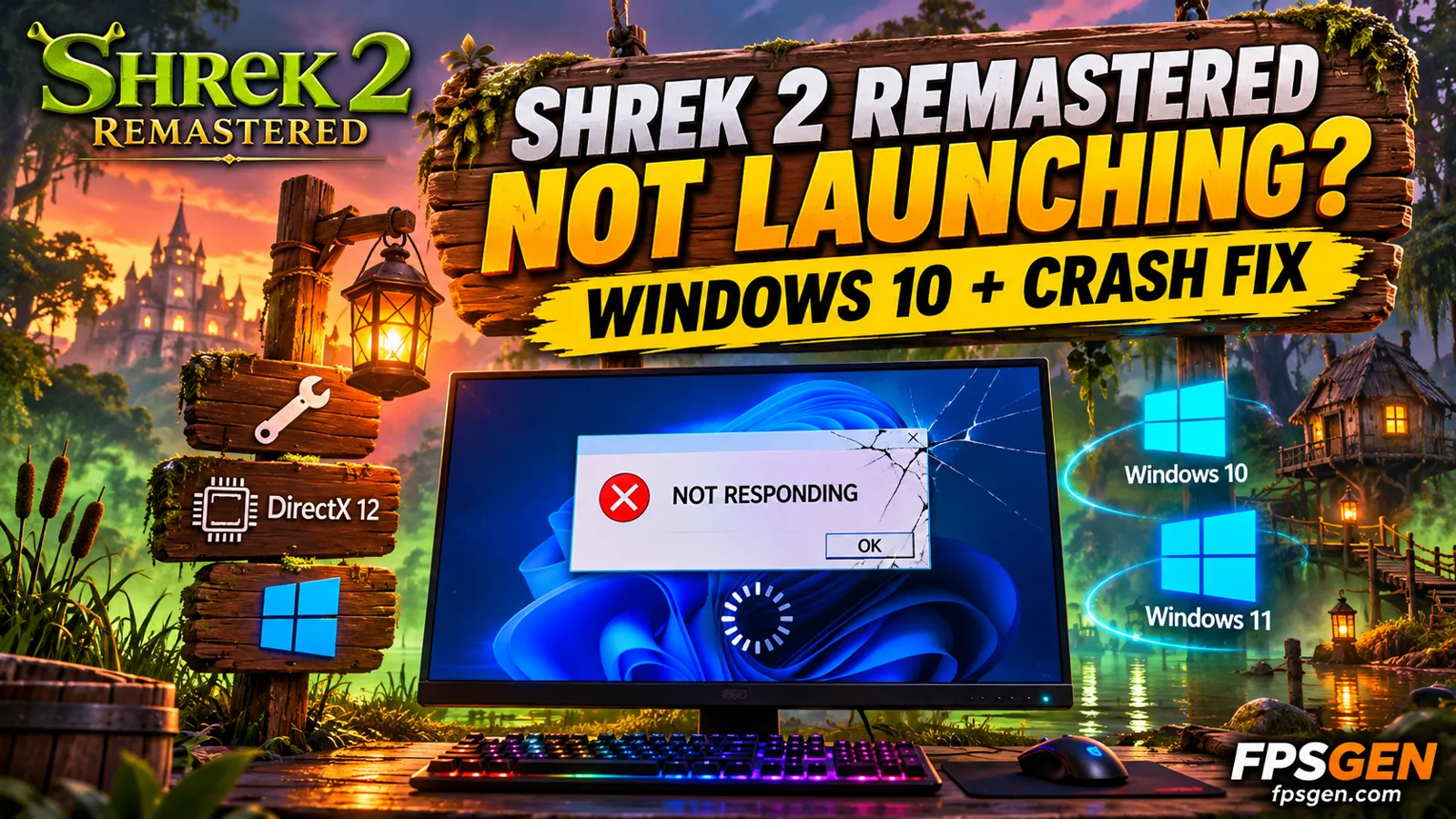
Short answer: if Shrek 2 Remastered won't launch or crashes on PC, check these first: your PC must have a DirectX 12 graphics card (GTX 1060 / RX 570 or better), the Steam page lists Windows 11 (64-bit) as the supported system, and the game uses Epic Online Services for co-op. Then verify the game files, update your graphics driver, install the Visual C++ runtimes, and turn off overlays and antivirus blocking.
DreamWorks Shrek 2 Remastered by Aspyr came out on November 10, 2026 and costs $26.99 on Steam. Its launch reviews are mixed (47% positive): players love the nostalgia but report display, controls and co-op problems.
Does Shrek 2 Remastered work on Windows 10?
The Steam store page now lists Windows 11 (64-bit) for both minimum and recommended requirements. An earlier version of the requirements listed Windows 10/11 for minimum, so Windows 10 is not officially supported anymore. Microsoft also ended normal Windows 10 support in October 2025.
If you are on Windows 10 and the game won't start:
- Install all Windows updates (Settings → Update & Security → Windows Update), including optional ones. You should be on version 22H2.
- Make sure your graphics card supports DirectX 12 and update its driver.
- Install the latest Microsoft Visual C++ Redistributable (x64) from Microsoft's website.
- If it still fails, the safe options are upgrading to Windows 11 (if your PC is eligible) or asking Steam for a refund (under 2 hours played and within 14 days of purchase).
Fix 1: Check your graphics card (DirectX 12)
The game requires DirectX 12. Very old graphics cards and some old integrated graphics can't run it, and the game may close right away or show an error. The minimum card is an NVIDIA GTX 1060 or AMD RX 570.
To check: press Windows + R, type dxdiag, and look at the Display tab. Then check our Shrek 2 Remastered requirements below, or test your PC in one click on our Can I Run Shrek 2 Remastered? page.
Pick your hardware and we compare it with the official DreamWorks Shrek 2 Remastered requirements.
Official DreamWorks Shrek 2 Remastered PC requirements
| Minimum | Recommended | |
|---|---|---|
| OS | Windows 11 (64-bit) | Windows 11 (64-bit) |
| CPU | Intel i5-10400 / Ryzen 5 3600 | AMD Ryzen 5 3600X / Intel Core i5-10400 |
| RAM | 8 GB | 16 GB |
| GPU | NVIDIA 1060 / AMD RX 570 | NVIDIA GeForce GTX 1070 / AMD Radeon RX 5700 |
| Storage | 15 GB | 15 GB |
Source: official DreamWorks Shrek 2 Remastered website. Results are estimates based on relative hardware performance.
Fix 2: Verify the game files
Steam: Library → right-click DreamWorks Shrek 2 Remastered → Properties → Installed Files → Verify integrity of game files.
Fix 3: Update your graphics driver
Install the latest driver from NVIDIA, AMD or Intel and restart your PC. A crash at the first loading screen is often driver-related.
Fix 4: Install the Visual C++ runtimes
A missing runtime makes many games close without an error. Download and install the latest Visual C++ Redistributable (x64) from Microsoft, then restart.
Fix 5: Epic Online Services and co-op problems
The Steam page says the game "Uses Epic Online Services (EOS) for online multiplayer features" and supports linking to your Steam account. On Steam, players report problems connecting to Epic and starting co-op.
- When the game asks, link your Epic account in the browser window that opens and finish the login.
- Allow the game through Windows Firewall (Windows Security → Firewall & network protection → Allow an app through firewall).
- Turn off your VPN while you play.
- Some players also report that local co-op doesn't work at launch. That needs a patch from Aspyr, not a fix on your side.
Fix 6: Turn off overlays and antivirus blocking
- Turn off the Steam overlay, Discord overlay, NVIDIA/AMD overlays and screen recorders, then launch again.
- Add the game folder as an exclusion in Windows Security or your antivirus.
- Try Run as administrator on the game's .exe (Steam → Manage → Browse local files).
Fix 7: Display problems (cutscenes, ultrawide, resolution)
Players on Steam report that cutscenes don't scale to full screen, there is no ultrawide support, and resolution options are limited. These are game issues. Set your Windows display to a 16:9 resolution (like 1920x1080) before you launch if the picture looks wrong, and wait for Aspyr's patches.

Shrek 2 Remastered PC system requirements
Aspyr lowered the requirements before launch. The first list asked for an RTX 4060 class card and 16 GB of RAM as minimum; the current Steam page asks for a GTX 1060 and 8 GB.
| Minimum | Recommended | |
|---|---|---|
| Operating system | Windows 11 (64-bit) | Windows 11 (64-bit) |
| Processor | Intel Core i5-10400 / Ryzen 5 3600 | Ryzen 5 3600X / Intel Core i5-10400 |
| Memory | 8 GB RAM | 16 GB RAM |
| Graphics card | NVIDIA GTX 1060 / AMD RX 570 | NVIDIA GTX 1070 / AMD RX 5700 |
| DirectX | Version 12 | Version 12 |
| Storage | 15 GB | 15 GB |

Related guides
FAQ
Why won't Shrek 2 Remastered launch on my PC?
The most common reasons are a graphics card without DirectX 12, an old graphics driver, missing Visual C++ runtimes, broken game files, or an overlay or antivirus blocking the game.
Can I play Shrek 2 Remastered on Windows 10?
The Steam page lists only Windows 11 (64-bit), so Windows 10 is not officially supported. It may still run on an updated Windows 10 with a DirectX 12 card, but if it doesn't, Aspyr is not obliged to fix it.
Do I need an Epic account to play Shrek 2 Remastered?
The game uses Epic Online Services for online multiplayer and lets you link your Steam account. Players report the Epic link is needed for online co-op.
What graphics card do I need for Shrek 2 Remastered?
At least an NVIDIA GTX 1060 or AMD RX 570. A GTX 1070 or RX 5700 is recommended.
How big is Shrek 2 Remastered?
The game needs 15 GB of free storage.
Sources: Steam store page (requirements, release date, price, EOS notice, review score), Steam discussions and Steam reviews (player-reported issues), Gfinity (earlier requirements). Last checked November 11, 2026.

Gaming writer at FpsGen. Guides and reviews are built on official sources, patch notes and real player data.

Comments
No comments yet. Start the conversation.