



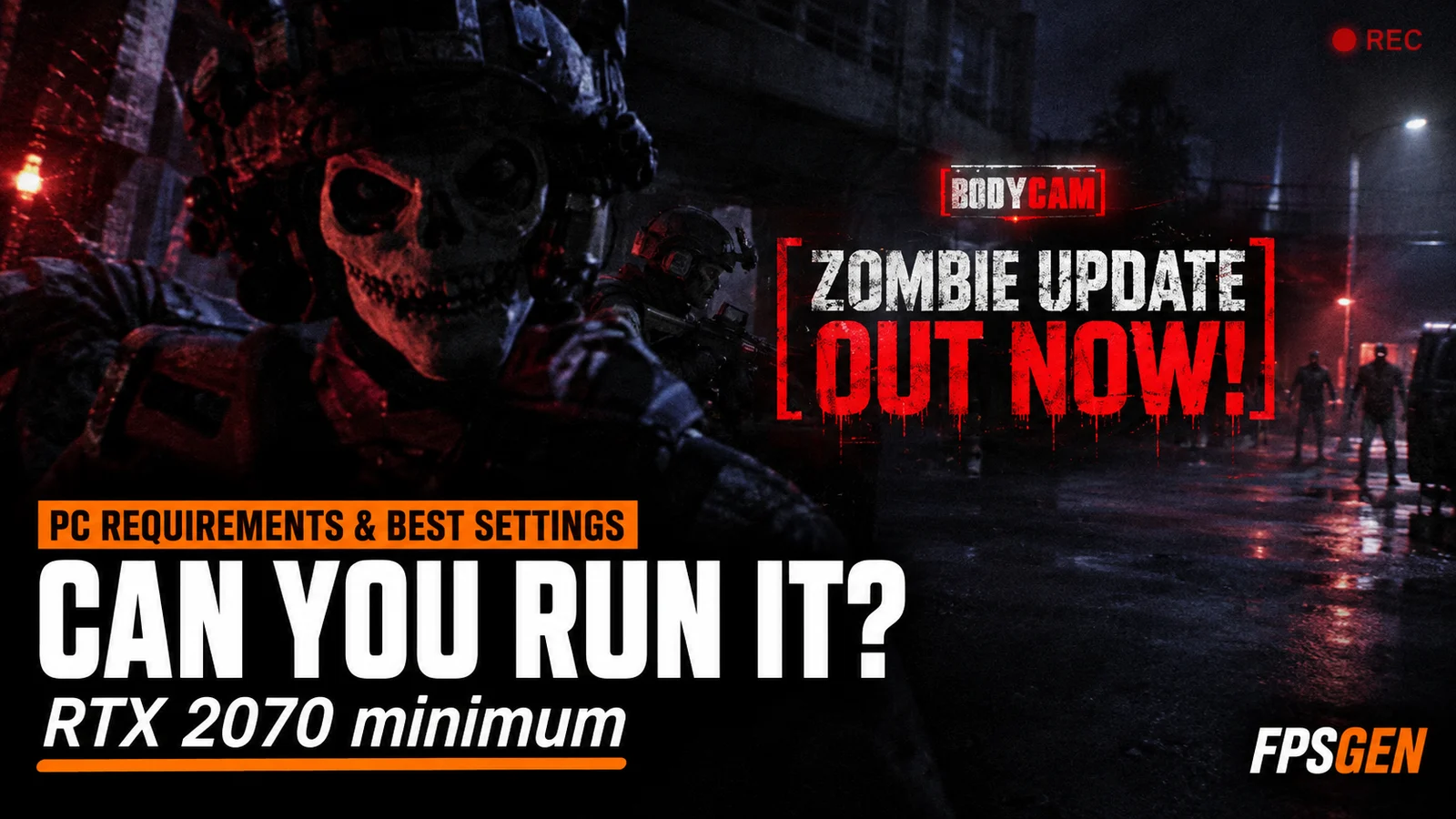
Short answer: Bodycam is a demanding Unreal Engine 5 shooter. The minimum is an NVIDIA RTX 2070 or AMD RX 5700 (8 GB), an Intel Core i7-9700K or AMD Ryzen 7 3700X, 8 GB of RAM and 50 GB of storage (SSD recommended). The recommended specs are an RTX 3060 12GB or RX 6600 XT, a Core i7-10700K or Ryzen 7 3800X and 16 GB of RAM. For the best FPS, use the Medium to High preset, turn on DLSS, FSR or XeSS in Quality mode, and turn motion blur, film grain and V-Sync off.
Pick your hardware and we compare it with the official Bodycam requirements.
Official Bodycam PC requirements
| Minimum | Recommended | |
|---|---|---|
| OS | Windows 10/11 | Windows 10/11 |
| CPU | AMD Ryzen 7 3700X, Intel Core i7-9700K | AMD Ryzen 7 3800X, Intel Core i7-10700K |
| RAM | 8 GB | 16 GB |
| GPU | AMD Radeon RX 5700 (8 GB), NVIDIA GeForce RTX 2070 (8 GB) | AMD Radeon RX 6600 XT (8 GB), NVIDIA GeForce RTX 3060 (12 GB) |
| Storage | 50 GB | 50 GB |
Source: official Bodycam website. Results are estimates based on relative hardware performance.
What is Bodycam?
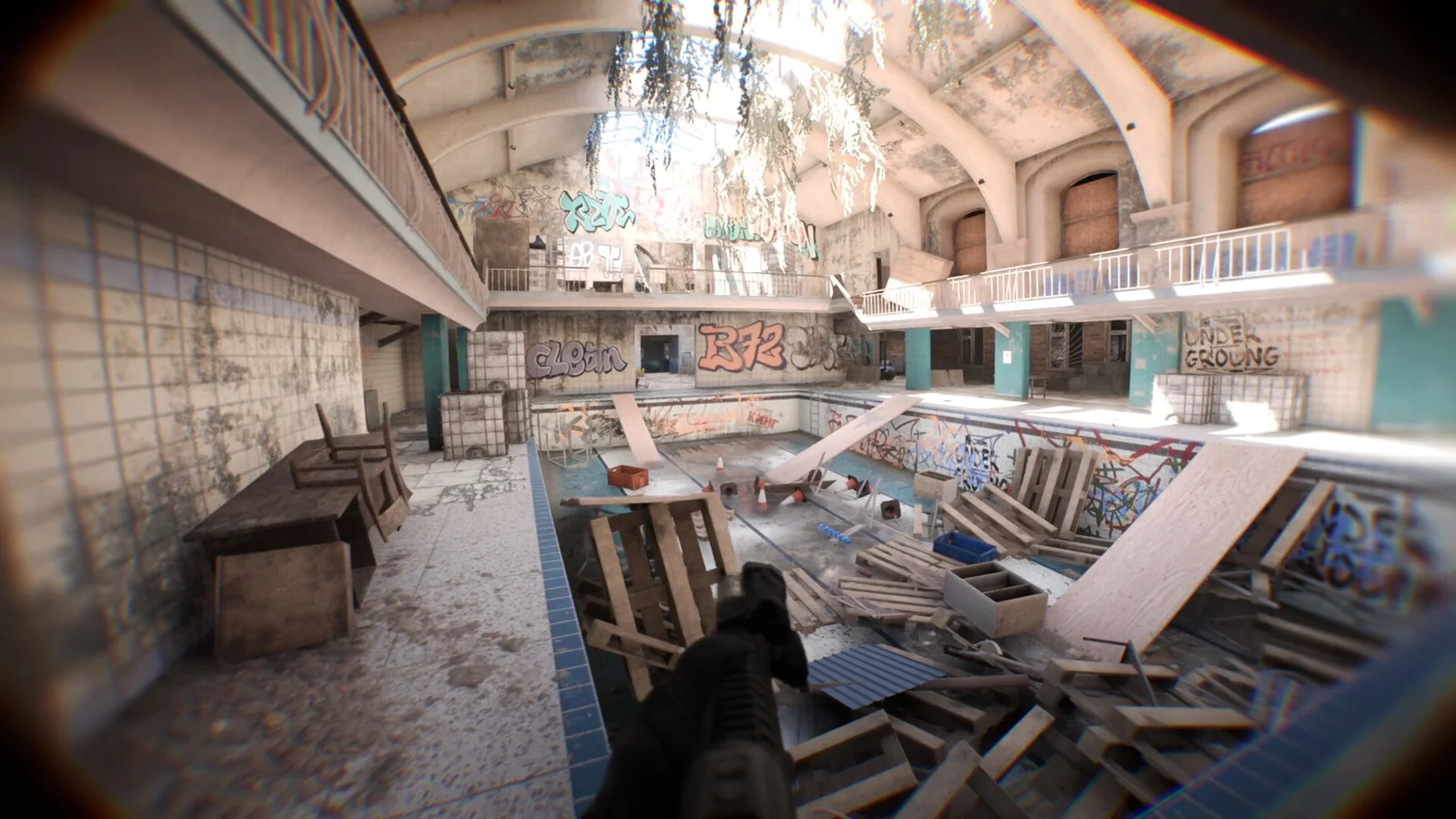
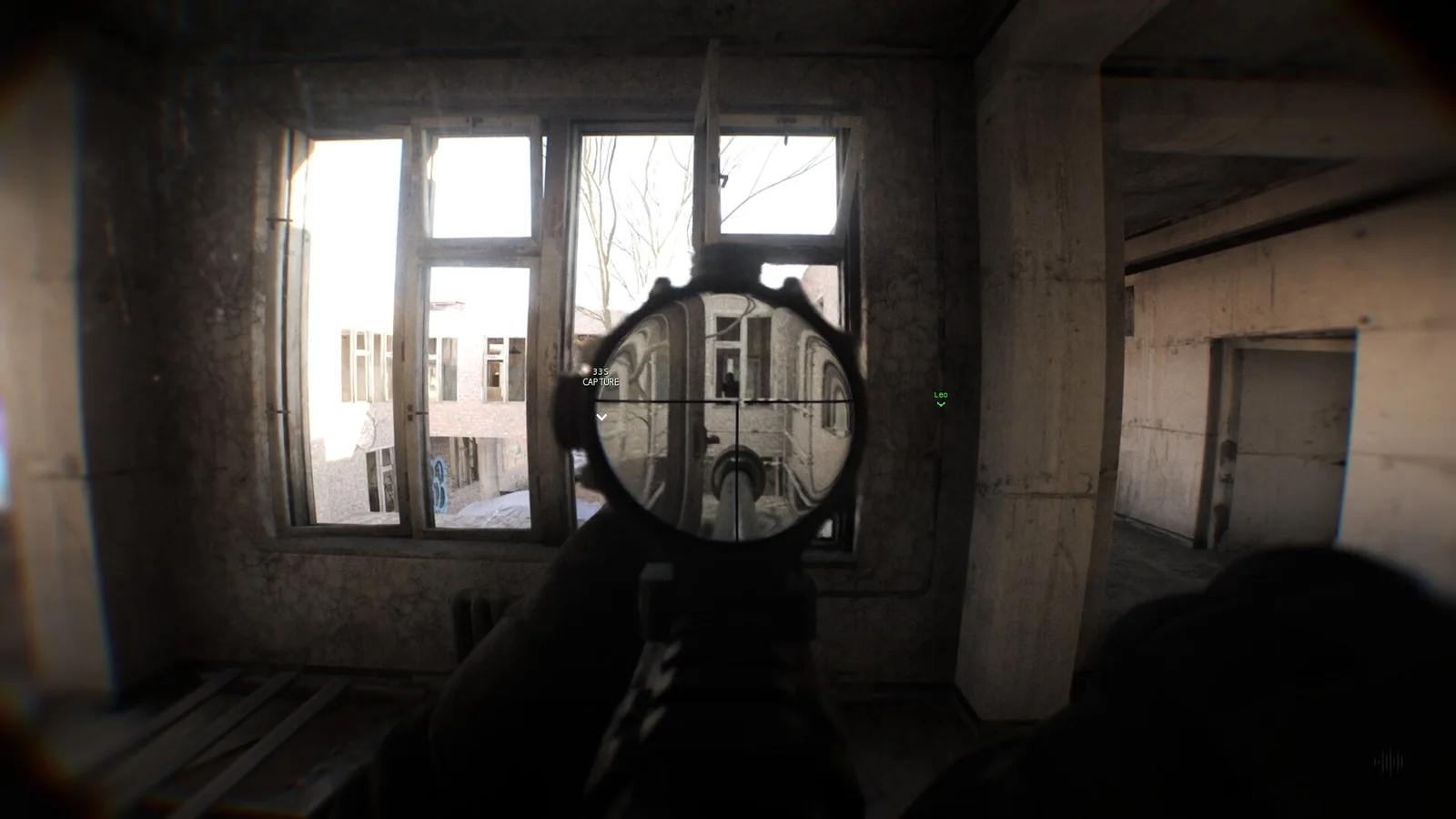
Bodycam is a realistic tactical multiplayer FPS made by Reissad, a small independent French studio. You see everything through a body-camera view: no crosshair, no ammo counter and no HUD, with photoreal maps built in Unreal Engine 5. It has been in Steam Early Access since June 7, 2024.
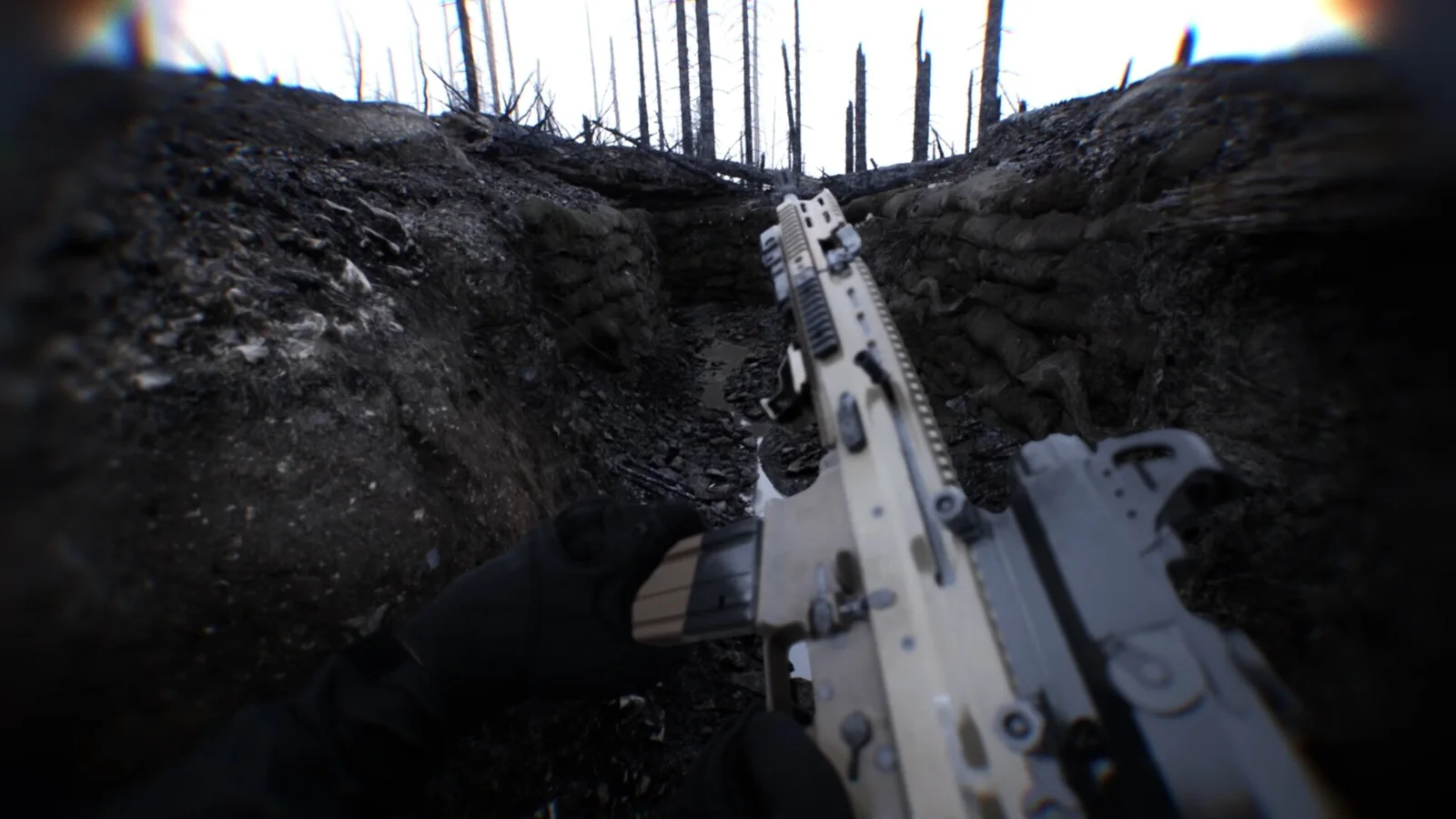
The game is popular again thanks to the v0.8 "Locked & Loaded" update of September 2, 2026: about 400 weapon attachments, a loadout system, new weapons, the Trenches map, drones and RC cars, the Wingman 2v2 mode, a big audio overhaul, and reworked graphics settings with DLSS 4.5, FSR 4, XeSS 3 and frame generation. On launch day, Steam counted a peak of more than 32,000 players, up from under 1,000 in July. Bodycam is now one of the top-grossing games on Steam.
On November 13, 2026, update 0.9 "The Dead and Damned" brought back the Zombies mode, with the new Zombie Trenches map, reworked Asylum and Village maps, co-op for up to four players and Easy Anti-Cheat for multiplayer. The PC requirements did not change with this update.
Bodycam PC system requirements
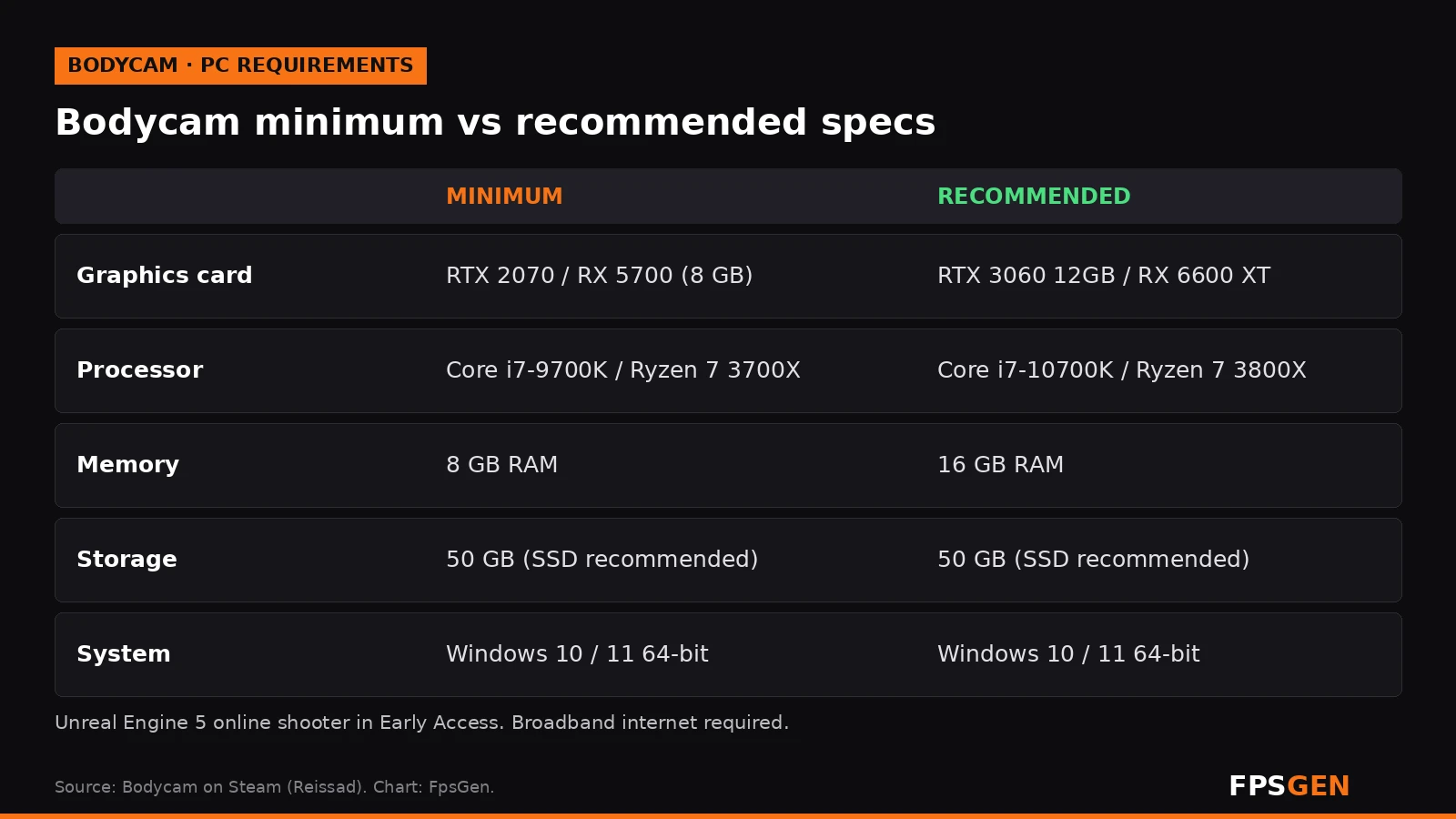
| Minimum | Recommended | |
|---|---|---|
| Operating system | Windows 10 / 11 (64-bit) | Windows 10 / 11 (64-bit) |
| Processor | Intel Core i7-9700K / AMD Ryzen 7 3700X | Intel Core i7-10700K / AMD Ryzen 7 3800X |
| Memory | 8 GB RAM | 16 GB RAM |
| Graphics card | NVIDIA RTX 2070 (8 GB) / AMD RX 5700 (8 GB) | NVIDIA RTX 3060 (12 GB) / AMD RX 6600 XT (8 GB) |
| Network | Broadband internet | Broadband internet |
| Storage | 50 GB (SSD recommended) | 50 GB (SSD recommended) |
What stands out:
- The CPU matters. Even the minimum asks for an 8-core processor. Busy multiplayer matches lean on the CPU.
- 8 GB of RAM is the absolute minimum. With Discord and a browser open, 16 GB is the realistic amount: Is 16 GB of RAM Enough for Gaming?
- Use an SSD. Maps load faster and you get less stutter in Unreal Engine 5 games.
- 8 GB of video memory is the minimum on the graphics card.
Can my PC run Bodycam?
| Your graphics card | Can it run Bodycam? |
|---|---|
| GTX 1060, GTX 1650, GTX 1660 / 1660 Super, RX 580 | Below the minimum: may launch on Low, with upscaling, but expect drops |
| RTX 2060, RTX 3050, RX 6500 XT | Just below the minimum: Low settings and DLSS / FSR Performance |
| RTX 2070, RX 5700, RX 6600, RTX 3060, Arc A750 | Minimum to recommended: Medium at 1080p with Quality upscaling |
| RTX 4060, RTX 5060, RX 6600 XT, RX 7600 | Recommended: Medium to High at 1080p |
| RTX 4070 / 5070, RX 7800 XT / 9070 and faster | High at 1440p |
These are our estimates based on the official specs, not our own benchmarks. Check your exact PC on our Can I Run Bodycam? page.
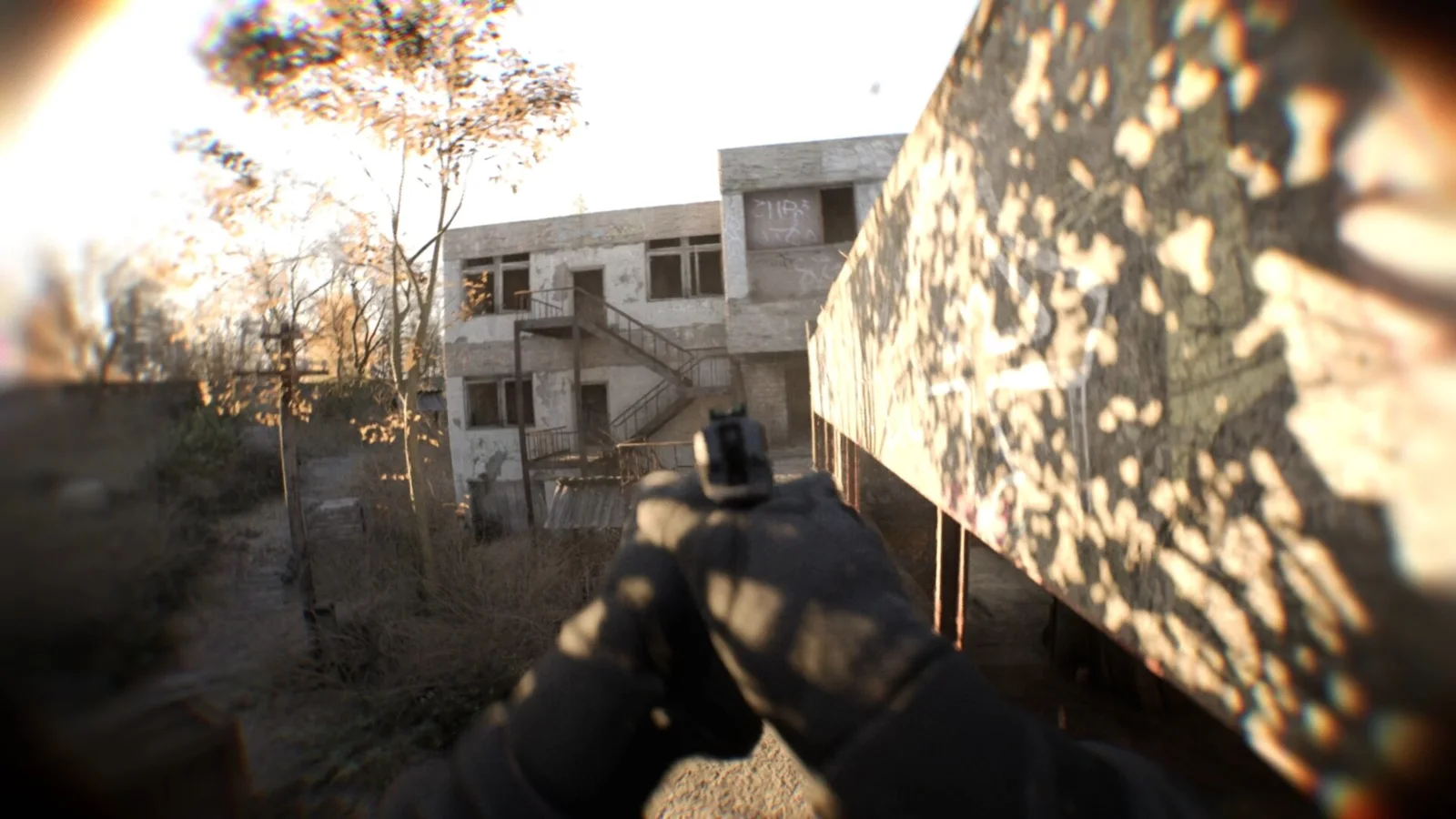
Best Bodycam settings for FPS
Start here, then adjust one setting at a time in the same map:
| Setting | Best value | Why |
|---|---|---|
| Display mode | Fullscreen | Lower input lag, steadier FPS |
| Resolution | Your monitor's native resolution | Use upscaling instead of a lower resolution |
| Graphics preset | Medium (High on strong PCs) | The best balance of look and FPS |
| Resolution scale | 100% | Let DLSS / FSR / XeSS do the scaling |
| Upscaling | DLSS (NVIDIA), FSR 4 (AMD), XeSS (Intel): Quality | The biggest FPS boost |
| Frame generation | Off at first | Turn on only once your base FPS is stable |
| V-Sync | Off | Less input lag |
| Motion blur | Off | Clearer picture when you turn |
| Film grain | Off | Cleaner image, easier to spot enemies |
| Depth of field | Low or Off | Sharper background |
| Chromatic aberration | Off | Cleaner edges |
| Shadows | Medium (Low on weak PCs) | One of the heaviest settings |
| Gamma | Calibrate to your screen | Helps you see into dark rooms |
Setting names can differ slightly in the game menu.
Tips:
- Pick one upscaler mode and stick with it: Quality at 1080p, Balanced at 1440p, Performance at 4K.
- Frame generation adds smoothness but also a little input lag. In a competitive shooter, use it only if your base FPS is already around 60 or more.
- Use one frame limiter only (in game, NVIDIA App, or AMD Software). With G-Sync or FreeSync, cap a few FPS below your refresh rate: FPS Cap Calculator.
- Turn on NVIDIA Reflex if your card supports it and the game offers it.
How to get more FPS in Bodycam
- Update your graphics driver, especially after a big game update: How to Update GPU Drivers.
- Close background apps (browsers, launchers, overlays). Bodycam uses a lot of RAM and CPU.
- Install on an SSD if it is on a hard drive.
- Turn on XMP / EXPO so your RAM runs at full speed. CPU-heavy games like this one benefit: XMP / EXPO On or Off?
- Let shaders compile. The first matches after an update can stutter while the game builds its shaders.
- Keep an eye on temperatures: Normal CPU Temp and Normal GPU Temp.
More fixes: How to Increase FPS on PC.
Is Bodycam free?
No. Bodycam is a paid Early Access game on Steam. The Locked & Loaded update is free for owners. The game is on sale (-20%) until November 20; check Steam for the price in your region.
Related
- Bodycam Wallpapers for Phone and PC
- Bodycam Crashing or Not Launching? Every Fix
- Can I Run Bodycam?
- How to Increase FPS on PC
- FPS Cap Calculator
- What Is a Good FPS for Gaming?
FAQ
What are the minimum requirements for Bodycam?
Windows 10 or 11 (64-bit), an Intel Core i7-9700K or AMD Ryzen 7 3700X, 8 GB of RAM, an NVIDIA RTX 2070 or AMD RX 5700 with 8 GB, broadband internet and 50 GB of storage (SSD recommended).
What are the recommended specs for Bodycam?
An Intel Core i7-10700K or AMD Ryzen 7 3800X, 16 GB of RAM and an NVIDIA RTX 3060 12GB or AMD RX 6600 XT.
Can a GTX 1660 run Bodycam?
It is below the official minimum (RTX 2070 / RX 5700). It may run on Low with upscaling, but expect FPS drops in busy fights.
Does Bodycam have DLSS and FSR?
Yes. Since the Locked & Loaded update, Bodycam supports DLSS 4.5, FSR 4 and XeSS 3, plus frame generation.
Did the Zombies update change the PC requirements?
No. Update 0.9 "The Dead and Damned" (November 13, 2026) brought back Zombies, but the minimum and recommended specs stayed the same.
How many GB is Bodycam?
50 GB of free space. An SSD is recommended.
What are the best settings for Bodycam?
The Medium preset, native resolution with DLSS / FSR / XeSS on Quality, and motion blur, film grain, chromatic aberration and V-Sync off.
Sources: Bodycam on Steam (requirements, release date, modes, reviews); Hone.gg (Locked & Loaded update, player counts, upscalers); DTGRE settings guide (graphics menu options); GameSkinny (developer); VR.one (update 0.9 Zombies). Last checked November 16, 2026.

Gaming writer at FpsGen. Guides and reviews are built on official sources, patch notes and real player data.


Comments
No comments yet. Start the conversation.