

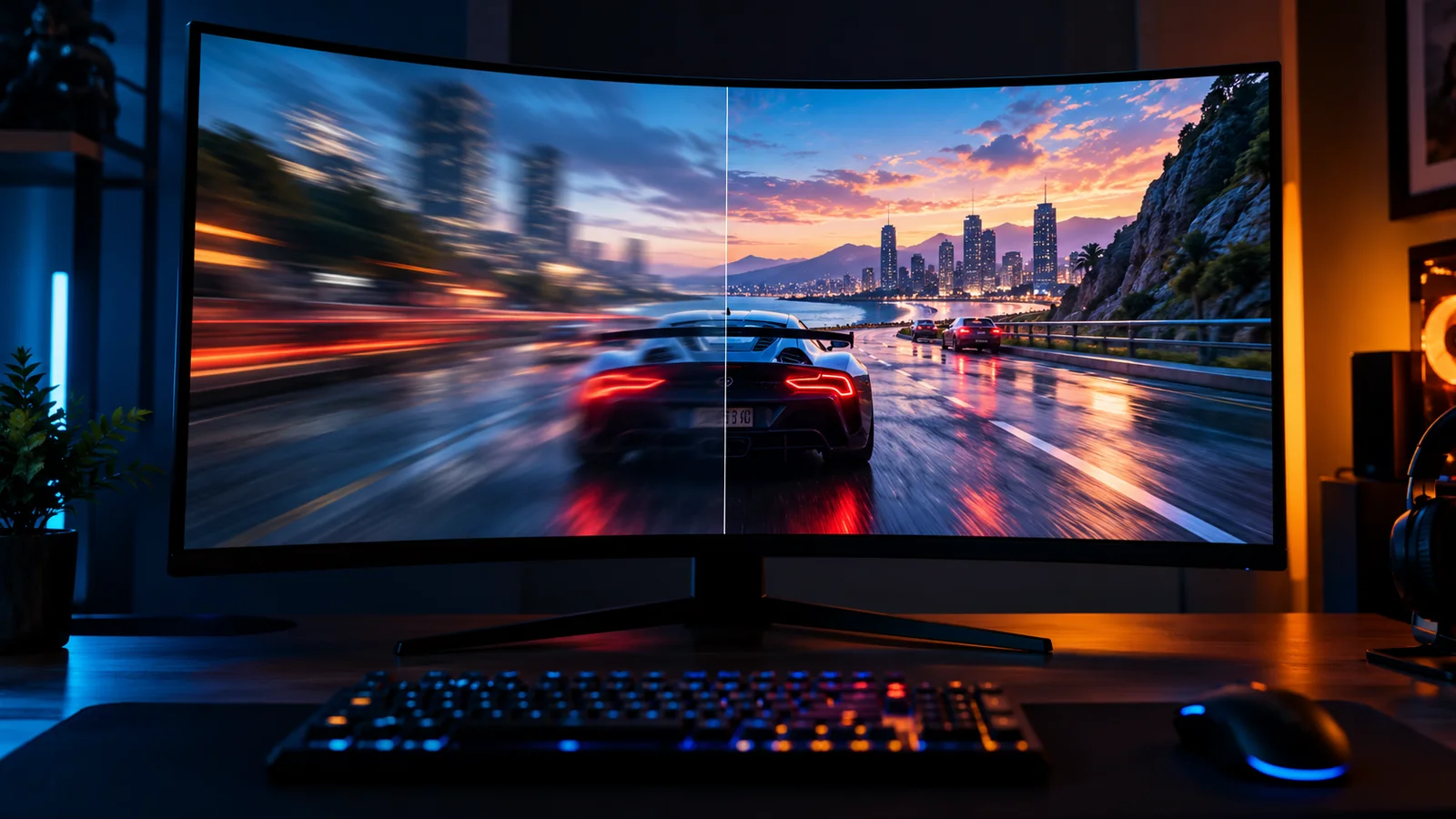
60 FPS is a good frame rate for most games. It feels smooth, it is the standard target on PC and consoles, and almost every gaming PC can reach it with the right settings. For fast shooters, 120 to 144 FPS feels noticeably better, and competitive players go even higher.
But the "right" FPS depends on your game, your monitor and how stable the frame rate is. Here is what each number really means.
FPS at a glance
| FPS | Frame time | How it feels | Good for |
|---|---|---|---|
| Under 30 | Over 33 ms | Choppy, hard to aim | Not really playable |
| 30 | 33.3 ms | Playable but heavy | Slow story games, some console modes |
| 60 | 16.7 ms | Smooth: the standard | Almost every game |
| 90 to 120 | 11.1 to 8.3 ms | Very smooth and responsive | Action games, high refresh monitors |
| 144 | 6.9 ms | Fast and sharp | Shooters, competitive play |
| 240+ | 4.2 ms or less | Extremely responsive | Esports (CS2, Valorant) on 240 Hz+ monitors |
Frame time is how long each frame stays on screen. Going from 30 to 60 FPS saves 16.7 ms per frame, a huge difference. Going from 144 to 240 FPS only saves 2.8 ms: still noticeable for pros, much less for everyone else.
What FPS do you need for your type of game?
| Type of game | Good FPS | Great FPS |
|---|---|---|
| Story, adventure, RPG (The Wolf Among Us, Crimson Desert) | 30 to 60 | 60+ |
| Action and soulslike (Phantom Blade Zero, Elden Ring) | 60 | 90 to 120 |
| Open world and racing | 60 | 90+ |
| Battle royale and shooters (Fortnite, Apex, Call of Duty) | 90 to 120 | 144+ |
| Competitive esports (CS2, Valorant, Overwatch 2) | 144 | 240+ |
| Strategy and simulation | 30 to 60 | 60 |
In fast games, more FPS is not only smoother: it also lowers input lag, so your aim reacts faster to your mouse.
Your monitor sets the limit
A 60 Hz monitor can only show 60 images per second. If your PC makes 150 FPS, you still see 60 (with slightly lower input lag, but no extra smoothness). So:
- 60 Hz monitor: aim for a stable 60 FPS.
- 144 Hz monitor: aim for 100 to 144 FPS.
- 240 Hz or more: worth it mostly for esports, if your PC can keep up.
Check your refresh rate in Windows Settings > System > Display > Advanced display: many people buy a 144 Hz monitor and leave it at 60 Hz by mistake.
G-SYNC and FreeSync (variable refresh rate) make the monitor follow your FPS, so 50 to 90 FPS looks much smoother and without tearing. Turn them on if your monitor supports them: see NVIDIA G-SYNC and AMD FreeSync.
Why 1% lows matter more than average FPS
Your average FPS can look great while the game still feels bad. The number that shows stutter is the 1% low: the frame rate of the slowest 1% of frames.
- 90 FPS average with 75 FPS 1% lows: smooth.
- 90 FPS average with 30 FPS 1% lows: you will feel stutter and hitches, even if the counter says 90.
A stable 60 FPS feels better than a frame rate jumping between 50 and 110. That is why capping your FPS a little below what your PC can hold often makes games feel smoother.
Low 1% lows usually come from a CPU bottleneck, too little VRAM or RAM, or background apps. Our guides on VRAM, RAM and CPU bottlenecks explain each one.
Is 30 FPS good?
It is playable, but not ideal on PC. Consoles still use 30 FPS "quality" modes in some big games, and slow story games are fine at 30. In shooters or action games, 30 FPS feels heavy and makes aiming harder. If you can, lower some settings to reach 60.
Is 60 FPS good?
Yes. 60 FPS is the target most games and most players aim for, and it feels smooth on any monitor. It is a great goal for story, action, open-world and most multiplayer games.
Is 144 FPS worth it?
If you play shooters or competitive games and have a 144 Hz monitor, yes: the jump from 60 to 144 Hz is one of the most noticeable upgrades in PC gaming. For slow story games, it is a nice bonus but not necessary.
How to see your FPS
Turn on an FPS counter: Steam has one built in, and the NVIDIA app, AMD Software and Xbox Game Bar can show FPS and 1% lows too. Our guide How to Show FPS in Any PC Game shows each method step by step.
How many FPS will your PC get?
Before you buy a game or a new part, check it with our free tools:
- FPS Estimator: how many FPS your graphics card and processor should get in a game, on Low, Medium and High, at 1080p, 1440p and 4K.
- Can I Run It?: does your PC meet the minimum or recommended specs?
- Bottleneck Calculator: is your processor holding your graphics card back?
- Compare Hardware: how much faster a new graphics card would be.
Not enough FPS? Our guide How to Increase FPS on PC has the fixes, from settings to upgrades.
FAQ
What is a good FPS for gaming?
60 FPS is good for most games. 120 to 144 FPS is great for shooters and fast games, and 240+ is for competitive esports.
Can the human eye see more than 60 FPS?
Yes. Most players clearly notice the difference between 60 and 144 FPS on a 144 Hz monitor, both in smoothness and in how responsive the game feels.
Is 120 FPS good?
Yes, it is very smooth and responsive, and ideal on a 120 or 144 Hz monitor.
Why does my game feel choppy at high FPS?
Usually low 1% lows (stutter), a monitor left at 60 Hz, or V-Sync and frame caps fighting each other. Check your refresh rate and 1% lows first.
Does higher FPS help aim?
Yes. More FPS lowers input lag and shows targets moving more smoothly, which helps in shooters. Pair it with the right mouse sensitivity.
More PC tools on FpsGen
Frame times calculated as 1000 ÷ FPS. Variable refresh rate details from NVIDIA and AMD. Game targets are FpsGen recommendations. Last checked October 30, 2026.

Gaming writer at FpsGen. Guides and reviews are built on official sources, patch notes and real player data.
Comments
No comments yet. Start the conversation.