

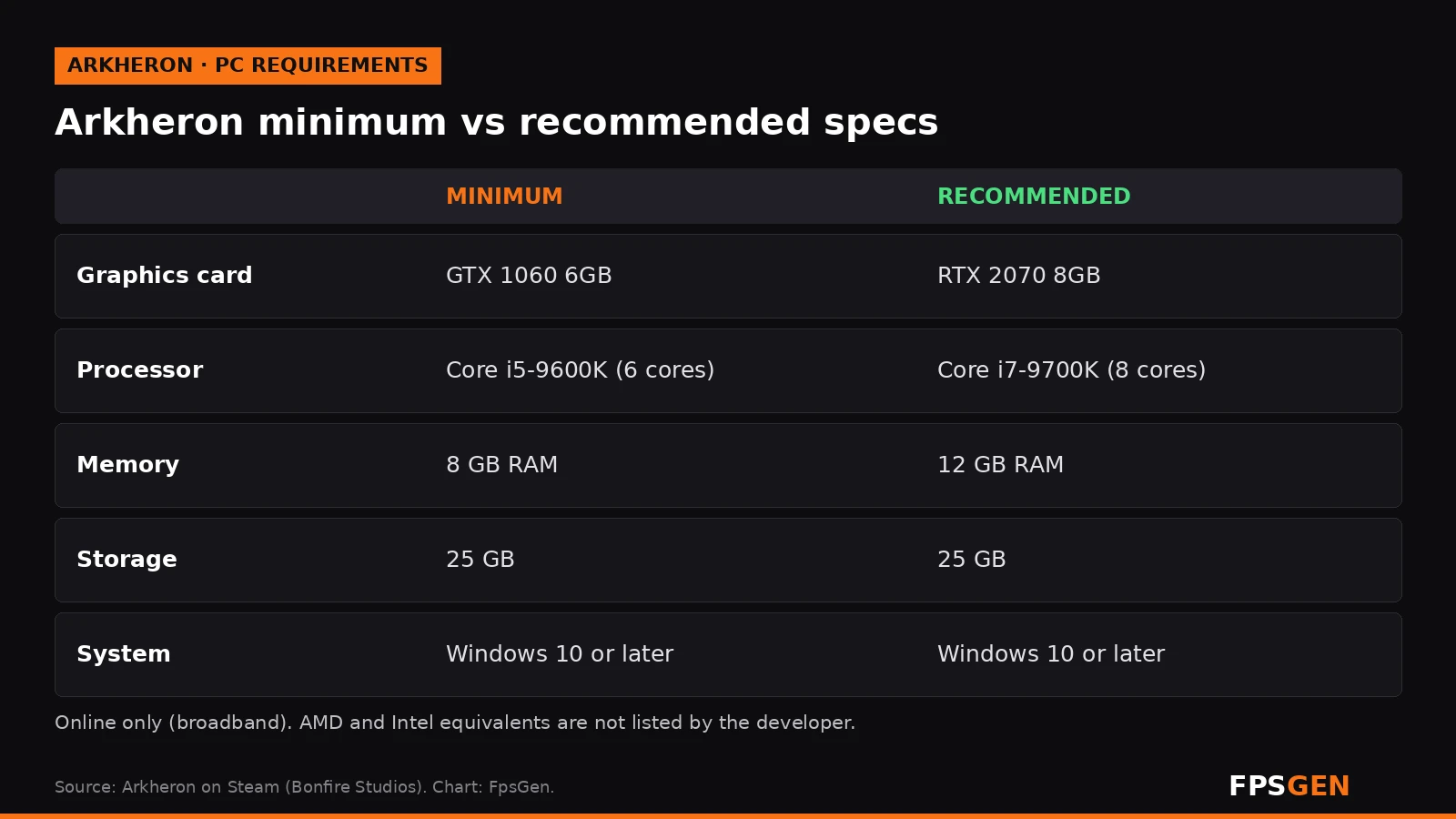
Short answer: Arkheron needs at least a GeForce GTX 1060 6GB, an Intel Core i5-9600K (or another 6-core processor), 8 GB of RAM and 25 GB of storage on Windows 10 or later. For smooth play, Bonfire Studios recommends an RTX 2070 8GB, an Intel Core i7-9700K (or another 8-core processor) and 12 GB of RAM. The game enters Early Access on Steam on November 27, 2026, and everyone can play it free during the Opening Weekend (November 27 to 29).
Pick your hardware and we compare it with the official Arkheron requirements.
Official Arkheron PC requirements
| Minimum | Recommended | |
|---|---|---|
| OS | Windows 10 or later | Windows 10 or later |
| CPU | Intel Core i5-9600K (or equivalent 6-core) | Intel Core i7-9700K (or equivalent 8-core) |
| RAM | 8 GB | 12 GB |
| GPU | Nvidia GTX 1060 6GB VRAM | Nvidia RTX 2070 8GB VRAM |
| Storage | 25 GB | 25 GB |
Source: official Arkheron website. Results are estimates based on relative hardware performance.
What is Arkheron?
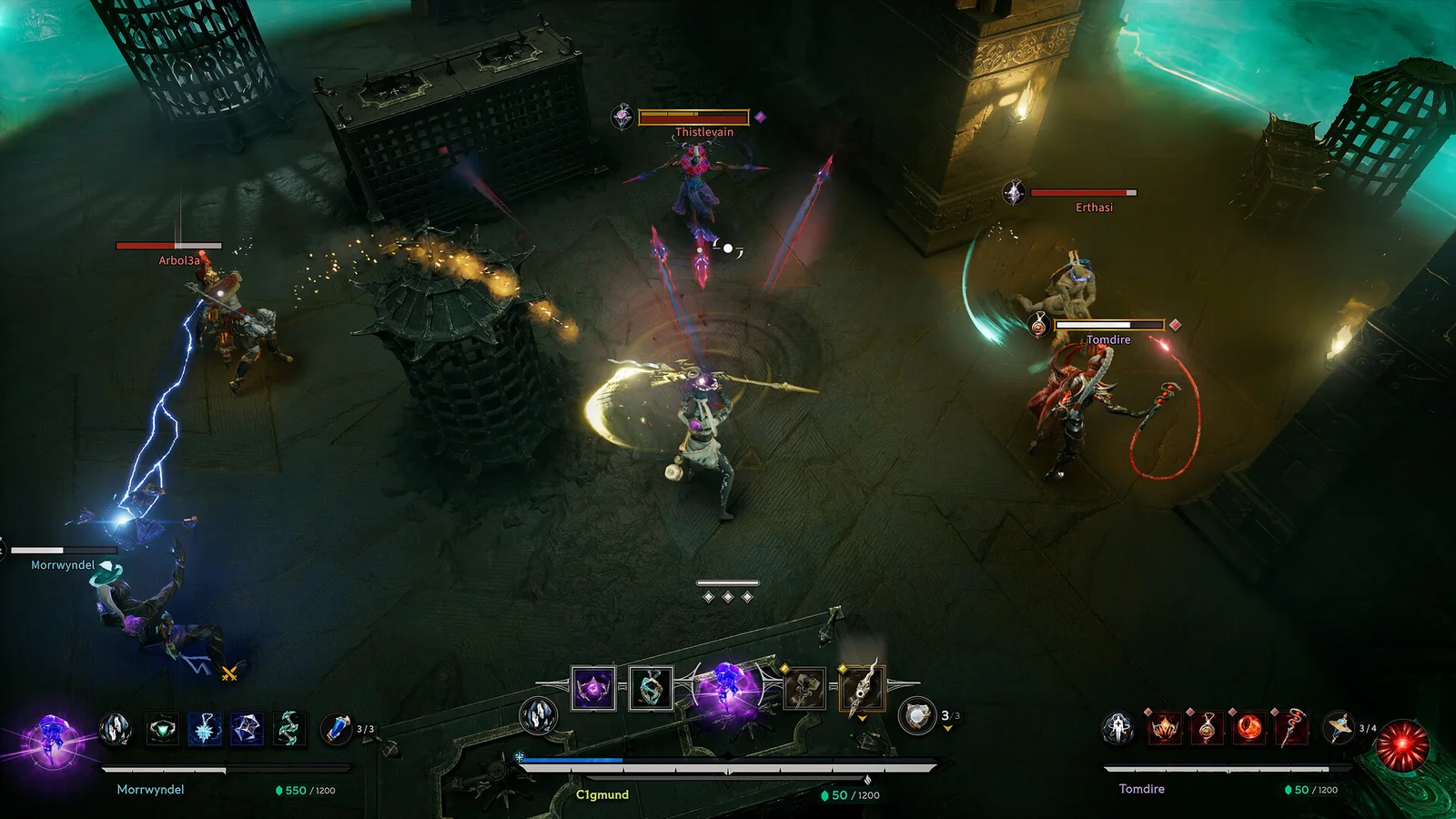
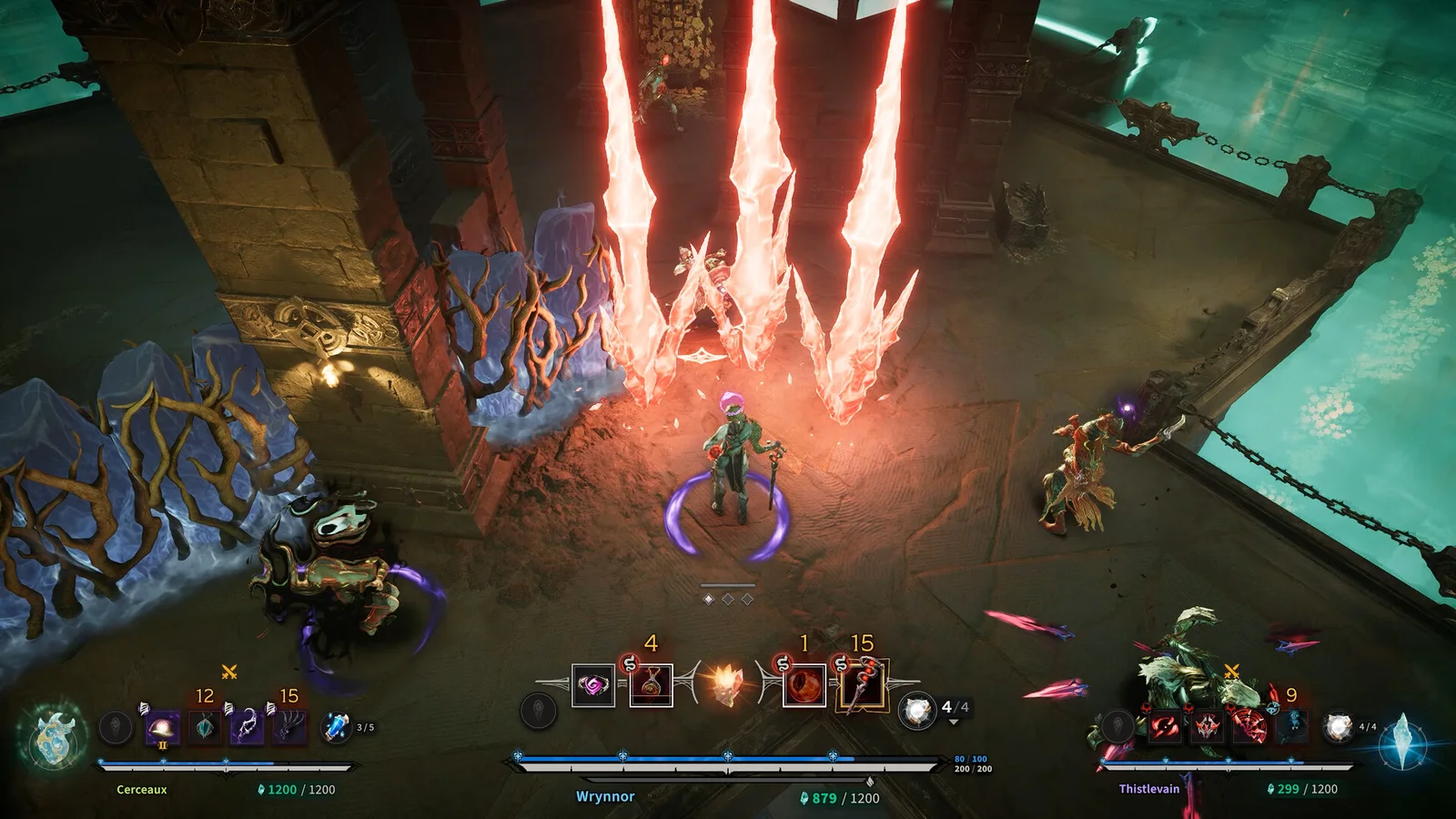
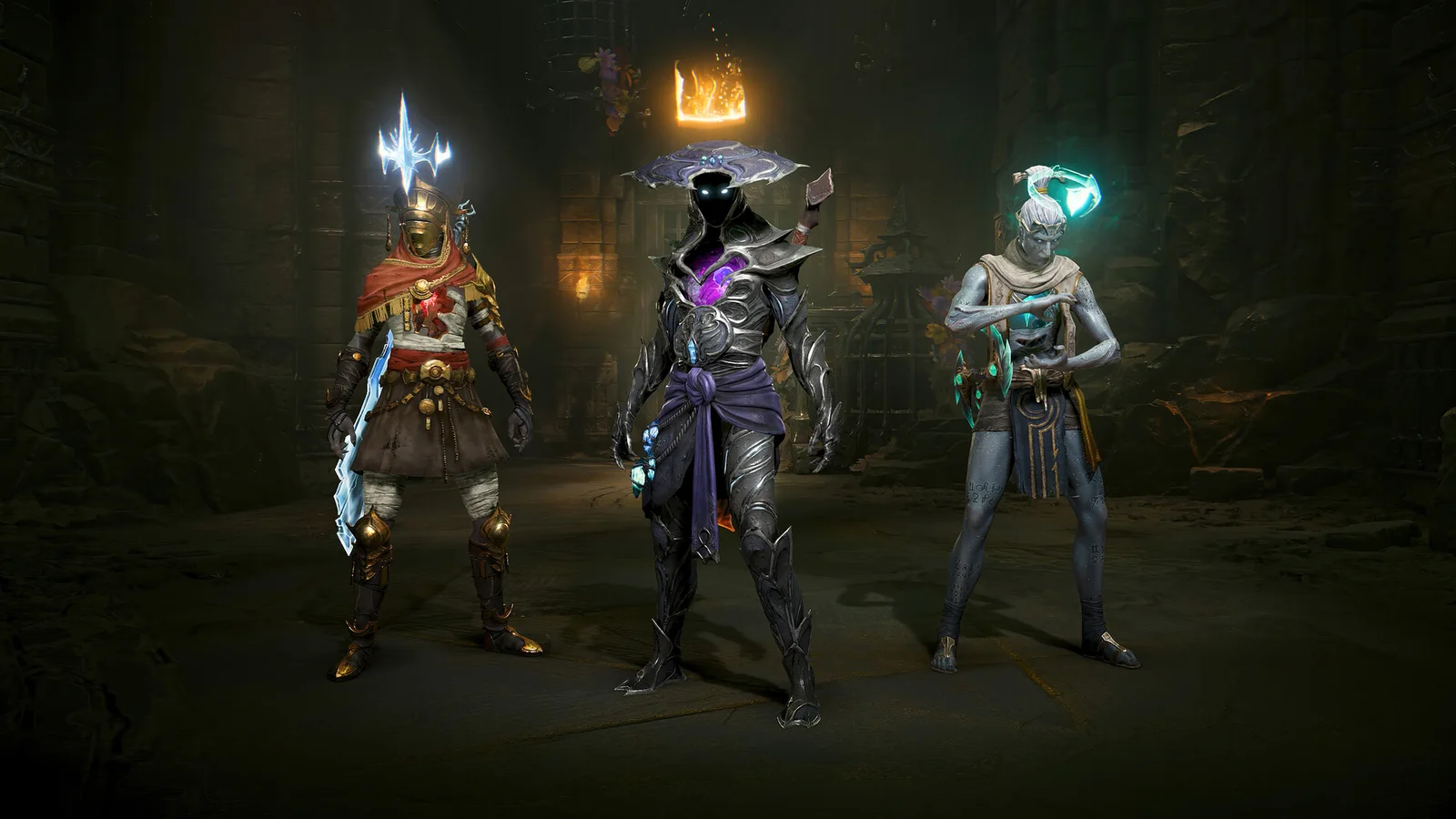
Arkheron is a team PvP action game from Bonfire Studios, the studio co-founded by former Blizzard executive Rob Pardo. Teams of three players climb a mysterious Tower floor by floor, seen from an isometric camera with free aim:
- Relics: you collect items during the match that change your build mid-fight. Complete a set to transform into an Eternal, or mix sets for unusual builds.
- Ascension: the battle royale mode, with 15 teams climbing the Tower at once.
- Spires: short 3v3 matches.
- 12 playable Eternals at Early Access launch, plus Custom Games.
- Crossplay between PC, PS5 and Xbox Series X|S, with controller or mouse and keyboard.
Arkheron PC system requirements
| Minimum | Recommended | |
|---|---|---|
| Operating system | Windows 10 or later | Windows 10 or later |
| Processor | Intel Core i5-9600K (or equivalent 6-core) | Intel Core i7-9700K (or equivalent 8-core) |
| Memory | 8 GB RAM | 12 GB RAM |
| Graphics card | NVIDIA GTX 1060 6GB | NVIDIA RTX 2070 8GB |
| Storage | 25 GB | 25 GB |
| Network | Broadband internet | Broadband internet |
Good news: the specs are lower than in the July closed beta, which asked for 12 GB of RAM minimum, 16 GB recommended and 35 GB of storage. The developer also says performance is still being worked on during Early Access, so these numbers can change after launch.
The game is online only, so you need a stable connection. It uses the Theia anti-cheat.
AMD and Intel equivalents
Bonfire Studios only lists NVIDIA graphics cards and Intel processors. These are cards and CPUs with similar gaming performance (our estimates, not official):
| Minimum class | Recommended class | |
|---|---|---|
| AMD graphics | RX 580 8GB, RX 5500 XT 8GB, RX 6500 XT | RX 5700, RX 6600 XT, RX 7600 |
| Intel graphics | Arc A380 / A580 | Arc A750, Arc B570 |
| AMD processor | Ryzen 5 2600, Ryzen 5 3600 | Ryzen 7 3700X, Ryzen 5 5600 |
Can my PC run Arkheron?
| Your graphics card | Can it run Arkheron? |
|---|---|
| GTX 1050 Ti, GTX 1650 | Below the minimum: may launch on the lowest settings |
| GTX 1060 6GB, GTX 1660 / 1660 Super, RX 580, RTX 3050 | Yes, low to medium (minimum) |
| RTX 2060, RTX 3060, RX 6600, Arc A750 | Yes, medium to high |
| RTX 2070 / RTX 4060 / RX 6600 XT and faster | Yes, recommended settings |
| Laptop integrated graphics (Intel Iris Xe, UHD) | No, well below the minimum |
These are estimates based on the official specs, not our own benchmarks. Check your exact parts in one click on our Can I Run Arkheron? page.
Is 8 GB of RAM enough for Arkheron?
It is the minimum, so it will run, but the recommended amount is 12 GB. In the 15-team Ascension mode, with Discord and a browser open, 8 GB can lead to stutter and long loading. 16 GB is the safe amount for any multiplayer game today: see Is 16 GB of RAM Enough for Gaming?
Arkheron price, Early Access and free Opening Weekend
- Early Access date: November 27, 2026 on Steam, PS5 and Xbox Series X|S (November 28 in Asia, because of the time zone).
- Price: $24.99.
- Free Opening Weekend: everyone can play the full game for free from November 27 to 29.
- Friend Pass: free. It unlocks the tutorial and training, and lets you play Spires and Ascension in a party with a friend who owns the game.
- Xbox: the full game is on Game Pass through Xbox Game Preview for the first three months.
Tips for better FPS in Arkheron
Arkheron is a fast PvP game, so a steady frame rate matters more than high details:
- Install it on an SSD: the recommended specs assume fast loading.
- Lower shadows and effects first, the most demanding settings in big team fights.
- Use DLSS or FSR if the game offers it: see AMD FSR Explained: On or Off.
- With a G-Sync or FreeSync monitor, cap your FPS just below your refresh rate: G-Sync On or Off?
- Update your graphics driver before the launch: How to Update GPU Drivers.
More fixes: How to Increase FPS on PC.
Related
- Can I Run Arkheron? Check your PC
- How to Increase FPS on PC
- How to Check Your PC Specs
- What Is a Good FPS for Gaming?
FAQ
What are the minimum requirements for Arkheron?
Windows 10 or later, an Intel Core i5-9600K (or equivalent 6-core processor), 8 GB of RAM, an NVIDIA GTX 1060 6GB, a broadband connection and 25 GB of storage.
What are the recommended specs for Arkheron?
An Intel Core i7-9700K (or equivalent 8-core processor), 12 GB of RAM and an NVIDIA RTX 2070 8GB.
Can a GTX 1650 run Arkheron?
It is a little below the minimum GTX 1060 6GB. It may launch on the lowest settings, but expect drops in big team fights.
How many GB is Arkheron?
25 GB of free storage, according to Steam.
Is Arkheron free?
No, it costs $24.99 in Early Access. But it is free to play for everyone during the Opening Weekend, November 27 to 29, and a free Friend Pass lets you play with a friend who owns it.
Is Arkheron on PS5 and Xbox?
Yes. It launches on PC (Steam), PS5 and Xbox Series X|S on the same day, with crossplay.
Sources: Arkheron on Steam (requirements, release date, modes, features); Bonfire Studios Early Access announcement; price, Opening Weekend and Friend Pass from PlayDay; closed beta specs from Gaming-ST. Last checked November 15, 2026.

Gaming writer at FpsGen. Guides and reviews are built on official sources, patch notes and real player data.

Comments
No comments yet. Start the conversation.