


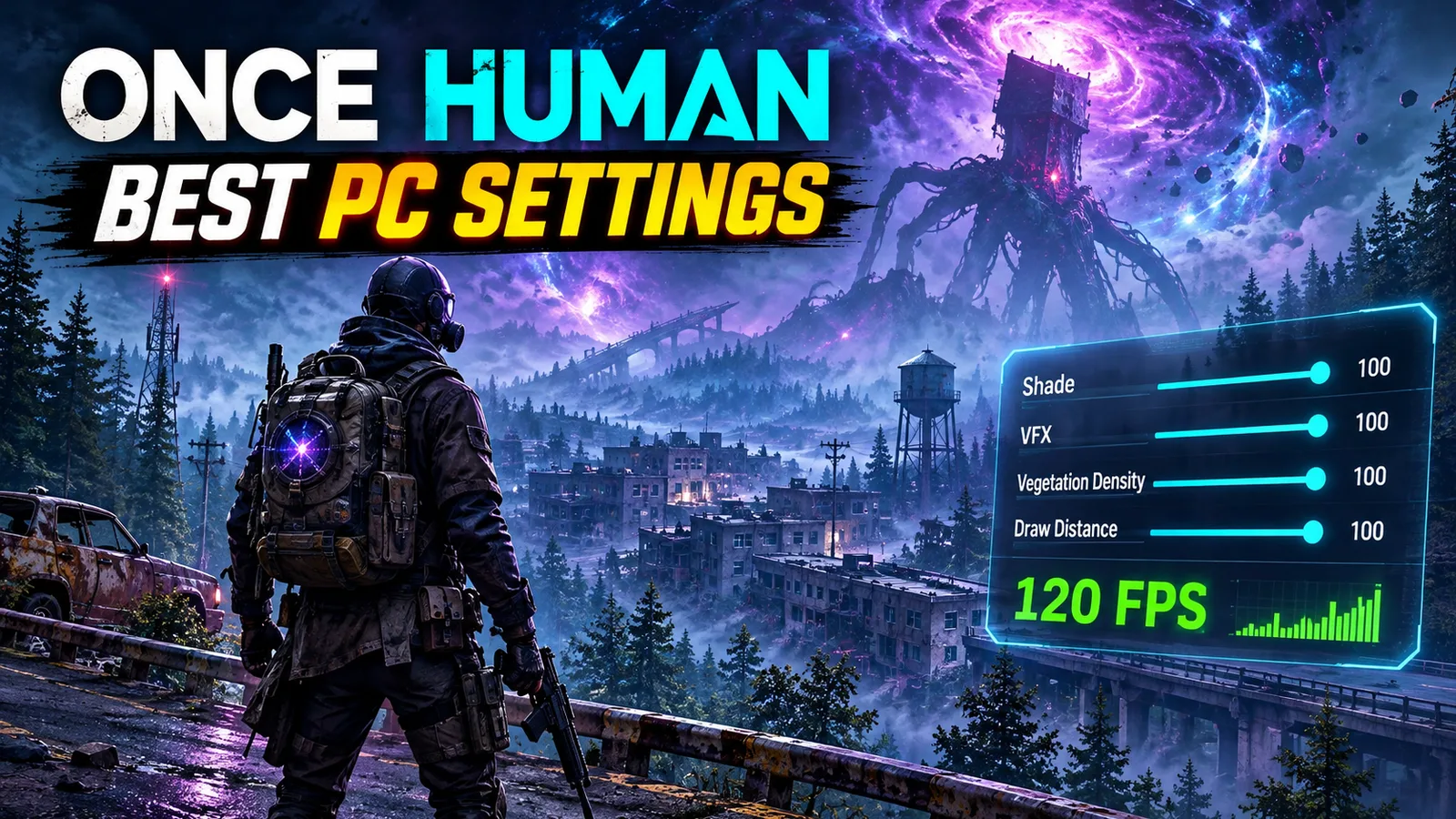
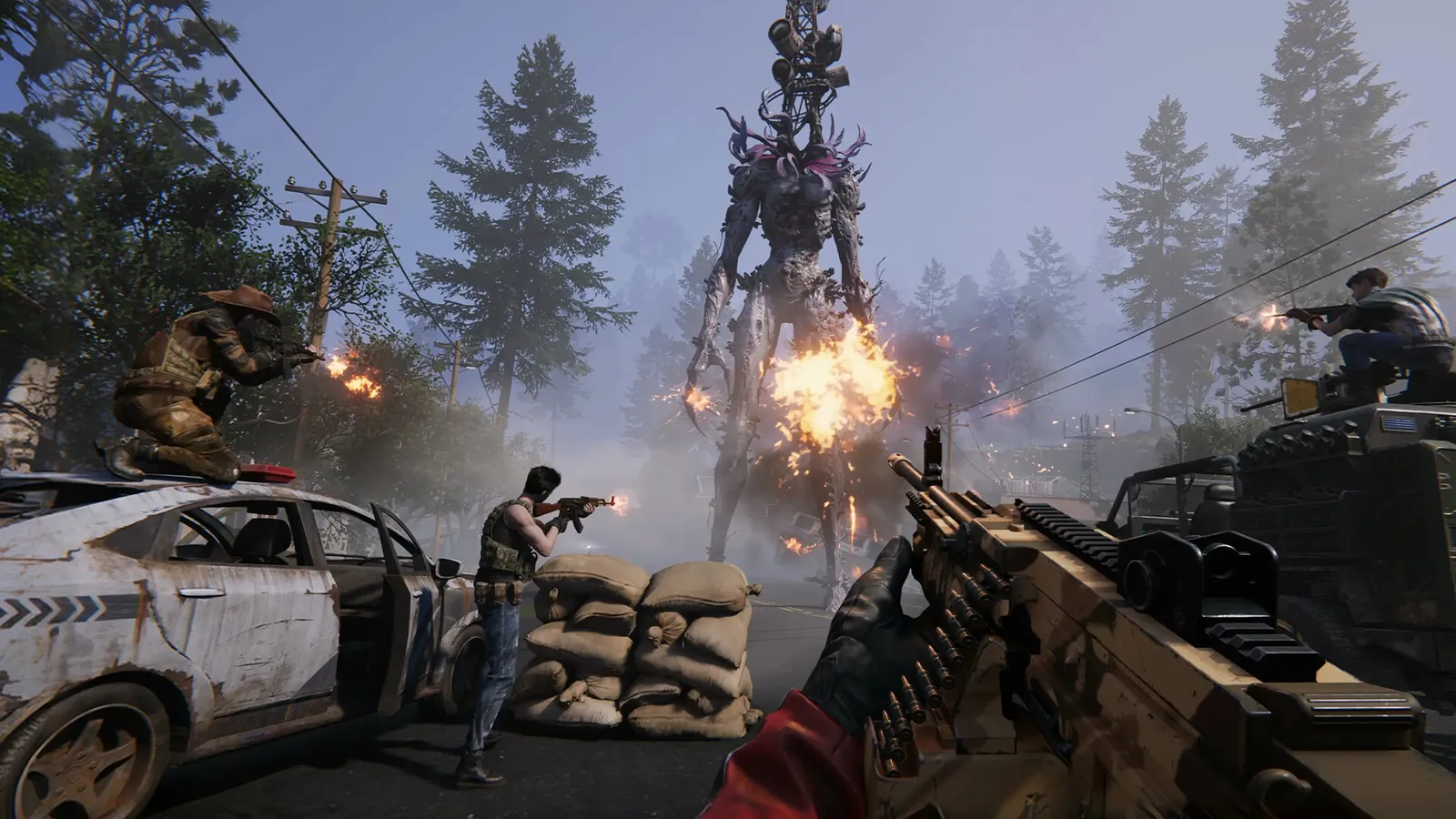
Once Human is a big open world with dense forests, ruined towns and huge boss fights, and the default preset is often too heavy for mid-range PCs. The good news: a few options decide most of your frame rate. Here are the best Once Human settings for three kinds of PC, what each option really does, and how to use DLSS 3 and Reflex if you have a GeForce RTX card.
Quick answer: start from the Medium preset (or High on a GTX 1060 / RX 580-class card or better), set Shade (shadows), VFX and Vegetation Density to Low, keep Draw Distance on High, turn motion blur and V-Sync off, and cap the game at 60 FPS (or your monitor's refresh rate). On a GeForce RTX card, turn on DLSS Quality and NVIDIA Reflex.
Pick your hardware and we compare it with the official Once Human requirements.
Official Once Human PC requirements
| Minimum | Recommended | |
|---|---|---|
| OS | Windows 10 (64-bit) | Windows 10 (64-bit) |
| CPU | Intel Core i5-4460 | Intel Core i7-7700 |
| RAM | 8 GB | 16 GB |
| GPU | NVIDIA GeForce GTX 750 Ti / AMD Radeon R9 270 (4 GB) | NVIDIA GeForce GTX 1060 / AMD Radeon RX 580 (6 GB) |
| Storage | 60 GB | 70 GB |
Source: official Once Human website. Results are estimates based on relative hardware performance.
Not sure your PC is ready? Can I Run Once Human? checks your graphics card against the official requirements. If the game closes or freezes, read Once Human Crashing on PC? 8 Fixes That Work first: no setting fixes a crash.
How much PC does Once Human need?
The developers give three tiers on Steam:
| Tier | Processor | Graphics card | RAM | Storage |
|---|---|---|---|---|
| Minimum | Intel Core i5-4460 | GTX 750 Ti / Radeon R9 270 (4 GB) | 8 GB | 60 GB |
| Recommended | Intel Core i7-7700 | GTX 1060 / Radeon RX 580 (6 GB) | 16 GB | 70 GB |
| Ultra (60 FPS) | Intel Core i5-12400F | RTX 3060 (12 GB) / RX 6650 XT (8 GB) | 16 GB | 70 GB |
All tiers ask for Windows 10 64-bit, and an SSD is strongly recommended: on a hard drive, loading screens are long and the game can freeze when it loads new areas.
Before you change any setting
- Update your graphics driver from the NVIDIA app, AMD Software or Intel's driver page.
- Install the game on an SSD and keep at least 20 GB free on it.
- Let the shaders compile. The first launch after an update builds shaders, and the first minutes in the world can stutter. That is normal: judge your FPS after that.
The best Once Human settings
Once Human's menu names can change a little between updates, but these are the options that matter. Pick the preset in the first row, then change the rest by hand.
| Setting | Competitive (max FPS) | Balanced (GTX 1060 – RTX 3060) | Low-end PC / laptop |
|---|---|---|---|
| Graphics (preset) | Medium, then custom | High, then custom | Low |
| Display mode | Fullscreen | Fullscreen | Fullscreen |
| Resolution | Native | Native | Native |
| Render Scale | 100 | 100 | 75–85 |
| Max Frame Rate | Monitor refresh rate | 60 or 120 | 60 (or 30 on very weak PCs) |
| Texture Quality | High (Medium with 4 GB VRAM) | High | Low |
| Anti-Aliasing | TAA (or DLSS on RTX) | TAA (or DLSS on RTX) | FXAA |
| Shade (shadows) | Low | Medium | Low |
| VFX (effects) | Low | Medium | Lowest |
| Draw Distance | High | High | Medium |
| Vegetation Density | Low | Medium | Low |
| Detail | Medium | High | Low |
| Motion Blur | Off | Off | Off |
| V-Sync | Off | Off (use G-Sync / FreeSync) | Off |
Why these values?
- Shade, VFX and Vegetation Density cost the most FPS, especially in forests, towns and around your base. They are the first three settings to lower.
- Draw Distance stays high if you can: you spot Deviants, enemies and loot from further away. Lower it only on weak PCs.
- Texture Quality mostly uses video memory, not raw GPU power. With 6 GB or more, keep it on High. With 4 GB, use Medium or Low, or the game will stutter.
- Render Scale below 100 makes the image blurry. Use it only if your PC is near the minimum, and never below 75.
- Motion blur makes aiming and reading moving enemies harder.
Cap your frame rate
An uncapped frame rate pushes your CPU and GPU to 100% all the time. In Once Human, that causes uneven frame times, more heat on laptops, and on some PCs more crashes. Set Max Frame Rate to:
- 60 on a 60 Hz monitor or a laptop;
- 120 or 144 on a high-refresh monitor if your PC stays above that in towns and big fights;
- 30 only on PCs below the minimum.
A steady 60 feels smoother than an FPS counter that jumps between 50 and 90.
DLSS 3, DLAA and Reflex (GeForce RTX)
Once Human added NVIDIA DLSS 3 in September 2024, together with NVIDIA Reflex.
- DLSS (Super Resolution): on any GeForce RTX card, choose Quality first, then Balanced if you need more FPS. It looks much better than lowering Render Scale.
- Frame Generation: only on GeForce RTX 40 and 50 cards. It can raise your FPS a lot, but it adds a little input delay, so turn it on only if you already get around 60 FPS without it.
- DLAA: the best image quality, for strong RTX cards with FPS to spare.
- Reflex: turn it On on any GeForce card that supports it. It lowers input lag, which helps in PvP and boss fights.
On Radeon, Intel Arc and GTX cards, use TAA for a clean image or FXAA for more FPS, and lower Render Scale a little only if you have to.
DirectX 12
Once Human can run on DirectX 12. On recent graphics cards it can give smoother frame times, and on RTX cards it is the mode to test with DLSS and Reflex. If you get crashes or a black screen after switching, go back to the default mode. Our crash fixes guide has the steps, including the Steam launch option.
Low FPS in towns and big fights?
If your FPS drops in settlements, events and boss fights while your graphics card is not at 100%, your processor is the limit, not your settings. Lowering graphics won't help much. Instead:
- lower Draw Distance and VFX one step;
- close the browser, Discord and other launchers;
- with 8 GB of RAM, close everything else: Once Human uses a lot of memory, and 16 GB is the recommended amount. See Is 16 GB of RAM Enough for Gaming?
Our guide CPU Bottleneck Explained shows how to check in two minutes.
Settings for a low-end PC or laptop
If your PC is near the minimum (GTX 750 Ti, 8 GB of RAM):
- Choose the Low preset, Texture Quality Low and Render Scale 75–85.
- Set Max Frame Rate to 60, or 30 if it keeps dropping.
- On a laptop, plug it in, choose the Best performance power mode in Windows, and make sure the game runs on the dedicated graphics card (Settings > System > Display > Graphics > High performance).
- Close every app you don't need, and play on an SSD.
More fixes that work in every game are in How to Increase FPS on PC.
More Once Human on FpsGen
- Can I Run Once Human?: official requirements and results for popular graphics cards
- Once Human Crashing on PC? 8 Fixes That Work: startup, shader and in-world crashes
- Once Human Beginner's Guide: survive, build and beat the grind
- Once Human FPS Estimator: FPS for your exact parts
FAQ
What are the best settings for Once Human?
Start from the Medium or High preset, then set Shade, VFX and Vegetation Density to Low, keep Draw Distance on High, turn off motion blur and V-Sync, and cap the frame rate at 60 or your monitor's refresh rate.
Does Once Human have DLSS?
Yes. Once Human supports NVIDIA DLSS 3 and Reflex on GeForce RTX cards. Frame Generation works only on RTX 40 and 50 series cards.
Why is my FPS low in Once Human towns?
Towns, events and boss fights are heavy on the processor. If your graphics card is not at 100%, lower Draw Distance and VFX, close background apps, and make sure you have 16 GB of RAM if possible.
Can Once Human run on a GTX 1060?
Yes. The GTX 1060 is the official recommended card. Use the High preset with Shade, VFX and Vegetation Density on Medium or Low for smooth play at 1080p.
How much RAM does Once Human need?
8 GB is the minimum and 16 GB is recommended. With 8 GB, close your browser and other apps before you play.
Should I cap my FPS in Once Human?
Yes. A cap at 60, or at your monitor's refresh rate, gives smoother frame times, less heat on laptops, and fewer crashes on unstable PCs.
System requirements from the Steam store page and PCGamesN. DLSS 3 and Reflex support from Wccftech (September 2024). Setting names cross-checked with Sportskeeda and Twinfinite. Recommended values are FpsGen's starting points; results vary by PC, area and server load. Last checked November 7, 2026.

Gaming writer at FpsGen. Guides and reviews are built on official sources, patch notes and real player data.
Comments
No comments yet. Start the conversation.