

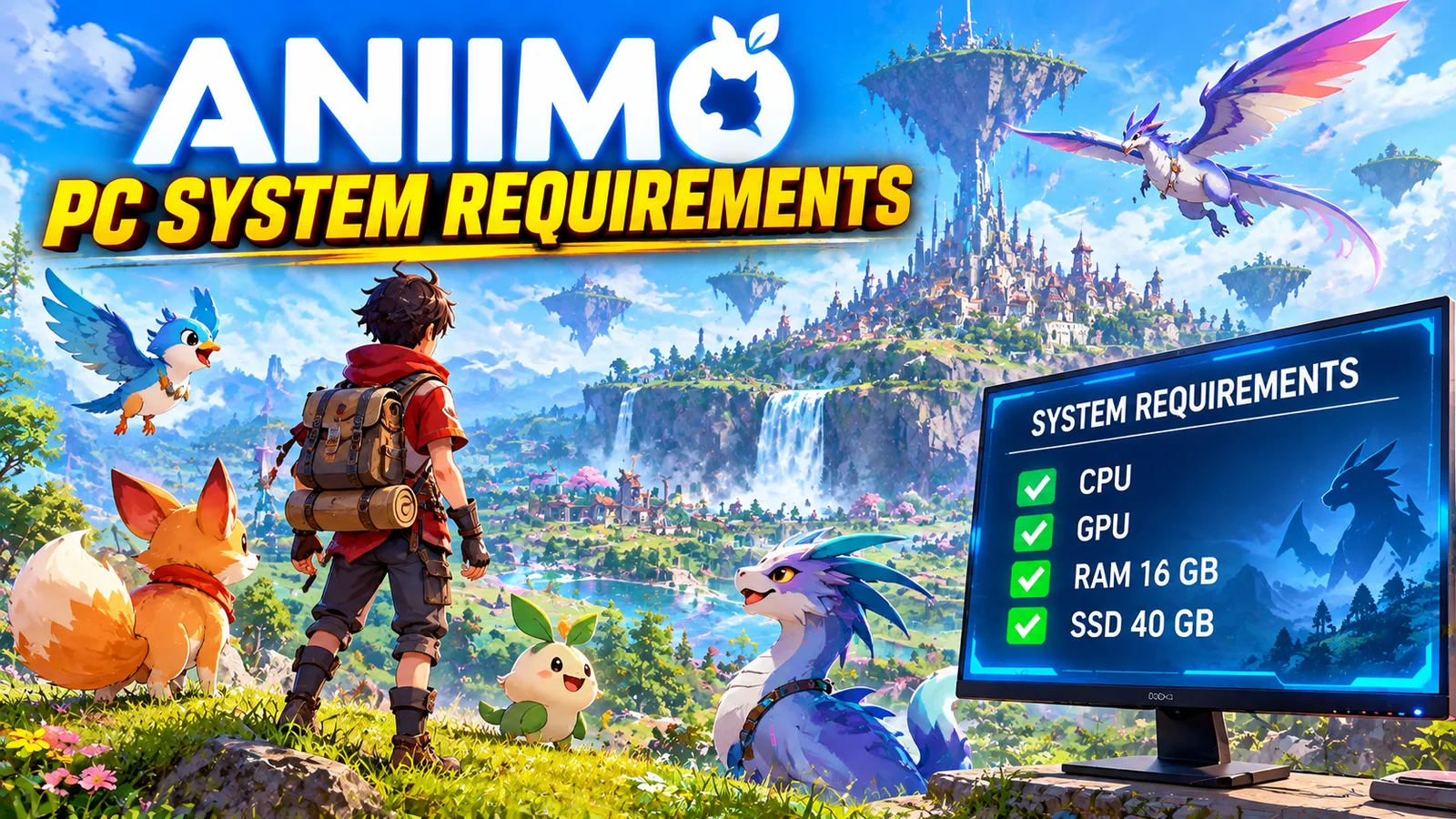
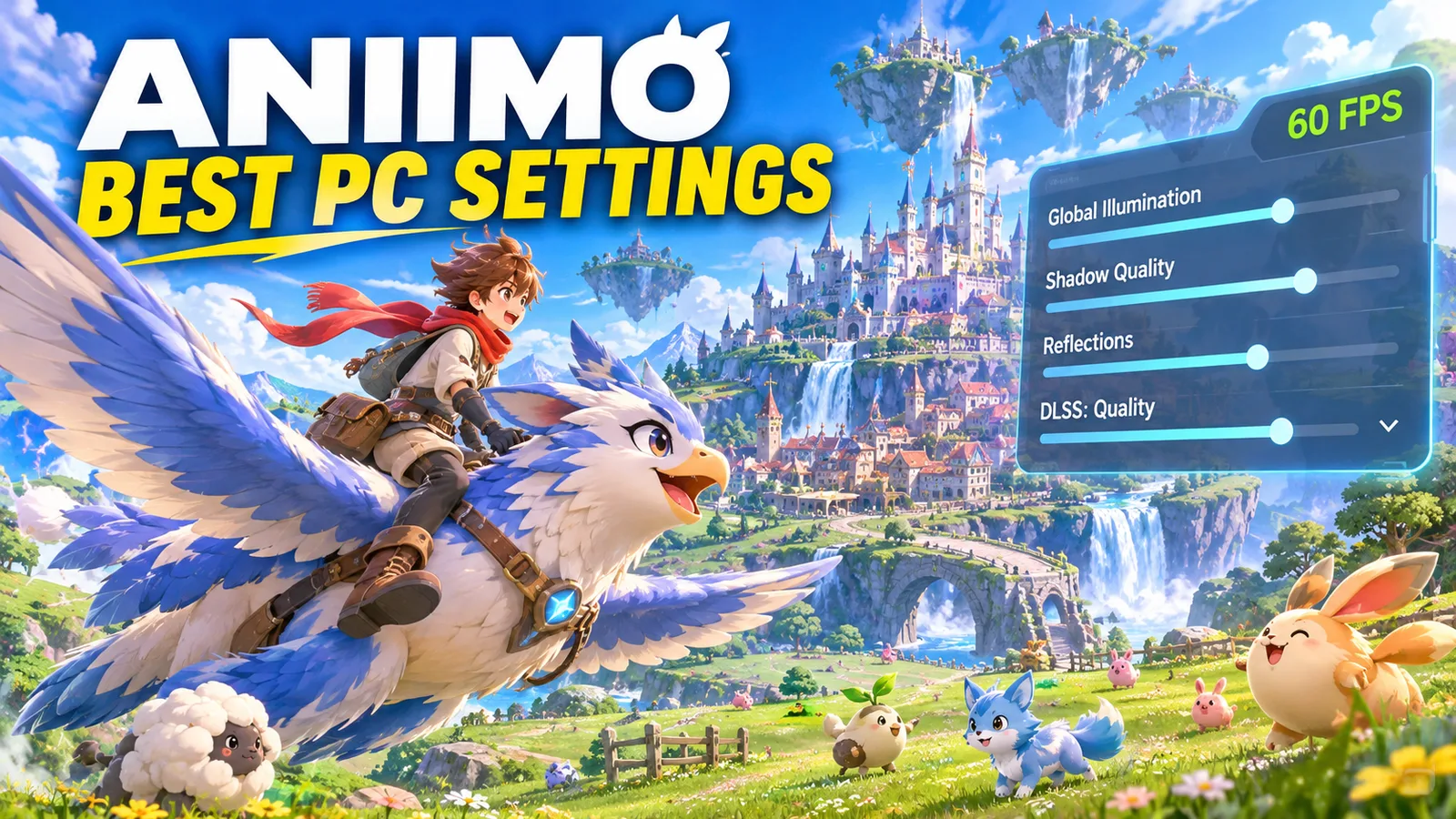
Aniimo, Pawprint Studio's free-to-play open-world creature catcher, launched on PC and consoles on September 16, 2026, and on iOS and Android a week later. It looks a lot better than most monster-catching games, so it also asks more from your PC. Here are the official Aniimo PC system requirements, what they mean for your graphics card, and how much storage, RAM and processor you really need.
Quick answer: to play Aniimo on PC you need at least an Intel Core i7-4770 or AMD Ryzen 7 2700, 8 GB of RAM, a GeForce GTX 970 or Radeon RX 5600 with 4 GB of video memory, Windows 10 64-bit and 40 GB of free space. For smooth play on higher settings, the recommended PC has a Core i7-10700 or Ryzen 5 5600, 16 GB of RAM and a GeForce RTX 3060 or Radeon RX 6700, with the game on an SSD.
Aniimo PC system requirements
| Minimum | Recommended | |
|---|---|---|
| OS | Windows 10 64-bit | Windows 10 64-bit or later |
| Processor | Intel Core i7-4770 / AMD Ryzen 7 2700 | Intel Core i7-10700 / AMD Ryzen 5 5600 or better |
| Memory | 8 GB RAM | 16 GB RAM |
| Graphics | GeForce GTX 970 / Radeon RX 5600 (4 GB VRAM) | GeForce RTX 3060 / Radeon RX 6700 (8 GB VRAM) or better |
| Storage | 40 GB free | 40 GB free, SSD recommended |
These are the requirements for the launch version. During the closed beta in mid-2026, the published specs were higher (a GTX 1060 6 GB and 12 GB of RAM as the minimum), so if you read an older guide, you may see those numbers.
Aniimo is on Steam and the Epic Games Store, and it also has a standalone Windows client.
What do these requirements mean for your graphics card?
| Your graphics card | What to expect at 1080p |
|---|---|
| GTX 960 / GTX 1050 Ti / RX 560 and below | Below the minimum. The game may start, but it is hard to play. |
| GTX 970 / GTX 1060 / GTX 1650 Super / RX 580 | The minimum level: low settings, 30 to 60 FPS. |
| GTX 1660 Super / RTX 2060 / RX 5600 XT / RX 6600 | Medium settings, around 60 FPS in most areas. |
| RTX 3060 / RTX 4060 / RX 6700 XT / RX 7600 | The recommended level: high settings at 60 FPS. |
| RTX 4070 / RX 7800 XT and above | High to max settings at 1080p and 1440p. |
The FPS ranges are FpsGen estimates based on how cards of similar power run games with the same requirements, not official numbers. To check your exact parts, use Can I Run Aniimo? or the FPS Estimator.
Video memory matters: the minimum card has 4 GB, the recommended one 8 GB or more. With 4 GB, keep textures on Low or Medium, or the game will stutter when you move fast through the open world.
Processor and RAM
- Processor: the minimum is a 4-core / 8-thread chip like the Core i7-4770. An older 4-thread processor (a Core i5 from before the 8th generation, for example) will struggle in busy areas and in the Egg Heist PvPvE mode. Our guide CPU Bottleneck Explained shows how to check if your processor is holding back your graphics card.
- RAM: 8 GB is the minimum, but with a browser and Discord open, the game can stutter or close. 16 GB is the recommended amount and removes most of those problems. See Is 16 GB of RAM Enough for Gaming?
Storage: 40 GB, ideally on an SSD
Aniimo needs 40 GB of free space. The developers recommend an SSD: the open world loads new areas as you travel, and on a hard drive that means longer loading screens, pop-in and freezes. Keep a few extra GB free for updates.
Can you play Aniimo on a laptop?
Yes, if the laptop has a dedicated graphics card at the GTX 1650 / RTX 3050 level or better. A laptop RTX 4050 or RTX 4060 is close to the recommended level at 1080p.
- Plug it in and choose the Best performance power mode in Windows.
- Make sure the game runs on the dedicated graphics card: Settings > System > Display > Graphics > add Aniimo > High performance.
- Integrated graphics (Intel Iris Xe, Radeon 680M / 780M) are below the official minimum. The game may start on the lowest settings, but it is not a good experience.
Steam Deck, Linux and Mac
- Steam Deck: rated Playable by Valve. Reports from launch say recent Proton versions can crash the game, and players fix it by switching to Proton 10 in the game's compatibility settings.
- Mac: Aniimo has no announced macOS version. On a Mac, the mobile version (iOS) or a cloud gaming service are the only options.
Aniimo on mobile and consoles
Aniimo is also on PlayStation 5, Xbox Series X|S, iOS and Android, with cross-play and cross-progression, so you can start on PC and continue on your phone. On mobile, you need at least an iPhone 11 (iOS 16) or an Android phone with a Snapdragon 855 / Dimensity 1000 and 6 GB of RAM.
How to get the best FPS in Aniimo
- Update your graphics driver from the NVIDIA app or AMD Software.
- Start from the Low or Medium preset if you are near the minimum, then raise textures first if you have 8 GB of video memory.
- Shadows, vegetation and effects usually cost the most in big open worlds: lower them first.
- Cap the frame rate at 60 or your monitor's refresh rate for smoother frame times.
- Close your browser and launchers if you have 8 GB of RAM.
More fixes that work in every game are in How to Increase FPS on PC.
More on FpsGen
- Aniimo Best PC Settings: the best settings for every PC
- Can I Run Aniimo?: check your graphics card against the requirements
- Aniimo Crashing on PC?: black screen, startup crashes and reconnect loops
- Aniimo FPS Estimator: FPS for your exact parts
- Aniimo game page
- CPU Bottleneck Explained
FAQ
What are the minimum requirements for Aniimo on PC?
An Intel Core i7-4770 or AMD Ryzen 7 2700, 8 GB of RAM, a GeForce GTX 970 or Radeon RX 5600 with 4 GB of video memory, Windows 10 64-bit and 40 GB of free space.
Can a GTX 1060 run Aniimo?
Yes. The GTX 1060 is about as fast as the minimum GTX 970. Expect low to medium settings at 1080p.
Is Aniimo free on PC?
Yes. Aniimo is free to play on PC, consoles and mobile, with optional purchases in the game.
How much storage does Aniimo need?
40 GB of free space on PC. An SSD is recommended for shorter loading screens and fewer freezes in the open world.
Can I run Aniimo with 8 GB of RAM?
Yes, 8 GB is the minimum. Close your browser and other apps before you play. 16 GB is recommended for smooth play.
Does Aniimo run on Steam Deck?
Yes. It is rated Playable on Steam Deck. If it crashes, switch to Proton 10 in the game's compatibility settings.
System requirements from GameWith (updated November 5, 2026) and System Requirements Lab; closed-beta specs from MobileMatters. Launch details from Beebom, Steam Deck and Proton notes from GamingOnLinux. FPS ranges are FpsGen estimates, not official numbers. Last checked November 7, 2026.

Gaming writer at FpsGen. Guides and reviews are built on official sources, patch notes and real player data.
Comments
No comments yet. Start the conversation.