



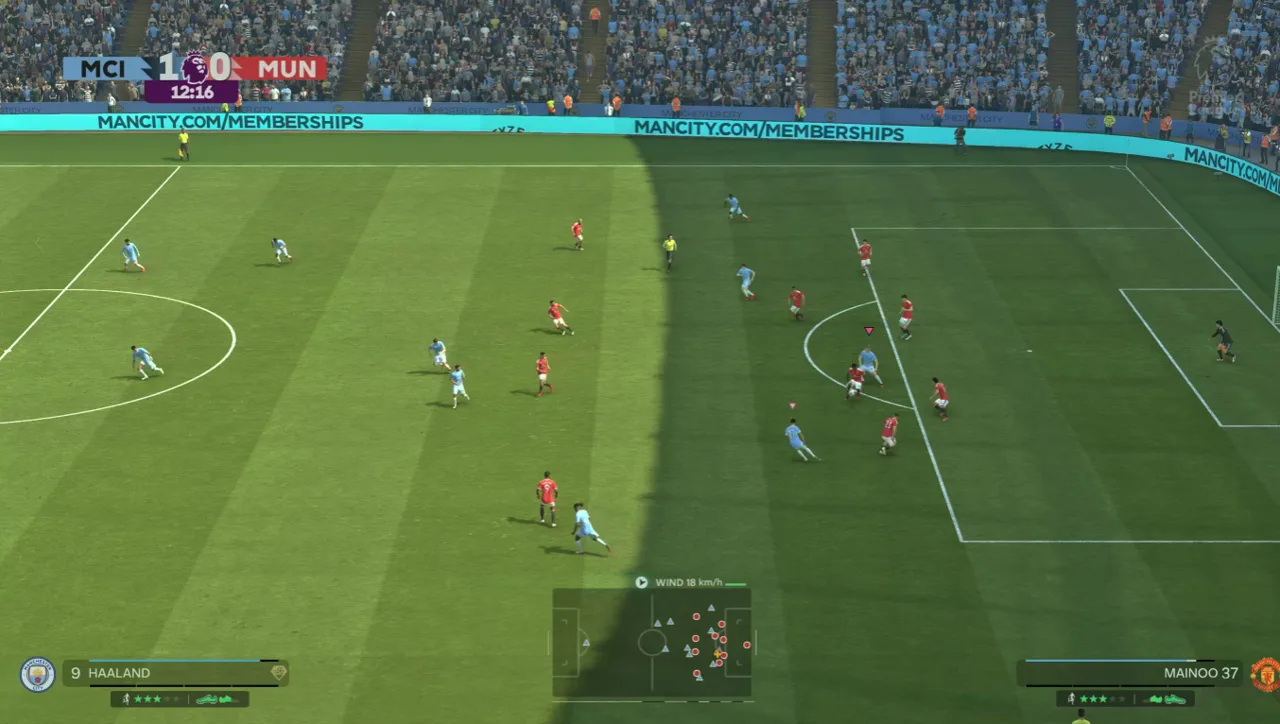
EA Sports FC 27 came out on September 25, 2026, and the PC version is lighter than many new games: a GeForce GTX 1050 Ti and 8 GB of RAM are enough to start. Below you will find the official FC 27 PC system requirements (minimum and recommended), the higher presets for 1440p and 4K, the storage size, the anticheat rules, and a free tool that tells you in seconds if your PC can run FC 27.
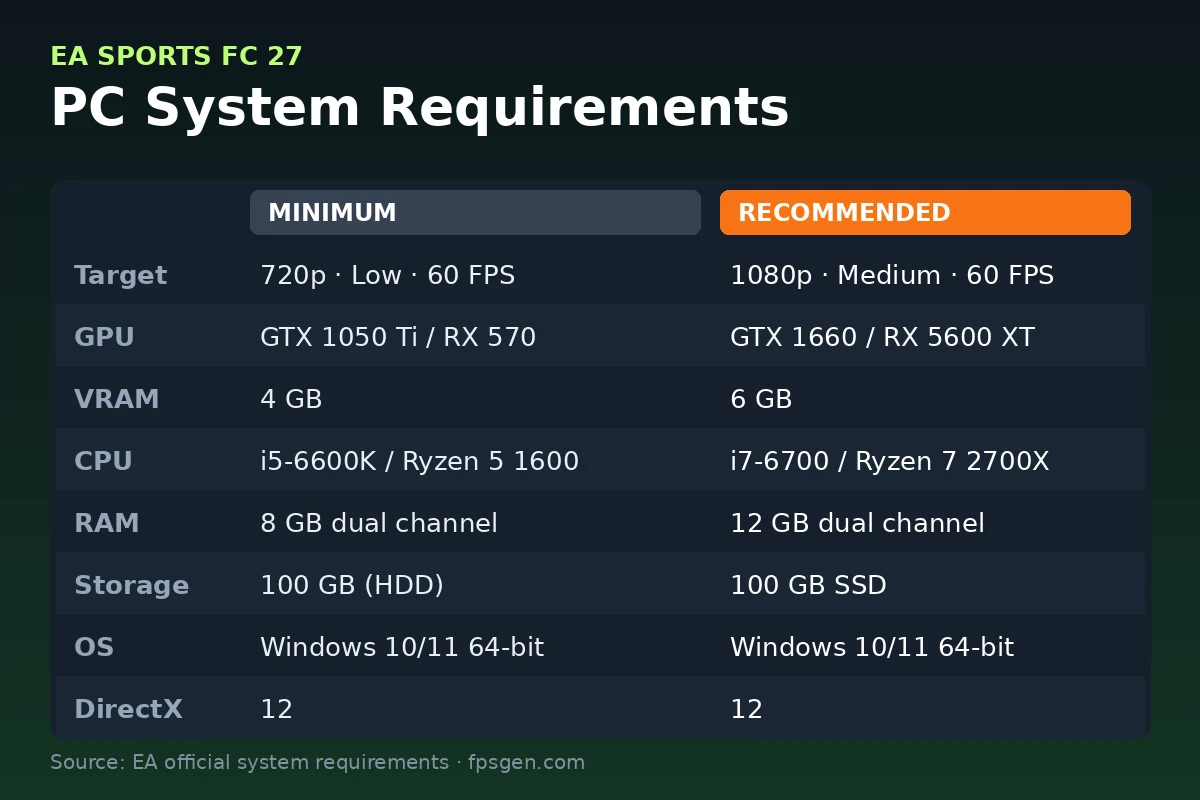
- Minimum (720p, Low, 60 FPS): GTX 1050 Ti or RX 570, Core i5-6600K or Ryzen 5 1600, 8 GB RAM
- Recommended (1080p, Medium, 60 FPS): GTX 1660 or RX 5600 XT, Core i7-6700 or Ryzen 7 2700X, 12 GB RAM
- Storage: 100 GB, on an SSD for the recommended setup
- System: Windows 10 (20H1 or newer) or Windows 11, 64-bit, DirectX 12
- Free option: FC 27 Lite is free on Steam, the EA app and the Epic Games Store
Can your PC run FC 27?
Pick your graphics card, processor and RAM. The tool compares them with the official FC 27 requirements and tells you which preset to expect.
Pick your hardware and we compare it with the official EA Sports FC 27 requirements.
Official EA Sports FC 27 PC requirements
| Minimum | Recommended | |
|---|---|---|
| OS | Windows 10/11 (64-bit, latest update) | Windows 10/11 (64-bit, latest update) |
| CPU | Intel Core i5-6600K / AMD Ryzen 5 1600 | Intel Core i7-6700 / AMD Ryzen 7 2700X |
| RAM | 8 GB (dual channel) | 12 GB (dual channel) |
| GPU | NVIDIA GeForce GTX 1050 Ti / AMD Radeon RX 570 (4 GB) | NVIDIA GeForce GTX 1660 / AMD Radeon RX 5600 XT (6 GB) |
| Storage | 100 GB | 100 GB SSD |
Source: official EA Sports FC 27 website. Results are estimates based on relative hardware performance.
FC 27 minimum and recommended requirements
These are the official requirements published by EA for the PC version of FC 27.
| Minimum | Recommended | |
|---|---|---|
| Target | 720p, Low preset, 60 FPS | 1080p, Medium preset, 60 FPS |
| OS | Windows 10/11, 64-bit (latest update) | Windows 10/11, 64-bit (latest update) |
| CPU | Intel Core i5-6600K / AMD Ryzen 5 1600 | Intel Core i7-6700 / AMD Ryzen 7 2700X |
| RAM | 8 GB (DDR4, dual channel) | 12 GB (dual channel) |
| GPU | GeForce GTX 1050 Ti / Radeon RX 570 (4 GB VRAM) | GeForce GTX 1660 / Radeon RX 5600 XT (6 GB VRAM) |
| DirectX | 12 | 12 |
| Storage | 100 GB (HDD works) | 100 GB on an SSD |
| Internet | Broadband connection | Broadband connection |
Gameplay runs at 60 FPS on both presets. Cutscenes are capped at 30 FPS.
Two details matter more than they look:
- Dual-channel RAM. EA specifically asks for two memory sticks. One 8 GB stick works, but two 4 GB sticks (or two 8 GB) give noticeably smoother matches.
- An SSD for the recommended setup. On a hard drive the game runs, but menus, Ultimate Team and loading screens are much slower.
FC 27 High and Ultra requirements (1440p, 4K and high FPS)
EA also lists higher presets for stronger PCs:
| Preset | Target | CPU | GPU | RAM |
|---|---|---|---|---|
| High, Balanced | 1440p, 60 FPS | Core i7-10700 / Ryzen 7 3700X | RTX 3060 / RX 6600 XT | 16 GB |
| High, Performance | 1080p, 80 FPS | Core i7-10700 / Ryzen 7 3700X | RTX 3060 / RX 6600 XT | 16 GB |
| Ultra, Balanced | 4K, 60 FPS | Core i9-12900K / Ryzen 7 7800X3D | RTX 4070 / RX 7800 XT | 32 GB |
| Ultra, Performance | 1440p, 120 FPS | Core i9-12900K / Ryzen 7 7800X3D | RTX 4070 / RX 7800 XT | 32 GB |
If you play online and want the smoothest response, the Performance presets (higher FPS at a lower resolution) are the better choice on a high refresh rate monitor.
FC 27 storage size: how much space do you need?
FC 27 needs 100 GB of free space on PC. Plan for a little more:
- Title updates and live content for Ultimate Team add to the size during the season.
- Shader caches and the EA app also use space on your system drive.
A good rule is to keep at least 120 GB free before you start. Use an SSD if you can: it is the biggest difference you will feel in loading times.
FC 27 Lite: the free version on PC
EA released FC 27 Lite, a free version of the game. On PC it is available on Steam, the EA app and the Epic Games Store.
What FC 27 Lite includes:
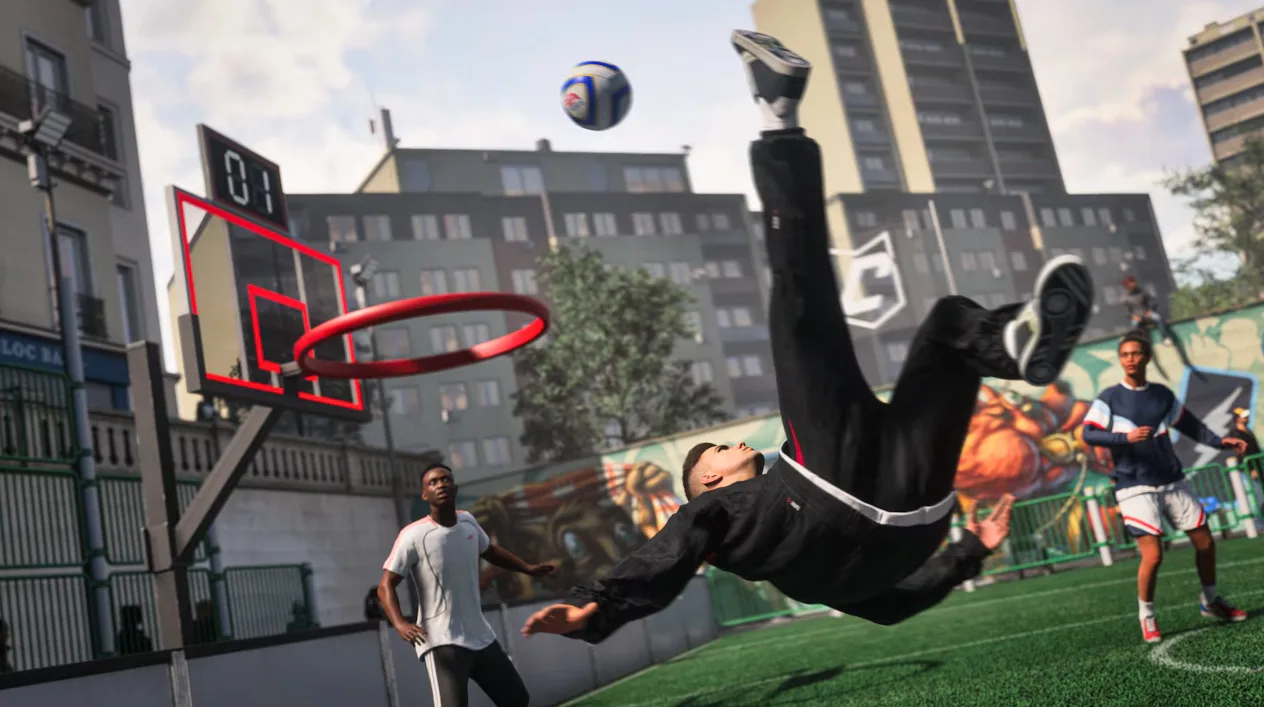
- Kick-Off: Classic Match, House Rules and Rush 3v3, with a small rotating selection of teams.
- Learn to Play: basic training and skill practice.
- Online Friendlies: matches against a friend.
- Online Seasons: ranked 1v1 matches with promotion through divisions.
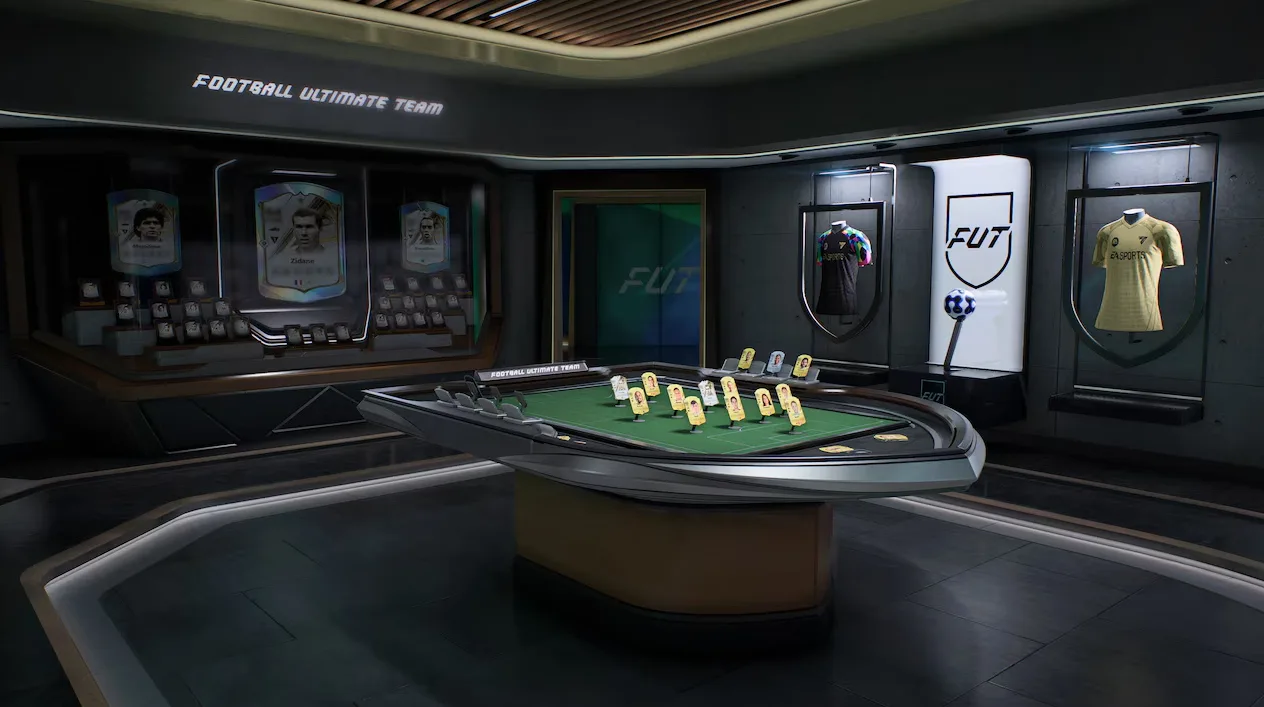
What is not included: Ultimate Team, Manager Career and The Grounds. FC 27 Lite needs a constant internet connection and an EA Account, and your progress carries over if you upgrade to the full game on the same platform.
EA does not publish separate PC requirements for FC 27 Lite, so plan on the same specs as the full game. That makes Lite the easiest way to test FC 27 on your own PC before you buy.
Windows version, anticheat and Secure Boot
FC 27 on PC uses EA Javelin Anticheat, which is installed automatically with the game and runs at kernel level. Keep these points in mind:
- Windows 10 version 20H1 (build 19041) or newer, or Windows 11, is required for the anticheat.
- Windows 7, 8 and 8.1 are not supported.
- Secure Boot: it is not listed as a general requirement in the official specs, but some anticheat errors are fixed by turning it on. Secure Boot needs UEFI mode, a GPT disk and TPM 2.0. Change BIOS settings carefully, or ask someone who knows how.
- Uninstalling: the anticheat stays on your PC after you remove the game. Remove it manually from Windows if you no longer play EA games that use it.
Does FC 27 work on Steam Deck or Linux?
No. FC 27 is not supported on Linux or Steam Deck, because its kernel-level anticheat only runs on Windows. Handheld PCs that run Windows, like the ASUS ROG Ally, can run the game.
Best FC 27 settings for low-end PCs
If your PC is close to the minimum, these changes make the biggest difference (the full menu walkthrough is in FC 27 Best PC Settings):
- Update your graphics driver from the NVIDIA app, AMD Software or Intel before the first launch.
- Use the Low preset at 720p first, then raise the resolution to 900p or 1080p if you stay above 60 FPS.
- Lower shadows and other high-cost effects first. They have the biggest impact on FPS in full stadiums.
- Limit the frame rate to 60. A stable 60 FPS feels better than a frame rate that jumps around.
- Close background apps like browsers and launchers, especially with 8 GB of RAM.
- Use Windows Game Mode and plug in your laptop so it runs at full power.
If the checker says your PC is below the minimum, the most effective single upgrade is usually the graphics card (a GTX 1660 or RX 6600 class card reaches the recommended preset) or a second RAM stick for dual channel (how to check your RAM). See the parts we recommend on our PC setup page.
More FC 27 on FpsGen
- Can I Run FC 27?: results for popular graphics cards
- FC 27 FPS Estimator: FPS for your exact parts
- FC 27 Best PC Settings: fix stutter and input lag
- FC 27 Not Launching or Crashing on PC: every fix, step by step
- FC 27 game page
- FC 27 on Steam
Other PC requirements guides
- NTE PC system requirements: the free open-world RPG on Steam
- War Thunder system requirements: can your PC run it?
- Tiles Survive! on PC: play the survival strategy game on Windows
FAQ
What are the minimum requirements for FC 27 on PC?
A GeForce GTX 1050 Ti or Radeon RX 570, an Intel Core i5-6600K or AMD Ryzen 5 1600, 8 GB of RAM, 100 GB of storage and 64-bit Windows 10 or 11. This targets 720p at 60 FPS on the Low preset.
Can I run FC 27 with 8 GB of RAM?
Yes. 8 GB is the official minimum. For smoother matches, use two RAM sticks (dual channel) and close other apps. 12 GB is recommended.
Can FC 27 run on a GTX 1050 Ti?
Yes. The GTX 1050 Ti is the minimum graphics card for FC 27, for 720p at 60 FPS on Low settings.
How many GB is FC 27 on PC?
FC 27 needs 100 GB of free storage. Keep about 120 GB free for updates and caches.
Is FC 27 free on PC?
The full game is paid, but FC 27 Lite is free on Steam, the EA app and the Epic Games Store. It includes Kick-Off, Learn to Play, Online Friendlies and Online Seasons.
Does FC 27 work on Windows 7?
No. FC 27 needs 64-bit Windows 10 (version 20H1 or newer) or Windows 11.
FpsGen is an independent gaming site and is not affiliated with Electronic Arts. Requirements are taken from EA's official system requirements page and EA's FC 27 Lite help page, and can change with updates.

Gaming writer at FpsGen. Guides and reviews are built on official sources, patch notes and real player data.

Comments
No comments yet. Start the conversation.