


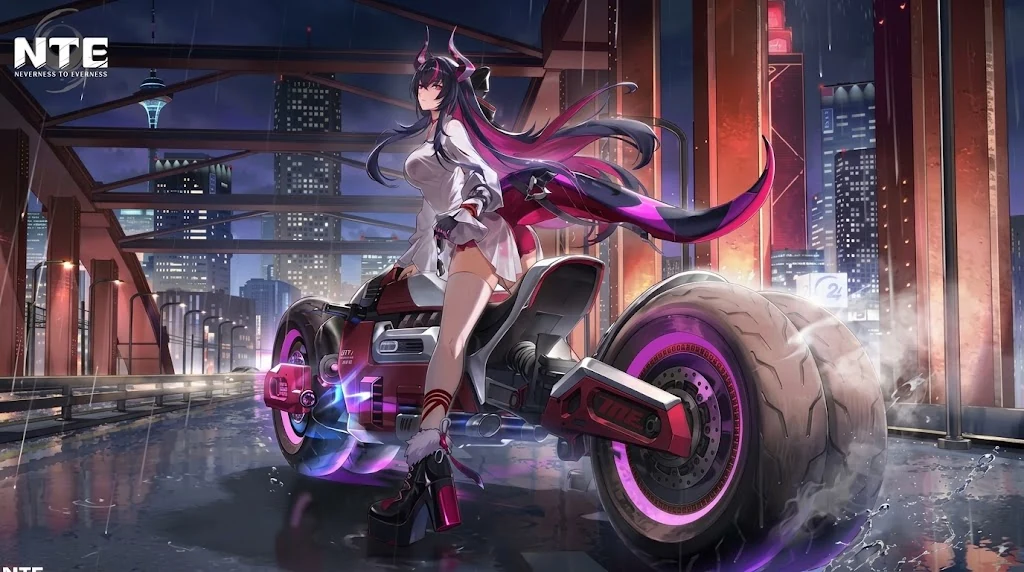
NTE: Neverness to Everness is a free-to-play open-world action RPG set in a modern city full of supernatural anomalies. It has been live worldwide since April 29, 2026, and the PC version arrived on Steam on July 7, 2026. Here is what NTE is, what your PC needs to run it, and how to start playing in a few minutes.
In short: NTE is free to play. On PC you need Windows 10 (64-bit), 16 GB of RAM, a GeForce GTX 1660 or Radeon RX 5600 graphics card and 110 GB of free storage. Check your PC with the tool below before you start.

Can your PC run NTE?
NTE is built on Unreal Engine 5, so it asks for much more than most free-to-play games. Pick your graphics card, processor and RAM, and the tool compares them with the official Steam requirements. For a full breakdown by graphics card, see Can I Run NTE?.
Pick your hardware and we compare it with the official NTE: Neverness to Everness requirements.
Official NTE: Neverness to Everness PC requirements
| Minimum | Recommended | |
|---|---|---|
| OS | Windows 10 (64-bit) | Windows 10 (64-bit) or above |
| CPU | Intel Core i7-10700 / Snapdragon X | Intel Core i7-12700 / Snapdragon X2 Elite |
| RAM | 16 GB | 32 GB |
| GPU | NVIDIA GeForce GTX 1660 / AMD Radeon RX 5600 (DirectX 11) | NVIDIA GeForce RTX 3060 / AMD Radeon RX 6700 (DirectX 12) |
| Storage | 110 GB | 110 GB |
Source: official NTE: Neverness to Everness website. Results are estimates based on relative hardware performance.
NTE PC system requirements
These are the official requirements from the NTE Steam page.
| Minimum | Recommended | |
|---|---|---|
| OS | Windows 10 (64-bit) | Windows 10 (64-bit) or above |
| CPU | Intel Core i7-10700 / Snapdragon X | Intel Core i7-12700 / Snapdragon X2 Elite |
| RAM | 16 GB | 32 GB |
| GPU | GeForce GTX 1660 / Radeon RX 5600 | GeForce RTX 3060 / Radeon RX 6700 |
| DirectX | Version 11 | Version 12 |
| Storage | 110 GB | 110 GB |
Two things to keep in mind:
- 16 GB of RAM is the minimum, not the comfortable level. With 8 GB, your PC is below the official requirements.
- 110 GB is a lot of space. Free up room on your drive first, and use an SSD if you can: open-world games load the city much faster from an SSD than from a hard drive.
How to start playing NTE on PC
- Click "Play NTE free on PC" on this page.
- Sign in to Steam, or create a free Steam account if you do not have one yet.
- Add NTE to your Steam library. The game is free to play, so there is nothing to pay.
- Make sure you have 110 GB of free space, ideally on an SSD.
- Launch NTE and choose your language in the settings. The game is available in English, and Japanese is fully supported too, with interface, audio and subtitles.
What is NTE: Neverness to Everness?
NTE is a third-person action RPG developed by Hotta Studio and published by Perfect World Games. You play as an Appraiser who investigates supernatural anomalies in Hethereau, a modern open-world metropolis.
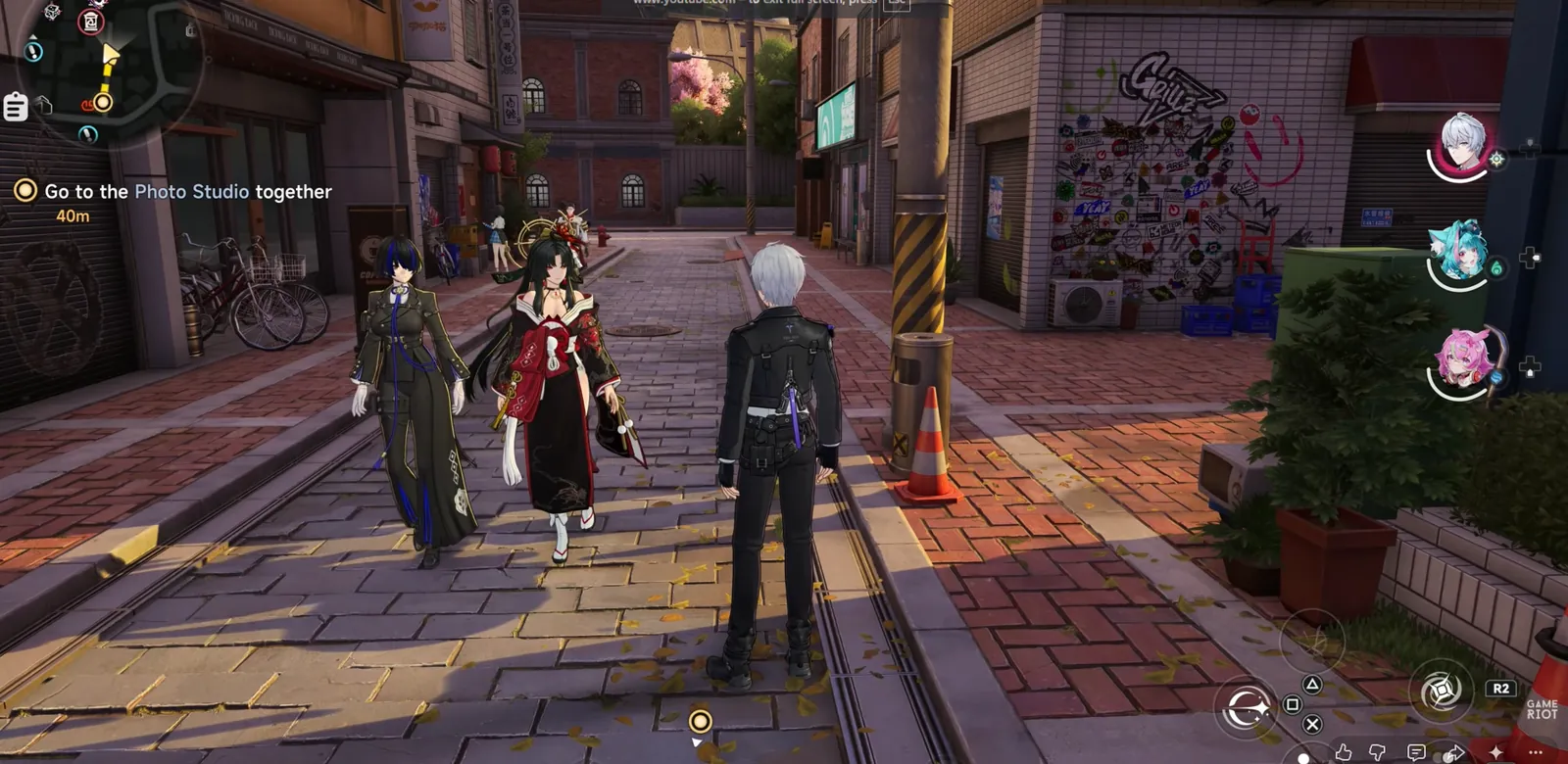
What stands out:
- A real modern city. Instead of fantasy fields and castles, you explore city streets. You can run, climb, swim and use vehicles to get around.
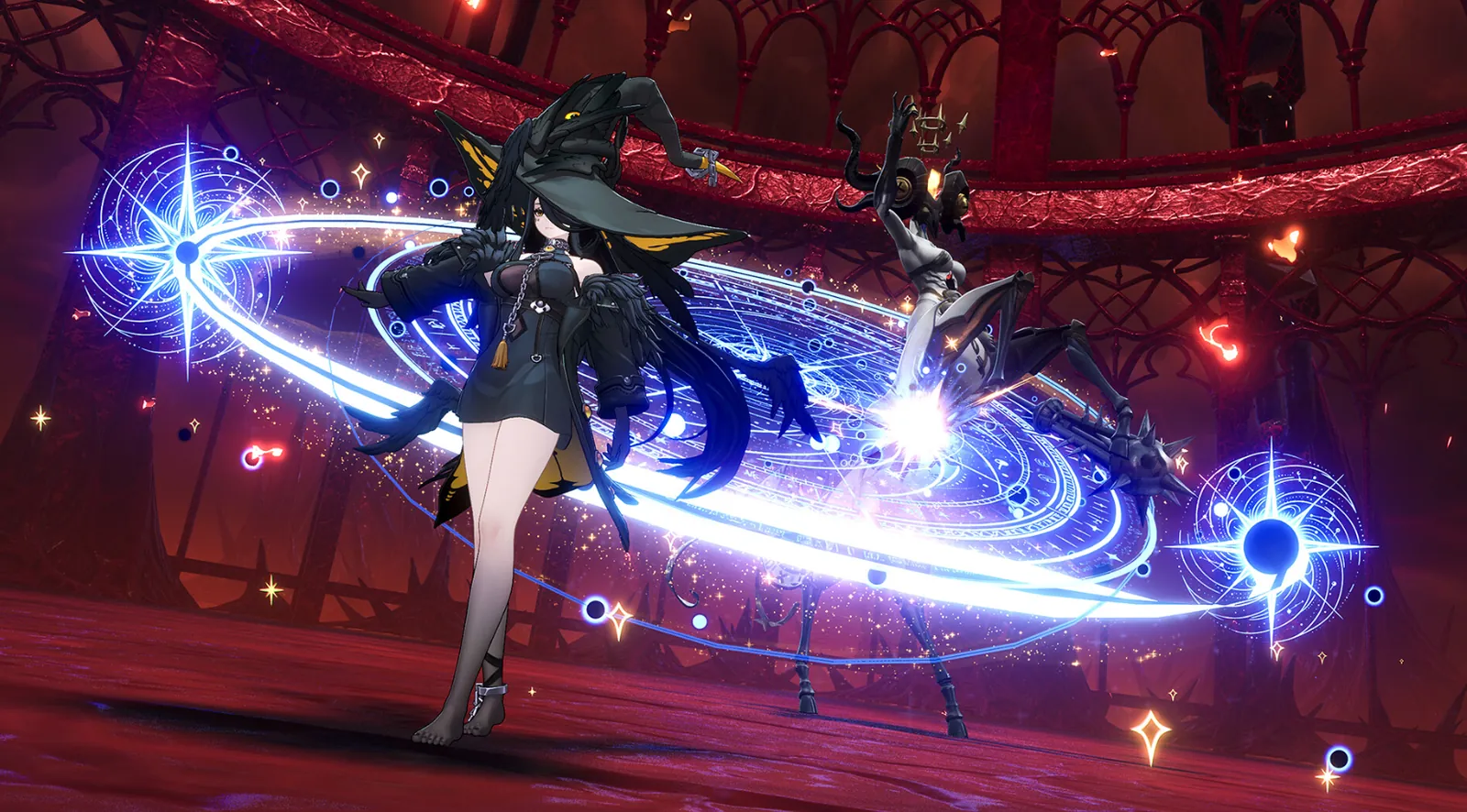
- Fast action combat. Fights are hack-and-slash with dodges and parries, not turn-based.
- Teams of four characters. Each character has their own Esper abilities, and the fun is in finding combinations that work well together. Our NTE tier list shows the best characters, and NTE Esper types and reactions explains how they combine.
- Free to play. NTE is a gacha game: you can spend money on characters, but you are not forced to pay to progress.
Cars, driving and the open city
Vehicles are a big part of NTE. You can drive through Hethereau instead of only running from point to point, which sets it apart from most open-world RPGs.

A story told with full voice acting
The main story follows your Appraiser and a cast of characters with their own personalities, told through voiced cutscenes and story scenes.
Where can you play NTE?
NTE is available on more platforms than most games of its kind:
- PC: Windows (including Steam and the Epic Games Store) and macOS
- Mobile: Android, iOS and HarmonyOS
- Console: PlayStation 5
If your PC is below the minimum requirements, the console or mobile version may be a better choice.
How to get the best performance on PC
If your PC is close to the minimum, these settings make the biggest difference:
- Update your graphics drivers from the NVIDIA app or AMD Software before your first launch. New drivers often improve performance in recent Unreal Engine 5 games.
- Start with the Low preset, then raise options one by one until the frame rate drops.
- Lower shadows, reflections and view distance first. They cost the most in a dense city.
- Use upscaling (DLSS, FSR or similar, depending on your graphics card) if the game offers it in your settings.
- Close background apps. Browsers and launchers use RAM, and NTE already needs 16 GB.
- Keep the game on an SSD to reduce loading times and stutter while you travel through the city.
More fixes that work in every game are in How to Increase FPS on PC.
Is your PC too weak? Upgrade the right part
If the checker shows your PC below the minimum, you usually need to change only one part:
- Graphics card: an RTX 3060 or RX 6700 class card reaches the recommended level.
- RAM: going from 8 GB to 16 GB is cheap and gets you to the minimum. 32 GB is recommended.
- Storage: a 1 TB SSD gives NTE and other big games room to breathe.
See the parts we recommend on our PC setup page.

More NTE on FpsGen
- Can I Run NTE?: results for popular graphics cards
- NTE tier list: the best characters right now
- NTE Esper types and reactions
- NTE game page
FAQ
Is NTE free?
Yes. NTE is free to play on every platform. It has optional in-game purchases.
How much storage does NTE need on PC?
The official Steam page lists 110 GB of required storage. Leave some extra space for future updates.
Can I play NTE with 8 GB of RAM?
8 GB is below the official minimum of 16 GB. The game may not run well, so 16 GB is the realistic minimum.
Does NTE support Japanese?
Yes. On Steam, NTE supports Japanese with full interface, audio and subtitles.
Is NTE on Steam?
Yes. The Steam version was released on July 7, 2026.
Does NTE work on Steam Deck?
The official Steam page does not list Steam Deck compatibility. Check the game's Steam page for the latest status, and keep in mind that the PC requirements are high for a handheld.
Ready to start?
If your PC meets the requirements, NTE is free, so you can be exploring Hethereau in a few minutes.
FpsGen is an independent gaming site and is not affiliated with Hotta Studio or Perfect World Games. Requirements are taken from the official NTE Steam page and can change with updates. Screenshots and videos are from the game.

Gaming writer at FpsGen. Guides and reviews are built on official sources, patch notes and real player data.
FpsGen may earn a commission when you start playing a game through links on this page.



Comments
No comments yet. Start the conversation.