

War Thunder is free to play and runs on far more PCs than most modern games, but "free" does not mean "runs on anything". Whether you are on a gaming rig, an old office PC or a laptop with integrated graphics, this guide tells you what you need, what to expect, and how to get the most FPS out of what you have.
Quick answer: to run War Thunder on Windows you need at least a dual-core 2.2 GHz CPU, 4 GB of RAM and a DirectX 11 graphics card like a GeForce GTX 660 or Radeon 77XX. For smooth play at 1080p, aim for a GTX 1060 or RX 570, a Ryzen 5 3600 or Core i5, and 16 GB of RAM.
Check your PC in 10 seconds
Pick your graphics card, processor and RAM below. The tool compares them with the official requirements and tells you which settings to expect. If you are not sure what hardware you have, press Auto-detect, or read the next section first. For a full breakdown by graphics card, see Can I Run War Thunder?.
Pick your hardware and we compare it with the official War Thunder requirements.
Official War Thunder PC requirements
| Minimum | Recommended | |
|---|---|---|
| OS | Windows 10 (64-bit) | Windows 10/11 (64-bit) |
| CPU | Dual-Core 2.2 GHz | Intel Core i5 or Ryzen 5 3600 and better |
| RAM | 4 GB | 16 GB and more |
| GPU | DirectX 11 card: AMD Radeon 77XX / NVIDIA GeForce GTX 660 | NVIDIA GeForce GTX 1060 / Radeon RX 570 and higher |
| Storage | 23.1 GB (minimal client) | 75.9 GB (full client) |
Source: official War Thunder website. Results are estimates based on relative hardware performance.
War Thunder system requirements (official)
These are the official numbers published by Gaijin, the developer of War Thunder.
| Minimum | Recommended | |
|---|---|---|
| OS | Windows 10 (64-bit) | Windows 10 / 11 (64-bit) |
| CPU | Dual-core 2.2 GHz | Intel Core i5 or Ryzen 5 3600 and better |
| RAM | 4 GB | 16 GB and more |
| GPU | GeForce GTX 660 / Radeon 77XX (DirectX 11) | GeForce GTX 1060 / Radeon RX 570 and higher |
| Storage | 23.1 GB (minimal client) | 75.9 GB (full client) |
| Internet | Broadband connection | Broadband connection |
Two details people miss: the minimal client is a smaller download that skips high-quality textures, and the full client is the one you want if your PC can handle it. You can switch between them in the launcher.
Mac and Linux requirements
War Thunder also has native clients for macOS and Linux.
macOS (Big Sur 11.0 or newer):
- Minimum: Core i5 at 2.2 GHz, 6 GB RAM, Intel Iris Pro 5200, 22.1 GB of storage.
- Recommended: Core i7, 8 GB RAM, Radeon Vega II or better, 62.2 GB of storage.
Linux (64-bit, with Vulkan support):
- Minimum: dual-core 2.4 GHz, 4 GB RAM, NVIDIA GTX 660 with up-to-date proprietary drivers, 22.1 GB of storage.
- Recommended: Intel Core i7, 16 GB RAM, NVIDIA GTX 1060, 62.2 GB of storage (Ubuntu 20.04 64-bit).
How to find your PC specs on Windows
You do not need any software for this:
- Press Win + R, type
dxdiagand press Enter. - On the System tab you will see your processor and memory (RAM).
- On the Display tab you will see your graphics card.
You can also open Task Manager (Ctrl + Shift + Esc), go to the Performance tab and click CPU, Memory or GPU. Write down the exact model names, then use the checker above.
What performance can you expect?
The numbers that matter are your graphics card and processor. Here is a realistic picture by hardware tier. These are general guidelines, not guarantees: War Thunder performance also depends on the game mode, the map and how many players are in the fight. For an estimate for your exact parts, try our War Thunder FPS Estimator.
| Your hardware | What to expect |
|---|---|
| GTX 660 / GTX 750 Ti / RX 460 | Playable on Low or Ultra Low settings. This is the official minimum level. |
| GTX 1050 Ti / GTX 1650 / RX 560 | Comfortable on Low to Medium at 1080p. |
| GTX 1060 / RX 570 / RX 580 | The recommended level. Medium to High at 1080p. |
| RTX 2060 / RTX 3060 / RX 6600 | High settings at 1080p, and a good start for 1440p. |
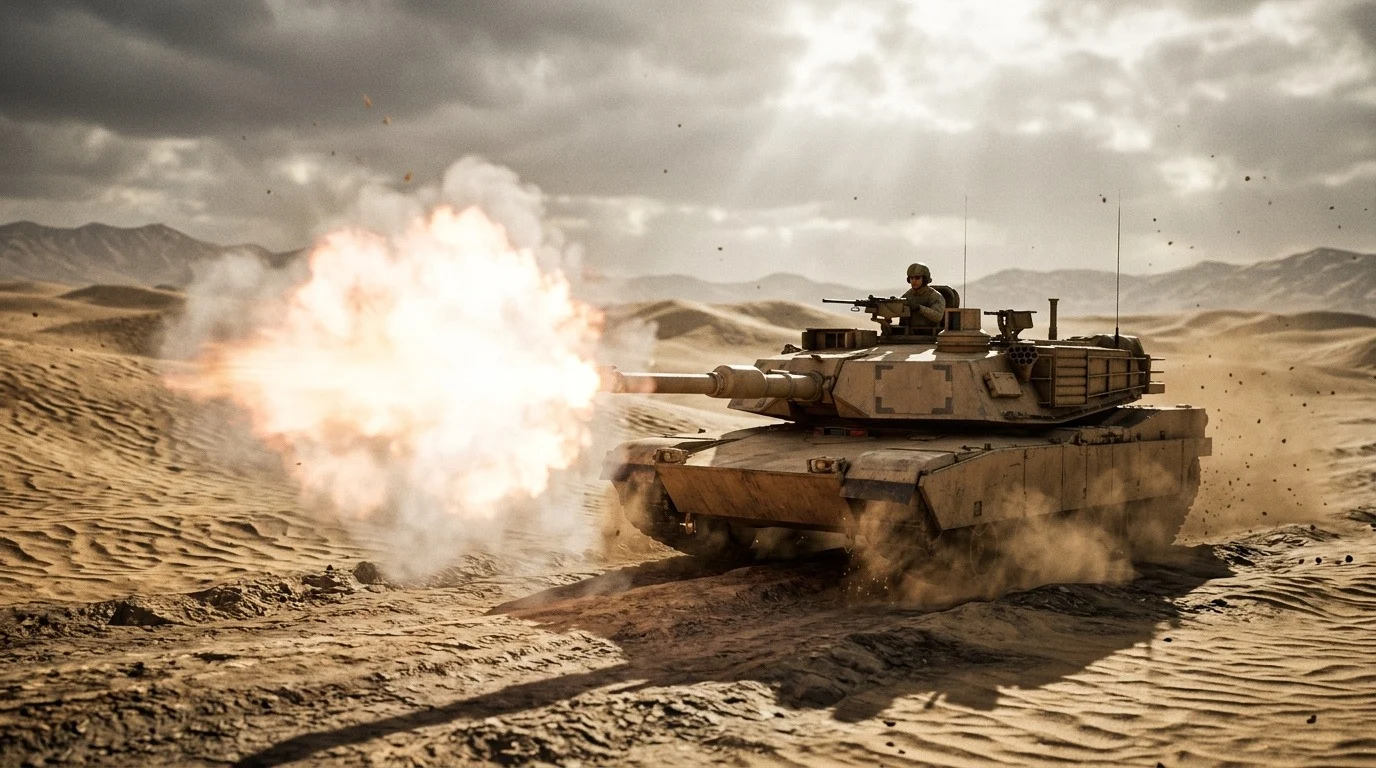
| RTX 4070 and above / RX 7800 XT and above | Max settings at 1440p and 4K, with plenty of headroom. |
Can War Thunder run on a laptop or integrated graphics?
Often yes, with limits. A laptop with a dedicated GPU (GTX 1650 and up, or an RTX mobile chip) handles War Thunder well. Modern integrated graphics such as Intel Iris Xe or the Radeon 780M can run the game on the lowest settings, but older Intel HD / UHD graphics usually fall below the minimum and struggle even in the menu. If your laptop only has integrated graphics, use the minimal client and expect low settings and reduced FPS in big fights.
Does War Thunder need an SSD?
It is not required, but it helps. On a hard drive, the game loads maps and vehicles more slowly and you may see stutter when new textures stream in. If you have a free SSD slot, install the game there.
How much RAM do you really need?
4 GB is the official minimum, but in practice 8 GB is the comfortable floor and 16 GB is what the developer recommends. With 4 GB and a browser open in the background, Windows will start swapping memory to disk, and the game will stutter.
Want a quick look at the game?
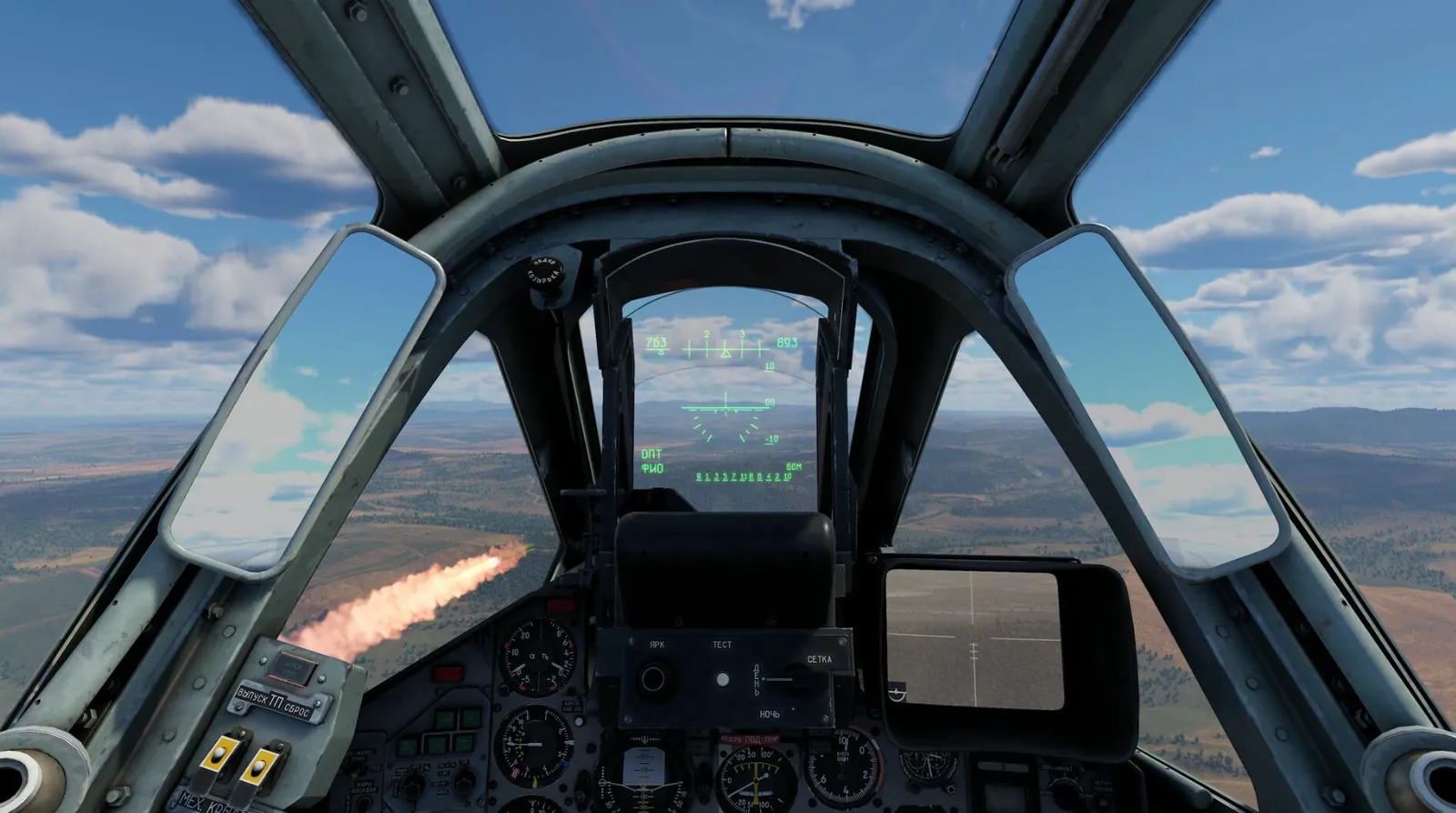
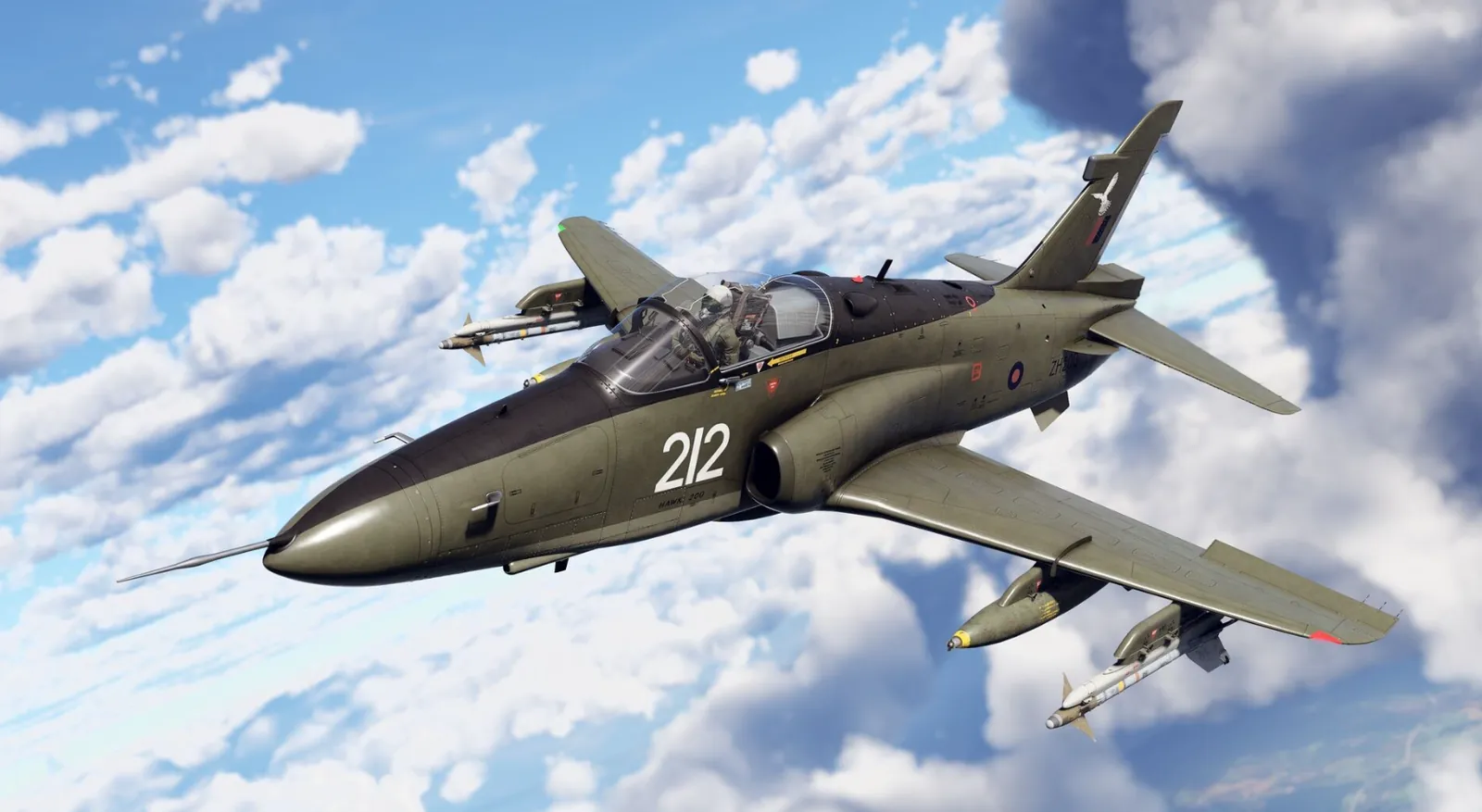
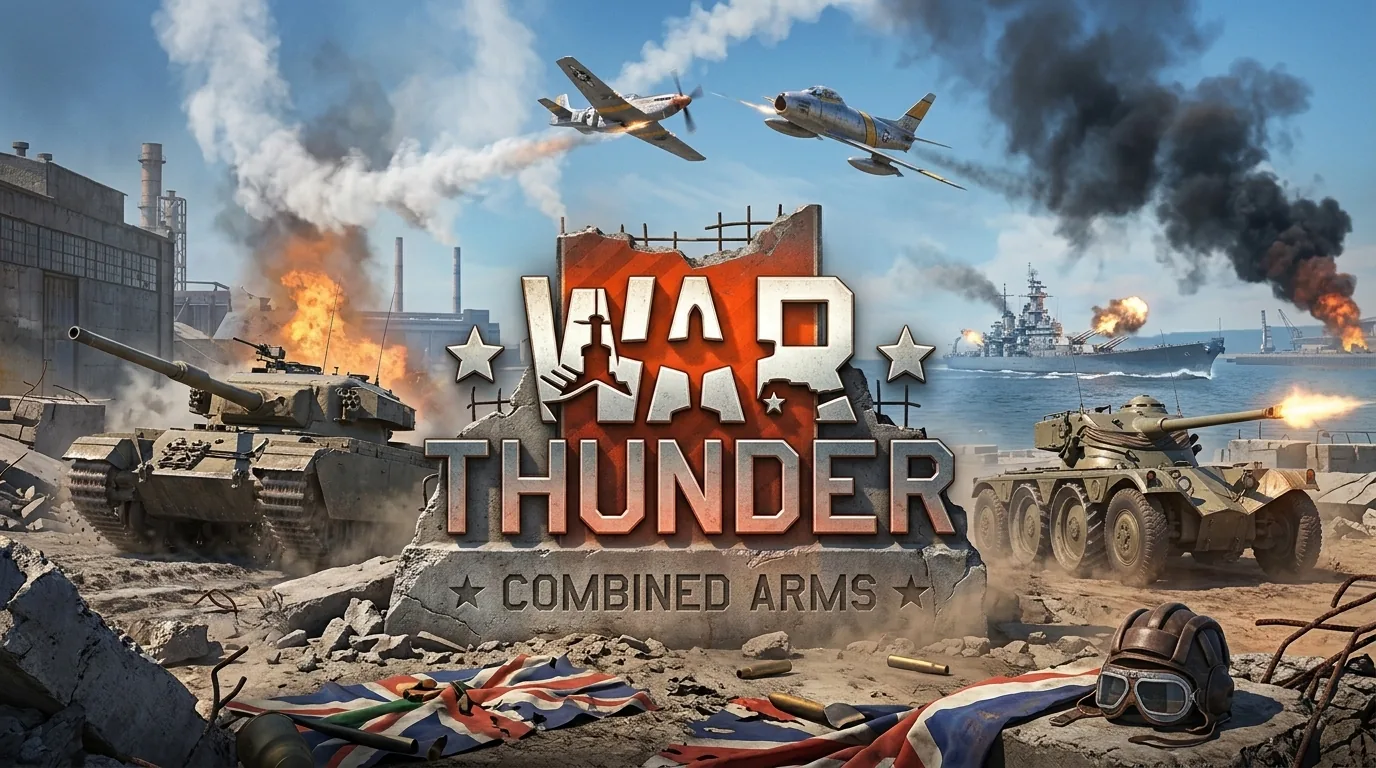
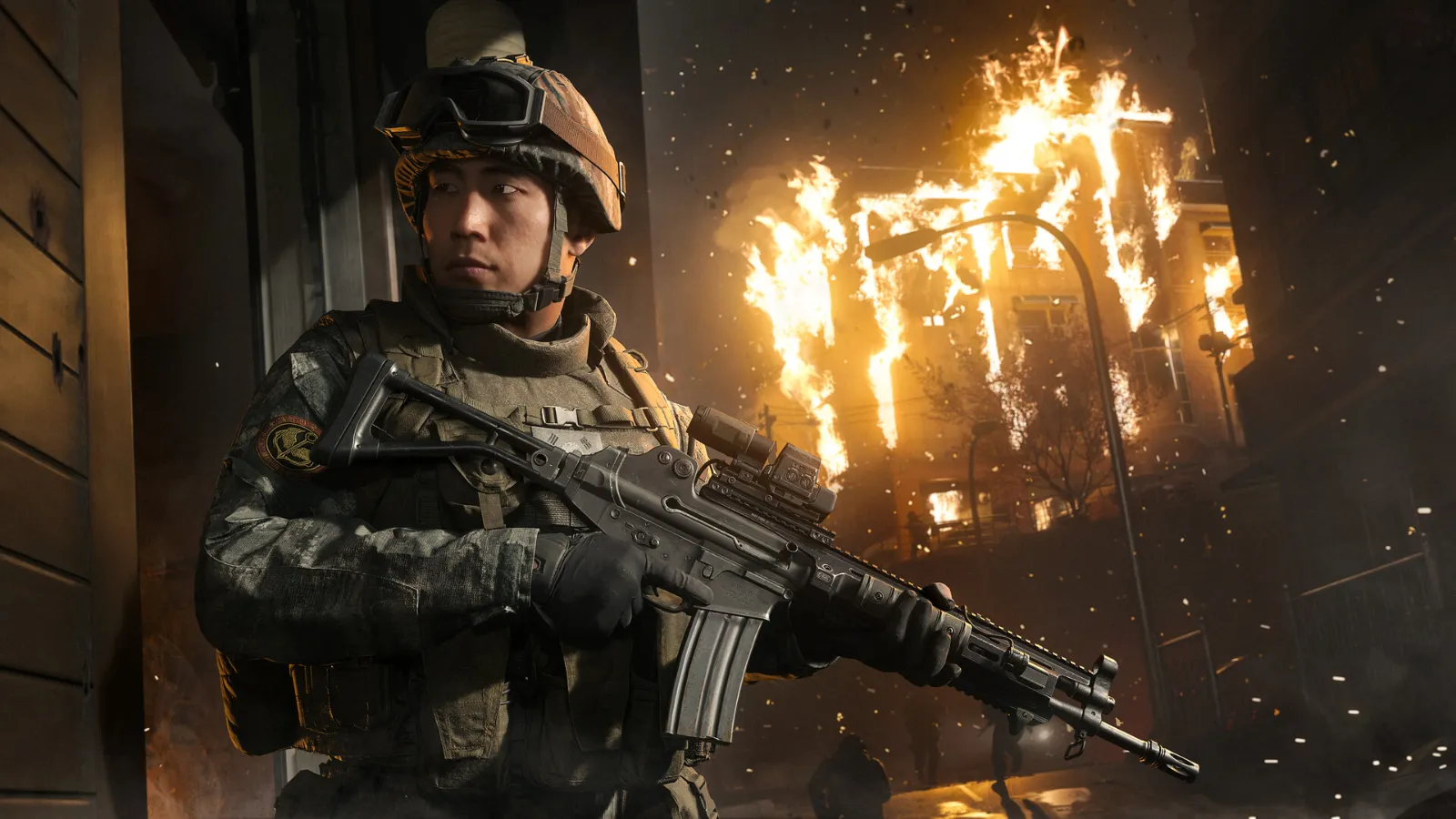
Watch the trailer below to see what War Thunder looks like in motion before you download it.
How to get more FPS in War Thunder
If your PC sits near the minimum, these changes give the biggest boost for the least loss in quality:
- Update your graphics drivers from the NVIDIA app or AMD Software. NVIDIA, AMD and Intel all release drivers that improve performance in popular games. This is the free upgrade most people skip.
- Start with a lower quality preset. In the graphics settings, choose Low or Ultra Low first, then raise individual options until the FPS drops.
- Lower shadows, water and grass/tree quality. These cost the most performance for the least visual change, especially in ground and naval battles.
- Turn off motion blur and heavy post-processing effects. They add very little in a game where you want a clear view of the target.
- Lower the render resolution (or use the scaling option) if your GPU is the bottleneck, instead of dropping to a blurry window size.
- Close background apps. Browsers with many tabs, launchers and overlays eat RAM and CPU, which hurts most on a 4-8 GB PC.
- Use the minimal client if you are short on disk space or have a low-end graphics card.
- Check your power plan. On a laptop, plug it in and select the high-performance power mode, otherwise it will throttle the CPU and GPU.
More fixes that work in every game are in our guide How to Increase FPS on PC.
Is your PC too weak? Upgrade smart
If the checker says your PC falls short, you rarely need a whole new computer. In most cases, one part is holding you back:
- GPU is the problem: a budget graphics card like the RX 6600 or RTX 3050 is the biggest single jump for War Thunder.
- RAM is the problem: going from 8 GB to 16 GB costs very little and stops the stutter.
- CPU is the problem: big ground battles love a fast processor. A Ryzen 5 is a strong, affordable pick. See Best Gaming CPUs in 2026.
We keep a list of PC parts we recommend for every budget on our PC setup page.
War Thunder on Steam Deck and other platforms
War Thunder is available on PC (Windows, Mac and Linux), and also on PlayStation and Xbox. On handheld PCs such as the Steam Deck, expect to lower the settings to keep a stable frame rate, and check the game's Steam page for the current compatibility status, as it can change after updates.
More War Thunder on FpsGen
- Can I Run War Thunder?: results for popular graphics cards
- War Thunder FPS Estimator: FPS for your exact parts
- War Thunder game page
- CPU Bottleneck Explained: why big ground battles drop FPS
FAQ
Can my PC run War Thunder?
Use the checker at the top of this page. In short: if you have a GTX 660-class graphics card or better, at least 4 GB of RAM and Windows 10 (64-bit), you can run it. For a smooth experience, aim for the recommended specs.
Is War Thunder free?
Yes, War Thunder is free to download and play. The game has optional purchases, but you can play and progress without spending money.
What graphics card do I need for War Thunder?
A GeForce GTX 660 or Radeon 77XX is the official minimum. A GTX 1060 or RX 570 is the recommended level for comfortable 1080p play.
Can War Thunder run without a graphics card?
Only on modern integrated graphics, and only on the lowest settings. Older integrated graphics are below the minimum and will struggle.
How big is War Thunder?
The official numbers are 23.1 GB for the minimal client and 75.9 GB for the full client on Windows. The size grows over time with updates, so leave some extra free space.
Does War Thunder run on Windows 7 or 8?
No. The official requirements list Windows 10 (64-bit) as the minimum.
Will upgrading RAM improve my FPS?
If you have 4 or 8 GB and your system is using nearly all of it, yes: you will notice fewer stutters. If you already have 16 GB, upgrading the graphics card or CPU will make a bigger difference.
Ready to play?
If your PC meets the requirements, there is nothing standing between you and the battlefield. War Thunder is free, so the only cost is the download.
Requirements are taken from the official War Thunder website and can change with game updates. The performance tiers above are estimates based on how hardware of similar power performs, not guarantees.

Gaming writer at FpsGen. Guides and reviews are built on official sources, patch notes and real player data.
FpsGen may earn a commission when you start playing a game through links on this page.

Comments
No comments yet. Start the conversation.