

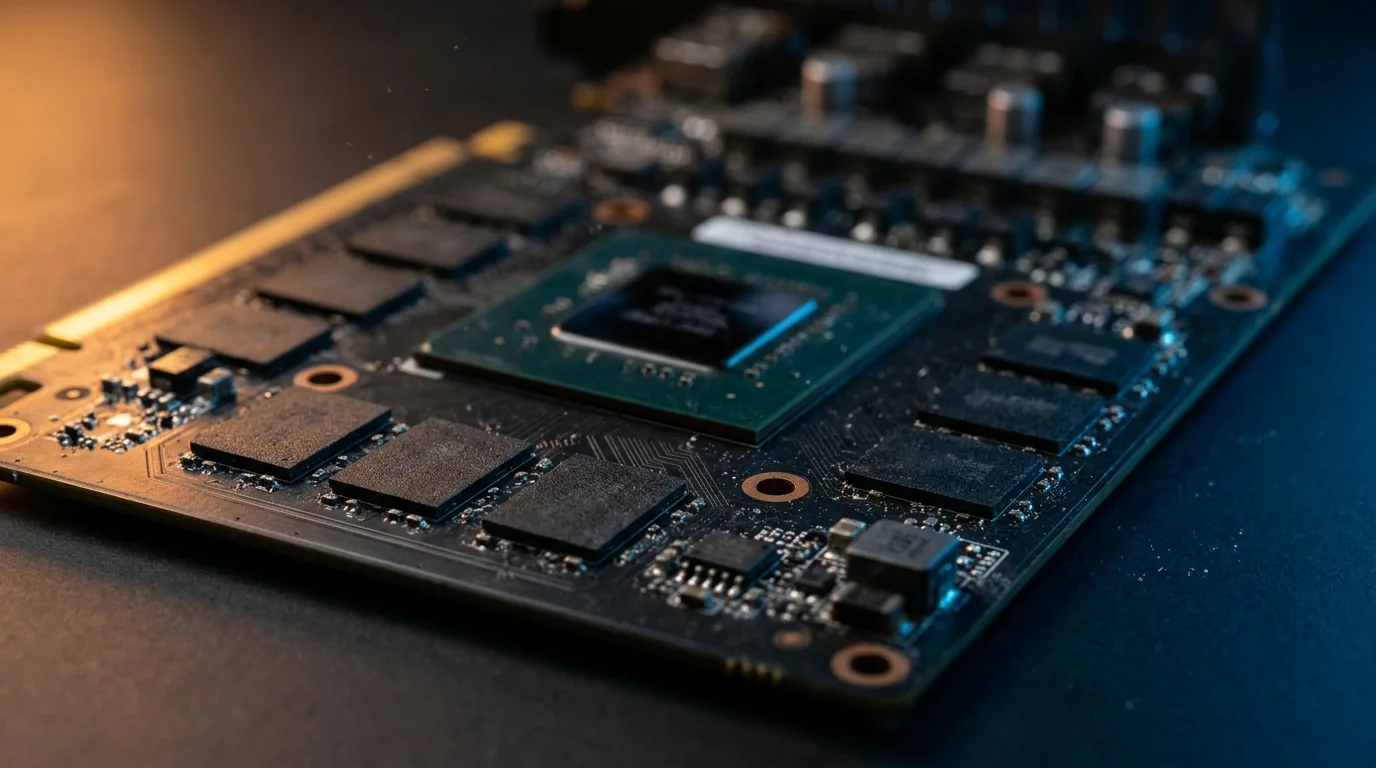
VRAM (video memory) is the memory on your graphics card. It holds textures, models and effects so the GPU can draw them fast. When a game needs more VRAM than your card has, you do not get a clean error: you get stutter, blurry textures and sudden FPS drops.
So how much do you need in 2026? Here is the short answer, the details by resolution, and how to check your own card.
Quick answer
| Resolution | Minimum | Recommended | Comfortable for years |
|---|---|---|---|
| 1080p | 8 GB | 12 GB | 12 to 16 GB |
| 1440p | 12 GB | 16 GB | 16 GB |
| 4K | 16 GB | 16 GB | 20 GB or more |
8 GB still works in 2026, but only if you are fine with High or Medium settings at 1080p. For Ultra textures, ray tracing or 1440p, aim for 12 to 16 GB.
Is 8 GB of VRAM enough in 2026?
Mostly yes at 1080p, with limits. PC Gamer tested the 8 GB and 16 GB versions of the same cards (RTX 5060 Ti and RX 9060 XT) in recent games. The averages were often close, but the 1% lows, which you feel as stutter, were much worse on 8 GB at high settings:
| Game (settings) | 16 GB card | 8 GB card |
|---|---|---|
| The Last of Us Part 1 (Ultra, 1080p), RTX 5060 Ti | 113 FPS avg, 92 FPS 1% low | 89 FPS avg, 48 FPS 1% low |
| Kingdom Come: Deliverance 2 (Ultra, 1080p), RTX 5060 Ti | 121 avg, 104 low | 109 avg, 70 low |
| Resident Evil Requiem (High, 1440p, frame gen), RX 9060 XT | 142 avg, 109 low | 123 avg, 68 low |
| Arc Raiders (Epic) | Small gap: the game stays under 8 GB |
The conclusion: 8 GB is enough if you lower textures a notch, but a 16 GB version of the same card plays smoother at high settings and will age better. If you are buying a new card today and the 16 GB version costs a little more, it is usually worth it.
What uses VRAM in games
- Texture quality: the biggest one. Ultra textures can need several GB more than High.
- Resolution: 1440p and 4K need more memory for every frame.
- Ray tracing: adds extra data the GPU must keep in memory.
- Frame generation (DLSS, FSR): needs extra VRAM for the generated frames, which can push an 8 GB card over the limit.
- Unreal Engine 5 games: often use more VRAM than older games at similar settings.
Settings like shadows, effects or anti-aliasing use some VRAM, but much less than textures.
What happens when you run out of VRAM
- Stutter: short freezes, often when you enter a new area.
- Blurry or late textures: many games quietly lower texture quality when memory is full.
- Bad 1% lows: your average FPS looks fine, but the game does not feel smooth.
- Big FPS drops in heavy scenes, and sometimes crashes.
If you see this, lower texture quality first. It usually fixes the problem with little visual loss, while lowering other settings does almost nothing for VRAM.
How to check how much VRAM you have
- Press Ctrl + Shift + Esc to open Task Manager.
- Go to Performance > GPU.
- Read Dedicated GPU memory: that is your VRAM.
Our free Check My PC tool also finds your graphics card in one click, and our guide How to Check Your PC Specs shows other ways.
To see how much VRAM a game uses while you play, turn on an overlay with GPU memory (NVIDIA app, AMD Software or MSI Afterburner). Our guide How to Show FPS in Any PC Game shows how.
How much VRAM do popular graphics cards have?
| Graphics card | VRAM | Good for |
|---|---|---|
| RTX 4060, RTX 5060, RX 7600 | 8 GB | 1080p, High settings |
| RTX 5060 Ti / RX 9060 XT (8 GB version) | 8 GB | 1080p, High settings |
| RTX 3060, RX 6700 XT, Intel Arc B580, RTX 5070 | 12 GB | 1080p Ultra, 1440p High |
| RTX 5060 Ti / RX 9060 XT (16 GB version) | 16 GB | 1080p Ultra, 1440p |
| RX 9070, RX 9070 XT, RTX 5070 Ti, RTX 5080 | 16 GB | 1440p Ultra, 4K |
| RX 7900 XTX | 24 GB | 4K Ultra |
| RTX 5090 | 32 GB | 4K Ultra with path tracing |
Want to see where your card stands against another one? Put them side by side in Compare Hardware, or read our RTX 50 vs RX 9000 comparison.
Does more VRAM mean more FPS?
No, not by itself. VRAM only matters when you run out of it. A 16 GB card is not faster than an 8 GB card if the game only uses 6 GB; the GPU chip decides your FPS. That is why an RTX 5070 with 12 GB is much faster than an older card with 16 GB.
Think of VRAM as a minimum to meet, not a number to maximize. To see how many FPS your card really gets, use our FPS Estimator.
Do games list VRAM in their requirements?
Many do. Recent PC requirements often name a graphics card and its memory, like "RTX 3060 Ti 8 GB" or "RX 6700 XT 12 GB". Check any game against your PC in seconds with Can I Run It?.
FAQ
Is 8 GB VRAM enough for 1440p?
For older or lighter games, yes. For new games at high settings, 8 GB often stutters at 1440p. 12 GB is the practical minimum, 16 GB is better.
Is 12 GB VRAM enough for 4K?
For many games at High settings, yes. For Ultra textures and ray tracing at 4K, 16 GB or more is safer.
Is 16 GB VRAM overkill?
Not in 2026. It is the comfortable amount for 1440p and the starting point for 4K, and it keeps a card useful for longer.
Does system RAM replace VRAM?
No. When VRAM is full, the GPU borrows system RAM, but it is much slower, which causes stutter. See also our guide to increasing FPS on PC.
How can I lower VRAM use?
Lower texture quality first, then ray tracing. Lowering resolution or using upscaling (DLSS, FSR, XeSS) also helps.
More PC tools and guides on FpsGen
- Check My PC: find your graphics card and VRAM
- FPS Estimator
- Bottleneck Calculator
- Best gaming PC build under $1000
Benchmarks from PC Gamer (March 2026). VRAM guidance based on testing summarized by Digital Citizen and official specs from NVIDIA and AMD. Last checked October 29, 2026.

Gaming writer at FpsGen. Guides and reviews are built on official sources, patch notes and real player data.
Comments
No comments yet. Start the conversation.