

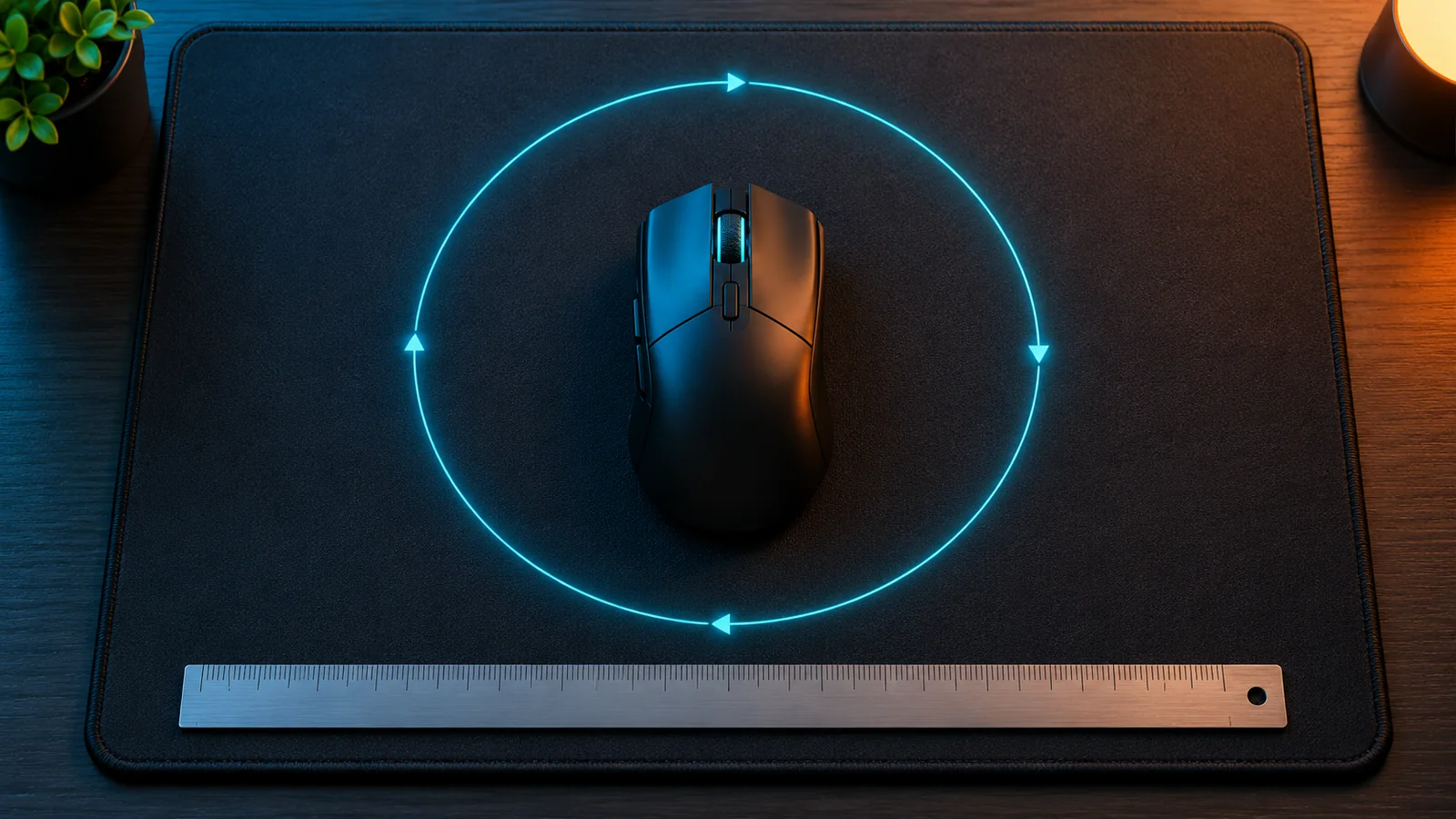
There is no perfect mouse sensitivity for everyone, but there is a good range for each type of game, and a simple way to find yours. The secret is to stop comparing sensitivity numbers between games and look at eDPI and cm/360 instead.
Here is what those numbers mean, what pro players use, and how to find your sensitivity and keep the exact same feel in every shooter.
DPI, sensitivity, eDPI and cm/360 in 30 seconds
| Term | What it is | Example |
|---|---|---|
| DPI | How many "counts" your mouse sends per inch you move it. Set in your mouse software | 800 DPI |
| In-game sensitivity | A multiplier in the game settings. Each game uses its own scale | 0.4 in Valorant |
| eDPI | DPI × in-game sensitivity. Compares players in the same game | 800 × 0.4 = 320 eDPI |
| cm/360 | How many centimeters you move the mouse to turn a full circle. Compares any game | 40.8 cm |
The key point: the same sensitivity number does not feel the same in two games. Valorant 0.4 and CS2 0.4 are completely different speeds, because each game turns the camera by a different angle per mouse count. cm/360 is the only number that means the same thing everywhere.
Low, medium or high sensitivity?
| Sensitivity | cm/360 | Good for |
|---|---|---|
| Low | 45 cm or more | Tactical shooters (Valorant, CS2, Rainbow Six Siege): precise, one-tap aim, slow camera |
| Medium | 25 to 45 cm | Most shooters and battle royales (Apex Legends, Overwatch 2, Call of Duty) |
| High | Under 25 cm | Fast tracking and building (Fortnite), small desks, or players who aim with the wrist only |
Lower sensitivity means bigger arm movements but more precision. Higher sensitivity means faster turns but less control over small adjustments. Most players aim better a bit lower than they think.
What sensitivity do pro players use?
Pros in tactical shooters play low, and very close to each other once you convert to cm/360:
| Game | Typical pro eDPI | At 800 DPI | cm/360 |
|---|---|---|---|
| Valorant | About 230 to 250 (median 231) | Sensitivity about 0.29 to 0.31 | About 53 to 57 cm |
| CS2 | About 800 (median 800) | Sensitivity about 1.0 | About 52 cm |
So most Valorant and CS2 pros need around 50 cm of mouse movement for a full turn. In CS2, 400 DPI (47% of pros) and 800 DPI (46%) are the most common settings. 1600 DPI is rare among pros.
Copying a pro is a fine starting point, but they play on big mousepads and move their whole arm. If your desk is small, start a little higher.
Same feel in every game: the 40 cm/360 example
This table shows the sensitivity you need in each game, at 800 DPI, to turn 360° with the same mouse movement:
| Game | 55 cm/360 (low) | 40 cm/360 (medium) | 25 cm/360 (high) |
|---|---|---|---|
| Valorant | 0.297 | 0.408 | 0.653 |
| CS2 | 0.945 | 1.3 | 2.08 |
| Apex Legends | 0.945 | 1.3 | 2.08 |
| Fortnite (%) | 3.74% | 5.14% | 8.23% |
| Overwatch 2 | 3.15 | 4.33 | 6.93 |
| Call of Duty | 3.15 | 4.33 | 6.93 |
| Marvel Rivals | 1.19 | 1.64 | 2.62 |
At a different DPI, divide the sensitivity by the same factor: at 1600 DPI, use half; at 400 DPI, use double.
To convert your exact sensitivity between two games, with your DPI and your cm/360, use our free Sensitivity Converter. The most common conversions have their own page, like Valorant to CS2, CS2 to Valorant and Fortnite to Valorant.
How to find your perfect sensitivity in 5 minutes
- Set your DPI to 800 in your mouse software (400 or 1600 are fine too, just keep it fixed from now on).
- Turn off mouse acceleration: in Windows, open Settings > Bluetooth & devices > Mouse > Additional mouse settings > Pointer Options and untick Enhance pointer precision. Turn on raw input in games that have it.
- Start in the medium range, around 35 to 40 cm/360 (for example Valorant 0.4 or CS2 1.3 at 800 DPI).
- Do the 180° test: put your crosshair on a target, move the mouse from the left edge of your mousepad to the middle, and check that you turn about 180°. If you cannot turn around comfortably, raise the sensitivity a little.
- Do the small-adjustment test: aim at a far, small target. If you keep overshooting it, lower the sensitivity by about 10%.
- Play a few days without changing it. Changing every game is the most common reason aim never improves.
Once you like it, write down your cm/360 in the Sensitivity Converter and use it to set the same sensitivity in every new game.
Does a higher DPI make you aim better?
Not really. Higher DPI with a lower in-game sensitivity gives the same eDPI and the same cm/360, so the aim feels almost the same. Modern gaming mice are accurate at 400, 800 and 1600 DPI. Some players prefer 1600 because the cursor feels smoother in Windows. Pick one and keep it.
Does FPS change how sensitivity feels?
Your sensitivity number does not change, but a low or unstable frame rate makes aiming feel heavy and delayed. If your aim feels off, check your FPS too: our FPS Estimator shows what your PC should get, and the Bottleneck Calculator tells you if your processor holds your graphics card back. Our guide on how to increase FPS on PC has the quick fixes.
FAQ
What is a good eDPI?
It depends on the game. In Valorant, most pros use about 200 to 320 eDPI. In CS2, about 600 to 1,000. eDPI only compares players inside the same game.
What is a good cm/360?
25 to 45 cm suits most players. Tactical shooters often go lower (45 to 60 cm); fast games like Fortnite often go higher (under 25 cm).
Is 800 DPI better than 1600 DPI?
Neither is better for aim if your eDPI stays the same. 400 and 800 DPI are the most common among CS2 pros.
Why does my sensitivity feel different in another game?
Each game uses a different scale. Convert with cm/360 in the Sensitivity Converter to get the same feel.
Should I copy a pro player's sensitivity?
It is a good starting point, but adjust it to your mousepad size and arm or wrist aiming.
More PC gaming tools on FpsGen
- Sensitivity Converter: 25+ games, cm/360 and eDPI
- Gamepad Tester, if you also play on controller
- How to fix stick drift
- All free PC gaming tools
Pro data: Valorant from setup.gg (based on ProSettings, 668 players, September 2026) and CS2 from csdb.gg (820 active pros, October 2026). Sensitivities calculated with the camera values used by our Sensitivity Converter. Windows setting from Microsoft Support. Last checked October 29, 2026.

Gaming writer at FpsGen. Guides and reviews are built on official sources, patch notes and real player data.
Comments
No comments yet. Start the conversation.