

Pick a game and your PC. See your average FPS, 1% lows, what holds your PC back and the best settings, from Low to Ultra and 720p to 4K. Change any option and the charts update right away.
Not sure? Press Win + R, type dxdiag and press Enter.
Click a bar to switch preset.
Click a bar to switch resolution.
| Preset | Avg FPS | 1% low | GPU load | Stutter risk |
|---|
These numbers are estimates from hardware scores and the game's requirements, not a recording of real gameplay. Busy maps and big battles can be 20–30% lower.
Each graphics card and processor in the lists has a performance score (a GTX 1060 6GB and a Ryzen 5 3600 are both 100). Each game has scores for its minimum and recommended system requirements. We take the recommended graphics card as about 60 FPS on High at 1080p and the minimum one as about 45 FPS on Low, then scale with your card's score. Higher resolutions lower the FPS of the graphics card, and a slower processor caps the FPS at every resolution. With no game picked, we use a typical game from our list.
The 1% lows, loads, stutter risk and frame pacing graph are estimated from how close your PC is to its limits. To see your real FPS, turn on the Steam FPS counter (Steam > Settings > In Game).
Every graphics card and processor has a performance score (a GTX 1060 6GB = 100 for graphics cards, a Ryzen 5 3600 = 100 for processors). For each game we start from its official minimum and recommended requirements and, for popular games, from typical published benchmark results (FPS of an RTX 4060 at 1080p High, no upscaling). We scale that to your parts for each preset and resolution, and the weakest part of your PC sets the result.
No. It is an estimate, not a benchmark we ran on your PC. Real FPS also depends on the map, the number of players, drivers, background apps, cooling and game updates, so expect about 10 to 15% above or below the number shown. The estimate is for native resolution: DLSS, FSR, frame generation and ray tracing are not included.
The FPS of the slowest 1% of frames. A high average with low 1% lows feels choppy. The closer the two numbers are, the smoother the game feels.
Your processor is the limit. Lowering graphics settings helps the graphics card, not the processor. Close background apps, and in online games lower settings like view distance, crowd density and shadows.
30 FPS is playable for slow games, 60 FPS feels smooth for most games, and 120 FPS or more helps in fast shooters if your monitor has a high refresh rate.
Steam has a built-in counter: Steam > Settings > In Game > In-game FPS counter. NVIDIA and AMD apps also have an overlay that shows FPS.
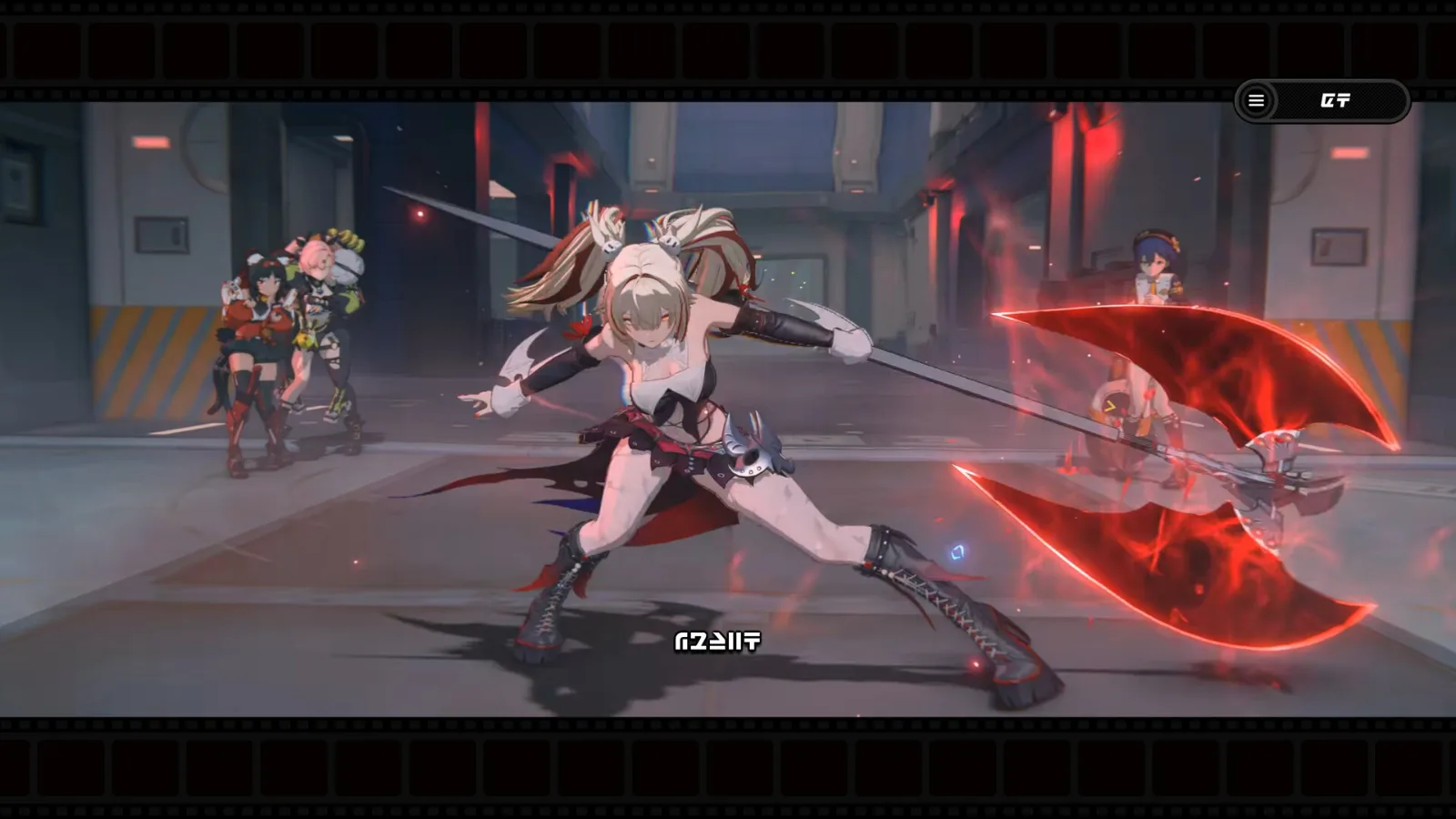 GuideHow to Play Zenless Zone Zero on PC for Free (2026)Start playing on Windows in minutes, plus the official specs, expected FPS and the best settings.
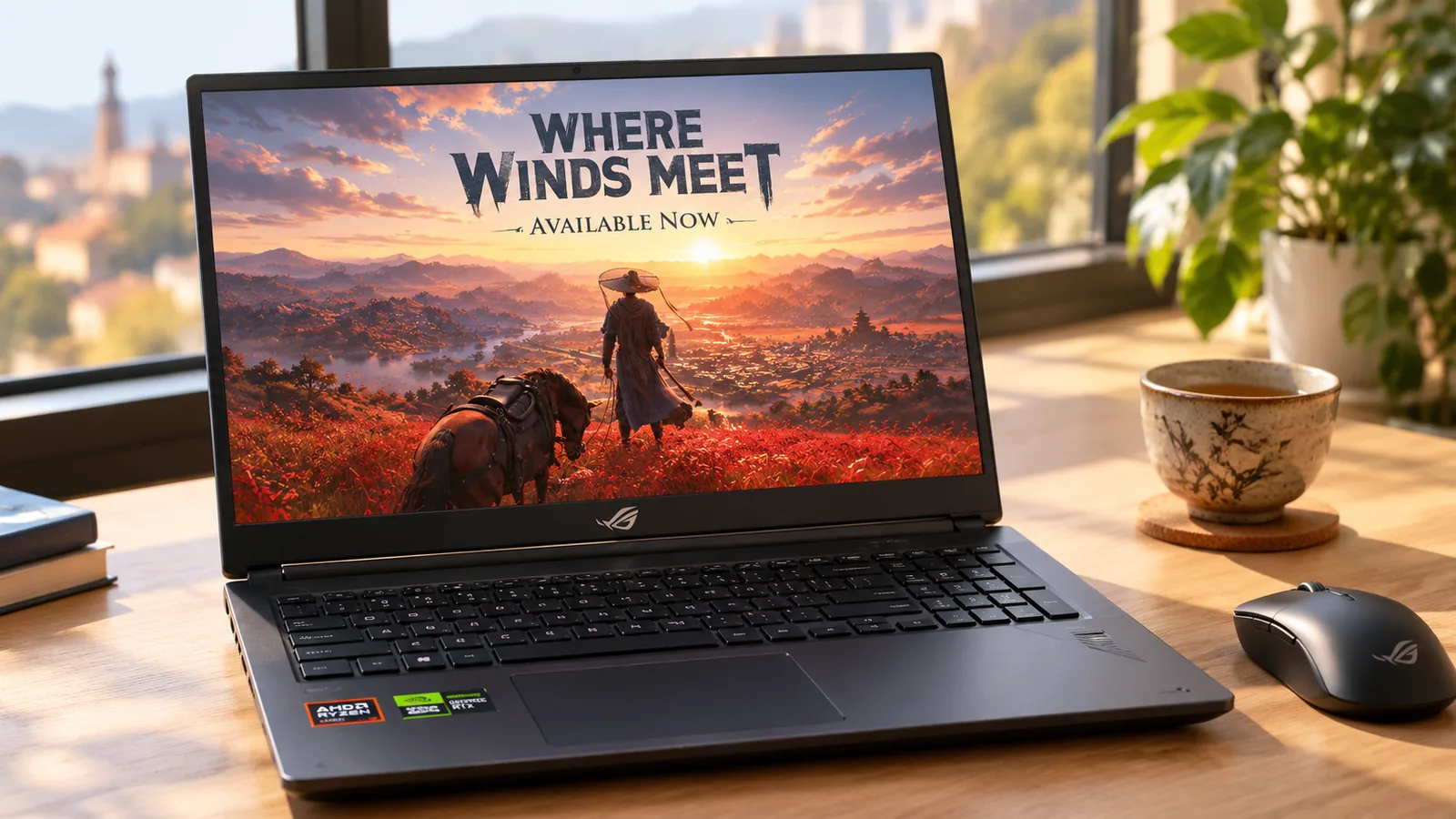 GuideWhere Winds Meet PC System Requirements: Can You Run It?Current specs from Steam, expected FPS on popular cards and the settings that matter most.
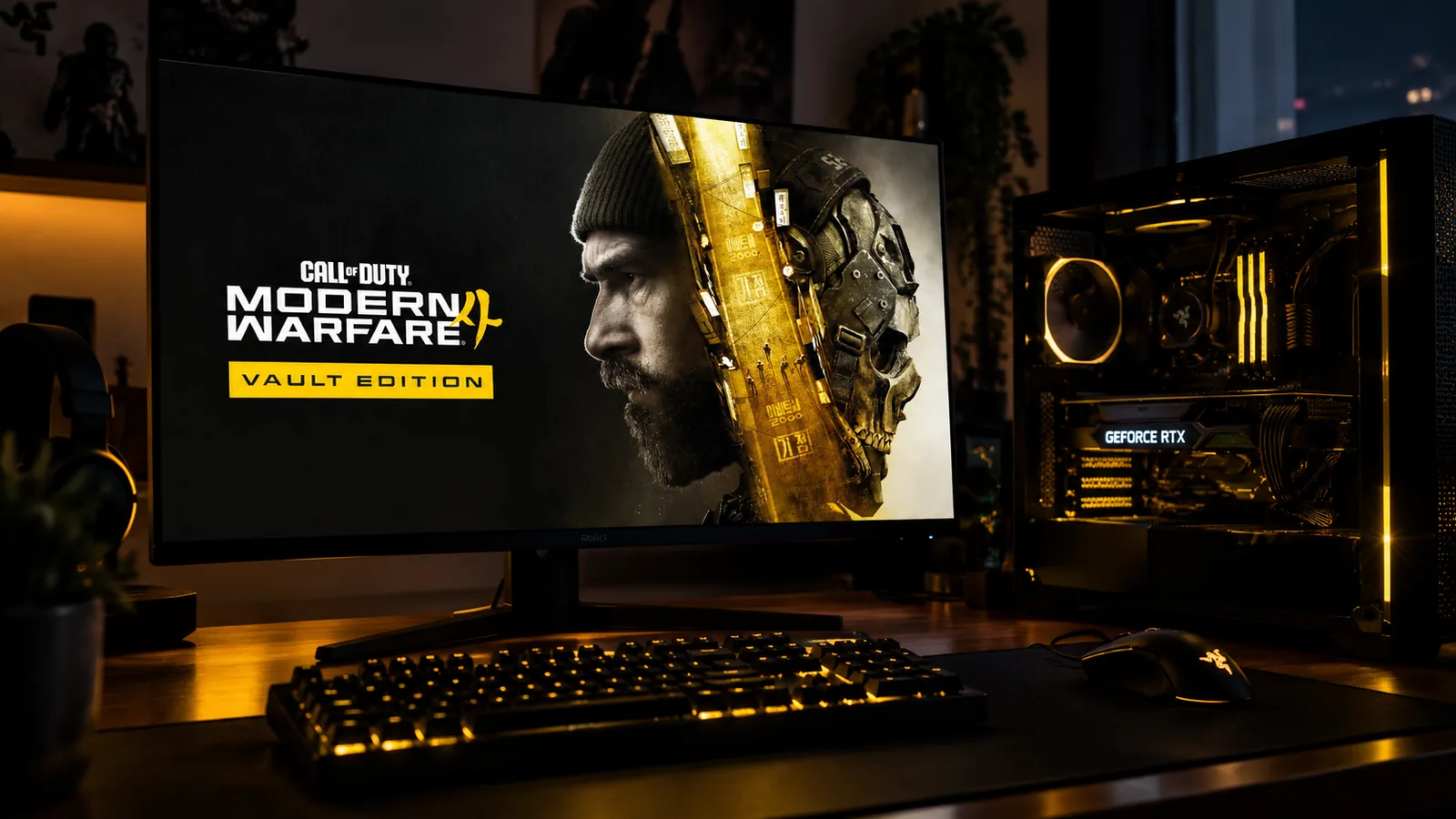 GuideModern Warfare 4 PC System Requirements: Can You Run It?Official specs, expected FPS on popular cards, and how to turn on TPM 2.0 and Secure Boot.
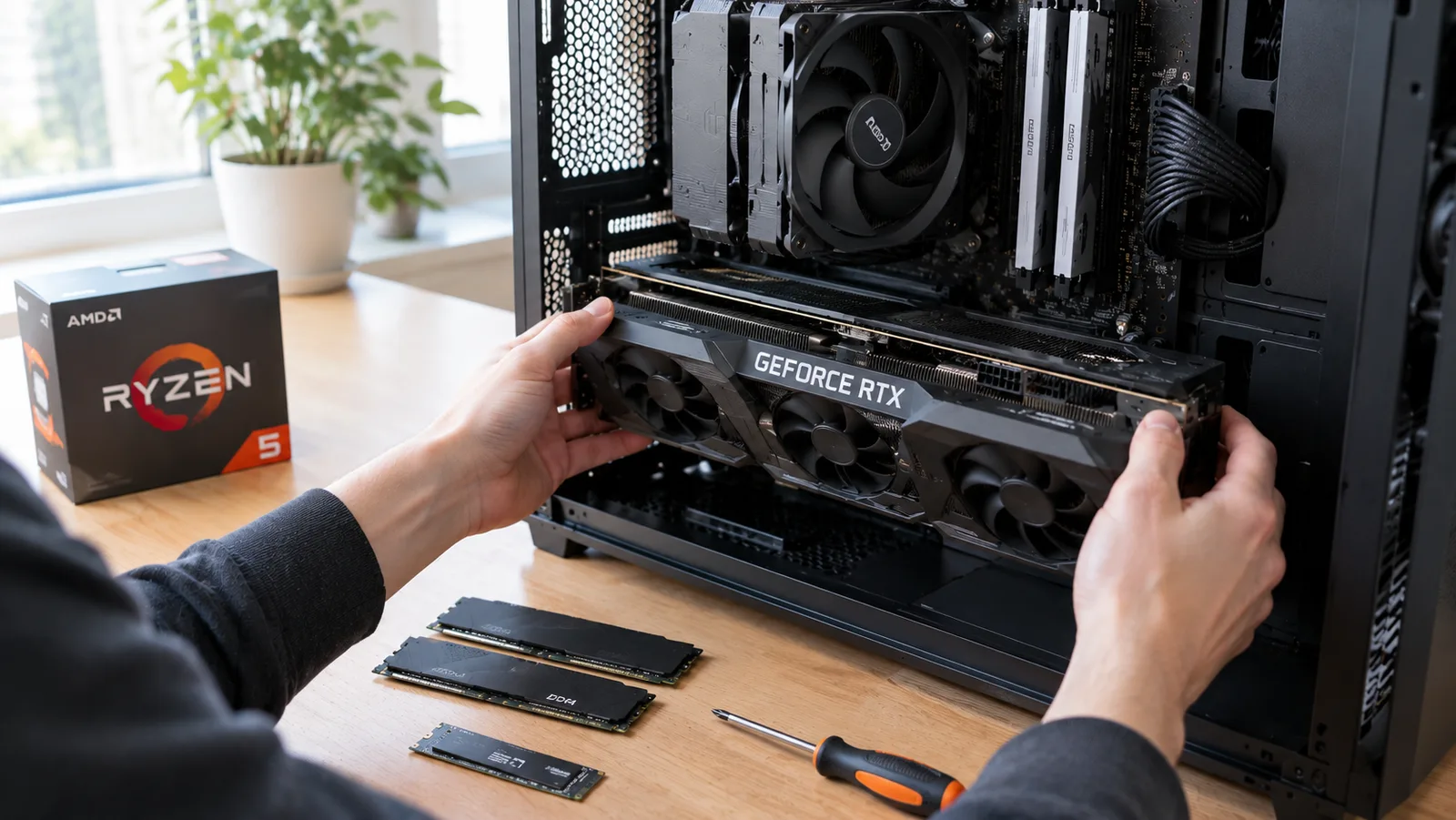 GuideBest Gaming PC Build Under $1000 (2026): Full Parts ListEvery part, the FPS it gets in big games, the first upgrades and an NVIDIA alternative.
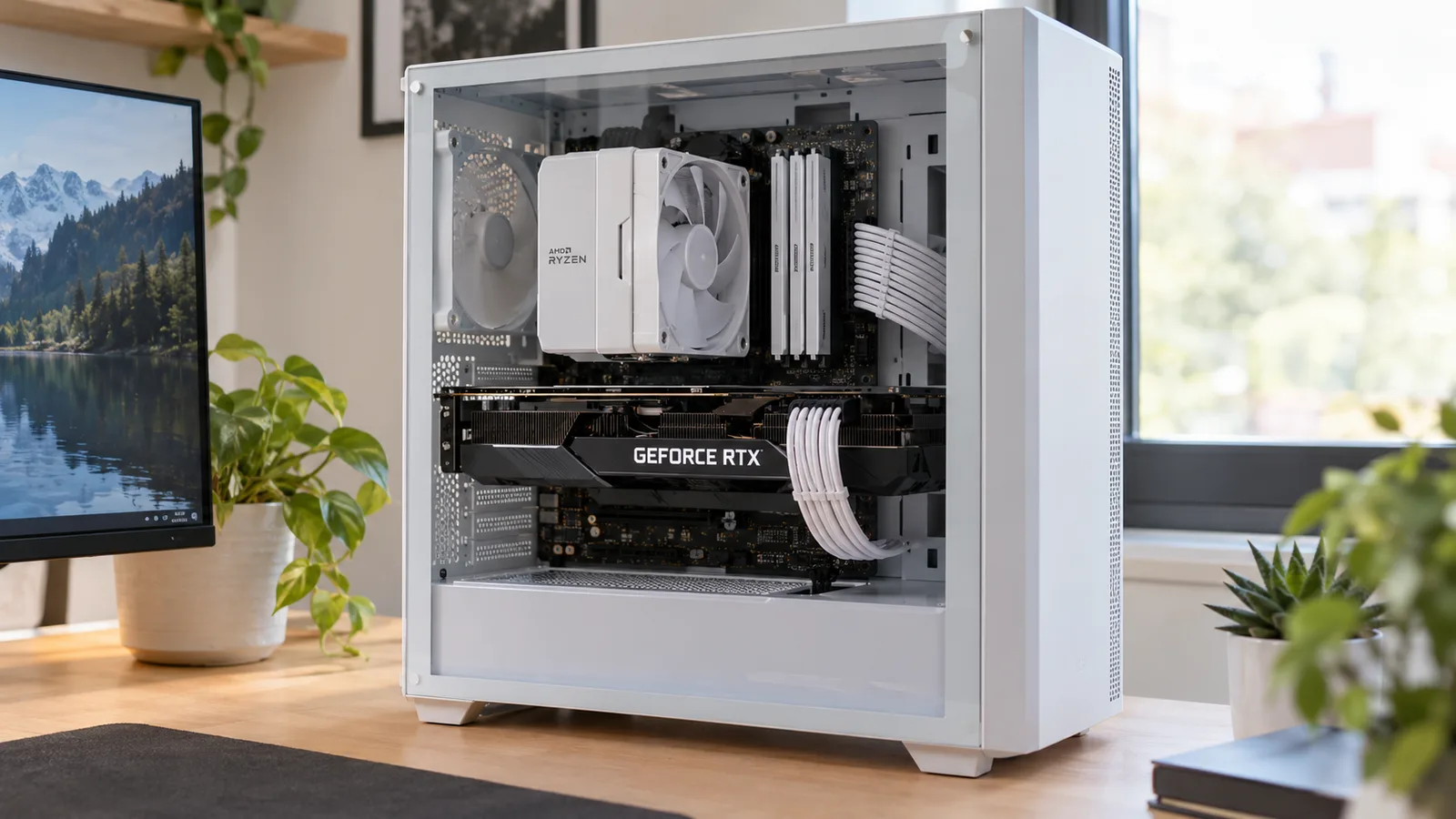 GuideCPU Bottleneck: Is Your Processor Holding Back Your GPU?How to tell which part limits your FPS, why total CPU usage lies, and which CPU fits which graphics card.
 GuideHow to Increase FPS on PC: 13 Fixes That Work (2026)Settings, upscaling, drivers, RAM and Windows 11 fixes that add FPS without buying anything.
 GuideBest Gaming CPUs in 2026: AMD vs Intel at Every BudgetFrom the Ryzen 7 9800X3D to budget picks: gaming scores, prices and which processor fits your graphics card.
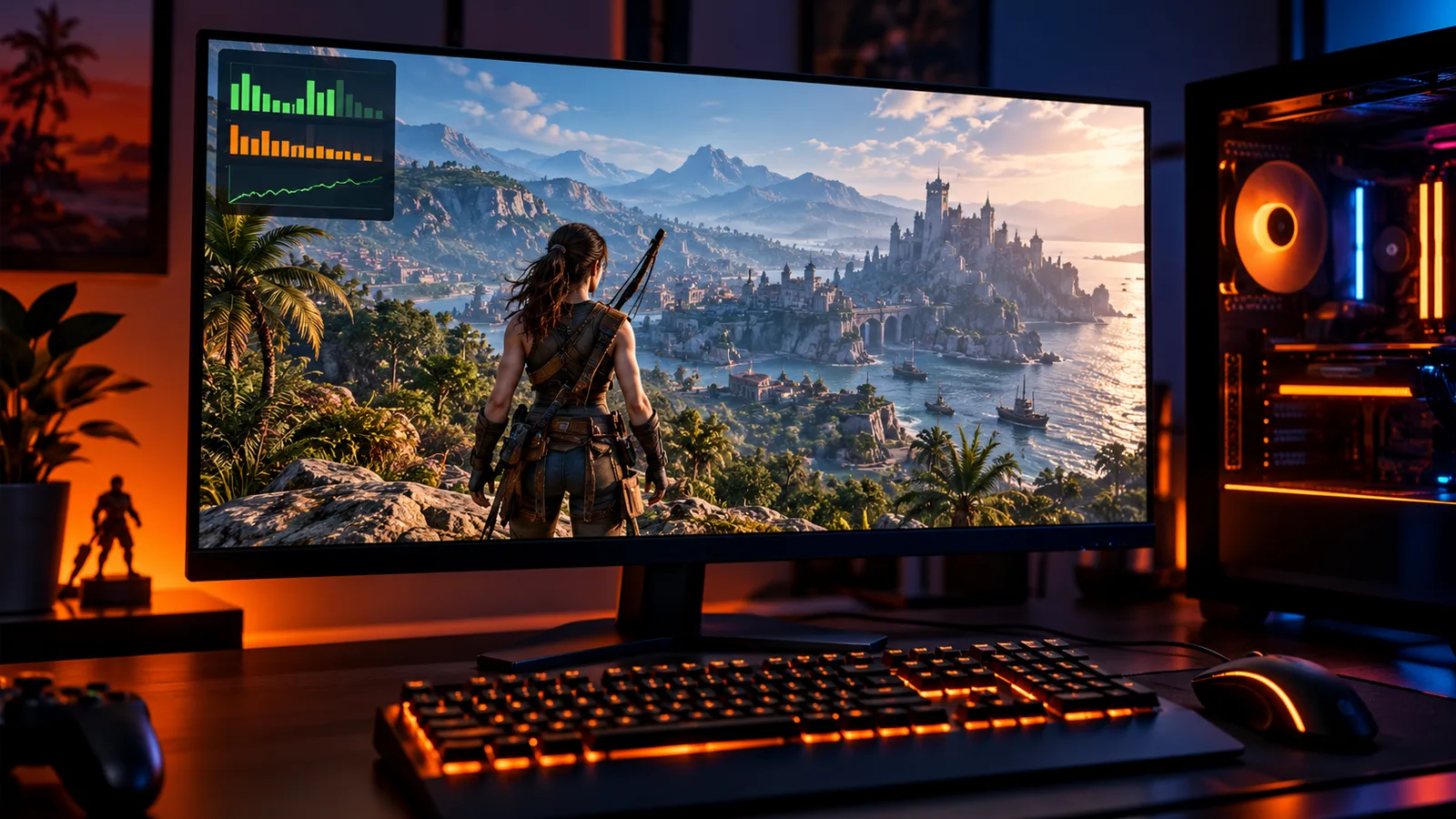 GuideHow to Show FPS in Any PC Game (Steam, NVIDIA, AMD, Xbox)Turn on an FPS counter in any game in under a minute, and learn what your FPS, 1% low and frame time mean.
 GuideCan My PC Run It? How to Check If Your PC Can Run Any GameFind your graphics card, processor and RAM in 10 seconds and read the result like a pro.
 GuideRTX 50 vs RX 9000: Every Current Graphics Card ComparedPerformance, VRAM, power and prices of every current GPU, and the best value at each budget.
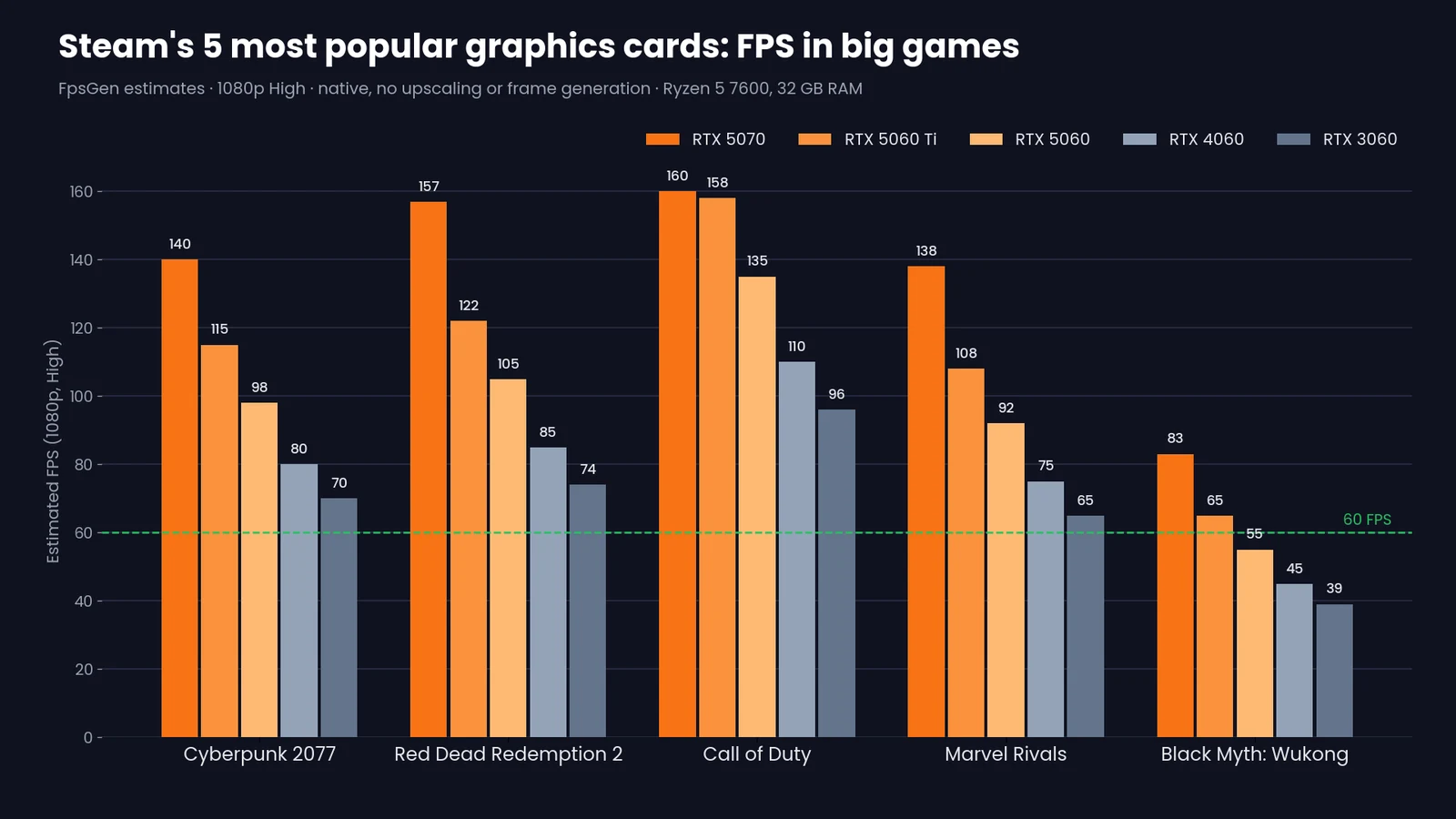 GuideSteam's 5 Most Popular Graphics Cards: FPS in 14 Big GamesRTX 5070, 5060 Ti, 5060, 4060 and 3060: estimated FPS at 1080p and 1440p in the most played games.