


HWiNFO
Every sensor in your PC
- Download it free from hwinfo.com
- Open it in "Sensors only" mode
- CPU: "CPU (Tctl/Tdie)" on AMD, "CPU Package" on Intel
- GPU: "GPU Temperature" and "GPU Hot Spot"
Pick your processor or graphics card, type the temperature you see, and find out if it is normal, warm or too hot, while gaming or at idle.
Your graphics card: (detected by your browser)
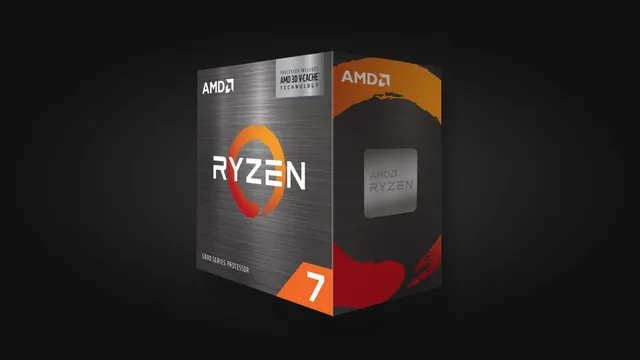 Ryzen 7 5800X3DMax 90°C
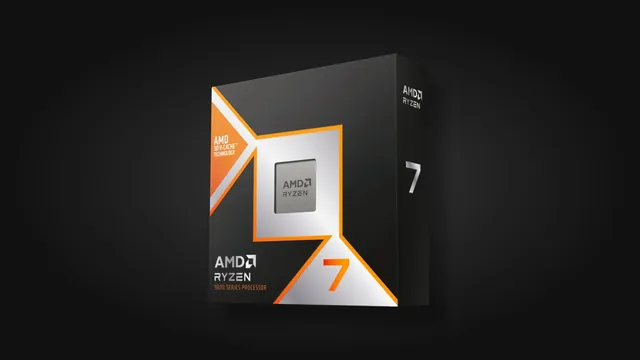 Ryzen 7 9800X3DMax 95°C
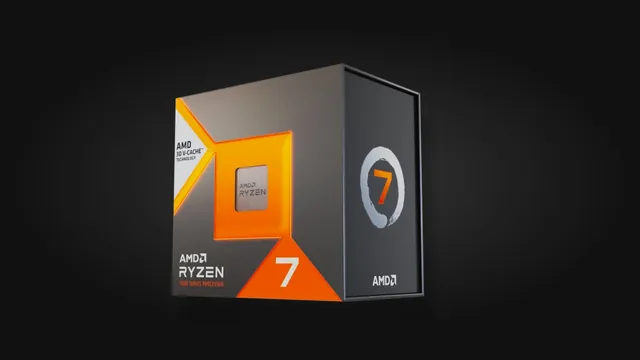 Ryzen 7 7800X3DMax 89°C
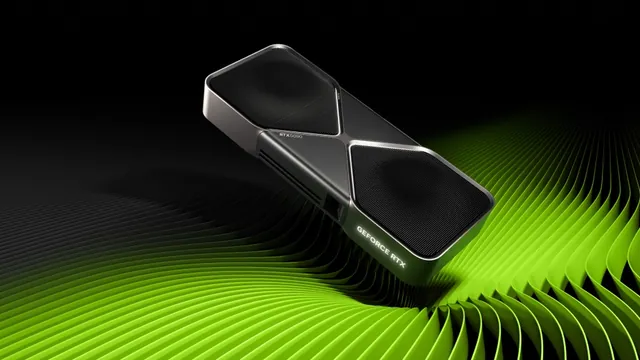 RTX 5070Max 85°C
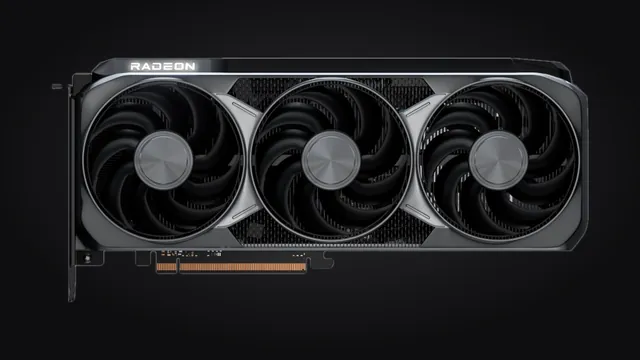 RX 9070 XTMax ~90°CRTX 5080Max 88°C
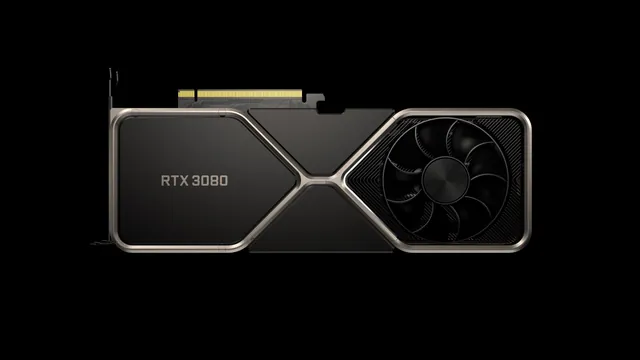 RTX 3070Max 93°CRTX 3080Max 93°CRyzen 5 5600XMax 95°CRTX 5060Max 89°CRTX 5060 TiMax 87°CRTX 3060Max 93°C
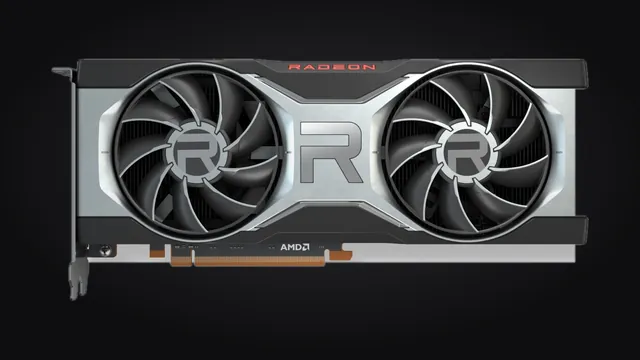 RX 6700 XTMax ~90°C
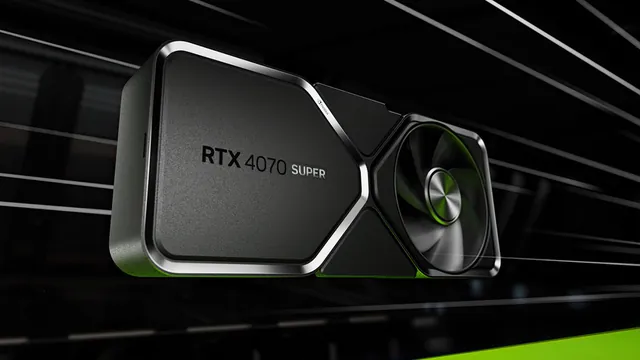 RTX 4060Max 90°CRTX 5090Max 90°CRTX 3060 TiMax 93°CRyzen 5 9600XMax 95°CRX 9070Max ~90°C
Every page has the exact limit, the normal range, a temperature chart and what is special about that chip.
91 models
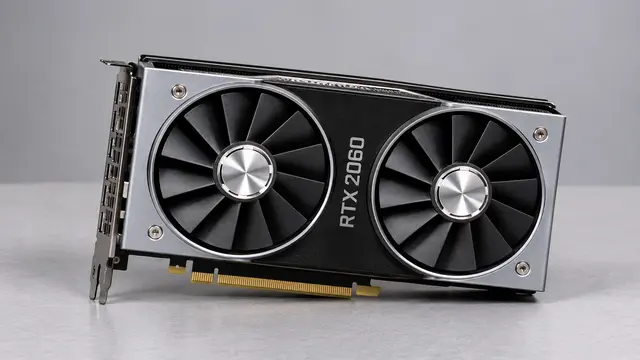
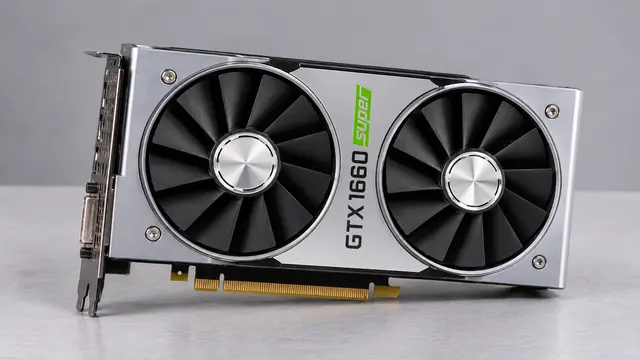
 NVIDIAGeForce RTX 50NVIDIAGeForce RTX 40NVIDIAGeForce RTX 30NVIDIAGeForce RTX 20 / GTX 16 / GTX 10
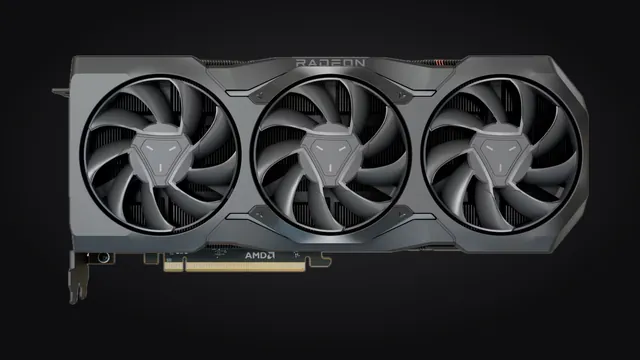
 AMDRadeon RX 9000AMDRadeon RX 7000AMDRadeon RX 6000AMDRyzen 9000AMDRyzen 7000AMDRyzen 5000AMDRyzen 3000 / 2000
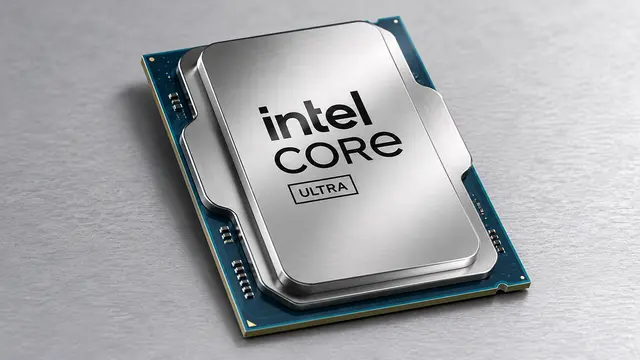
 IntelCore 12th GenIntelCore 13th / 14th GenIntelCore Ultra 200SIntelCore 8th to 11th Gen
No model found. Try the checker above with your family.
The questions people ask the most. Tap one to see the answer in the checker.
For a typical desktop CPU (Ryzen 7000) and graphics card (RTX 40 series). Use the checker above for your exact chip.
Green: normal while gaming. Red line: the maximum, where the chip slows itself down.
AMDIntelMore in Normal CPU Temp While Gaming.
On AMD cards, the hotspot (junction) sensor runs 15-25°C above the GPU temperature: that is normal.
NVIDIAAMDIntelMore in Normal GPU Temp While Gaming.
Read it in a game, after 10-15 minutes, not on the desktop: that is the temperature that matters.
Every sensor in your PC
Temperature on screen while you play
Already on your PC
From the easiest to the most work. The numbers are typical results, not promises.
Dust on the heatsink and fans is the number one cause. Use compressed air with the PC off, holding the fans still.
Fans at the front pull air in, fans at the back and top push it out. A side panel full of dust filters or a case against a wall traps heat.
A GPU running at 100% for 300 FPS in a game that needs 144 is just making heat. Cap it a few FPS under your refresh rate.
Default curves are tuned to be quiet. A curve that reaches 70-80% fan speed at 75°C keeps the chip much cooler.
Lower voltage, same performance: Curve Optimizer on Ryzen, the curve editor in MSI Afterburner on NVIDIA. Less power means less heat.
On a PC or laptop older than 3-4 years, dried paste can add 10°C or more. Clean the old paste and apply a pea-sized drop.
Cap your FPS the right way with our FPS Cap Calculator: a GPU that is not maxed out runs cooler.
No. 50°C is a normal idle temperature and a cool gaming temperature for any desktop processor.
No. 75°C is a normal gaming temperature for most graphics cards. Most NVIDIA cards only slow down at 85-93°C.
It depends on the chip. Ryzen 7000 and 9000 are designed to run up to 95°C, Intel up to 100-105°C, so 90°C under heavy load is within spec, but high for gaming. A Ryzen 7 7800X3D (limit 89°C) is at its limit at 90°C.
Yes, on most cards. 80°C is warm but below the 85-93°C limit of NVIDIA cards. On AMD, the hotspot (junction) temperature can reach 100-110°C and still be within spec.
When it reaches its TjMax: 89-95°C for AMD Ryzen, 100-105°C for Intel. At that point the CPU slows down to protect itself and you lose performance.
The hotspot (junction) temperature is the hottest point on the chip. It is normally 15-25°C above the GPU temperature. AMD says up to 110°C junction temperature is expected during gaming.
Not quickly. Modern CPUs and GPUs slow themselves down (throttle) and shut off before they get damaged. Running hot all the time can shorten their life and always costs you FPS, so it is worth fixing.
Gaming laptops run at 80-95°C under load by design: the cooler is small. Use it on a hard, flat surface, clean the vents, and use the laptop maker's performance or fan mode.
Limits: AMD and Intel specifications, NVIDIA RTX 50 maximum GPU temperatures as listed by Igor's Lab, AMD on 110°C junction temperature. Family values marked ~ are typical for the series. Checked November 2026.