

 AMDprocessor · temperature guide
A normal Ryzen 7 7800X3D runs at 58-75°C while gaming and up to 50°C at idle. Its maximum is 89°C. Type your own reading below to see where you are.
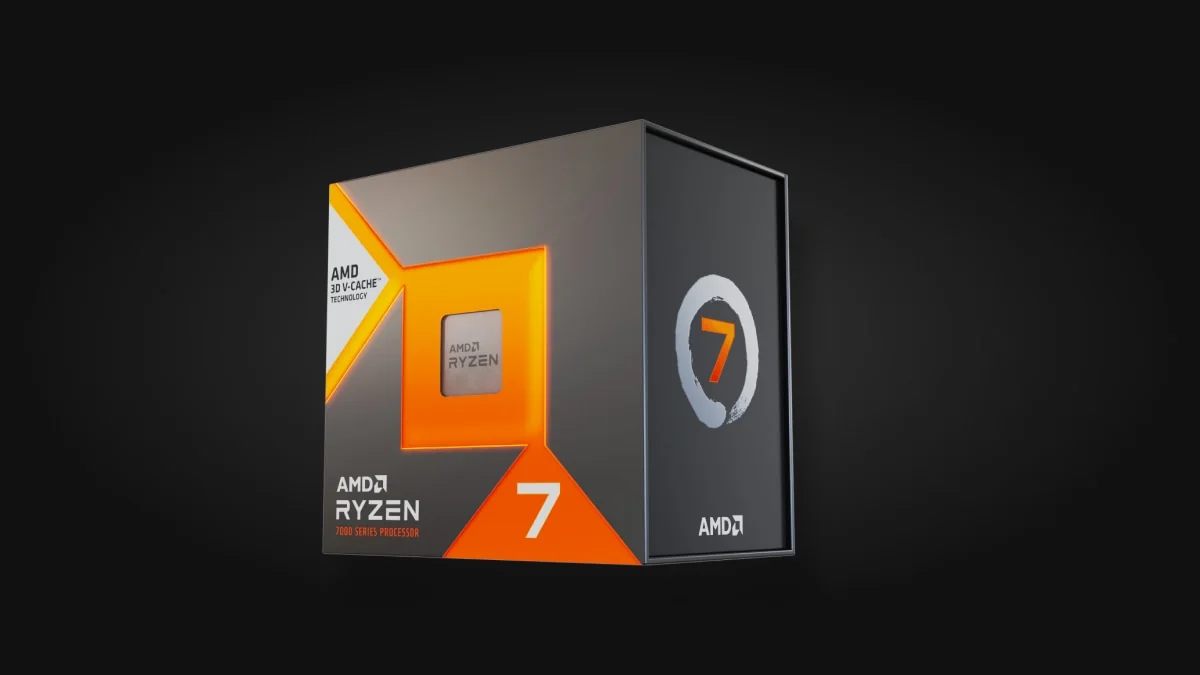
What each reading means on a Ryzen 7 7800X3D, at idle, while gaming and under heavy load (benchmarks, rendering).
| Temperature | Idle | Gaming | Heavy load |
|---|---|---|---|
| 40°C 104°F | Normal | Cool | Cool |
| 50°C 122°F | Normal | Normal | Normal |
| 60°C 140°F | Warm | Normal | Normal |
| 65°C 149°F | Warm | Normal | Normal |
| 70°C 158°F | Hot | Normal | Normal |
| 75°C 167°F | Hot | Normal | Normal |
| 80°C 176°F | Hot | Warm | Normal |
| 85°C 185°F | Hot | Hot | Normal |
| 90°C 194°F | Limit | Limit | Limit |
Its limit is only 89°C because the 3D V-Cache sits on top of the cores and traps heat. 80°C+ in heavy loads is normal for this chip; in games it usually stays between 60 and 75°C.
You cannot overclock it, but Curve Optimizer (negative values in PBO) can lower temperatures without losing FPS.
Green: normal while gaming. Red line: maximum. Closest power draw first.
All 6 fixes, with how much each one helps: Too hot? 6 ways to lower your temperature.
89°C. At that point the processor slows itself down to stay safe, so you lose performance.
About 58-75°C with normal cooling. Smaller coolers, small cases and hot rooms can add a few degrees.
Up to about 50°C on the desktop. Higher than that usually means something is running in the background, or dust and fan settings.
Warm. Above the usual range, but still 9°C below the 89°C limit. Safe to play; better airflow or a dust clean would help.
Limit. 90°C is the maximum for this chip (89°C). It slows itself down to stay safe, so you lose FPS. Improve cooling now.
AMD Intel
Limits: AMD product specifications. Power: AMD reference figures; factory overclocked models can use more. Normal ranges are typical values with normal cooling. Checked November 2026. More: Normal CPU Temp While Gaming.