

PS5 emulation has moved faster in 2026 than almost anyone expected. Over the summer, several open-source projects went from booting nothing to showing real PS5 games on a PC, and in early October a video showed the PS5's own system menu running on PC through emulation. So can you play PS5 games on your PC yet? Here is what actually works today, which projects are real, and the fake "PS5 emulators" you should stay away from.
In short: Real PS5 emulators exist, but they are early experiments. A handful of small and indie games run at 60 FPS, and some big games reach menus or splash screens. No PS5 emulator can play big AAA games properly yet. Any site that promises full PS5 games on PC today, asks for payment, or makes you fill in a survey first is a scam.
Is there a working PS5 emulator in 2026?
Yes and no. There are now several real, open-source projects that run PS5 code on a Windows or Linux PC. But "working" means very different things:
- Playable: a few small games run from start to finish, some at a stable 60 FPS.
- In-game: some bigger games reach gameplay, often with bugs, low frame rates and crashes.
- Menus only: many well-known games boot to their title screen or main menu, then stop.
That is huge progress for a console that came out in 2020, but it is not yet a way to play your PS5 library on PC.
The real PS5 emulator projects
These are the projects that are actually developed in public, with source code you can inspect. Numbers are from late September 2026 and change fast.
| Project | What it is | Platform | Current status |
|---|---|---|---|
| SharpEmu | PS5 emulator written in C# | Windows | Public since July 15, 2026. Six small games playable at 60 FPS by late September |
| KytyPS5 | PS5 emulator in C++, based on the earlier Kyty research project | Windows | Source published July 16, 2026. Several commercial games reach 3D gameplay, with crashes |
| RPCSX | Emulator from the RPCS3 lineage, targeting PS4 and PS5 | PC | Boots the PS5 system software, with audio and controller input |
| PS5PCEM | Small emulator written in Zig | Windows | Early alpha (0.3.0-alpha.3). A few small games reach gameplay |
| Prosper | Compatibility layer, closer to Proton than to a classic emulator | Linux first, Windows second | Research project. Several indie games reach menus or gameplay |
| AnyPS5 | Translation tool that converts PS5 game files into native PC programs | Windows, Linux | Very early. One small game listed as playable |
Of these, SharpEmu and KytyPS5 are the two names you will see in most headlines, because they grew fastest and showed the most impressive results over the summer.
What actually runs right now
Here are the most notable results reported so far:
- Playable at 60 FPS (SharpEmu): Dreaming Sarah, Void Terrarium, New Joe & Mac: Caveman Ninja, Tetris Forever, Hoa, and Tomb Raider IV-VI Remastered. The SharpEmu team announced this milestone on September 25, 2026.
- Demon's Souls (PS5 remake): shown running in SharpEmu screenshots. Impressive, but not listed as playable.
- GTA V (PS5 version): reaches the main menu in KytyPS5.
- Quake II Remastered: renders 3D gameplay.
- Ghost of Yotei: reaches its splash screen, then crashes.
- PS5 system menu: in early October 2026, video showed the PS5 menu (Sony calls it VSH) running on PC through RPCSX. It is the first proper video proof of the PS5 interface booting on a PC.
Bigger 3D games that do reach gameplay usually run at around 20-30 FPS under specific conditions, and crash often. The pattern is clear: small and 2D games first, big AAA games much later.
Why PS5 emulation is moving so fast
Emulating the PS3 took years because its Cell processor was very different from a PC. The PS5 is the opposite:
- A PC-like CPU. The PS5 uses an x86-64 AMD Zen 2 processor, the same family as many desktop Ryzen chips. PC hardware already "speaks" its language.
- A PC-like GPU. Its graphics chip is based on AMD's RDNA 2, the same generation as Radeon RX 6000 cards.
- Years of PS4 work. The PS4 emulator shadPS4 and older research projects already solved many of the same problems.
The hard part is graphics. PS5 games talk to the GPU through Sony's own low-level graphics system, and emulators have to translate all of that to Vulkan on PC. Fast SSD streaming and how the system schedules work are also tricky to copy. That is why menus and small games come first.
Watch out for fake PS5 emulators
Search "PS5 emulator" and many of the top results are fake. The best known are PCSX5 and PCSX4. They have no source code, they ask for money, and people report losing hundreds of dollars to them. PCSX4 even copies the design of the real RPCS3 website to look trustworthy.
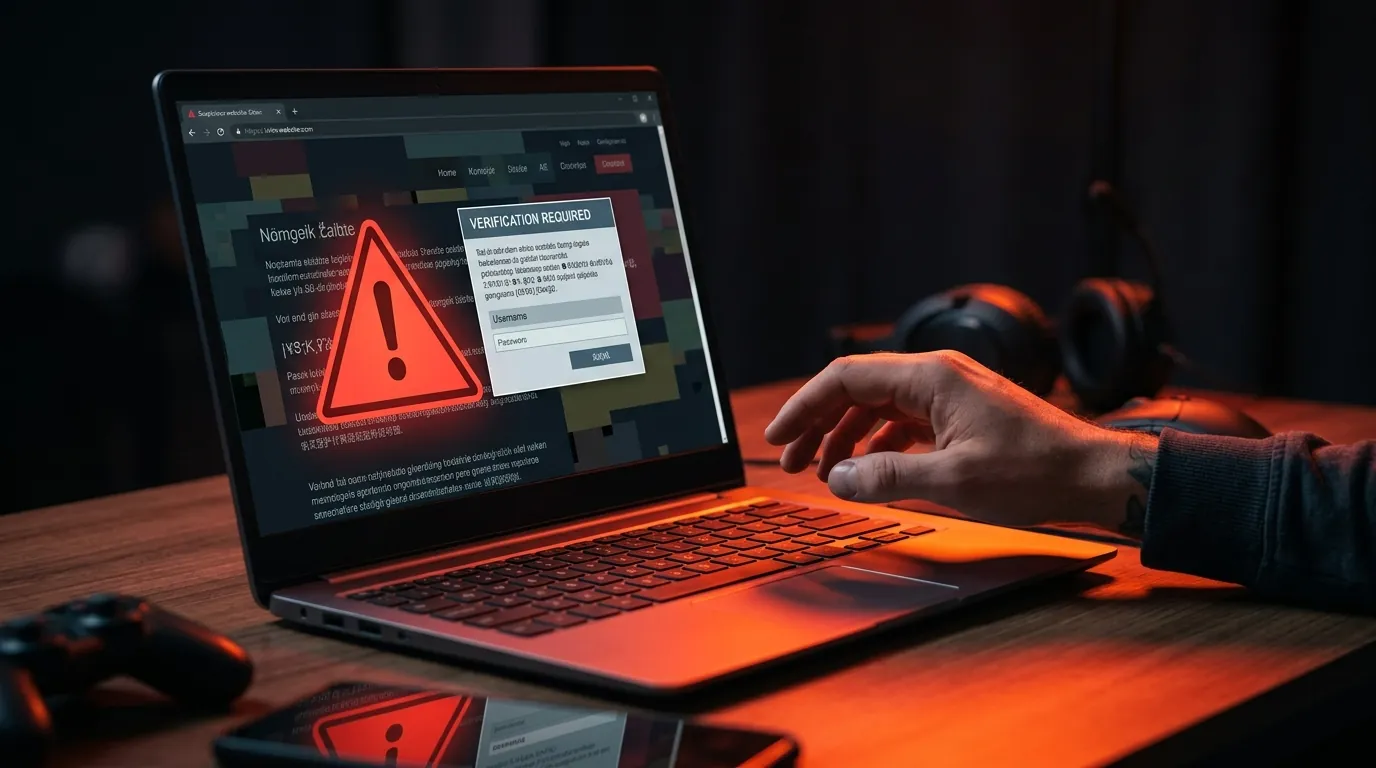
Red flags that a "PS5 emulator" is fake:
- No public source code. Every real project above is developed openly on GitHub.
- A survey, "human verification" or app before you get the file.
- You have to pay for the emulator or a "license key".
- It claims full support for new AAA games. No real project can do that yet.
- It comes with a game pack or a BIOS bundle. Real emulators never ship games or Sony files.
A simple rule: if it is not on GitHub with its source code, it is not a real PS5 emulator. And never run a random .exe that promises PS5 games. Fake emulators are a common way to spread malware.
Is using a PS5 emulator legal?
We are not lawyers, and laws differ by country. In general, in the US, building and sharing an emulator is legal as long as it does not use Sony's copyrighted code. Courts confirmed this in the Sony v. Connectix and Sony v. Bleem cases.
What is not legal is downloading games you do not own, or sharing Sony's firmware or decryption keys. Real PS5 emulators need game files that you dump yourself from a console you own, and that process is technical and still limited.
What PC do you need for a PS5 emulator?
Most projects do not publish official requirements yet. PS5PCEM, for example, asks for:
- Windows 10 (version 2004) or newer
- A 64-bit (x86-64) processor
- A graphics driver that supports Vulkan 1.2
To give emulation a real chance, you want more than the minimum. As a rough guide, a modern 8-core CPU (see Best Gaming CPUs in 2026), 16 GB of RAM or more and a recent graphics card with good Vulkan drivers will help. Not sure what you have? Our guide How to Check Your PC Specs shows you in a minute. Developers often test on high-end hardware: one KytyPS5 demo used a Ryzen 9 9950X3D with a Radeon RX 7900 XT.
How to try a PS5 emulator safely
If you want to test a real PS5 emulator yourself, here is the general process. Every project works a little differently, so always follow the official README of the emulator you pick.
- Pick a real project. Choose SharpEmu or KytyPS5, and get it only from the project's official GitHub page. Never use a third-party site, a YouTube description link or a "pre-configured pack".
- Prepare your PC. Update Windows 10 or 11, then update your graphics driver directly from NVIDIA, AMD or Intel. PS5 emulators rely on Vulkan, and old drivers are the most common cause of crashes.
- Unzip the emulator into its own folder. Use a simple path like
C:\Emulators\SharpEmu, not your Desktop or Downloads folder. If Windows SmartScreen warns you, check again that the file came from the official GitHub releases page. - Add a game you own. PS5 emulators do not include any games. They need game files dumped from your own PS5, which currently requires a modified console and technical knowledge. FpsGen does not cover this step and does not link to game files, firmware or keys.
- Start with games known to work. Try titles from the project's compatibility list first, like Dreaming Sarah or Tetris Forever. Big AAA games will most likely stop at a menu or crash.
- Lower your expectations on settings. Use your monitor's native resolution, close other apps and plug in your laptop. If a game stutters the first time, that is often shader compilation, and it can get smoother on the next run.
- If it crashes, check the log. Most emulators write a log file. Search the project's GitHub issues for the same error before opening a new issue, and include your CPU, GPU and driver version if you report a bug.
How to play PS5 games on PC today
If you want to play PlayStation games on your PC now, these are the reliable options:
- Official PC versions. Many PlayStation games already have PC versions on Steam, like God of War, Horizon and Spider-Man. Note that a March 2026 Bloomberg report said Sony was pulling back from PC ports of its single-player games, so fewer new ones may come.
- PS Remote Play. If you own a PS5, Sony's free Remote Play app streams your console to your PC over the internet or your home network.
- Cloud streaming. PlayStation Plus Premium includes cloud streaming for some games in supported regions. Check Sony's site for what is available where you live.
- PS4 emulation. For PS4 games, the emulator shadPS4 (official GitHub) is much more mature than any PS5 emulator, and many PS4 games are playable.
More PC guides on FpsGen
- Can My PC Run It?: check any game in seconds
- Best Gaming PC Build Under $1000
- RTX 50 vs RX 9000: which graphics card to buy
- How to Increase FPS on PC
FAQ
Can I play PS5 games on PC with an emulator?
Only a few small games are fully playable so far. Big PS5 games either reach menus or run badly with frequent crashes.
What is the best PS5 emulator right now?
SharpEmu and KytyPS5 show the most progress in 2026. SharpEmu was the first to run several games at a playable 60 FPS. Both are still experimental.
How do I use a PS5 emulator?
Get a real project like SharpEmu or KytyPS5 from its official GitHub page, update your graphics driver, and add game files dumped from your own PS5. Start with games from the project's compatibility list. See the step-by-step section above.
Is PCSX5 real?
No. PCSX5 has no source code and asks for money. It is widely reported as a scam.
Is there a PS5 emulator for Android?
No real one. The PS5 projects above target Windows and Linux PCs. Any Android "PS5 emulator" app is fake.
When will PS5 emulation play AAA games?
Nobody can give a date. Progress in 2026 has been very fast, but big games need much more work on graphics, performance and stability.
FpsGen is an independent gaming site and is not affiliated with Sony Interactive Entertainment or with any emulator project. Information is based on public reports from late September and early October 2026, including Tom's Hardware, Kotaku and Held Games. Emulation projects change quickly, so check each project's official page for the latest status.

Gaming writer at FpsGen. Guides and reviews are built on official sources, patch notes and real player data.


Comments
No comments yet. Start the conversation.