



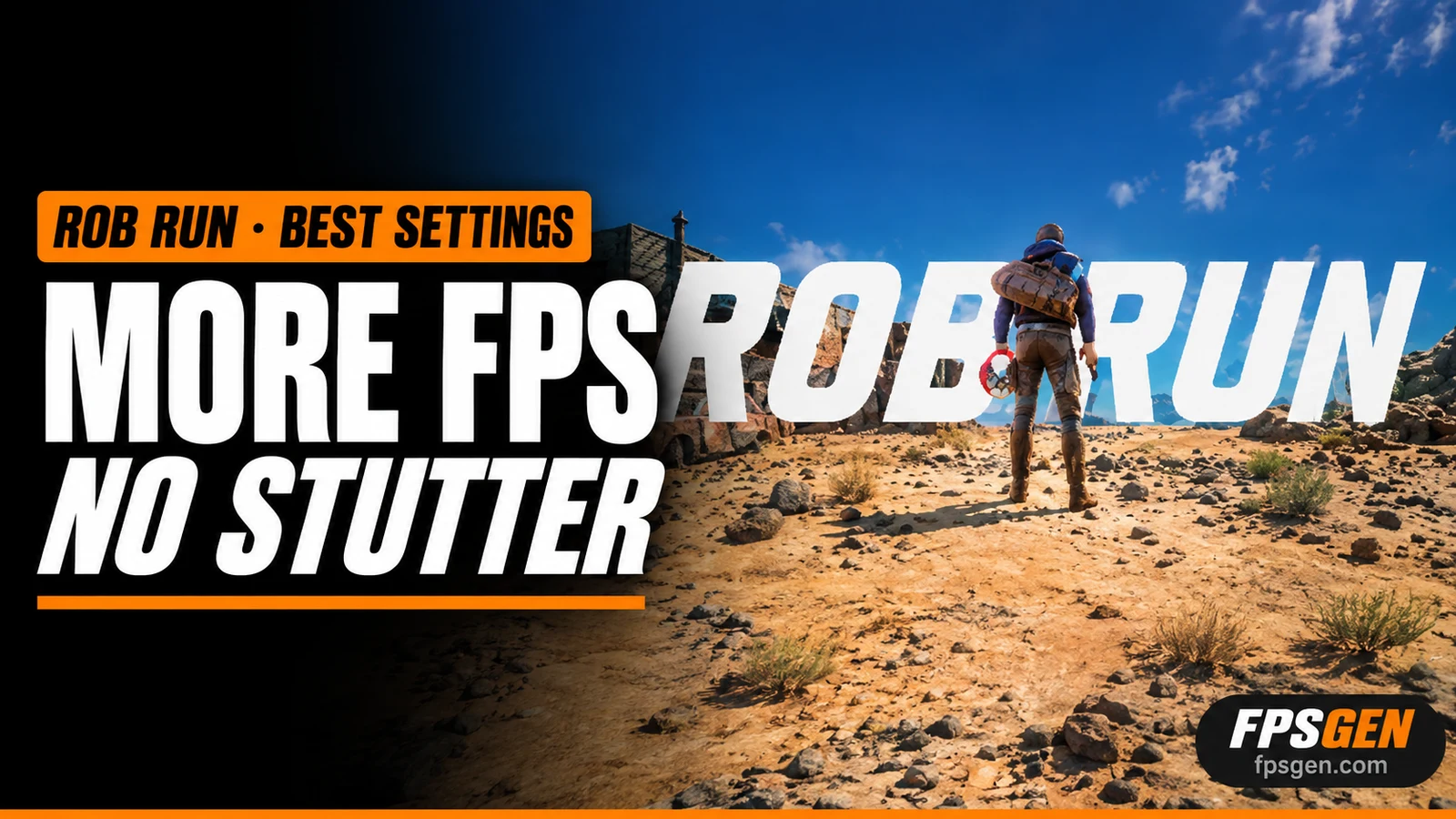
Short answer: If ROB RUN drops FPS when you move the mouse, lower your mouse polling rate to 1000 Hz (or 500 Hz) in your mouse software: this is the fix Kefir points players to. For more FPS, turn Shadows, HBAO, Additional Light and Environment Reflections off first, and set Water and Grass to low. Keep Textures where they are unless you are short on VRAM.
Pick your hardware and we compare it with the official ROB RUN requirements.
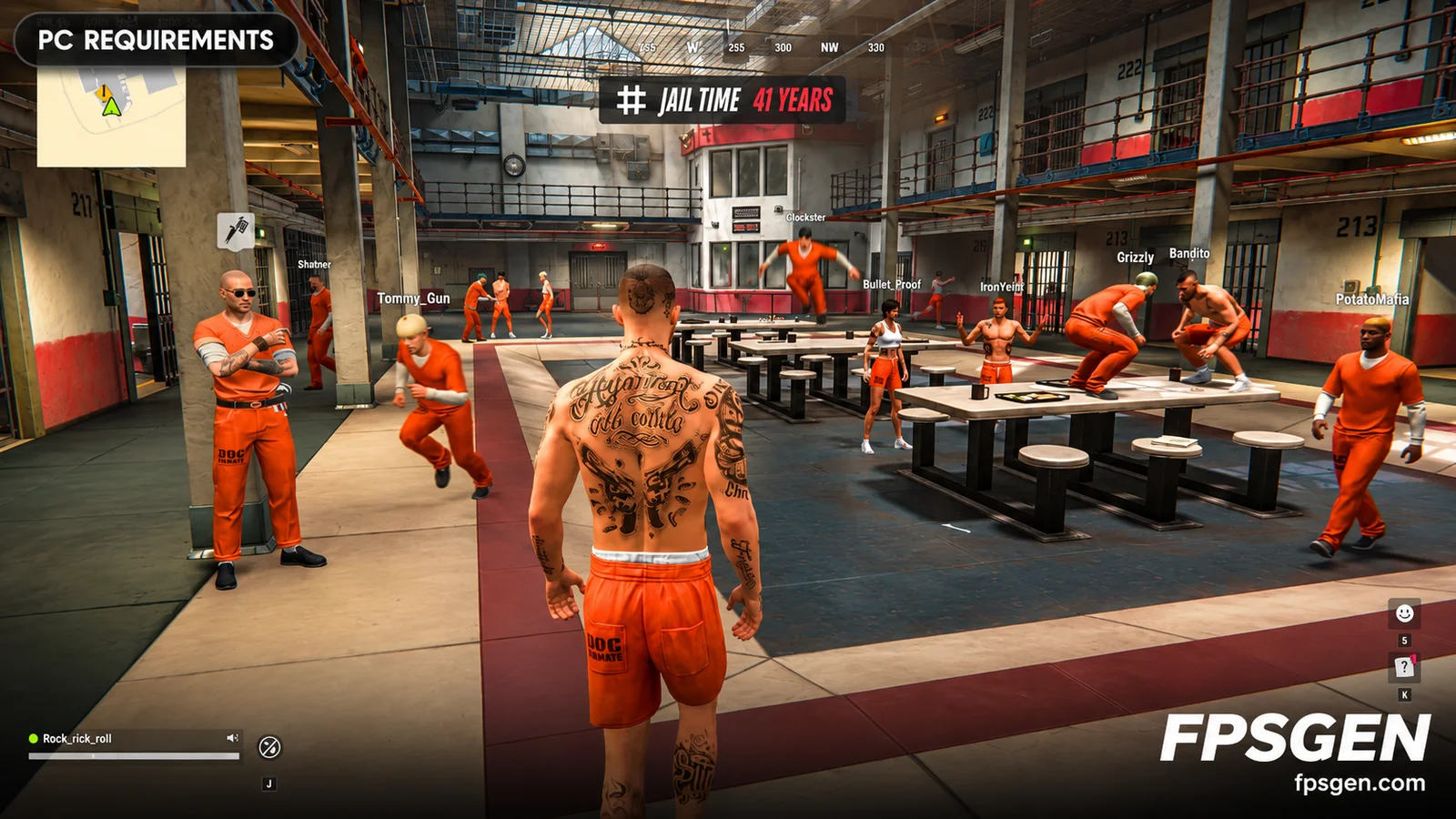
Official ROB RUN PC requirements
| Minimum | Recommended | |
|---|---|---|
| OS | Windows 10 or later | Windows 10 or later |
| CPU | Intel Core i5-6600K or AMD Ryzen R5 1600 processor | Intel Core i5-9600K or AMD Ryzen 5 3600 processor |
| RAM | 12 GB | 16 GB |
| GPU | NVIDIA GeForce GTX 1050 Ti or AMD Radeon RX 580 or Intel Arc A380 | NVIDIA GeForce RTX 2070 or AMD Radeon RX 5700 XT or Intel Arc B570 |
| Storage | 20 GB | 20 GB |
Source: official ROB RUN website. Results are estimates based on relative hardware performance.
Fix 1: FPS drops when you move the mouse
This is the most common ROB RUN performance problem. The game runs fine while the mouse is still, then FPS crashes, sometimes to single digits, as soon as you look around. Kefir has acknowledged the issue and links it to high mouse polling rates.
How to fix it:
- Open your mouse software (Logitech G Hub, Razer Synapse, SteelSeries GG, Corsair iCUE...).
- Find Polling rate or Report rate.
- If it is above 1000 Hz (2000, 4000 or 8000 Hz), set it to 1000 Hz.
- Still stuttering? Try 500 Hz.
- Save it on the profile you use for ROB RUN.
Gaming mice with 4000 Hz or 8000 Hz are the most affected. If your mouse already runs smoothly, keep your current rate.

Best graphics settings for ROB RUN
Busy servers full of players are hard on your CPU and GPU. These settings give the most FPS for the least visual loss:
| Setting | Low-end PC | Mid-range PC | Why |
|---|---|---|---|
| Shadows | Disabled | Low | Biggest FPS cost in crowded areas |
| HBAO (ambient occlusion) | Off | Off | Heavy, small visual gain |
| Additional Light | Off | On | Extra light sources cost FPS at night |
| Environment Reflections | Off | Off | Expensive, hard to notice in action |
| LOD Crossfade | Off | On | Off removes a small overhead |
| Water | Low | Medium | Only matters near the coast |
| Grass | Minimum | Low | Less grass also helps you spot players |
| Texture Quality | Medium | High | Lower only if you have 4 GB of VRAM or less |
| Object Visibility Distance | Medium | High | Lower last: you lose distant detail |
These are starting points, not our own benchmarks. Change one setting at a time and watch your FPS in a busy area.
Is your PC strong enough?
ROB RUN needs at least a GTX 1050 Ti, an i5-6600K or Ryzen 5 1600 and 12 GB of RAM. With 8 GB of RAM, stutter in crowded areas is expected whatever the settings. Full specs: ROB RUN PC System Requirements, or check your parts in one click on Can I Run ROB RUN?.

More fixes for lag and stutter
- Update your graphics driver (NVIDIA, AMD or Intel).
- Close overlays (Discord, GeForce Experience, Xbox Game Bar) and browsers running in the background.
- Install the game on an SSD, not a hard drive.
- Verify the game files in Steam: Library, right-click ROB RUN, Properties, Installed Files, Verify integrity.
- On laptops, play plugged in with the High performance power mode.
- Network lag (rubber-banding) is a server issue, not your FPS: use a wired connection and pick the closest server region.
Still crashing? Restart Steam and the game, and contact Kefir support if it keeps happening. More general tips: How to Increase FPS on PC.
Related
- ROB RUN PC System Requirements
- Can I Run ROB RUN?
- How to Increase FPS on PC
- Is 16 GB of RAM Enough for Gaming?
FAQ
Why does ROB RUN lag when I move my mouse?
It is linked to high mouse polling rates. Lower your mouse polling rate to 1000 Hz, or 500 Hz, in your mouse software.
What is the most demanding setting in ROB RUN?
Shadows. Turning them off or to Low gives the biggest FPS boost, especially in busy areas with many players.
What are the best ROB RUN settings for a low-end PC?
Shadows disabled, HBAO, Additional Light and Reflections off, Water low, Grass minimum and Textures medium.
Does more RAM help in ROB RUN?
Yes. The minimum is 12 GB, and 16 GB gives smoother play on busy servers.
Sources: Kefir's guidance on the mouse polling rate issue, and the settings to lower first, as reported by Hone. Requirements: ROB RUN on Steam. Last checked November 14, 2026.

Gaming writer at FpsGen. Guides and reviews are built on official sources, patch notes and real player data.
Comments
No comments yet. Start the conversation.