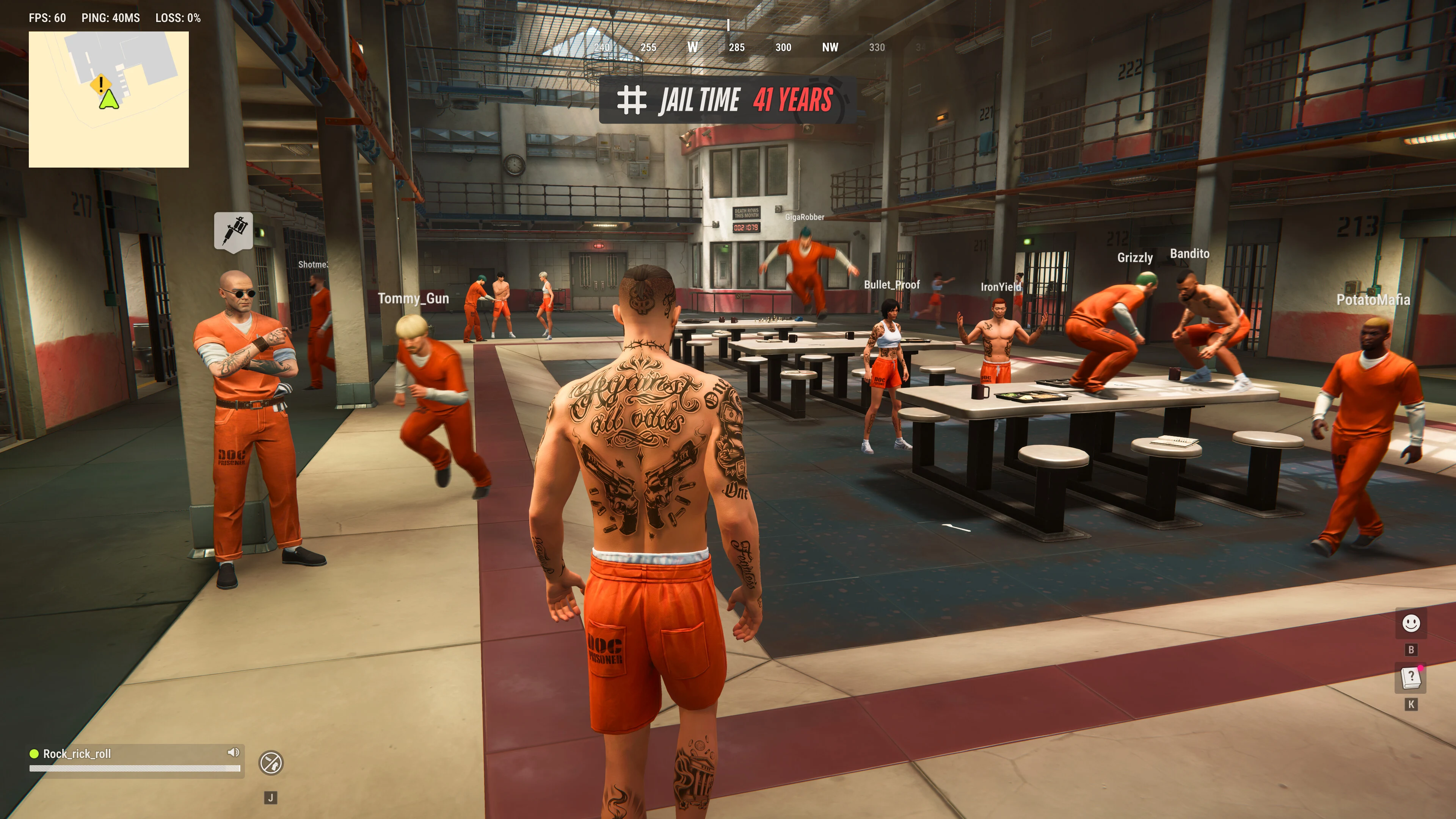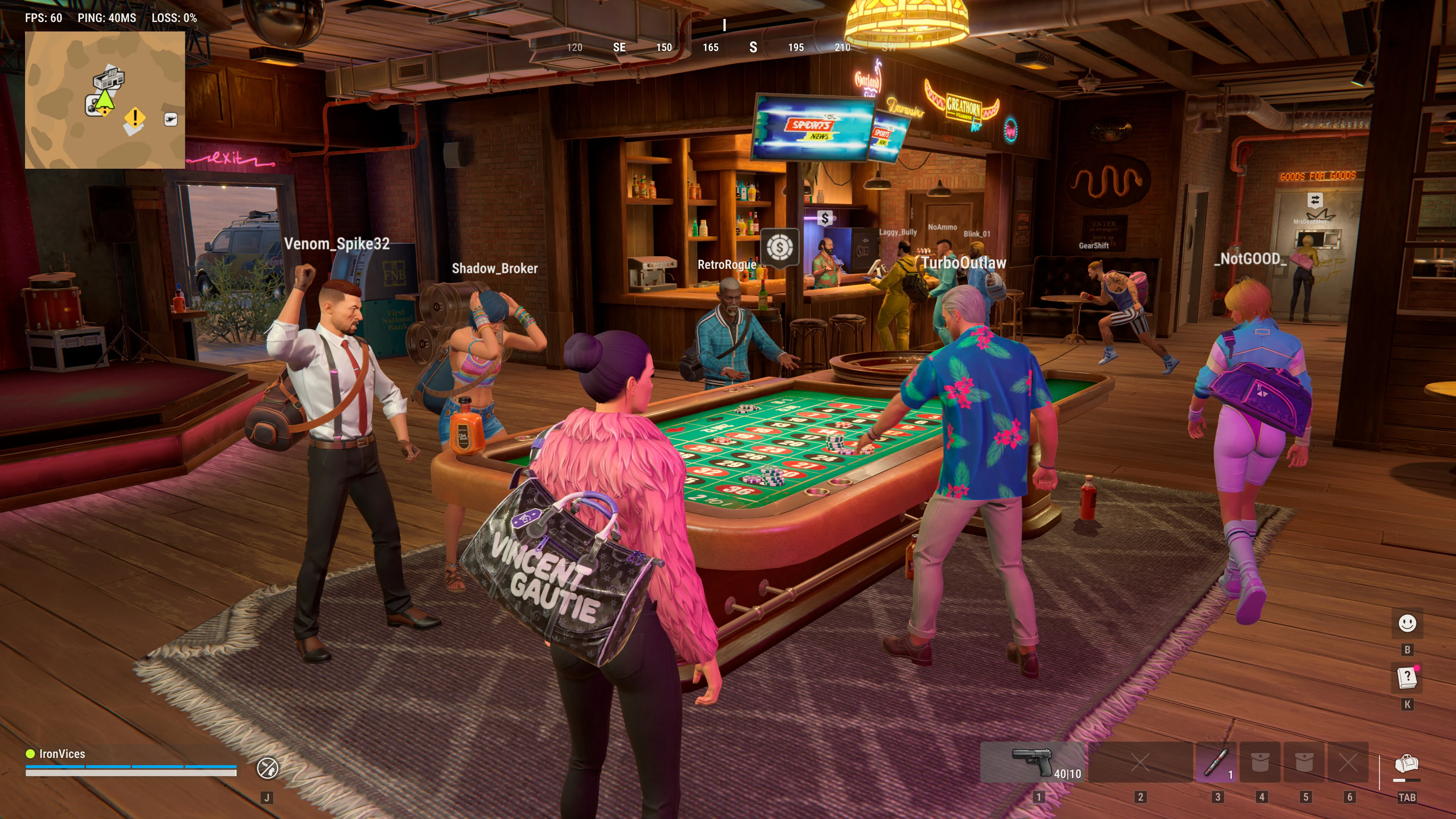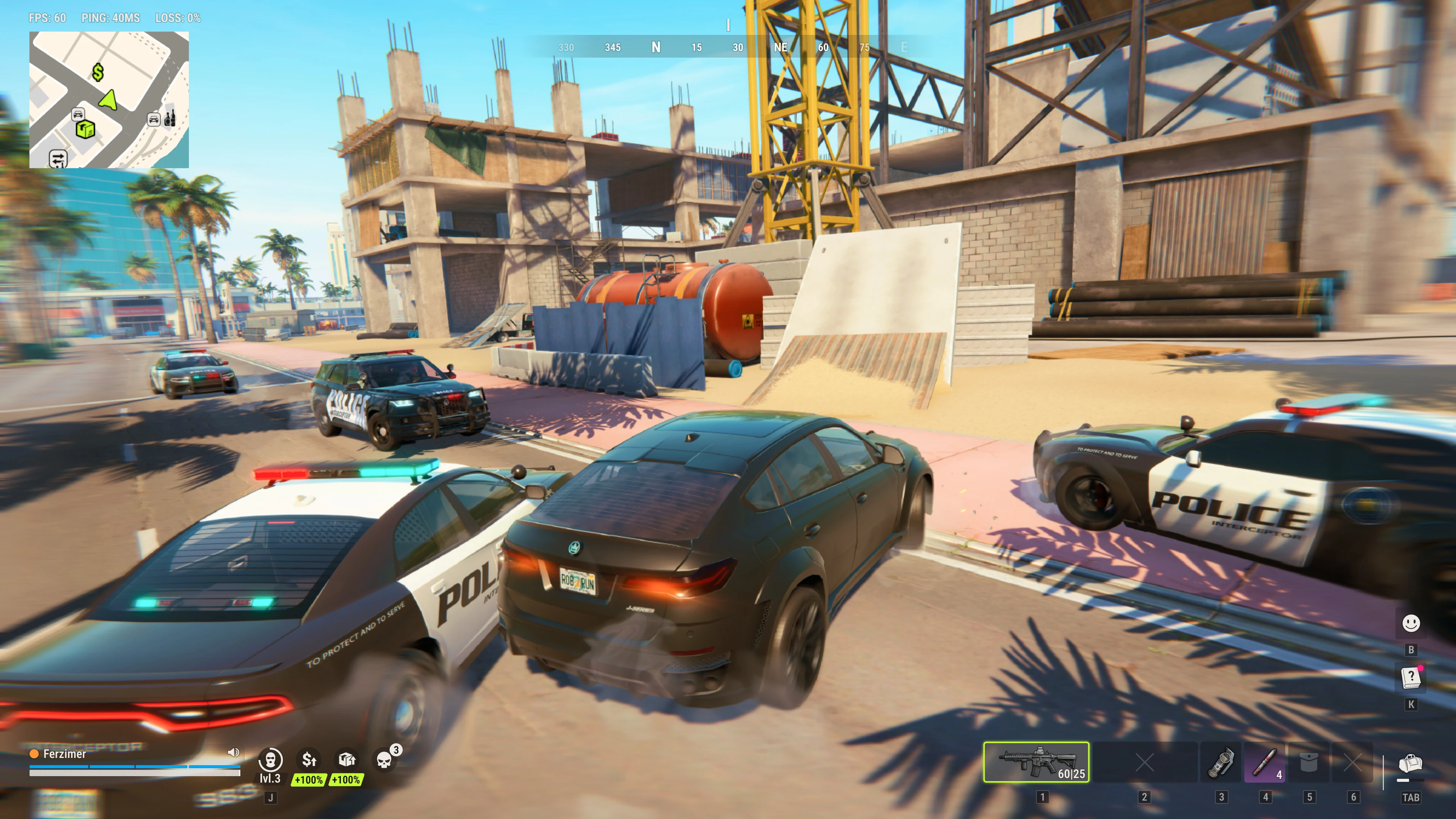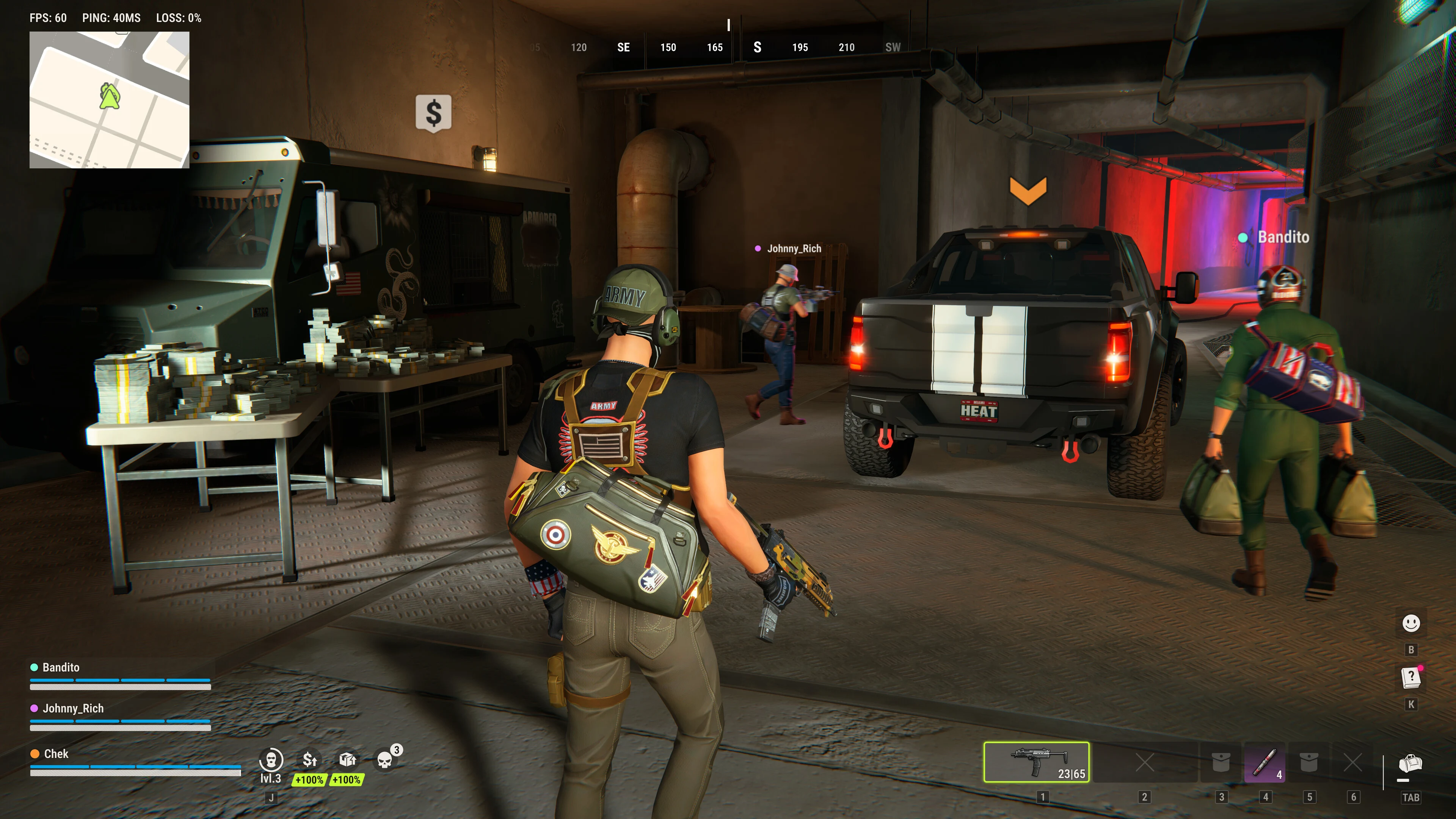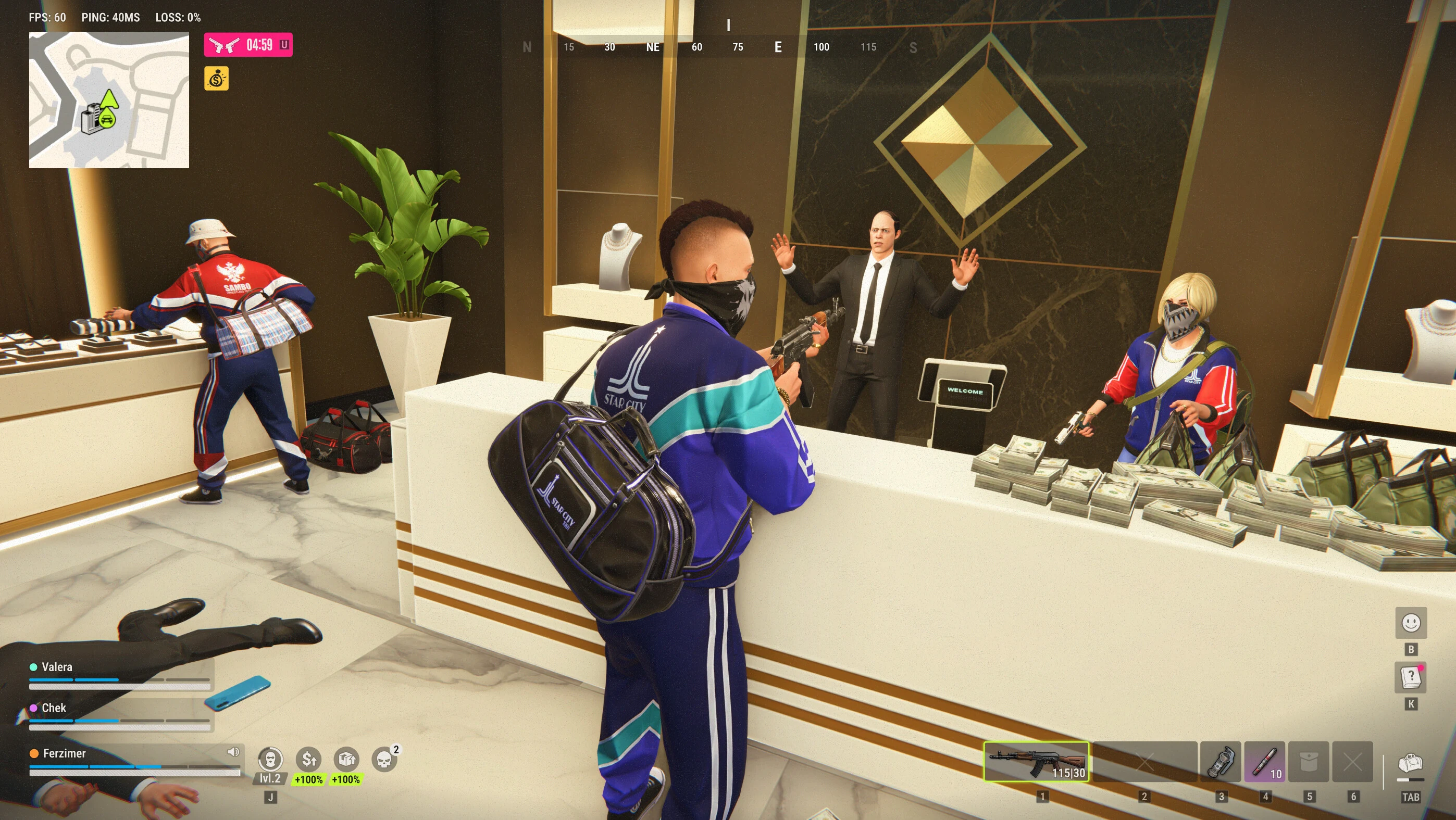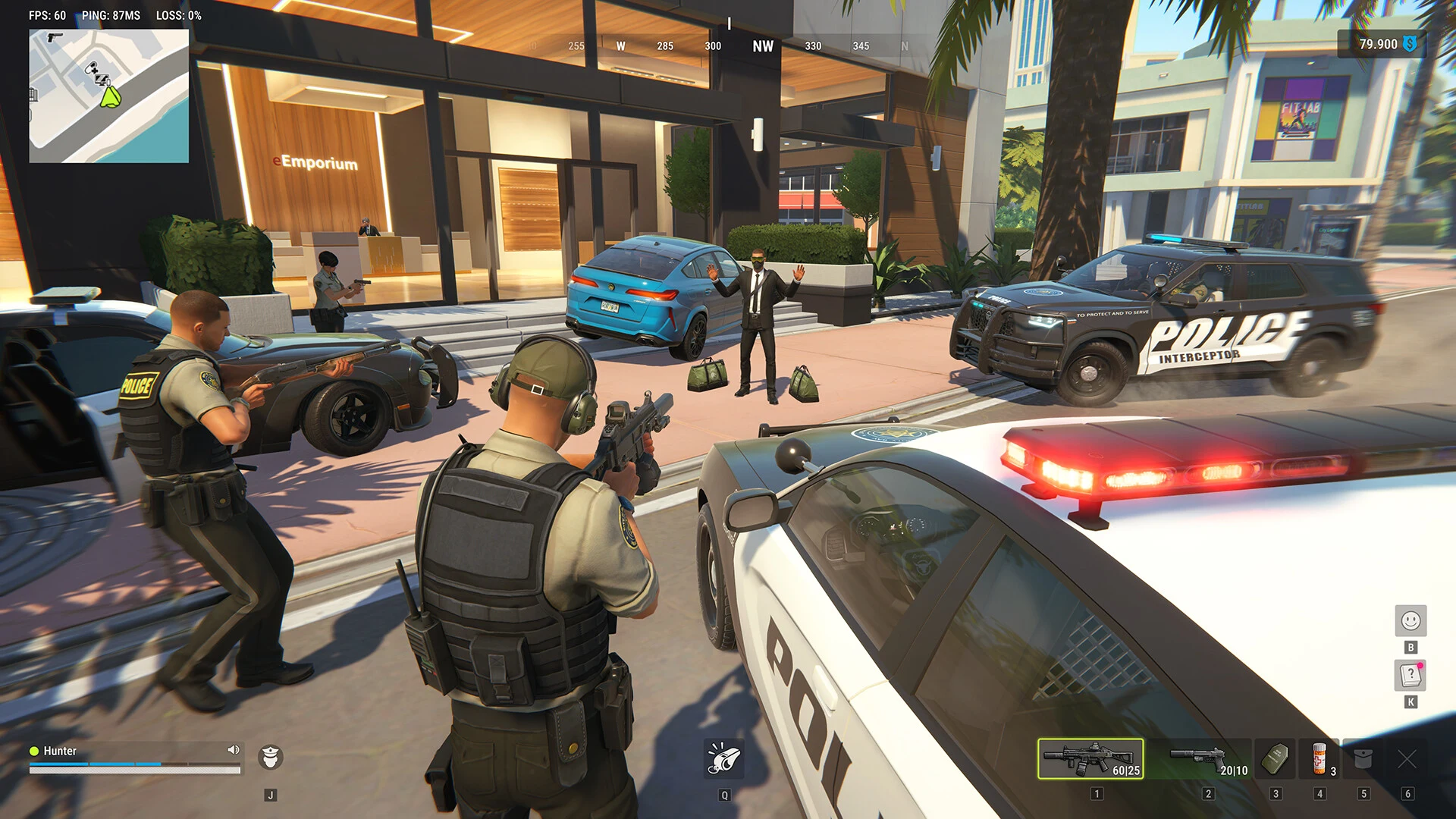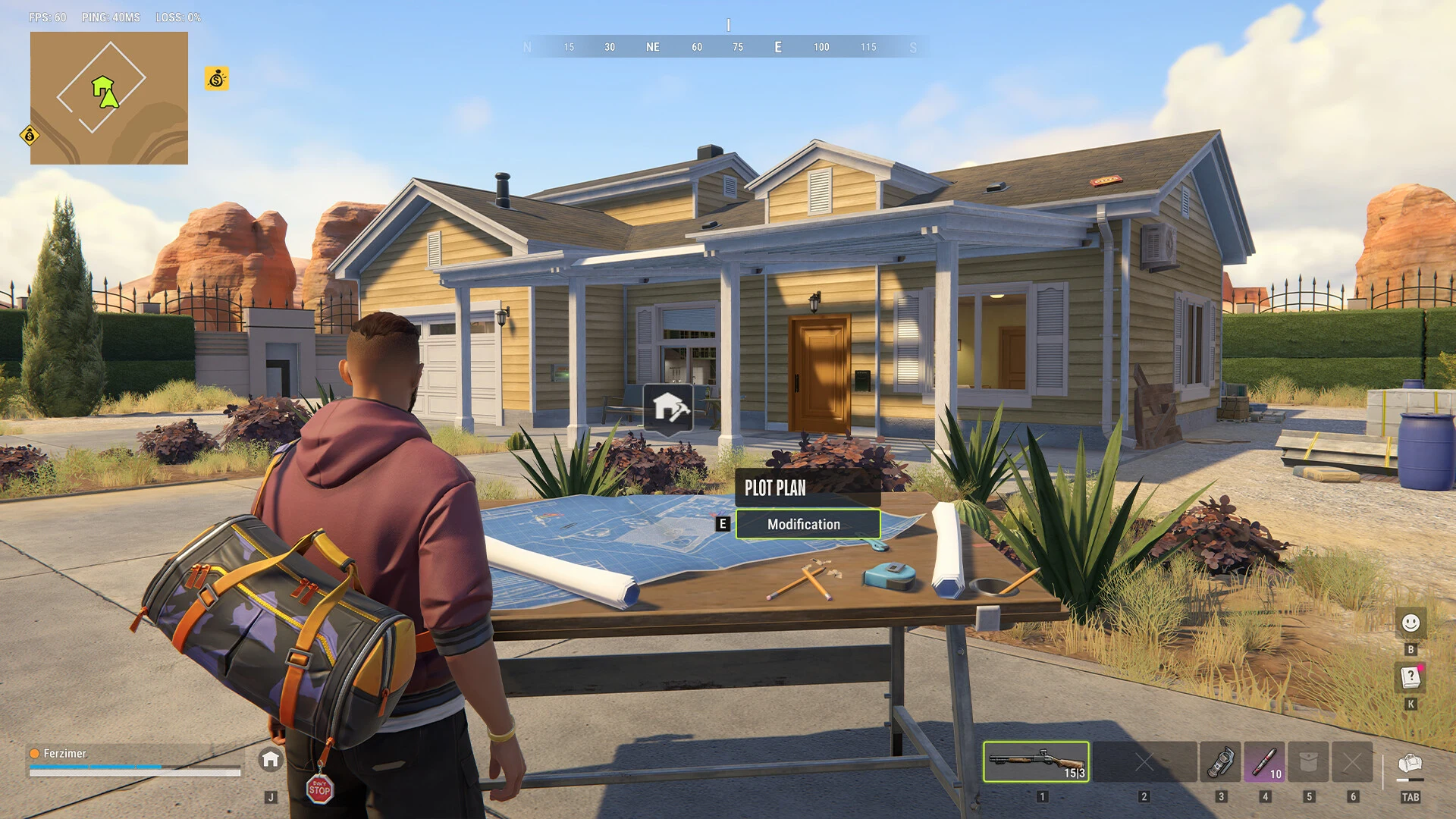

7 free wallpapers made from Kefir's official ROB RUN screenshots. Pick your phone or screen, and each image downloads at its exact resolution, cut so the action stays in the frame.
Updated November 15, 2026 · Images: Kefir (Steam)
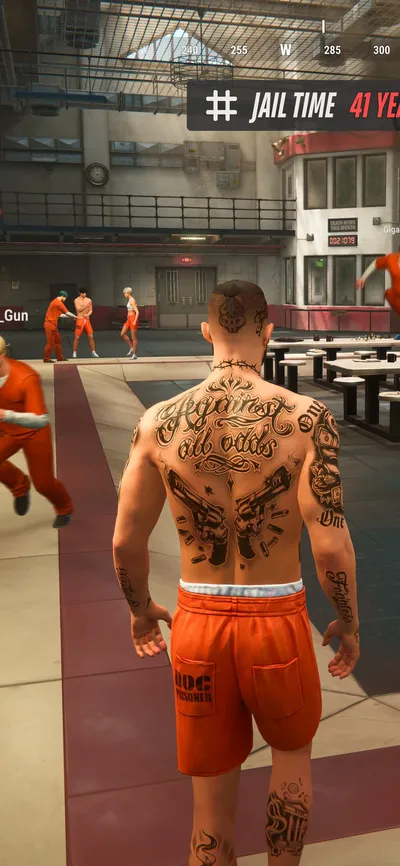
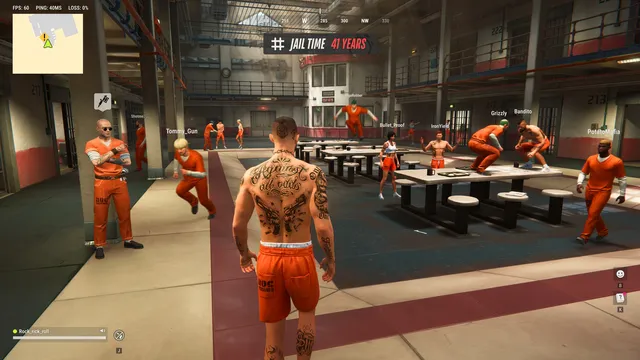
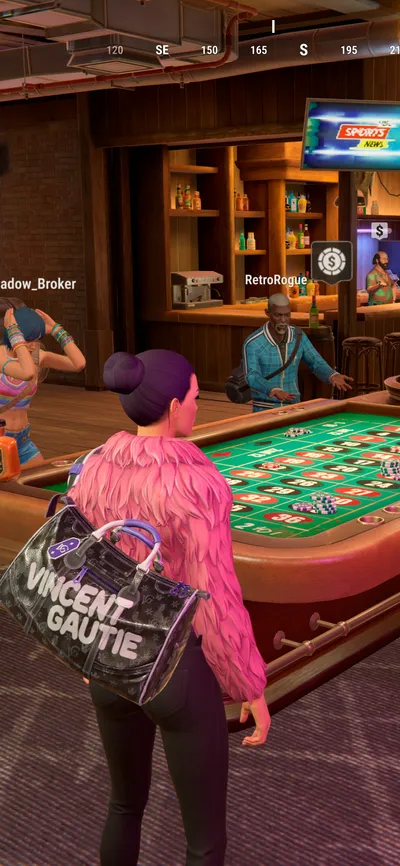
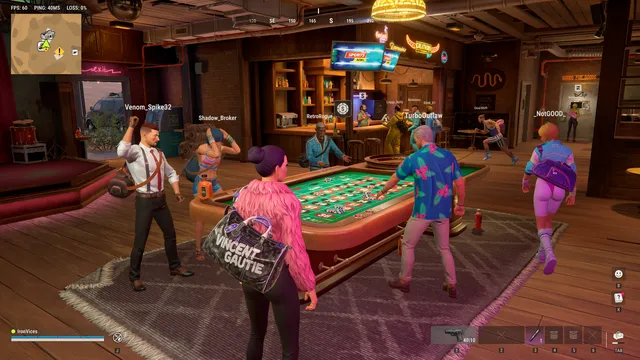
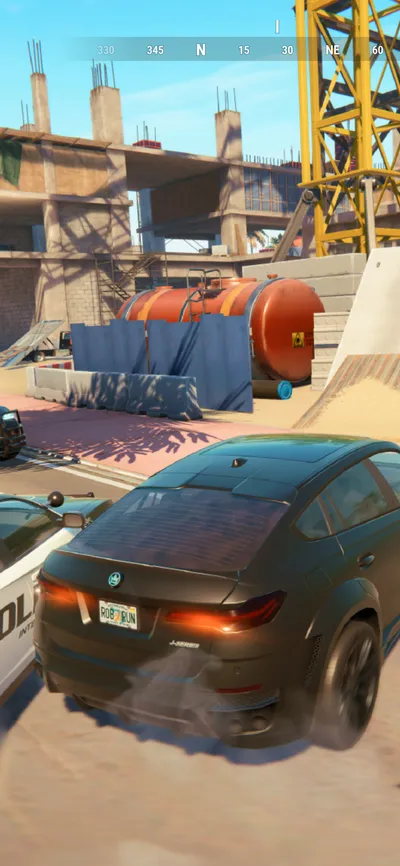
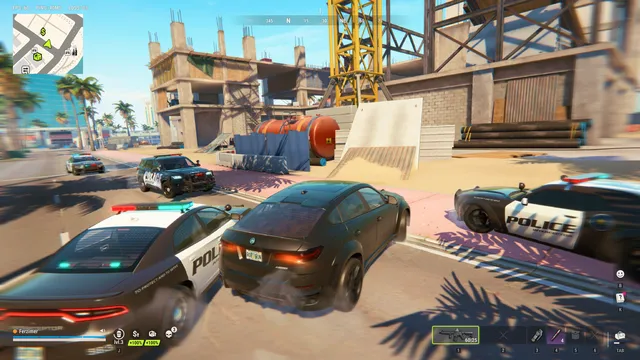
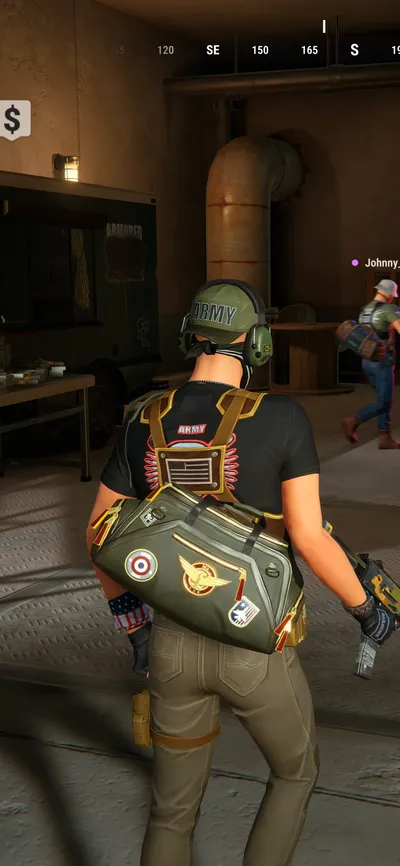
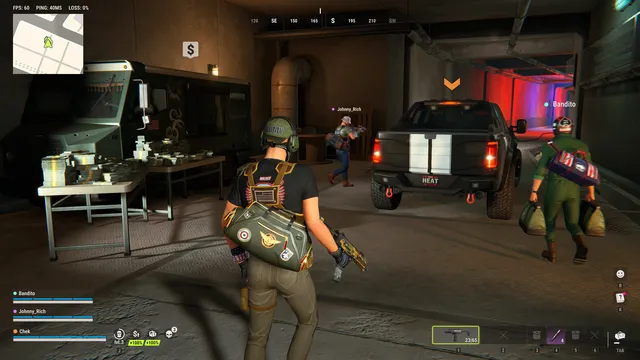
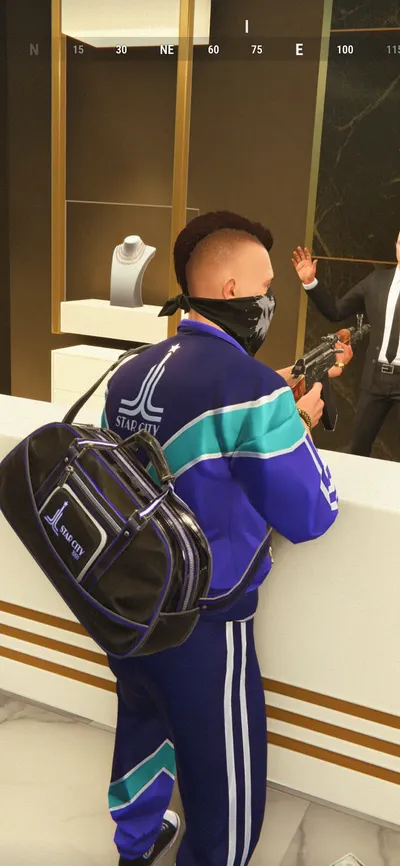
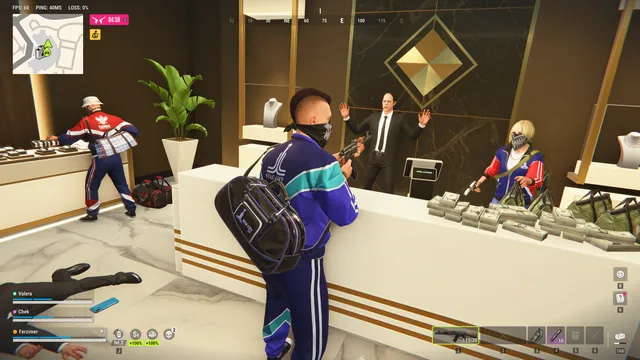
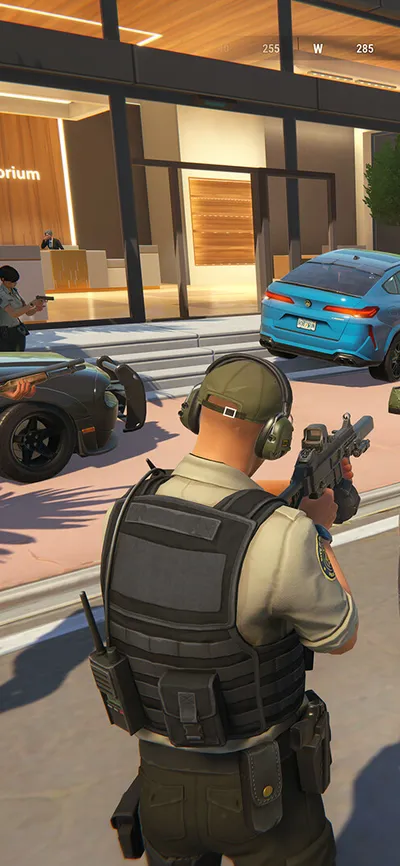
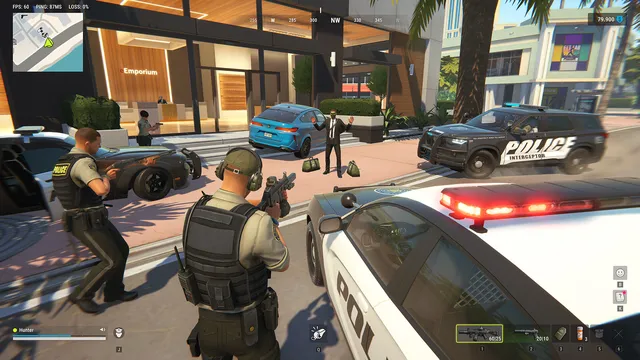
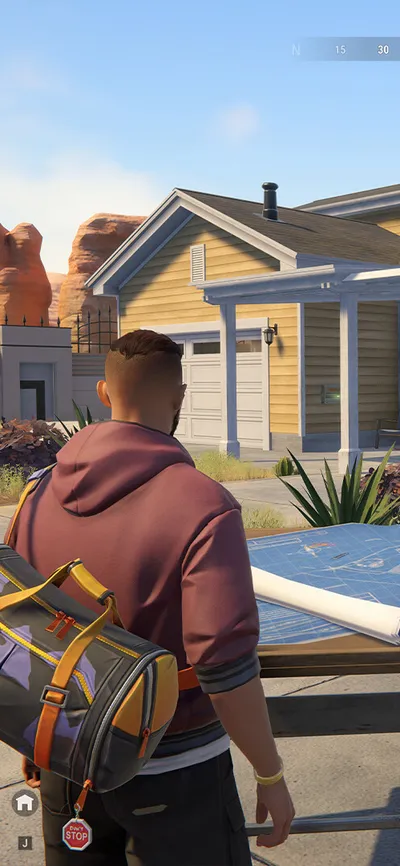
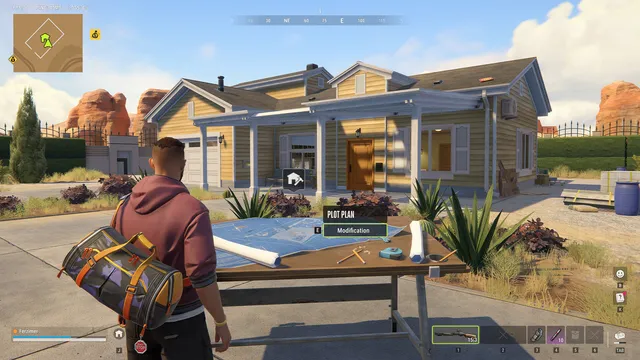
All wallpapers are official screenshots from the ROB RUN Steam page, published by Kefir. We only cropped and resized them for each screen. Four are 4K originals, the others are 1080p to 1440p and look best on phones and 1080p or 1440p monitors.
More ROB RUN: the live wipe timer, the error codes list and the best PC settings.
They are official ROB RUN screenshots that Kefir published on the game's Steam page. We cropped them to fit phone and computer screens. All images belong to Kefir.
Kefir's official screenshots show the game as you play it, with the minimap and health bar. On phones, most of it is cut off by the portrait crop.
Download the image, open it in Photos, tap the share button, then Use as Wallpaper.
Download the image, open it in Gallery, tap the three dots, then Set as wallpaper.
Right-click the downloaded image and choose Set as desktop background.
ROB RUN and all images © Kefir. FpsGen is an independent site and is not affiliated with Kefir. More guides on our ROB RUN page.