

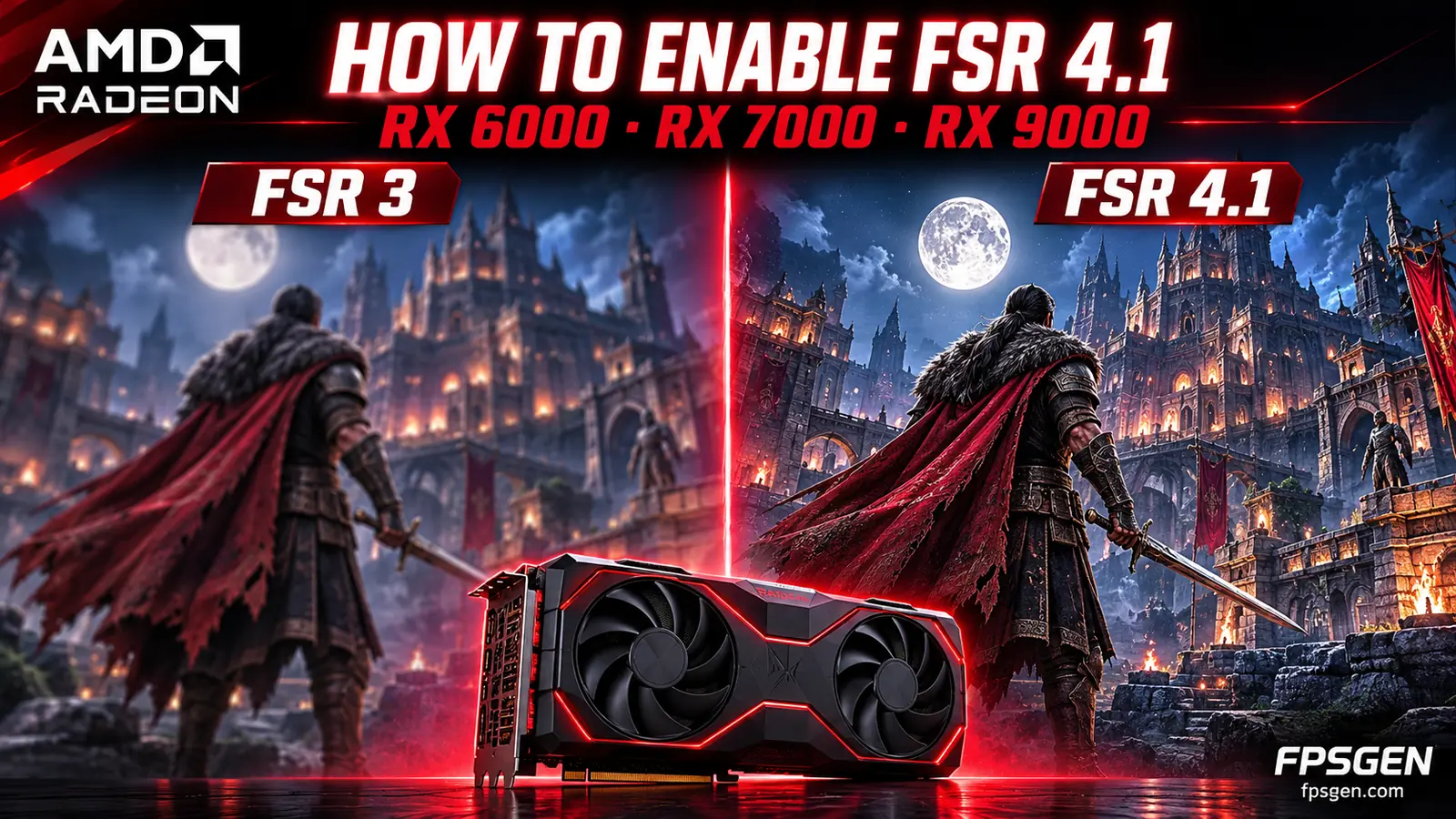
Quick answer: update to AMD Software: Adrenalin Edition 26.10.1 or newer. In games with FSR 4 built in, just pick FSR in the game's settings. In DirectX 12 games with FSR 3.1, select FSR 3.1 in the game, then turn on the FSR 4 upgrade in AMD Software. It works on Radeon RX 9000, RX 7000 and RX 6000 cards. RX 5000 and older cards cannot use it.
FSR 4.1 is AMD's AI-based upscaler: it renders the game at a lower resolution and rebuilds a sharp image, so you get more FPS with much better image quality than FSR 3. New to FSR? Start with AMD FSR Explained.
Which AMD GPUs support FSR 4.1?
| Graphics card | FSR 4.1 | Since | Notes |
|---|---|---|---|
| Radeon RX 9000 (RX 9070 XT, 9070, 9060 XT…) | Yes | Launch (2025) | Runs on the AI hardware of RDNA 4. Only these cards also get AMD's AI frame generation and Ray Regeneration |
| Radeon RX 7000 (RX 7900 XTX, 7800 XT, 7600…) | Yes | June 2026 (Adrenalin 26.6.2) | Special INT8 version for RDNA 3, very close in image quality |
| Radeon RX 6000 (RX 6400 to RX 6950 XT) | Yes | October 20, 2026 (Adrenalin 26.10.1) | Runs on the shader cores: costs more FPS than on newer cards |
| Ryzen AI laptops and mini PCs (Ryzen AI Max 300/400, Ryzen AI 9 300/400) | Yes | October 2026 | Handhelds may need an update from the device maker first |
| Radeon RX 5000, RX 500, Vega and older | No | Use FSR 3.1, which works on any graphics card | |
| Xbox Series X|S | Announced | Coming soon | Game by game, no date yet |
Not sure which card you have? Our Check My PC tool finds it in one click.
How to turn on FSR 4.1
Step 1: update your driver
Install AMD Software: Adrenalin Edition 26.10.1 or newer from AMD's driver page, or update from AMD Software itself. It needs Windows 11 or 64-bit Windows 10 (21H2 or newer). Restart your PC after installing.
Step 2a: games with FSR 4 built in
Open the game's graphics settings, set Upscaling to AMD FSR (it may show as FSR 4 or FSR 4.1) and pick a quality mode. Nothing else to do.
Step 2b: games with FSR 3.1 (DirectX 12)
- In the game's settings, select FSR 3.1 as the upscaler.
- Open AMD Software: Adrenalin Edition and go to the Gaming tab.
- Pick the game (or the global Graphics settings) and turn on the FSR 4 upgrade option.
- Restart the game. The driver now replaces FSR 3.1 with FSR 4.1.
This driver upgrade works in DirectX 12 games that use FSR 3.1. Vulkan games are not supported yet, and older FSR 1, FSR 2 or FSR 3.0 games cannot be upgraded.
How many FPS does it cost on older cards?
FSR 4.1 gives a much sharper image than FSR 3.1, but it does more work, so it gives you a little less FPS than FSR 3.1 in the same mode:
- RX 9000: the smallest cost, thanks to the AI hardware. ComputerBase measured about 5% fewer FPS than FSR 3.1 Quality on an RX 9070 XT.
- RX 7000: a bit more than on RX 9000, because RDNA 3 uses a simpler INT8 version. It is still much faster than native resolution: on an RX 7900 XTX, Crimson Desert at 4K went from about 43 to 64 FPS with FSR 4.1 (Tom's Hardware).
- RX 6000: the biggest cost. Tom's Hardware measured about 13% fewer FPS in Cyberpunk 2077 at 4K (Balanced) on an RX 6900 XT. No numbers yet for the RX 6500 XT or RX 6400.
The trick: because FSR 4.1 looks better, you can usually drop one quality mode (Quality to Balanced, for example) and get the same image as FSR 3.1 with more FPS.
Which FSR 4.1 mode should you use?
| Your resolution | Best mode |
|---|---|
| 1080p | Quality (lower modes start to look soft) |
| 1440p | Quality or Balanced |
| 4K | Balanced or Performance |
On RX 6000 cards at 1080p, compare FSR 4.1 Quality with FSR 3.1 Quality in your game: if you lose too many FPS, FSR 3.1 is still a good choice.
FSR 4.1 not showing up? Check this
- Your driver is 26.10.1 or newer (RX 6000) or 26.6.2 or newer (RX 7000).
- The game uses FSR 3.1 or FSR 4, and runs in DirectX 12, not Vulkan.
- On Windows 10, check that Smart Access Memory is still on after the driver update (AMD lists it as a known issue).
- If a game crashes when you open an overlay (like Xbox Game Bar) with AMD's performance overlay on, turn one of them off.
- On a handheld, wait for the update from your device maker.
FAQ
Does FSR 4 work on RX 6000?
Yes. Since October 20, 2026, AMD Adrenalin 26.10.1 brings FSR 4.1 to every Radeon RX 6000 card, from the RX 6400 to the RX 6950 XT.
Does FSR 4 work on RX 5000 or RX 580?
No. Those cards can use FSR 3.1, which works on any graphics card.
Do RX 6000 and RX 7000 get FSR frame generation?
They keep FSR 3 frame generation. AMD's newer AI frame generation and Ray Regeneration are only for RX 9000.
Does FSR 4.1 work on NVIDIA cards?
No. NVIDIA cards use DLSS, or FSR 3.1 in games that offer it.
More on FpsGen
- AMD FSR 4.1 comes to more PCs, laptops and handhelds
- AMD FSR Explained
- RX 9070 XT vs RTX 5070 Ti
- FPS Estimator and How to Increase FPS on PC
Sources: AMD driver release notes for Adrenalin 26.10.1, via eTeknix and DealNTech; RX 7000 support from Tom's Hardware and Club386; performance tests by Tom's Hardware and ComputerBase (via DealNTech). Last checked October 31, 2026.

Gaming writer at FpsGen. Guides and reviews are built on official sources, patch notes and real player data.
Comments
No comments yet. Start the conversation.