

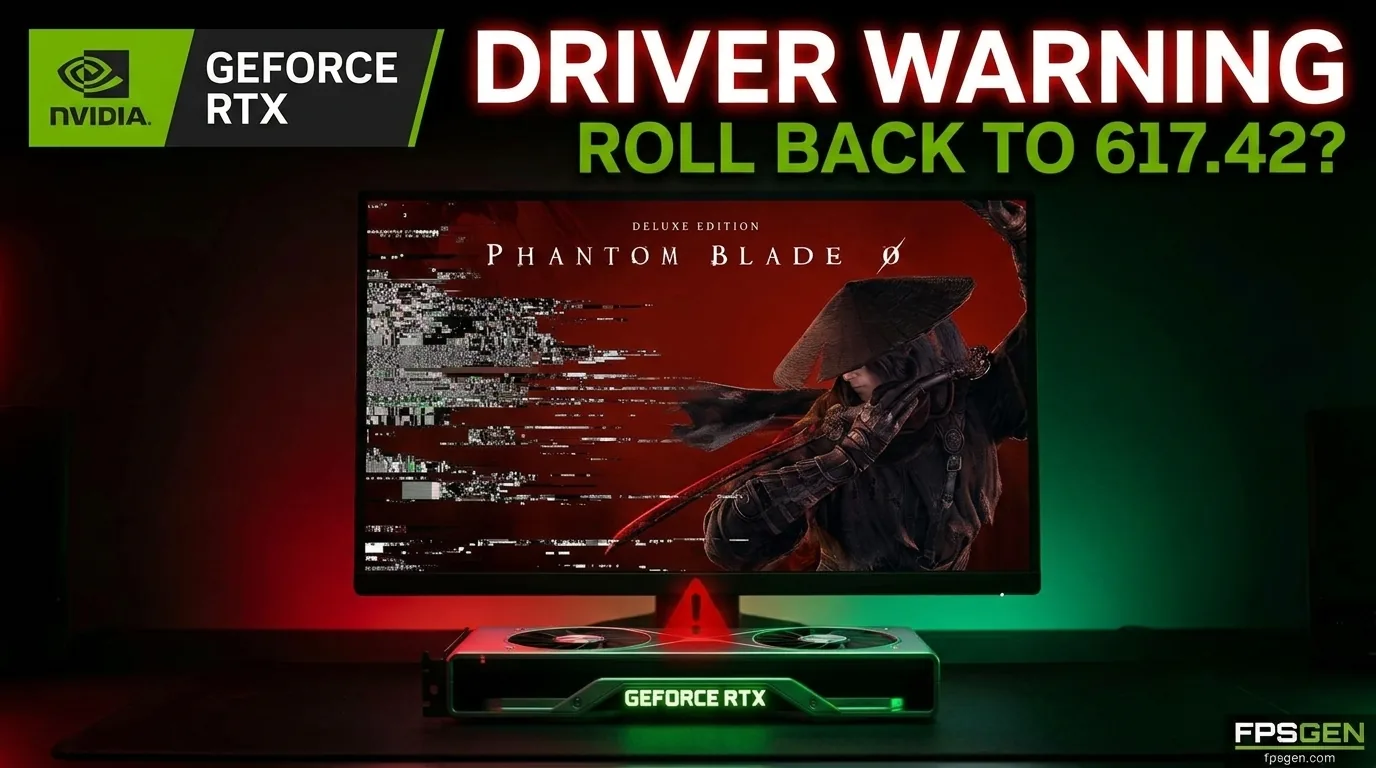
Quick answer: if Phantom Blade Zero runs well on your PC, you do not need to change anything. If you get stutter, crashes or unstable performance on an NVIDIA graphics card, S-GAME recommends going back to NVIDIA driver 617.42 with a clean install, until NVIDIA releases its next driver. AMD and Intel players are not affected by this advice.
What S-GAME said
In its launch announcement on Steam (October 28, 2026), S-GAME says NVIDIA's newest Game Ready Driver 621.01 "exhibits unstable performance in certain situations" in Phantom Blade Zero. After internal testing, the studio found that driver 617.42 currently provides the best compatibility with the game.
S-GAME's advice:
- If you already updated past 617.42, do a clean install of 617.42, or wait for NVIDIA's next driver, which the studio expects soon.
- If you are still on 617.42, stay on it for now.
S-GAME has not said what the instability looks like, which graphics cards are affected or how often it happens. Several outlets found no wave of driver complaints on the game's Steam forums or subreddit, and a reviewer on an RTX 4080 with an older driver reported almost no issues. So the problem may not hit every PC.
What about NVIDIA's drivers?
There are three drivers to know about:
| Driver | Date | What it is |
|---|---|---|
| 617.42 | Before launch | The driver S-GAME recommends for Phantom Blade Zero right now |
| 621.01 Game Ready | October 21, 2026 | Includes optimizations for Phantom Blade Zero and Call of Duty: Modern Warfare 4. S-GAME says it can be unstable in the game |
| 621.12 Hotfix | October 28, 2026 | Optional beta fix built on 621.01 |
The 621.12 hotfix fixes problems that 621.01 caused outside the game: video playback freezes and black screens on some RTX 50 graphics cards, plus a few crashes and display bugs. NVIDIA has not said that it fixes the Phantom Blade Zero instability, and it calls hotfixes beta software with less testing. Its own advice is to wait for the next certified (WHQL) driver if you can.
Which driver should you use?
| Your situation | What to do |
|---|---|
| The game runs fine | Keep your current driver |
| Stutter, crashes or unstable FPS in Phantom Blade Zero | Clean install 617.42 |
| RTX 50 card with video freezes or black screens in Windows | Install hotfix 621.12, or go back to 617.42 |
| AMD or Intel graphics card | Nothing to change: keep your latest driver |
When NVIDIA releases a new Game Ready driver that fixes the issue, update again. We will update this article when that happens.
How to roll back to driver 617.42
- Check your current driver. Open the NVIDIA app, or press Windows + R, type
dxdiagand look at the Display tab. - Download 617.42. Go to NVIDIA's driver page, pick your graphics card and look for version 617.42 in the list of older drivers. The NVIDIA app can also install older versions.
- Run the installer and choose Custom (Advanced), then tick Perform a clean installation. This removes the newer driver first.
- Restart your PC.
- Launch the game and let the shaders compile again. Changing driver clears the shader cache, so the first launch takes longer and the first minutes can stutter.
Going back also means losing features added in the newer driver, such as Advanced Shader Delivery. For most players that is a fair trade if the game was unstable.
The 5 GB day-one patch
Phantom Blade Zero also got a day-one patch of about 5 GB on PC. S-GAME says it "significantly" improves ray tracing and path tracing performance and fixes a batch of bugs. If you preloaded the game, the patch downloads before the first launch.
Ray tracing is still demanding. In Wccftech's review on an RTX 4080 at 4K, High settings and DLSS Quality, the game ran at about 100 FPS without ray tracing, in the high 50s with ray tracing, and around 30 FPS with path tracing. Our best PC settings guide explains which mode to use on your card.
Still stuttering after the driver change?
- Let the shader compilation finish on the first launch.
- Install the game on an SSD.
- Use Ray Tracing, not Path Tracing, unless you have an RTX 4090 or RTX 5090.
- Turn on DLSS, FSR or XeSS on Quality.
- Close background apps that use the graphics card (browsers with videos, overlays, recording software).
Check what your PC can handle with our FPS Estimator and Can I Run Phantom Blade Zero?.
FAQ
Which NVIDIA driver is best for Phantom Blade Zero?
Right now S-GAME recommends 617.42. If the game already runs well on 621.01 or 621.12, you can keep it.
Does hotfix 621.12 fix Phantom Blade Zero?
NVIDIA has not said so. The hotfix targets video freezes and black screens on RTX 50 cards and a few other bugs caused by 621.01.
Does this affect AMD graphics cards?
No. The warning is only about NVIDIA drivers.
Will rolling back lower my FPS?
Not in Phantom Blade Zero, according to S-GAME: 617.42 is the driver it found most stable. Expect a longer first launch while the shaders compile again.
More Phantom Blade Zero on FpsGen
- Phantom Blade Zero best PC settings
- Phantom Blade Zero PC system requirements
- Phantom Blade Zero review roundup
Sources: S-GAME's launch announcement on Steam, reported by Notebookcheck and Club386. Hotfix 621.12 details from HotHardware. Performance figures from Wccftech's review, via Notebookcheck. Last checked October 30, 2026.

Gaming writer at FpsGen. Guides and reviews are built on official sources, patch notes and real player data.
Comments
No comments yet. Start the conversation.