

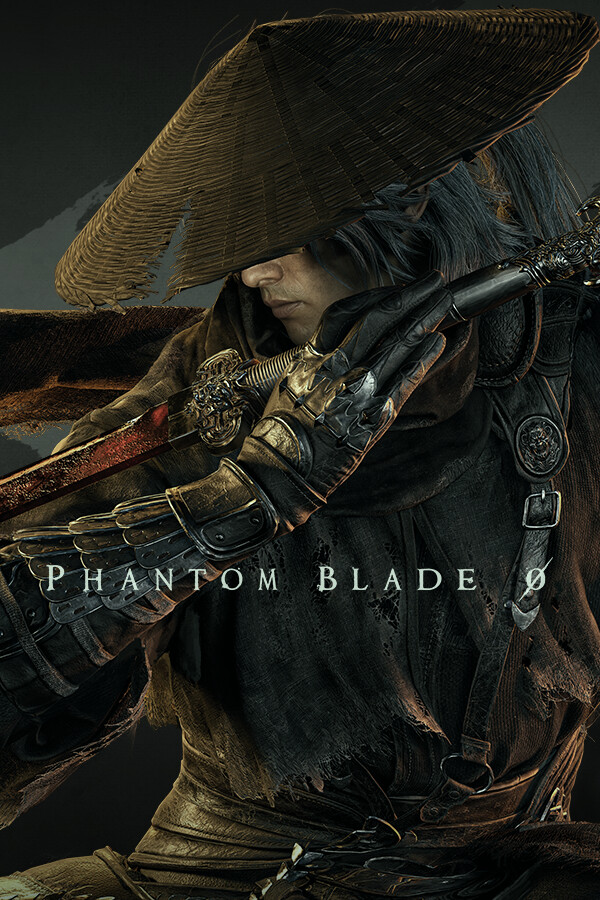

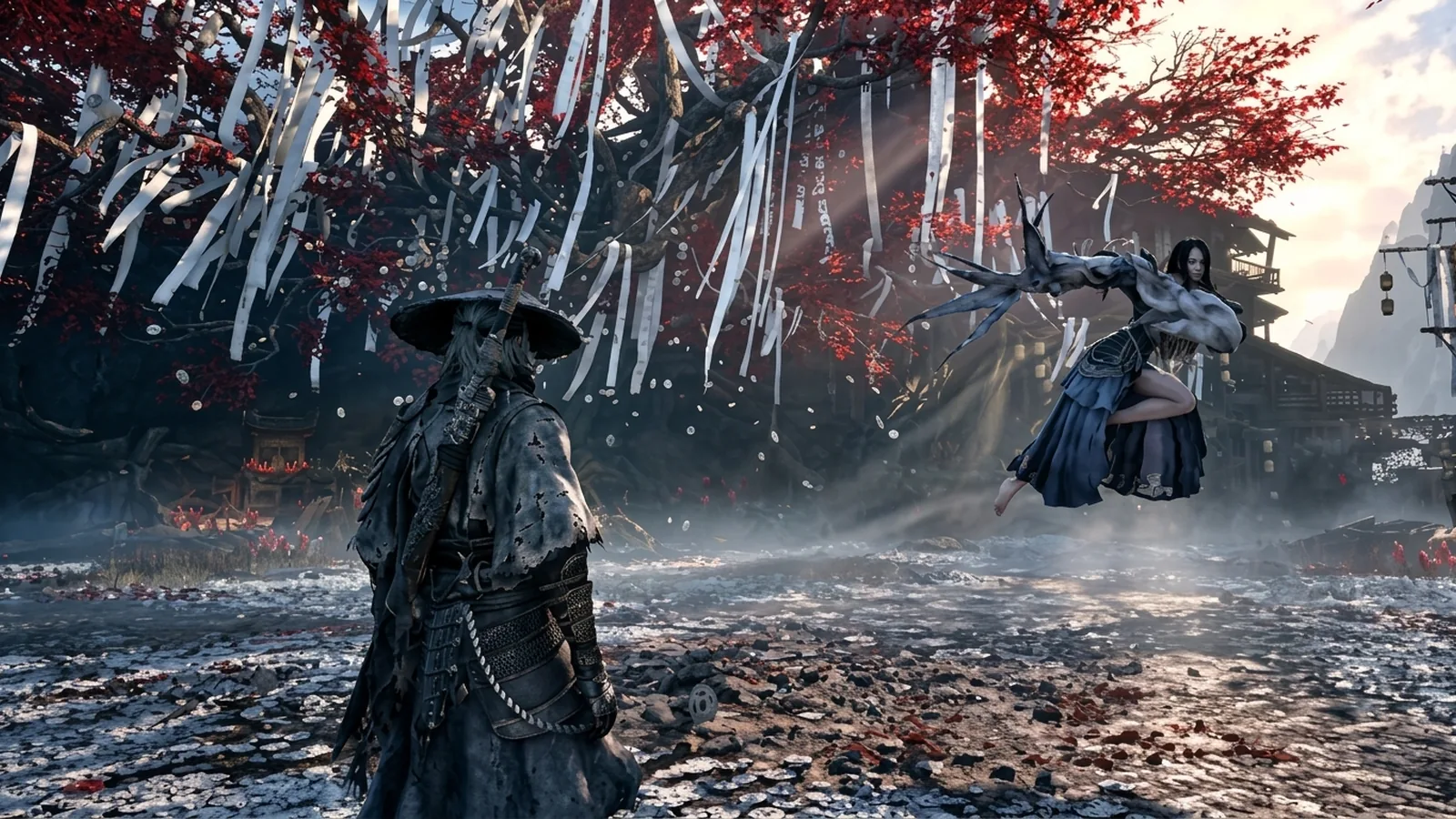
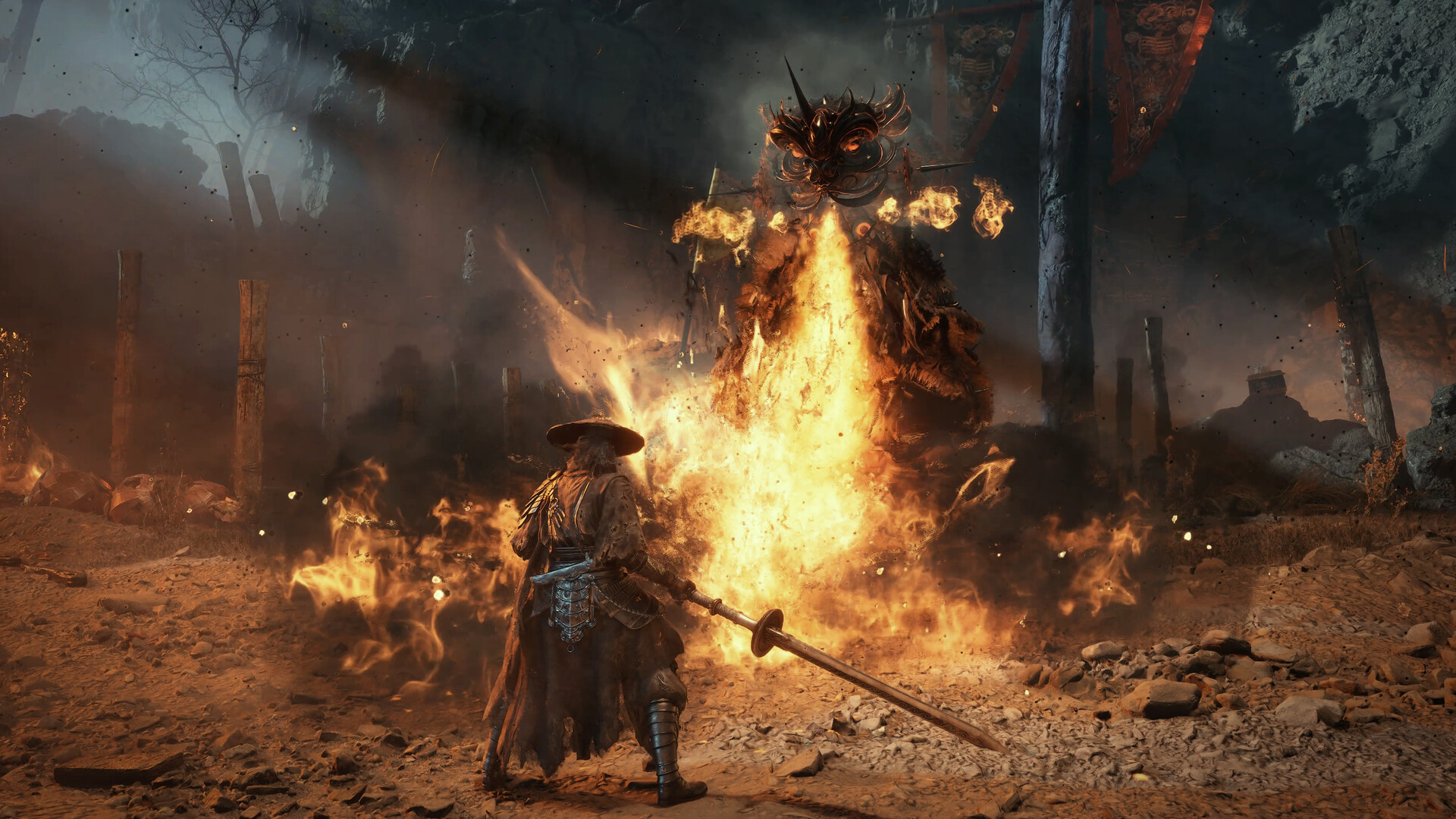
Phantom Blade Zero launches on PC on October 28, 2026 at 10 pm ET (October 29 in Europe and Asia), with an 88 on Metacritic. The PC version is the best way to play: it adds path tracing and DLSS 4.5 frame generation, and early benchmarks show no major stutter. But path tracing is brutally heavy, and some settings cost a lot of FPS for almost no visual difference. Here are the best settings for every graphics card, what to turn off first and how it runs on the Steam Deck.
Quick answer: use Very High instead of Ultra (they look nearly identical), turn on DLSS, FSR or XeSS on Quality, and use Ray Tracing, not Path Tracing, unless you have an RTX 4090 or RTX 5090. If you use frame generation, turn Motion Blur off: it causes visible artifacts. Let the shader compilation finish on first launch, and install NVIDIA driver 621.01 or newer. On the Steam Deck, the game runs below 30 FPS even at the lowest settings.
Before you play: 4 things to do first
- Update your graphics driver. NVIDIA's Game Ready Driver 621.01 (October 21, 2026) is optimized for Phantom Blade Zero. On AMD, install the latest AMD Software: Adrenalin Edition. Get them from the NVIDIA app or AMD Software.
- Install the game on an SSD. S-GAME lists an SSD as required, not just recommended.
- Let the shaders compile. The first launch includes a long shader pre-compilation step. Do not skip it: it is what keeps the game smooth later.
- Choose Ray Tracing or Path Tracing from the main menu. These two options cannot be changed during play, only from the main menu, so test them before you start a long session.
The game has no built-in benchmark, so test your settings in the opening area: benchmarks found it one of the most demanding parts of the first two chapters.
Best Phantom Blade Zero settings by graphics card
These are our recommended starting points, based on the official requirements and early benchmarks. They are FpsGen estimates, not S-GAME's numbers.
| Graphics card | Resolution | Preset | Upscaling | Ray tracing | Target |
|---|---|---|---|---|---|
| GTX 1660 / RX 5500 XT (minimum) | 1080p | Low | FSR or XeSS Performance | Off | 30 FPS, capped |
| RTX 3060 / RTX 4060 / RX 6600 XT / RX 7600 | 1080p | Medium to High | DLSS / FSR Quality | Off | 60 FPS |
| RTX 3060 Ti / RX 6700 XT / RTX 5060 / RX 9060 XT (recommended) | 1440p | High | DLSS / FSR Quality or Balanced | Off | 60 FPS |
| RTX 4070 / RTX 5070 / RX 7800 XT / RX 9070 | 1440p | Very High | DLSS / FSR Quality | Ray Tracing optional | 60 FPS+ |
| RTX 4080 / RTX 5080 / RX 7900 XTX / RX 9070 XT | 4K | Very High | DLSS / FSR Quality | Ray Tracing | 60 FPS, more with frame generation |
| RTX 4090 / RTX 5090 | 4K | Ultra or Very High | DLSS Quality + frame generation | Path Tracing | 60 to 100+ FPS |
Not sure which graphics card you have? Our Check My PC tool detects it in one click. To see where your card stands against the official specs, see Phantom Blade Zero PC System Requirements.
How heavy is path tracing?
Very. In DSOGaming's tests in the starting area, with path tracing on:
| RTX 5090, Path Tracing | FPS |
|---|---|
| 4K, native resolution | about 25-27 |
| 1440p, native resolution | about 46-47 |
| 1080p, native resolution | above 60 |
| 4K, DLSS Quality | about 54-60 |
| 4K, DLSS Quality + 2x frame generation | about 100 |
Another review measured about 100 FPS at 4K High with DLSS Quality on an RTX 4080, which dropped to the high 50s with ray tracing and around 30 FPS with path tracing.
Our advice: path tracing is for the RTX 4090 and RTX 5090 with DLSS and frame generation. On every other card, standard ray tracing gives most of the visual upgrade for a much smaller cost, and many players will prefer ray tracing off for the highest frame rate in fast fights.
Which settings to lower first
- Ultra → Very High: benchmarks found the two presets look nearly identical, so Very High is free performance.
- Path Tracing → Ray Tracing → Off: by far the biggest FPS cost in the game.
- Upscaling: never play at native resolution on a mid-range card. DLSS Quality on NVIDIA RTX, FSR on AMD, XeSS on Intel Arc. With path tracing on, DLSS Ray Reconstruction is enabled automatically.
- DLAA vs native TSR: if you want the sharpest image on an RTX card, DLAA with Ray Reconstruction ran about 10 FPS faster than native TSR in benchmarks.
- Shadows and effects before textures: in Unreal Engine 5 games, shadows, global illumination and volumetric effects cost more than textures. With 8 GB of VRAM or more, keep textures on High.
For more FPS tips that work in every game, see How to Increase FPS on PC.
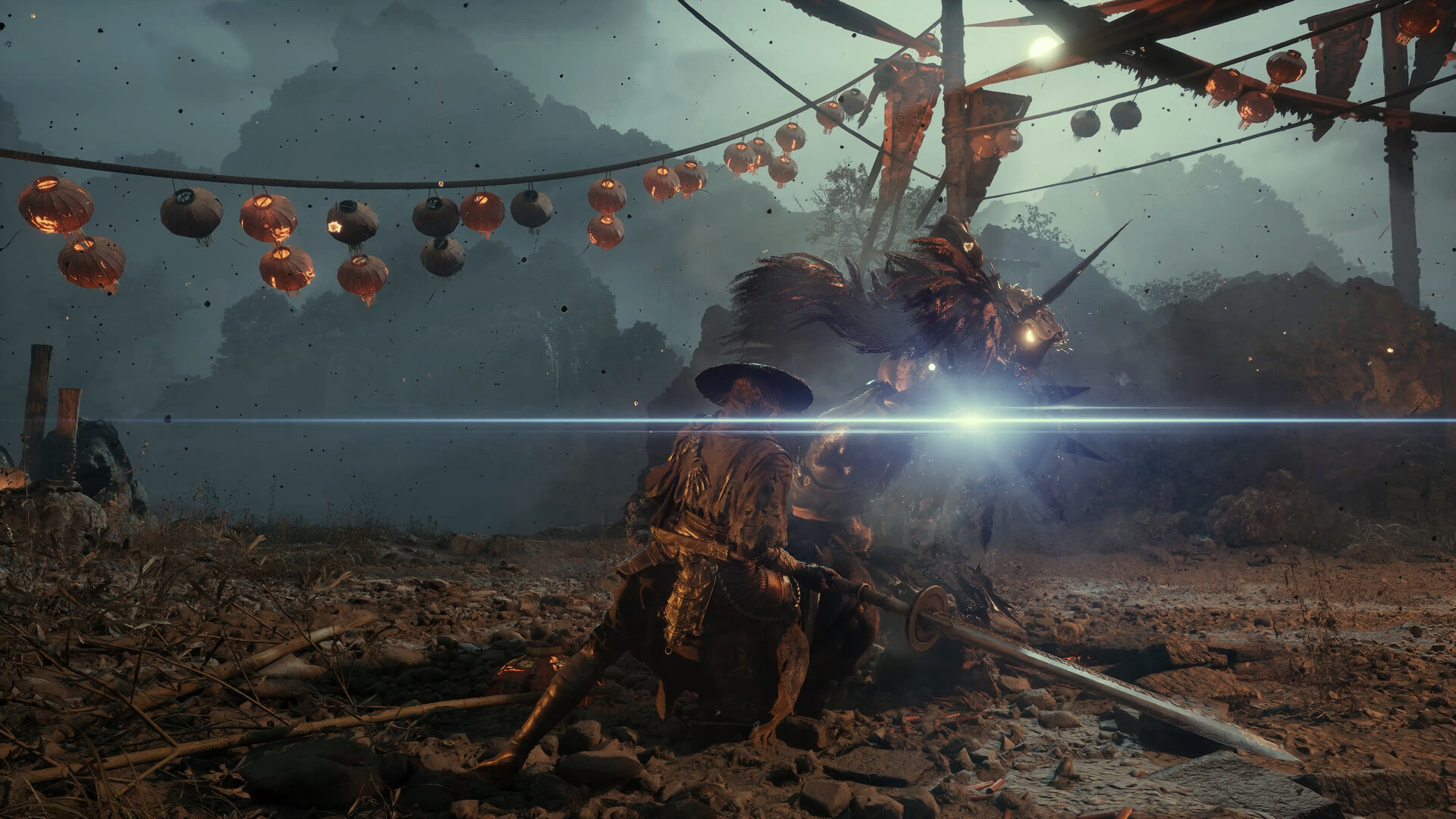
Frame generation: turn Motion Blur off
Phantom Blade Zero supports DLSS 4.5 Dynamic Multi Frame Generation on GeForce RTX 50 cards, plus frame generation on other RTX and AMD cards.
- With Motion Blur on, frame generation showed visible artifacts during fast movement. With Motion Blur off, they were minor.
- On an RTX 5090, 2x frame generation pushed 4K path tracing with DLSS Quality to about 100 FPS with no noticeable extra input lag. 3x and 4x go higher.
- Use frame generation only when you already have around 60 FPS. Below that, it adds input lag, which hurts in a game built on parries and dodges.
Phantom Blade Zero on Steam Deck
It does not run well. Reviews report under 30 FPS at the lowest settings, with 23 to 27 FPS in the Crimson Forest area, dips close to 10 FPS, and about 2 to 2.5 hours of battery life. The Steam Deck is far below the official minimum of a GTX 1660. If you want to play on a handheld, wait for patches and check Valve's Steam Deck rating on the Steam page.
Does Phantom Blade Zero stutter on PC?
Early reviews say the PC version is in good shape: no major shader or traversal stutter in DSOGaming's tests, and only rare traversal stutter in other reviews. One reviewer did report frame-pacing and camera stutter on an RTX 5080, and S-GAME reportedly released a patch for several technical issues. If you get stutter:
- Make sure the shader compilation finished on first launch.
- Cap your frame rate a little below your average (for example 60) in the NVIDIA app or AMD Software.
- Check that the game is on an SSD and that your driver is 621.01 or newer on NVIDIA.
- If your GPU usage stays low while the game stutters, your processor is the limit: see CPU Bottleneck Explained.
More on FpsGen
- Phantom Blade Zero PC System Requirements
- Phantom Blade Zero game page
- Check My PC: detect your graphics card and RAM in one click
- RTX 50 vs RX 9000: Which Graphics Card to Buy
FAQ
What are the best settings for Phantom Blade Zero on PC?
Very High preset, DLSS, FSR or XeSS on Quality, Ray Tracing on or off depending on your card, and Path Tracing only on an RTX 4090 or RTX 5090. Turn Motion Blur off if you use frame generation.
Is Ultra worth it in Phantom Blade Zero?
Not really. Benchmarks found Ultra and Very High look nearly identical, so Very High gives you more FPS for the same image.
Can I change ray tracing in game?
No. Ray Tracing and Path Tracing can only be changed from the main menu, not during gameplay.
Does Phantom Blade Zero have DLSS and FSR?
Yes. It supports DLSS 4.5 with Multi Frame Generation and Ray Reconstruction, FSR and XeSS.
Does Phantom Blade Zero run on Steam Deck?
Not well. Reviews report under 30 FPS at the lowest settings, with dips close to 10 FPS.
What time does Phantom Blade Zero release on PC?
October 28, 2026 at 10 pm ET, which is October 29 in Europe and Asia.
Benchmarks from DSOGaming's PC performance analysis (October 26, 2026) and reviews compiled by Notebookcheck. Steam Deck results and release time from OutputLag's review roundup. Driver details from NVIDIA. Settings by graphics card are FpsGen estimates and may change with patches. FpsGen is not affiliated with S-GAME.

Gaming writer at FpsGen. Guides and reviews are built on official sources, patch notes and real player data.
Comments
No comments yet. Start the conversation.