

Want to replay Halo 3, Gears of War, Fable II or Forza Horizon on your PC? The best Xbox 360 emulator is Xenia. It is free and open source, it runs hundreds of Xbox 360 games, and it needs no Xbox firmware. Here is which version to download, what PC you need, how to load your games and the settings that make them run well.
Quick answer: use Xenia Canary, the actively updated build of the Xenia Xbox 360 emulator, on Windows 10 or 11. You need a 64-bit CPU with AVX, a Direct3D 12 or Vulkan graphics card and 4 GB of RAM at minimum. For a good experience, aim for a fast 6-core CPU, a GTX 980 Ti-class GPU or better and 8 GB of RAM. Xenia plays games you dump from your own Xbox 360. It cannot read discs in a PC drive, and FpsGen does not link to game files.
What is the best Xbox 360 emulator for PC?
There is only one serious choice: Xenia. Other "Xbox 360 emulators" you see advertised, such as old "Xbox 360 emulator .exe" downloads, are fake or abandoned. Xenia comes in a few builds:
| Build | What it is | Who it is for |
|---|---|---|
| Xenia Canary | The experimental build, updated almost daily, with game patches and the best compatibility | Most players: start here |
| Xenia (master) | The original project, now only updated occasionally | Not recommended today |
| Xenia Edge | A Canary branch focused on Vulkan, Linux and Mac | Linux, Steam Deck and Mac users |
| Xenia Netplay | A Canary branch with online play and system link | Playing multiplayer with friends |
Download Xenia only from the official site, xenia.jp/download, which links to every build. Sites that sell an "Xbox 360 emulator" or ask you to complete a survey are scams: Xenia is always free.
Xbox 360 emulator PC requirements
These are the official requirements from the Xenia Quickstart guide:
| Minimum | Recommended | |
|---|---|---|
| OS | Windows 7 64-bit (Windows 10 for Direct3D 12) | Windows 10 or 11 64-bit |
| CPU | 64-bit x86 CPU with AVX | Intel Core i5/i7 4th gen or newer, or an AMD equivalent |
| GPU | Direct3D 12 or Vulkan support | GeForce GTX 980 Ti or better |
| RAM | 4 GB | 6 GB or more |
| Other | Visual C++ Redistributable (x64) | Visual C++ Redistributable (x64) |
What this means in practice:
- The CPU matters most. Xenia translates the Xbox 360's PowerPC code to x86 on the fly, which is heavy work. Single-core speed counts more than the number of cores, so a recent Ryzen 5 or Core i5 does better than an old 8-core chip. If your GPU sits at low usage while the game stutters, your processor is the limit: see CPU Bottleneck Explained.
- AVX is required. Every Intel Core and AMD Ryzen CPU has it, but some older Pentium and Celeron chips do not. Without AVX, Xenia will not start.
- NVIDIA GPUs work best. Xenia's own guide notes that AMD graphics cards have more graphical issues and can hit driver bugs. They work for many games, but expect more glitches.
- Integrated graphics are too slow for most games, according to the Xenia guide.
Not sure what is inside your PC? Our Check My PC tool detects your graphics card and RAM in one click, and How to Check Your PC Specs shows how to find your CPU model.
These are our estimates by hardware tier, not official numbers:
| Your PC | What to expect |
|---|---|
| Older quad-core (Core i5 4th–7th gen) + GTX 970/1060 | Lighter games and Xbox Live Arcade titles run well, big 3D games are often below 30 FPS |
| Ryzen 5 3600 / Core i5-10400 + GTX 1660 / RTX 2060 | Most playable games at native resolution, at 30 FPS or more |
| Ryzen 5 7600 / Core i5-13400 + RTX 3060 or better | Smooth play in most playable games, with room for 2x resolution scaling |
| Ryzen 7 7800X3D / Core i7-14700K + RTX 4070 or better | The best Xenia experience, with 2x or 3x scaling in many games |
How to set up Xenia Canary step by step
- Install the Visual C++ Redistributable (x64) from Microsoft's download page.
- Download Xenia Canary from xenia.jp/download and extract the ZIP into a folder you control, such as
C:\Emulators\Xenia. It is portable: nothing to install. - Update your graphics driver from the NVIDIA app or AMD Software.
- Run
xenia_canary.exe. The first launch creates its configuration file,xenia-canary.config.toml, in the same folder. - Plug in a controller. Any Xbox controller (360, One or Series) works without setup, which is the easiest way to play.
- Open a game with File > Open, or drag the game file onto
xenia_canary.exe.
The first time you play a game, expect some stutter while Xenia builds its shader cache. It gets smoother the longer you play.
How to get your Xbox 360 games onto your PC
Xenia does not include any games, and it cannot play discs from a PC DVD or Blu-ray drive. The legal way is to use games you own:
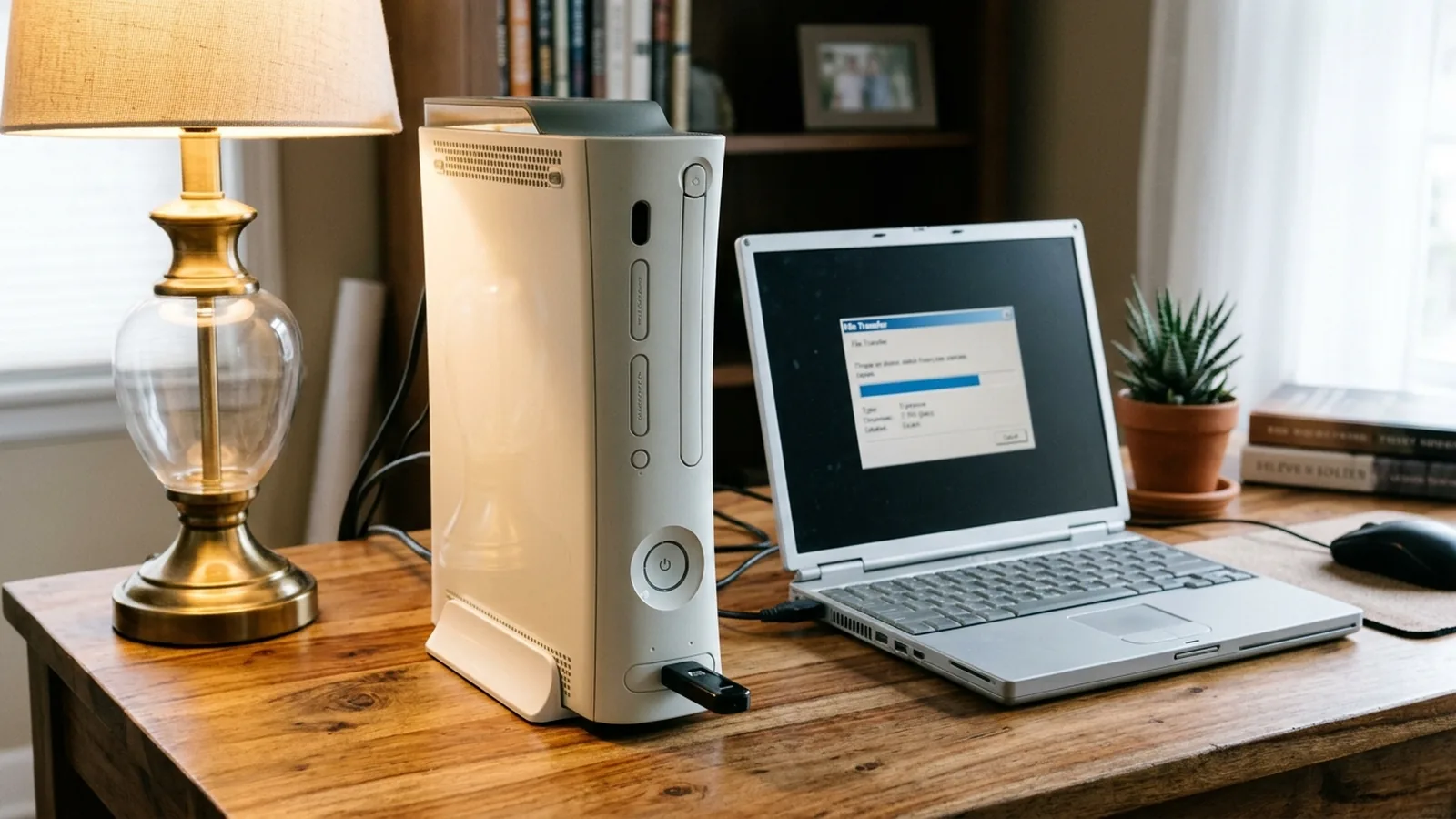
- Disc games: on your Xbox 360, install the disc to the console's hard drive, then copy it to a USB drive (16 GB or more) with the free Velocity tool on your PC. These copies are in "Games on Demand" format: a file plus a matching
.datafolder. Open the file in Xenia. - Xbox Live Arcade and digital games: copy them from your console to a USB drive the same way. Each one is a single file.
- Extracted games: if a game is extracted into folders, open its
default.xexfile in Xenia.
According to the Xenia guide, you cannot dump Xbox 360 games with an Xbox One or Xbox Series console.
Best Xenia settings for performance and image quality
Xenia Canary keeps its settings in xenia-canary.config.toml. Open it with Notepad. These are the options that matter most:
| Setting | What it does | Recommendation |
|---|---|---|
gpu |
Graphics backend | "d3d12" on Windows 10/11, "vulkan" on Linux or if D3D12 gives you problems |
draw_resolution_scale_x / _y |
Internal resolution (1 = original 720p) | 2 on a mid-range GPU, 3 only on a high-end GPU |
vsync / framerate_limit |
Frame pacing | Keep vsync on. Many games are made for 30 FPS and break at higher frame rates |
license_mask |
Full or trial mode for Xbox Live Arcade games | Set to 1, otherwise digital games run as demos |
mount_cache |
Needed by some games that use the console's cache | Set to true if a game freezes on loading |
More tips:
- Game patches: Xenia Canary supports per-game patches for 60 FPS, higher resolution or bug fixes. They are stored in the
patchesfolder: enable a patch by settingis_enabled = truein the game's patch file. - Xenia Manager is a popular free, unofficial front end that installs Xenia, downloads patches and manages per-game settings for you.
- Check before you play: the official compatibility list shows whether a game is Playable, Gameplay (with bugs), Loads or Unplayable.
- General Windows tips also help: see How to Increase FPS on PC.
Which Xbox 360 games work on Xenia?
Hundreds of games are playable, and the list grows with almost every Canary update. Many famous exclusives, including the Halo, Gears of War, Fable and Forza games, boot and can be played, but quality varies a lot from game to game and from build to build. Some games still have graphical bugs, audio problems or crashes. Always check the compatibility list for your exact game and Canary version.
Check for an official version first. Several Xbox 360 favorites are now on PC officially, often running better than any emulator:
- Halo 3 and Halo: Reach: in Halo: The Master Chief Collection on Steam and PC Game Pass.
- Red Dead Redemption: native PC version since 2024.
- Fable Anniversary, Alan Wake, Mass Effect Legendary Edition and many more on Steam.
Many Xbox 360 games also play on Xbox One and Xbox Series X|S through Microsoft's backward compatibility.
Xbox 360 emulator for Mac, Linux, Steam Deck and Android
- Linux and Steam Deck: Xenia Canary has Linux builds, and Xenia Edge focuses on Vulkan and Linux. The Windows version also runs through Proton on the Steam Deck. Performance on the Deck is limited to lighter games.
- Mac: there is no official Mac version yet. XeniOS, a project based on Xenia Edge, targets Mac and iOS but is still experimental.
- Android: early projects such as aX360e and XenDroid run some Xbox 360 games on high-end Snapdragon phones and handhelds. Compatibility is limited, and performance depends heavily on the chip. Any "Xbox 360 emulator APK" that promises every game on any phone is fake.
Common Xenia problems and fixes
- Xenia closes right away: check that your CPU has AVX, install the Visual C++ Redistributable and update your graphics driver.
- Black screen or missing graphics: switch
gpubetween"d3d12"and"vulkan", and test the game on the latest Canary build. - Game runs too fast or too slow: turn vsync back on and remove any frame rate patch.
- Stutter at the start: normal while the shader cache builds. It improves as you play.
- A digital game says "trial": set
license_mask = 1.
More on FpsGen
- PS5 Emulator for PC (2026): What Works and Which Are Fake
- PPSSPP PS5 Games: Can PPSSPP Run PS5 Games?
- Best Gaming CPUs in 2026
- Check My PC: detect your graphics card and RAM in one click
FAQ
What is the best Xbox 360 emulator for PC?
Xenia, and specifically Xenia Canary, the actively updated build. It is free, open source and available at xenia.jp.
Is the Xenia emulator safe and legal?
Yes. Xenia is legal open-source software when you download it from the official site, and it needs no Xbox firmware. Downloading games you do not own is not legal: dump your own games from your Xbox 360.
Can my PC run Xenia?
You need a 64-bit CPU with AVX, a Direct3D 12 or Vulkan graphics card and 4 GB of RAM at minimum. For a good experience, a fast 6-core CPU, a GTX 980 Ti-class GPU or better and 8 GB of RAM are recommended.
Can Xenia play Xbox 360 discs?
No. Xenia cannot read discs from a PC drive. Copy the games you own from your Xbox 360 to a USB drive and open them in Xenia.
Is there an Xbox 360 emulator for Android?
Only early, experimental projects such as aX360e and XenDroid, which run some games on high-end Snapdragon devices. Most games do not run well on phones yet.
Does Xenia work with an AMD graphics card?
Yes, but Xenia's own guide warns that AMD cards have more graphical issues and driver crashes than NVIDIA cards.
Requirements and setup steps from the official Xenia Quickstart guide and xenia.jp. Android status from public reports up to October 2026. Hardware tier estimates are FpsGen's own and not official. FpsGen does not link to game files, firmware or keys, and is not affiliated with Microsoft or the Xenia project.

Gaming writer at FpsGen. Guides and reviews are built on official sources, patch notes and real player data.


Comments
No comments yet. Start the conversation.