

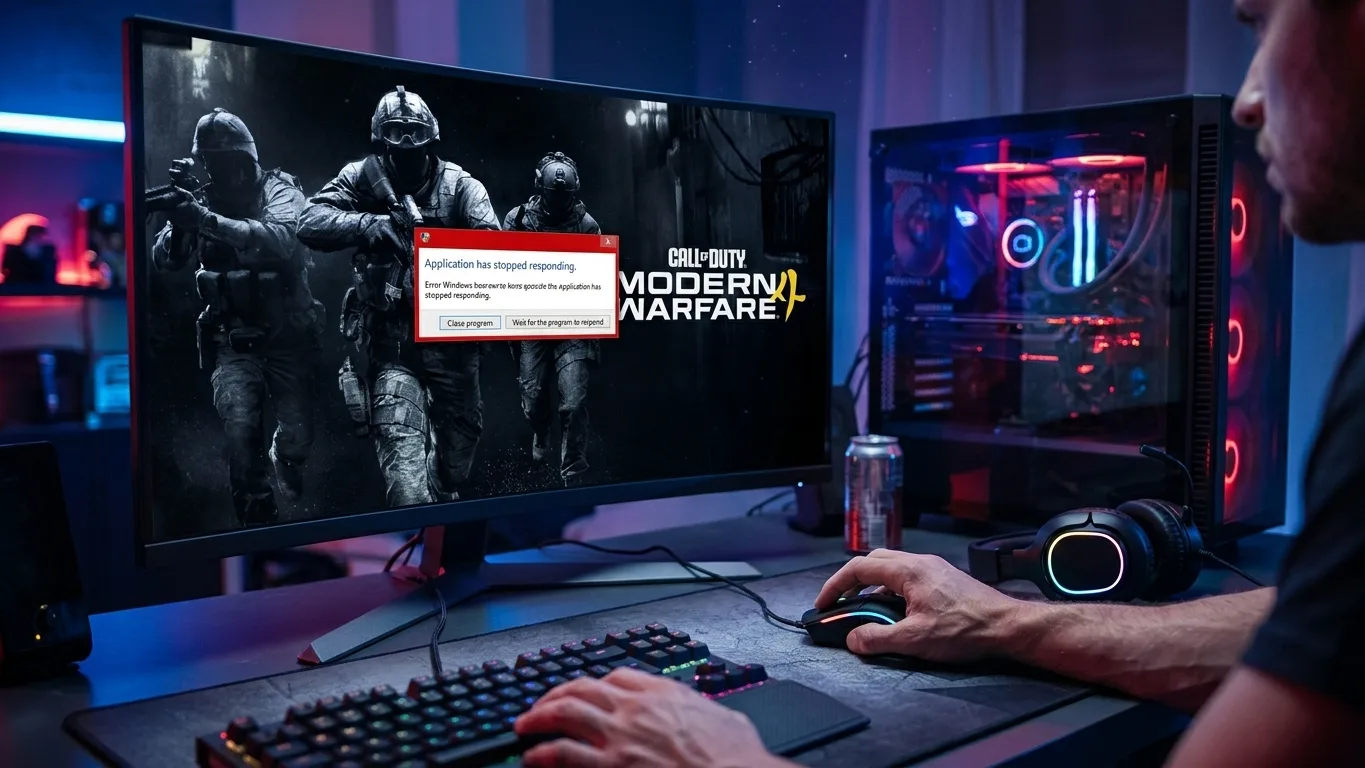
Modern Warfare 4 is out, and so are the PC problems: the game will not start after you press Play, online modes refuse to load because of TPM 2.0 or Secure Boot, the Campaign button is missing in the Xbox app, or the game crashes in the middle of a match. Here is how to find your problem and fix it, using Activision's own requirements and known issues.
Quick answer: for online modes, Modern Warfare 4 needs TPM 2.0 and Secure Boot turned on, plus Windows 10 22H2 or Windows 11. If the game will not start at all, repair the game files, remove any -dx11 launch option and update your graphics driver to at least NVIDIA 616.56, AMD 26.7.1 or Intel 32.0.101.8974. If it crashes during play, lower Texture Resolution and close overlays.
Find your problem first
| What happens | Most likely cause | Go to |
|---|---|---|
| Online modes will not load, TPM or Secure Boot message | TPM 2.0 or Secure Boot is off | Fix 1 |
| "TCG Event Log Failed", "Authorization declined" or attestation errors | Windows update, UAC or firmware problem | Fix 2 |
| Nothing happens after you press Play, or the game closes at once | Broken files or a wrong launch option | Fix 3 |
| No Campaign or DMZ button in the Xbox app | Content Pack 1 not installed | Fix 4 |
| Crash or freeze during a match | Graphics driver, textures or overlays | Fix 5 |
| Black screen at launch | Display mode or HDR | Fix 6 |
First, check that your PC meets the requirements. The checker below compares your parts with Activision's official specs, and our guide Modern Warfare 4 PC System Requirements has the full tables.
Pick your hardware and we compare it with the official Call of Duty: Modern Warfare 4 requirements.
Official Call of Duty: Modern Warfare 4 PC requirements
| Minimum | Recommended | |
|---|---|---|
| OS | Windows 10 64-bit (latest update) | Windows 11 64-bit (latest update) |
| CPU | AMD Ryzen 5 1400 / Intel Core i5-6600 | AMD Ryzen 5 3600 / Intel Core i7-8700K |
| RAM | 8 GB | 16 GB |
| GPU | AMD Radeon RX 470 / NVIDIA GeForce GTX 970 or GTX 1060 / Intel Arc A580 (3 GB VRAM) | AMD Radeon RX 6600 XT / NVIDIA GeForce RTX 3060 Ti / Intel Arc B580 (8 GB VRAM) |
| Storage | 115 GB SSD | 115 GB SSD |
Source: official Call of Duty: Modern Warfare 4 website. Results are estimates based on relative hardware performance.
Fix 1: Turn on TPM 2.0 and Secure Boot
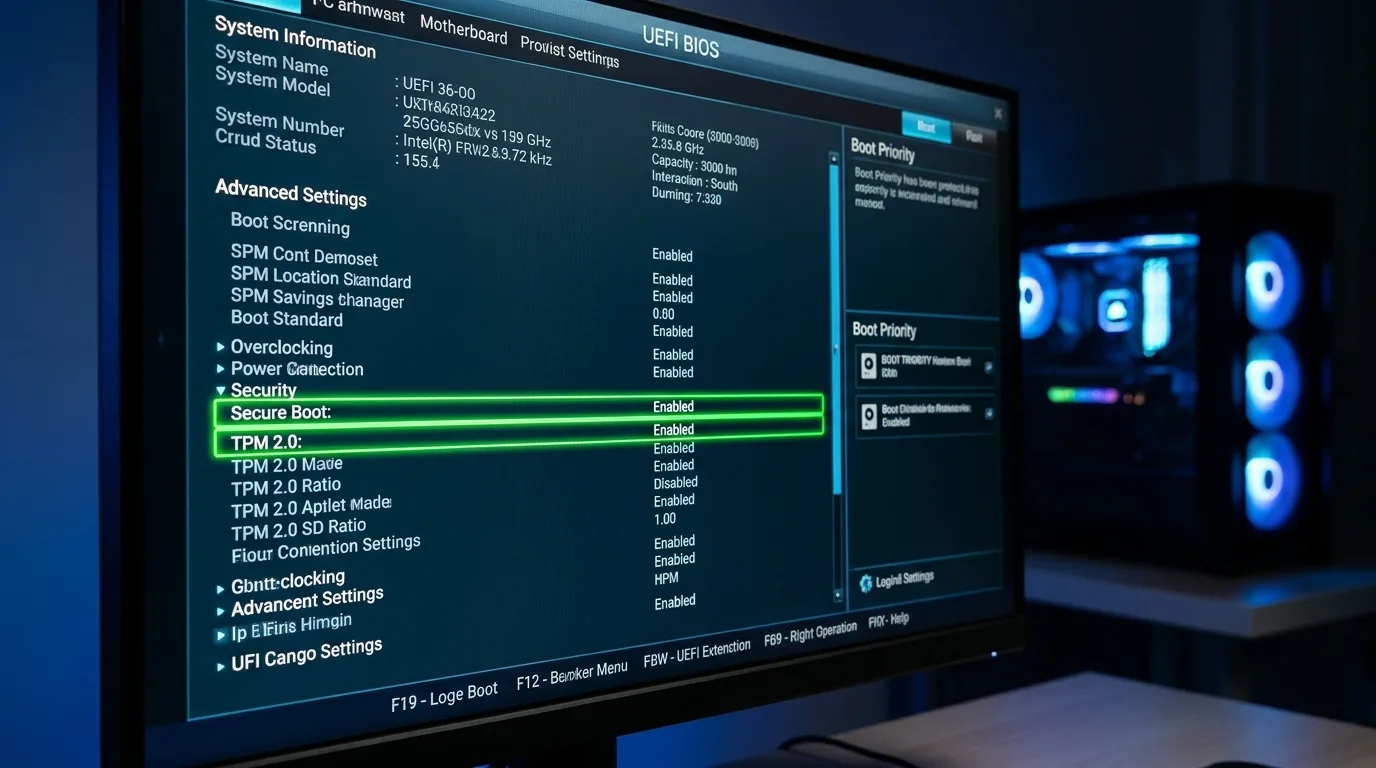
Modern Warfare 4 requires TPM 2.0 and Secure Boot for online modes on PC. Most PCs from the last few years support both, but they are often turned off in the BIOS.
Step 1: check what you have.
- Press Win + R, type
tpm.mscand press Enter. It should say the TPM is ready for use with Specification Version 2.0. If it says "Compatible TPM cannot be found", the TPM is probably turned off in the BIOS. - Press Win + R, type
msinfo32and press Enter. BIOS Mode should be UEFI, and Secure Boot State should be On. - Press Win + R, type
winver: you need Windows 10 version 22H2 or Windows 11.
Step 2: turn them on in the BIOS (UEFI).
- Save your BitLocker recovery key first if your drive is encrypted. Changing security settings can ask for it.
- Open Settings > System > Recovery > Advanced startup > Restart now (Windows 10: Settings > Update & Security > Recovery), then choose Troubleshoot > Advanced options > UEFI Firmware Settings.
- Turn on the TPM. Its name depends on your processor: Intel PTT (8th gen Intel or newer) or AMD fTPM (Ryzen 2000 or newer). It can also be called Security Device Support or TPM State.
- Turn on Secure Boot in the Boot or Security section. If you cannot, turn off CSM and use UEFI-only boot. On some ASUS boards, set OS Type to Windows UEFI mode.
- Save and restart.
Careful: if your Windows drive uses the old MBR format, Windows will not start after you turn off CSM. Check first in Disk Management (right-click the disk > Properties > Volumes). If it says MBR, convert it with Microsoft's MBR2GPT tool before changing anything. Do not clear the TPM: it is not needed to turn it on.
Fix 2: Fix TPM and attestation errors
If TPM and Secure Boot are on but the game still complains:
| Message | What to do |
|---|---|
| "TCG Event Log Failed" | Install every pending Windows update, restart, and try again. |
| "Authorization declined" (with no permission prompt) | Search Start for "Change User Account Control settings", set it back to the default level, and restart. Keep UAC turned on. |
| "BIOS Firmware Update Required" | Your PC meets the minimum, but an update is recommended. Update your motherboard BIOS from the manufacturer's site when you can. |
| Secure Boot State "Not Active" or "Setup" | On some ASUS boards, restore the factory Secure Boot keys in the BIOS. |
| enrollaik.exe keeps asking for permission | Approve it when you launch the game. If it repeats on an AMD PC, update your motherboard BIOS. |
| Still failing | Run Activision's Call of Duty Secure Attestation Wizard (CODSecureAttestationWizard.exe) from Activision Support. |
Fix 3: Repair the game and remove DX11 launch options
If nothing happens when you press Play, or the game closes right away:
- Steam: right-click the game > Properties > Installed Files > Verify integrity of game files.
- Battle.net: click the gear next to Play > Scan and Repair.
- Xbox app: Manage > Files > Verify and Repair.
Then check your launch options and remove -dx11 or -d3d11 if you added them for an older game: Modern Warfare 4 only runs on DirectX 12. Your processor must also support AVX, which every Intel and AMD chip from the last decade does. Also make sure the game is on an SSD with enough free space. Activision requires an SSD, and the game needs about 115 GB, more for updates.
Fix 4: Campaign or DMZ button missing on Xbox PC
Activision lists this as a known issue on the Xbox app for PC. Its tips:
- Open the game's Manage page and install "Call of Duty: Modern Warfare 4 — Content Pack 1".
- Check that your Microsoft account has not reached the 10-device limit in Microsoft Store device management. Remove an old device if it has.
- Restart the game and the Xbox app.
Fix 5: Stop crashes during matches
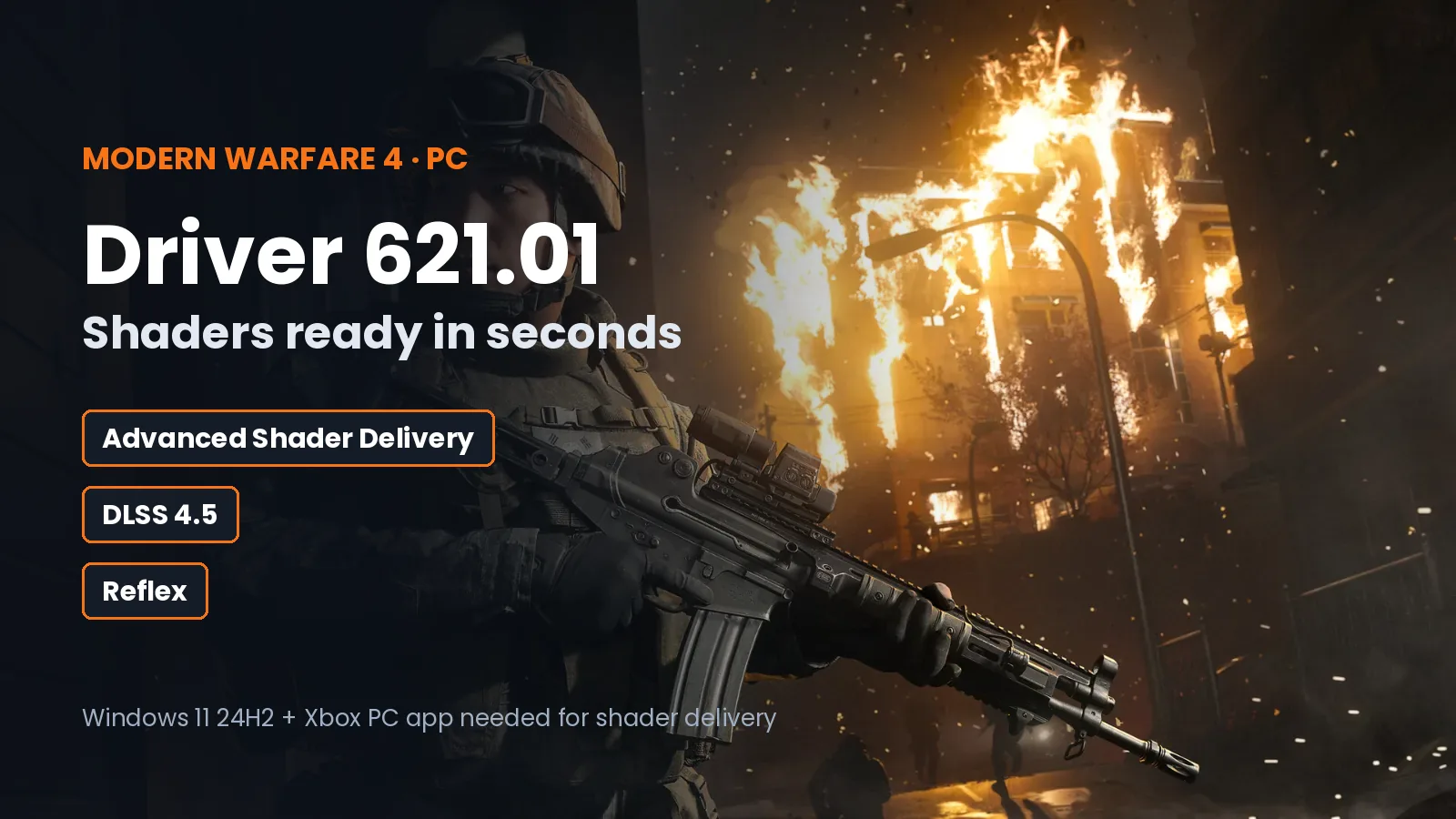
- Update your graphics driver from the NVIDIA app or AMD Software. Activision recommends at least NVIDIA 616.56, AMD 26.7.1 or Intel 32.0.101.8974.
- Lower Texture Resolution. Textures that are too high for your graphics card's memory cause stutter and crashes, especially on 8 GB cards. Keep VRAM Scale Target around 80 to 85.
- Let the shaders finish compiling in the menu before your first match.
- Close overlays and input remappers: Discord, recording software, MSI Afterburner and RivaTuner. Keep your antivirus and the game's anticheat on.
- On a laptop, plug in the charger and set the game to High performance in Settings > System > Display > Graphics.
- Remove overclocks on your graphics card and processor while you test.
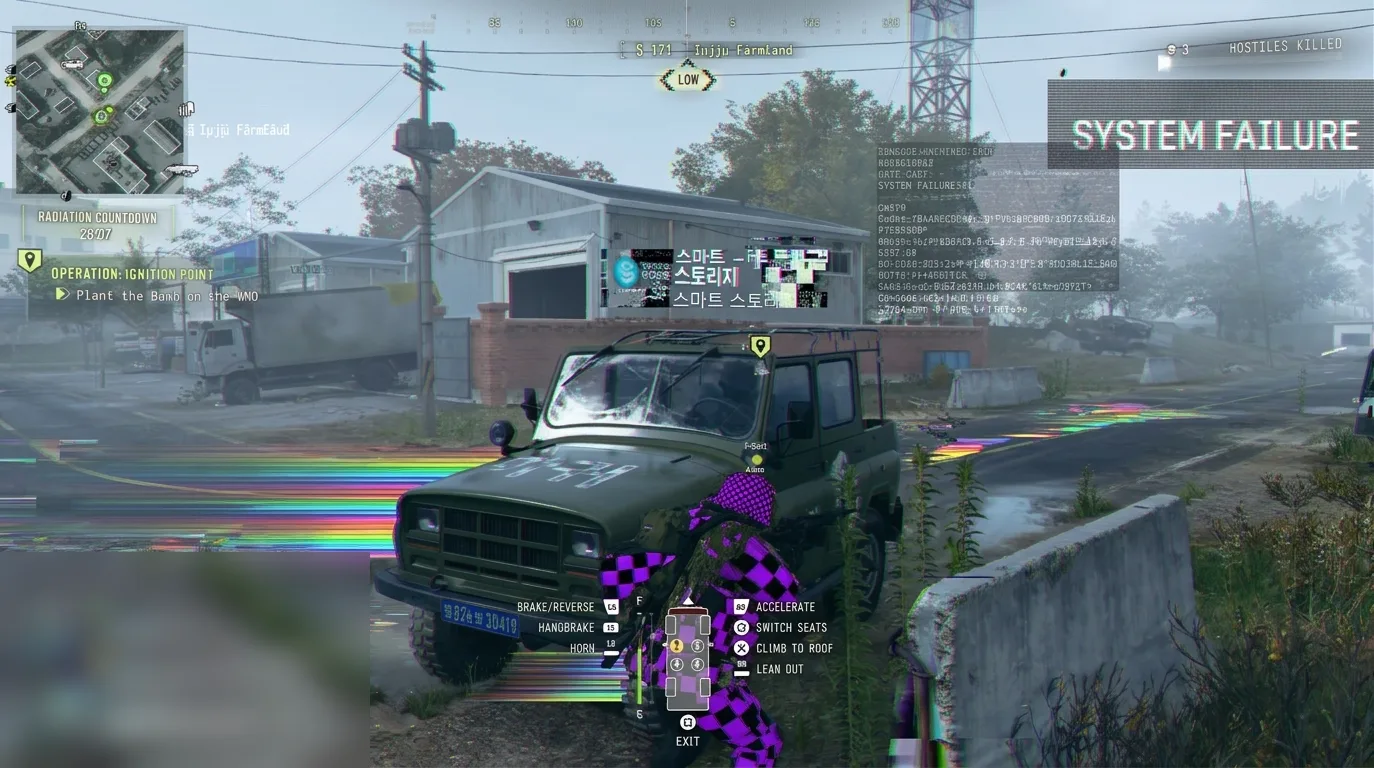
Our Modern Warfare 4 Best PC Settings guide shows which settings to lower first for your PC. If your graphics card usage stays low while the game stutters, your processor is the limit: see CPU Bottleneck Explained.
DLSS greyed out? It is not a bug on your PC. Activision has temporarily disabled resolution scaling when the ray tracing denoiser is on, because of visual artifacts, and is working with NVIDIA on a fix.
Fix 6: Fix a black screen at launch
- Press Alt + Enter to switch between fullscreen and window mode.
- Turn off HDR in Settings > System > Display if it is on, then try again.
- Unplug extra monitors while you test.
Known issues Activision is working on
As of October 23, 2026, Activision lists these problems on PC, with no workaround yet:
- "Update Requires Restart" messages caused by connection timeouts: a fix is planned for an upcoming patch.
- Multiplayer loadouts not saving.
- Stats missing from the Combat Record and Leaderboards: Activision says stats are still being tracked.
- DMZ Operator Prestige will not start: use Rare (blue) weapons that only have three attachment slots as a workaround.
Check Activision's Modern Warfare 4 known issues page for the latest status before you spend hours on fixes.
Still not working?
Save a report of your system before you contact Activision Support: press Win + R, type dxdiag, and choose Save All Information. For TPM or Secure Boot problems, include screenshots of msinfo32 and tpm.msc. Never share your BitLocker recovery key.
More Modern Warfare 4 on FpsGen
- Modern Warfare 4 PC System Requirements: official specs, TPM 2.0 and Secure Boot
- Modern Warfare 4 Best PC Settings: more FPS, less input lag
- Can I Run Modern Warfare 4?: results for popular graphics cards
- Modern Warfare 4 FPS Estimator: FPS for your exact parts
- Modern Warfare 4 game page
FAQ
Does Modern Warfare 4 need TPM 2.0 and Secure Boot?
Yes, for online modes on PC. Both must be turned on in your BIOS, and you need Windows 10 22H2 or Windows 11.
Why won't Modern Warfare 4 launch on my PC?
The most common causes are broken game files, an old -dx11 launch option (the game only runs on DirectX 12), an old graphics driver, or TPM 2.0 and Secure Boot being off for online modes.
Why is there no Campaign button in the Xbox app?
Install "Call of Duty: Modern Warfare 4 — Content Pack 1" from the game's Manage page, and check that your Microsoft account is under the 10-device limit.
Why does Modern Warfare 4 crash during matches?
Usually because of an old graphics driver, textures too high for your video memory, shaders still compiling, overlays, or an unstable overclock.
Why can't I turn on DLSS in Modern Warfare 4?
Activision temporarily blocks resolution scaling when the ray tracing denoiser is on, because of visual artifacts. Turn the denoiser off to use DLSS until a patch fixes it.
Requirements, driver versions and known issues from Activision's Modern Warfare 4 PC tech post and known issues page, checked October 25, 2026. Troubleshooting steps also based on guides by VGTimes and Hone. FpsGen is not affiliated with Activision.

Gaming writer at FpsGen. Guides and reviews are built on official sources, patch notes and real player data.
Comments
No comments yet. Start the conversation.