


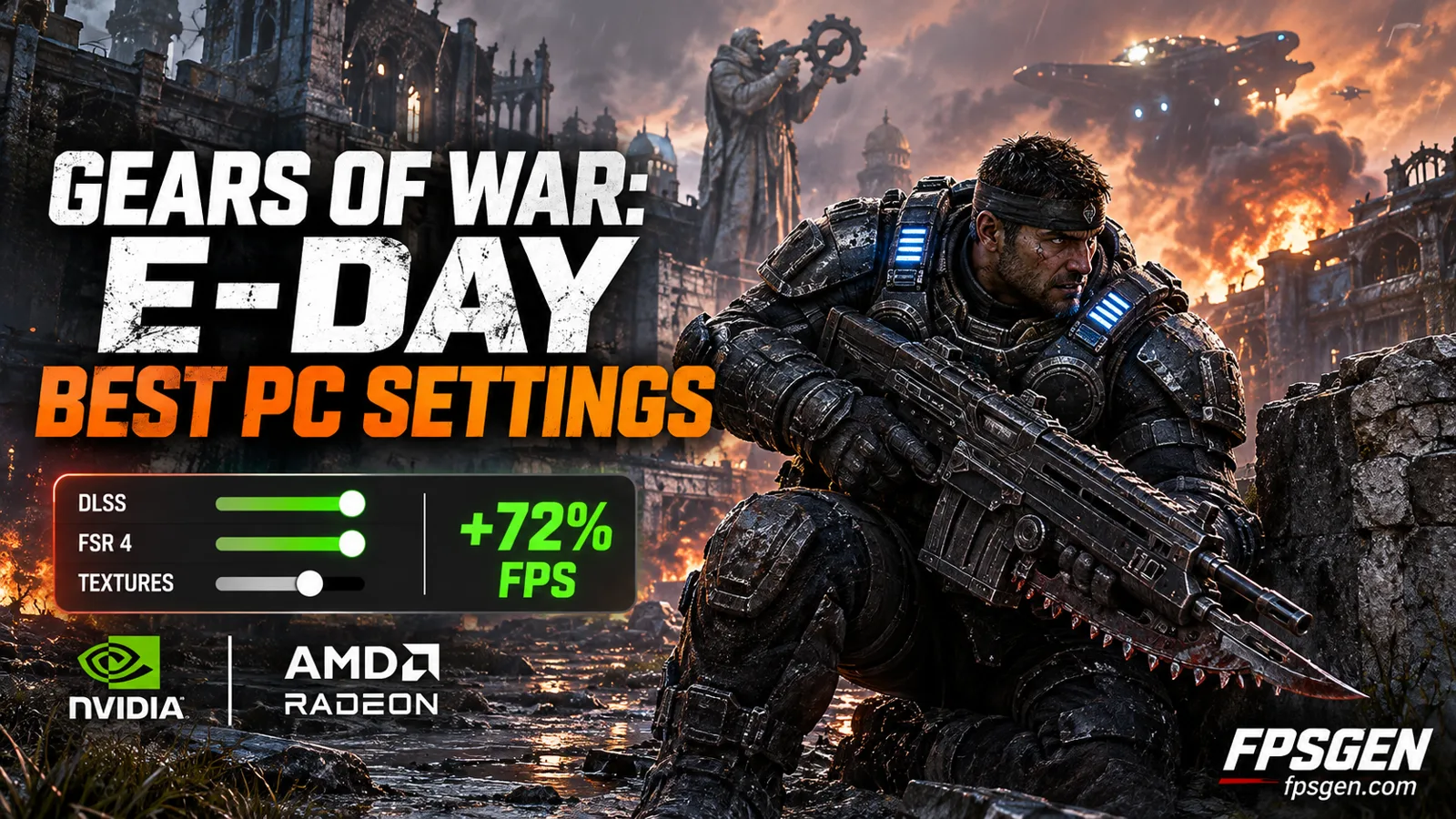
Quick answer: for most PCs, start from the High preset, turn RTX Mega Geometry and Hair Strands off, set Reflections to Medium, and use DLSS (NVIDIA), FSR 4 (RX 7000 / RX 9000) or XeSS (Intel Arc) on Quality. On an 8 GB graphics card, also lower Textures to stop stutter. On an older card like the RTX 3060, use Medium + DLSS Quality to get above 60 FPS.
Gears of War: E-Day runs on Unreal Engine 5 with hardware ray tracing that you cannot turn off, so it is heavy. The good news: a few settings cost a lot and look almost the same when you lower them. In Wccftech's testing, an optimized setup took the game from 42 to 72 FPS at 1440p (about +72%).
Pick your hardware and we compare it with the official Gears of War: E-Day requirements.
Official Gears of War: E-Day PC requirements
| Minimum | Recommended | |
|---|---|---|
| OS | Windows 10 64-bit 22H 19045.7291 | Windows 11 64bit (25H2) or newer |
| CPU | AMD Ryzen 5 2600X / Intel i7‑6850K / i5‑10400 | AMD Ryzen 5 5600 / Intel i5-11600K |
| RAM | 12 GB | 16 GB |
| GPU | Hardware Ray Tracing capable GPU is required. NVIDIA GeForce RTX 5050 / NVIDIA GeForce RTX 2060 / AMD Radeon RX 6600 / Radeon RX 9060 | NVIDIA GeForce RTX 5060 / NVIDIA GeForce RTX 3060ti / AMD Radeon RX 6700 XT / Radeon RX 9060 XT |
| Storage | 115 GB | 115 GB |
Source: official Gears of War: E-Day website. Results are estimates based on relative hardware performance.
Gears of War: E-Day PC requirements
The game needs a graphics card with hardware ray tracing and an SSD. These are the official requirements from Steam:
| Minimum | Recommended | |
|---|---|---|
| OS | Windows 10 64-bit (22H2) | Windows 11 64-bit (25H2) or newer |
| Processor | Ryzen 5 2600X / Core i7-6850K / Core i5-10400 | Ryzen 5 5600 / Core i5-11600K |
| Memory | 12 GB RAM | 16 GB RAM |
| Graphics card | RTX 2060 / RTX 5050 / RX 6600 / RX 9060 | RTX 3060 Ti / RTX 5060 / RX 6700 XT / RX 9060 XT |
| Storage | 115 GB, SSD required | 115 GB, SSD required |
GTX cards (GTX 1060, GTX 1660 and others) and the RX 5000 series have no hardware ray tracing, so they are below the minimum. Check yours in one click with Can I Run Gears of War: E-Day?
Best settings for Gears of War: E-Day
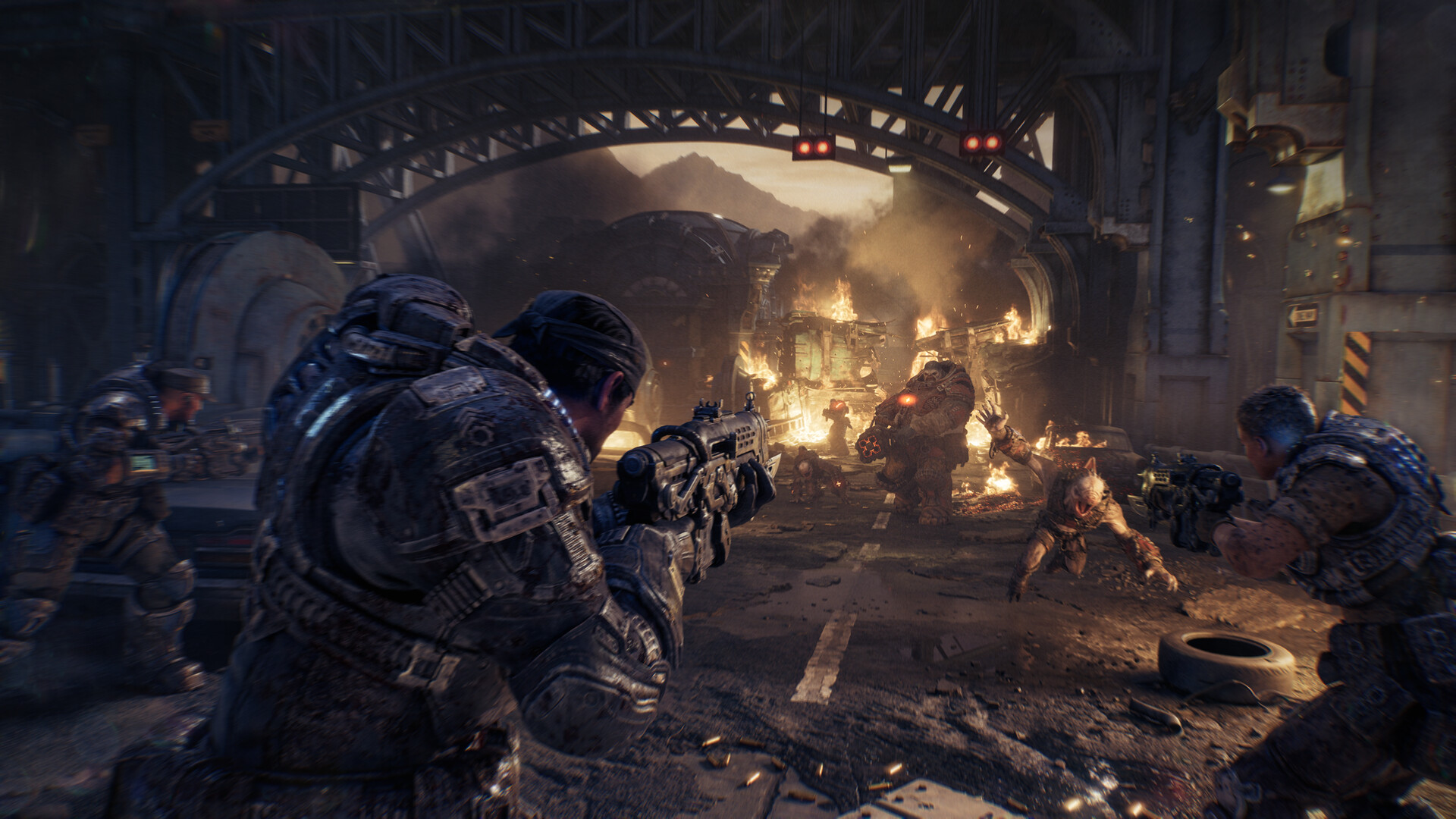
The menu has a Preset, an Upscaling method and 19 separate settings. The presets are Low, Medium, High, Ultra and Ludicrous (the maximum, made for very powerful PCs).
These optimized settings are based on Wccftech's performance guide. They keep the game looking close to Ultra while giving you a lot more FPS:
| Setting | Best value | Why |
|---|---|---|
| Effects | High | Saves FPS, hard to see the difference |
| Textures | High (Low or Medium on 8 GB cards) | Depends on your video memory |
| Geometry | High | |
| Post-processing | Medium | |
| Global Illumination | High | Big cost at Ultra and Ludicrous |
| Reflections | Medium | Ludicrous reflections cost a lot of FPS |
| Ray Tracing Geometry | Ludicrous | Almost no FPS cost |
| RTX Mega Geometry | Off | Big FPS and VRAM cost for a small visual gain |
| Hair Strands | Off | Expensive, especially with ray tracing |
| Detail Objects | On | No real cost |
| Volumetric Fog | High | |
| Ray Traced Shadows | High | |
| Sunlight Shadows | Ultra | Little cost below Ludicrous |
| Subsurface Scattering | Ludicrous | No real cost |
| Variable Rate Shading | On | Free FPS |
| Animation Quality | Ludicrous (lower it if your processor is weak) | Uses the CPU |
| Destruction | High | |
| Cosmetics | Ludicrous | No real cost |
| Gore Quality | Ludicrous | No real cost |
Motion blur and film grain cost almost nothing: turn them off only if you do not like how they look.
Do not use the Low preset
Tom's Hardware found that Low makes shadows and ambient occlusion look much worse, and on an RTX 3060 it still did not reach 60 FPS at native 1080p. Medium with upscaling is the better choice on older cards.
Best settings by graphics card
These are starting points. Tom's Hardware tested 43 graphics cards on Ultra:
| Your graphics card | Resolution | Settings |
|---|---|---|
| RTX 2060, RTX 3060, RX 6600, RX 6650 XT | 1080p | Medium, upscaling on Quality |
| RTX 4060, RTX 5060, RX 7600, Arc B580 | 1080p | High (optimized settings above), upscaling on Quality |
| RTX 5060 Ti, RX 9060 XT | 1080p | Ultra (about 60 FPS) |
| RTX 4070, RTX 5070, RX 9070 GRE | 1440p | Ultra, upscaling on Quality (about 60 FPS on Ultra) |
| RTX 5070 Ti, RX 9070, RX 9070 XT | 1440p | Ultra, or 1080p for 90+ FPS |
| RTX 4090, RTX 5080, RTX 5090 | 4K | Ultra with DLSS: only the RTX 5090 holds 60 FPS at native 4K Ultra |
Not sure how your card compares? Use our FPS Estimator or Compare Hardware.
DLSS, FSR, XeSS and frame generation
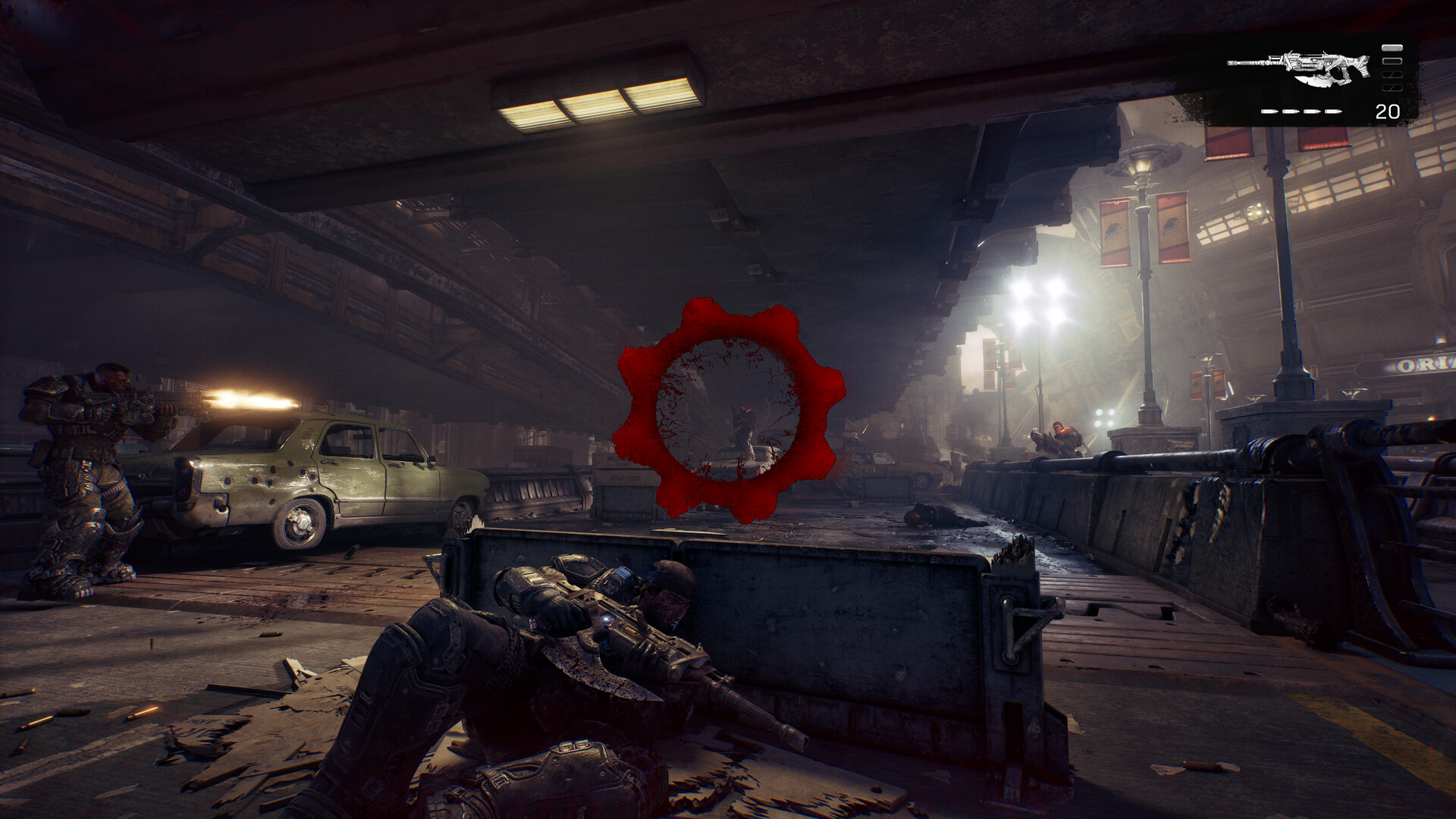
All the main upscalers are in the game:
- NVIDIA RTX: use DLSS (best image quality). Wccftech recommends Preset K over the newer M and L presets in this game. RTX 50 cards also get Multi Frame Generation.
- AMD RX 7000 and RX 9000: use FSR 4. FSR Frame Generation is available on RX 9000 cards.
- AMD RX 6000: these cards get an older FSR that looks soft. XeSS often looks better here.
- Intel Arc: use XeSS, with XeSS Frame Generation.
- Other cards: use Unreal Engine's TSR.
Keep upscaling on Quality or Balanced. Very low internal resolutions (Ultra Performance) put more work on your processor and do not always add FPS.
Frame generation is a good choice if you already get about 60 FPS without it: it makes the game look smoother, but adds a little input lag. Note that the game uses Easy Anti-Cheat, which blocks OptiScaler frame generation mods.
NVIDIA Reflex: in Wccftech's test, Reflex gave a slightly higher average FPS but worse 1% lows (less smooth). Try it on and off and keep what feels better.
How much VRAM do you need?
This is the biggest problem for many players. At 1440p on Ludicrous, the game needed about 10 GB of video memory even with Low textures to avoid stutter. That means 8 GB graphics cards (RTX 4060, RTX 3070, RX 7600) can stutter at high settings.
On an 8 GB card:
- Set Textures to Medium or Low.
- Keep RTX Mega Geometry Off (it needs at least 12 GB anyway).
- Lower Global Illumination and Reflections.
- Watch your VRAM use with an overlay like MSI Afterburner.
Read more in How Much VRAM Do You Need for Gaming?
How to fix stutter in Gears of War: E-Day
- Let the shaders compile. The game compiles shaders before you play on first launch. Let it finish. Some compiling still happens during play, so the first minutes in a new area can hitch a little.
- Turn on Resizable BAR in your BIOS (called Smart Access Memory on AMD). Wccftech measured about +6% FPS with it on.
- Install on an SSD. It is required, and a fast NVMe SSD helps when the game loads new areas.
- Lower Animation Quality if your processor is old: it is the main CPU-heavy setting.
- Close background apps and update your graphics driver.
Some short traversal stutters still happen when the game loads new areas, even on very fast PCs.
Is your processor fast enough?
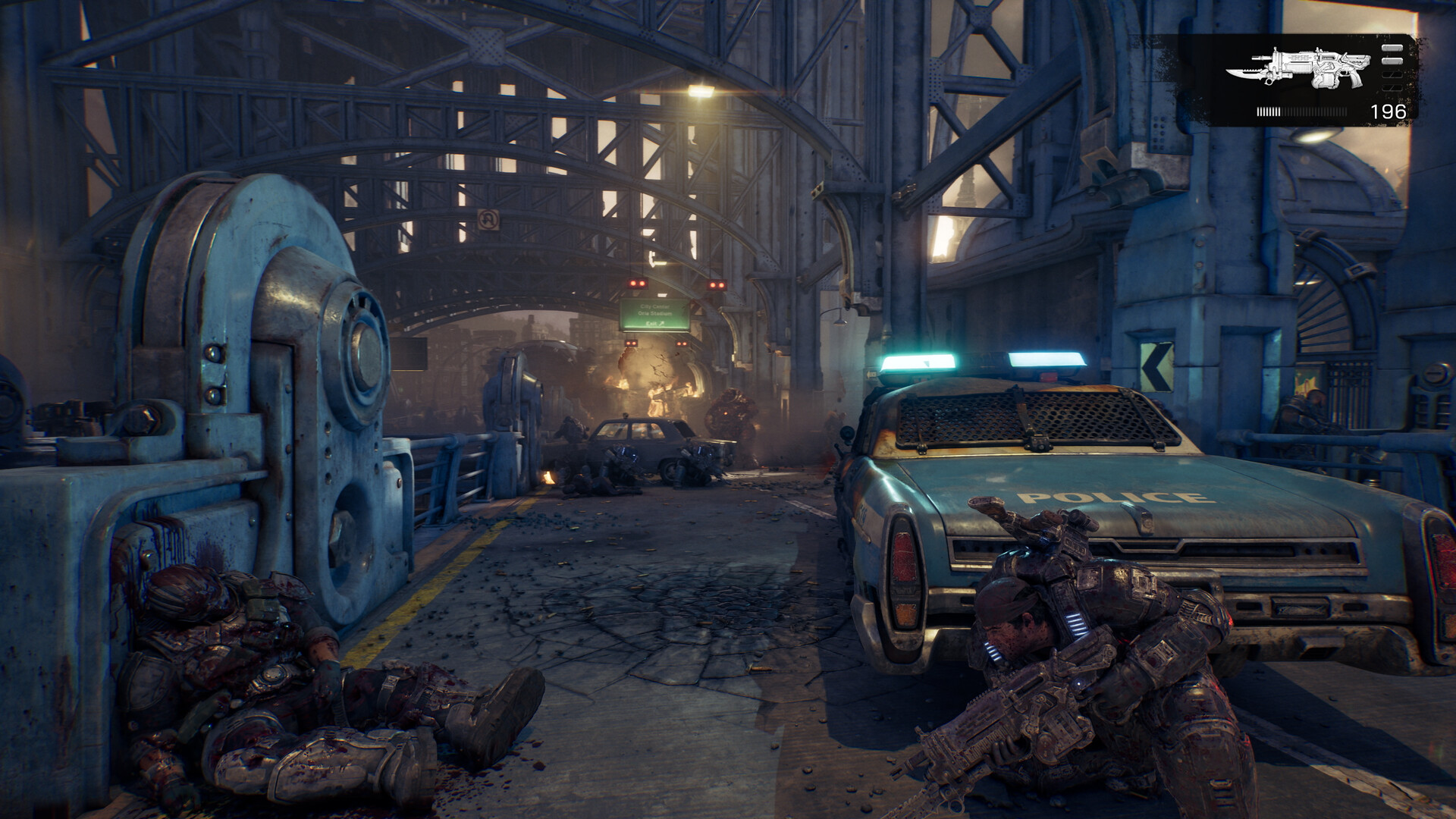
The game uses many processor threads. On a Core i7-14700K, Wccftech measured about 163 FPS in a heavy fight, so a modern 6-core processor is enough for 60 to 120 FPS. If you aim for more than 120 FPS, small CPU-related frame time spikes can appear. Check for a bottleneck with our Bottleneck Calculator.
FAQ
What are the best settings for Gears of War: E-Day?
Use the High preset, turn RTX Mega Geometry and Hair Strands off, set Reflections to Medium and use DLSS, FSR 4 or XeSS on Quality. On 8 GB cards, lower Textures.
Can I run Gears of War: E-Day on a GTX graphics card?
No. The game needs a graphics card with hardware ray tracing: at least an RTX 2060, RX 6600 or Intel Arc A-series.
Why does Gears of War: E-Day stutter?
Usually because your graphics card runs out of video memory (8 GB cards), or because the game is still compiling shaders. Lower Textures, turn off RTX Mega Geometry and let the shader compilation finish.
How big is Gears of War: E-Day on PC?
115 GB, and an SSD is required.
Does Gears of War: E-Day have DLSS 4 and FSR 4?
Yes. It supports DLSS with Multi Frame Generation, FSR 4, XeSS and TSR.
Sources: Steam store page (official requirements, release date), Wccftech PC performance and tuning guide (settings, optimized values, VRAM, CPU, Reflex), Tom's Hardware GPU benchmarks (presets, graphics card results) and DSOGaming (shader compilation, stutter). Settings by graphics card are FpsGen recommendations based on these tests. Last checked November 2, 2026.

Gaming writer at FpsGen. Guides and reviews are built on official sources, patch notes and real player data.
Comments
No comments yet. Start the conversation.