

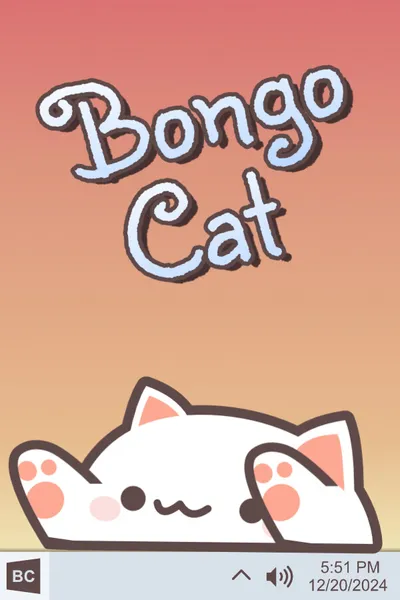
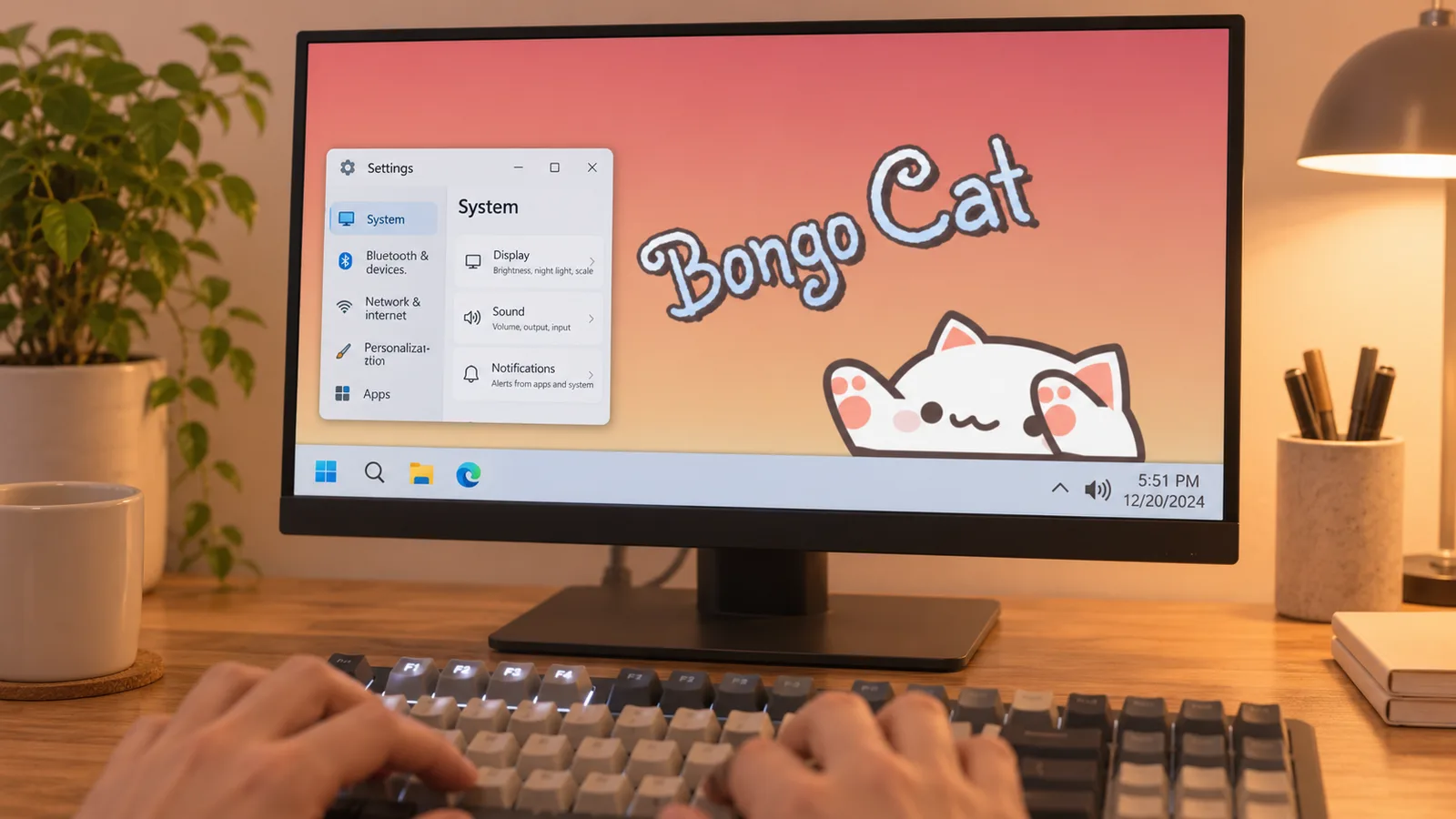
Bongo Cat is a free Steam app that puts a small cat on your Windows taskbar. Every time you press a key or click, the cat slaps your taskbar like a bongo drum. Your taps earn points toward chests with hats and skins, which you can trade on the Steam Market. It is light enough to run next to any game.
Quick answer: install Bongo Cat for free on Steam and launch it. The cat appears on your taskbar and reacts to your keyboard and mouse. Drag it where you want, even to another monitor. If it disappears or gets too big, click it and press F1 to reset its position and size. F2 hides the counter, F3 fixes a black background, and F4 gets you out of Gaming Mode. Click a ready chest to claim your item.
Bongo Cat at a glance
| Price | Free on Steam |
| Developer | Irox Games |
| Released | March 5, 2025 |
| Platforms | Windows 10/11 and macOS (no Linux) |
| PC needs | Any graphics card, 1 GB of RAM, 100 MB of storage |
| Rewards | Chests with hats and skins, tradeable on the Steam Market |
| Achievements | 28 |
Check your PC: Can I run Bongo Cat?

How to use Bongo Cat
- Install it from Steam. Search for Bongo Cat on Steam and click Play Game: it is free.
- Launch it. The cat appears at the bottom of your screen, on top of the taskbar.
- Type, click and play as usual. Each key press and click makes the cat hit the taskbar and adds to your counter.
- Claim chests. When a chest is ready, click it to get a random item.
- Equip a hat or skin. Open the menu (the three lines) to see your inventory. A hat sits on the cat's head, a skin changes the whole cat. You can wear one of each.
Bongo Cat shortcuts and settings
| Key | What it does |
|---|---|
| F1 | Resets the cat's position and size (click the cat first) |
| F2 | Hides or shows the counter |
| F3 | Fixes a black, non-transparent background |
| F4 | Exits Gaming Mode (click the cat or Alt+Tab to it first) |
- Move it: drag the cat anywhere, including a second monitor. Multi-monitor support was added by the developer.
- Gaming Mode: the cat ignores clicks so it never steals focus from your game.
- Bobbing: you can turn off the bobbing animation in the settings.
- Tray icon: right-click the Bongo Cat icon in the Windows tray for options like the Transparency Fix.

Bongo Cat not working? Fixes
| Problem | Fix |
|---|---|
| The cat disappeared or is huge | Click it and press F1 to reset its position and size |
| Black box around the cat | Press F3, or use Transparency Fix from the tray icon |
| Can't click anything / stuck in Gaming Mode | Focus the cat (Alt+Tab) and press F4, or restart the app |
| F1 to F4 do nothing | On many laptops the F keys control volume or brightness: hold Fn and press the key |
| Hidden by an auto-hide taskbar | Turn off auto-hide in Windows taskbar settings, or drag the cat higher |
| Not reacting in some games | Some games block input for other apps. Switch to windowed or borderless mode, or restart Bongo Cat after the game |
| Red cross on a chest / "Steam Error" | Usually a sync problem with Steam. Restart Steam and Bongo Cat. The developers fixed the red cross in an update |
| Items missing in the game | Update Bongo Cat in Steam (right-click > Properties > Updates), then restart it |
Chests, hats and drop rates
You earn chests by tapping. Each chest gives a random item. The official drop chances on the Steam page are:
| Rarity | Chance |
|---|---|
| Common | 90% |
| Uncommon | 9.5% |
| Rare | 0.49% |
| Epic | 0.01% |
| Legendary | 1 in 500,000 |
The developers say these odds can change. Most items can be sold or traded on the Steam Community Market, which is why rare hats can be worth real money.

Is Bongo Cat safe?
Bongo Cat is a free game published on Steam by Irox Games, and it is one of the most-played apps on the platform. It needs to detect key presses to make the cat move, which is why some people worry about keylogging. It counts the presses to animate the cat and add points. As with any app that reacts to your keyboard, if you are worried, close it while you type passwords or use the Gaming Mode settings.
Will Bongo Cat lower my FPS?
Barely. Bongo Cat only needs 1 GB of RAM and any graphics card, so it has almost no effect on games. If you want to save every frame on a weak PC, turn off the bobbing animation.
FAQ
Is Bongo Cat free?
Yes, Bongo Cat is free on Steam. You can buy or sell items on the Steam Market, but you don't have to.
Does Bongo Cat work on Mac?
Yes, it runs on macOS 11 or later. There is no official Linux version.
How do I reset Bongo Cat's position?
Click the cat, then press F1. It goes back to its default position and size.
How do I get Bongo Cat out of Gaming Mode?
Focus the cat (click it or Alt+Tab) and press F4. Restarting the app also works.
Can Bongo Cat go on my second monitor?
Yes. Drag the cat to the other screen.
Is Bongo Cat a keylogger?
It reacts to key presses to move the cat and count points. It is a Steam game from Irox Games, not a known keylogger, but it does need to see that keys are pressed to work.
Sources: Bongo Cat on Steam (description, requirements, drop chances, platforms, achievements), the developer's FAQ and the "Bug fixes & Red Cross Fix" update on the Bongo Cat Steam community (shortcuts, multi-monitor, Gaming Mode, red cross fix), Bongo Cat Wiki (Fextralife) (hats and skins, Market). Checked November 27, 2026.

Writer at FpsGen. Has been playing and writing about games since 2012. Guides and reviews are built on official sources, patch notes and real player data. All articles →
Comments
No comments yet. Start the conversation.