



Quick answer: In Melvor Idle 2, do the tutorial on your first character, turn on the Legacy Sidebar and the "Reach Level" stop condition, and back up your save string. For early money, the launch patch made jewellery, Runecrafting items and early Slayer monsters pay more, and doubled quest GP. Feathers now sell for only 1 GP. Spread your early levels: Act 2 quests use almost every skill.
1. Do the tutorial (once)
The tutorial teaches the basics of every system: skills, the bank, combat and quests. The Early Access patch added a Skip Tutorial option, but the developer recommends skipping it only on a second character.
2. Turn on these settings first
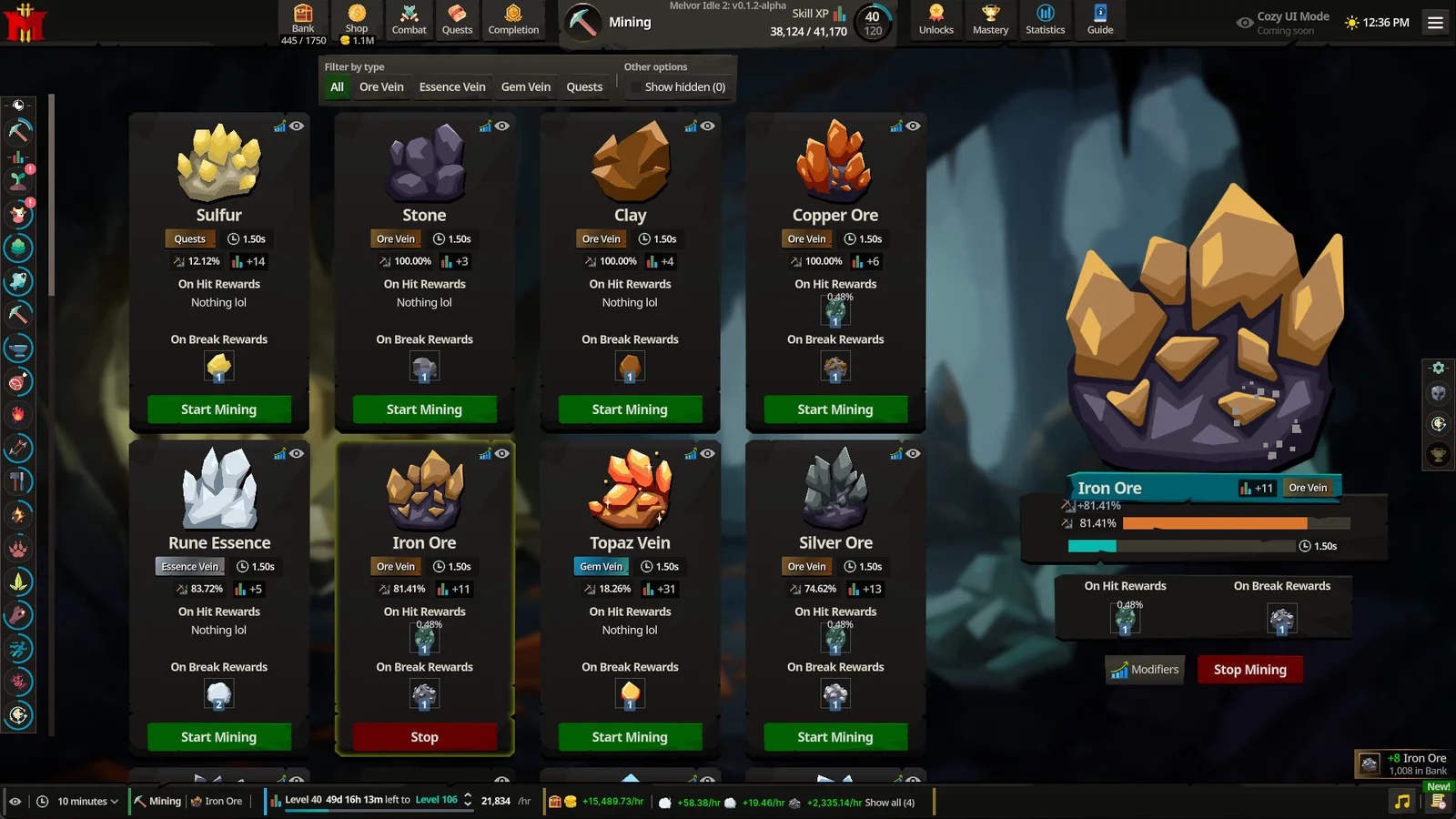
- Legacy Sidebar: the skill list on the left, like in Melvor Idle 1. Faster to switch skills.
- "Reach Level" stop condition: the skill stops by itself when it hits the level you set. Useful before you go offline, so you do not waste hours on a skill you already finished.
- Item stat tooltips: hover an item to see its stats. The developer says they can look a bit big for now and will be made smaller.
3. Make money (GP) early
The Early Access launch patch changed the early economy:
| Source | Change at launch |
|---|---|
| Quests | GP rewards doubled |
| Jewellery (early items) | Sells for more |
| Runecrafting (early items) | Sells for more |
| Slayer (early monsters) | Drop more GP |
| Feathers | Cut from 4 GP to 1 GP: stop selling them for money |
So the simple plan: follow the quests, sell early jewellery and runes, and use early Slayer tasks for GP.
4. Spread your levels
The developer says Act 2 quests use almost every skill and take you to about level 70. Training one skill to 99 first slows your quests down. Bring several skills up together, especially the gathering skills that feed the others (Woodcutting, Mining, Fishing) and the new Astrology skill, which gives permanent bonuses to every skill.
5. Use offline progress
Offline progress runs at the same speed as active play. Before you close the game:
- Pick a long action (gathering is safest).
- Set a Reach Level stop if you only need a few levels.
- Check that your bank is not full.
The Event Log shows what you earned while you were away.
6. Back up your save
In the save menu, use "Copy save string" and keep it in a text file. With Melvor Cloud your save also syncs automatically. Demo saves carry over to the full game.
7. If the game crashes on PC
The Early Access patch made Direct3D 12 the default on Windows to fix crashes. If it still crashes, add the Vulkan launch option in Steam (right-click the game, Properties, Launch Options). The game needs very little: see the Melvor Idle 2 system requirements.
FAQ
What should I do first in Melvor Idle 2?
Finish the tutorial, turn on the Legacy Sidebar and the Reach Level stop condition, then follow the quests.
How do I make money fast early on?
Do quests (GP rewards are doubled), sell early jewellery and Runecrafting items, and kill early Slayer monsters. Do not sell feathers: they only give 1 GP now.
Should I skip the tutorial?
Only on a second character. The developer recommends doing it on your first.
Does Melvor Idle 2 progress offline?
Yes, at the same speed as when you play.
More about the game: Melvor Idle 2 price, mobile release and roadmap.
Sources: Melvor Idle 2 Early Access patch notes and launch FAQ (Steam announcements, Nov 12 and 17, 2026), Steam store page, Gaming Route. Checked November 23, 2026.

Editor at FpsGen. Covers PC releases, system requirements and beginner guides. Guides and reviews are built on official sources, patch notes and real player data. All articles →


Comments
No comments yet. Start the conversation.